How to share approved brand assets across AI agents
Agents redraw logos and pick the wrong product photos when they can’t reach the real files. What to share, the ways to share it, and how to keep one approved set that every agent can call.
TL;DR
Keep one current, approved set of files agents can retrieve. Supply original logos, usable fonts with specimens, and clearly labelled product photos and references. Check that each agent can open and use them, and remove retired files when replacements arrive. A returned file still needs instructions for its intended use.
Why agents get brand files wrong
Missing or ambiguous files leave room for substitutions:
| Asset | Failure to prevent |
|---|---|
| Logo | A generated approximation instead of original artwork |
| Font | A lookalike in an image or fallback in a layout |
| Product photo | Old packaging or invented details |
| Reference | A retired campaign mistaken for current direction |
OpenAI documents limits in recurring brand-element consistency. Give the agent the approved file and a usage note, such as which logo goes on a dark background.
What to share, and in what form
| Asset | Supply |
|---|---|
| Logos | SVG/PNG variants and when to use each |
| Fonts | Font files, licence and specimen image |
| Products | Current approved photos, labelled by product and view |
| References | Approved images with what to borrow: style, subject or setting |
Place original logos in the final layout rather than generating them. Keep drafts, rejected variants and retired files out of the working set.
Check licences before sharing: Fontspring’s desktop licence, for example, allows licensed users’ access on a controlled server but requires a web licence for website embedding.
Shared guidelines covers the accompanying rules; AI image references covers briefing models.
Three ways to give agents the files
| Route | Access and behaviour | Maintain |
|---|---|---|
| DAM/shared-drive link | Agent must be able to open it; a folder link alone does not identify approval | Permissions and approval metadata |
| Assistant uploads | Claude/ChatGPT projects can use files; shared Claude projects need Team/Enterprise, shared ChatGPT projects work on every plan | Replace every uploaded copy after changes |
| Library queried through MCP/API | Return files selected for the task, with usage guidance | One approved collection |
DAM tools can supply more than a folder link:
- Frontify MCP retrieves assets, fonts and colours.
- Bynder MCP searches assets under the signed-in user’s permissions.
- Brandkit exposes draft, archived, expired and release status.
Their usefulness depends on maintained metadata, as DAM consultant Timo Faber explains. Anthropic’s custom Skills do not sync across claude.ai, Claude Code and API surfaces.
MCP can return images and file links. Rainbrand uses that route; SlideSpeak Onbrand provides read-only slide-focused brand assets. The MCP survey compares servers.
How Rainbrand’s Brand Library works
Rainbrand maintains guidance and assets agents use across recurring work. Its Brand Library holds approved logos, photos, illustrations and references, with video/audio in beta. Fonts, colours and guidance change through brand edits.
| Action | What happens |
|---|---|
| Add | Explicitly add local files, public links or generation results. Upload local files first; supported clients offer a picker. Uploads and results stay outside until added. |
| Find | List the Library or search images by what they show |
| Use | A Brief selects relevant images, logos, fonts and specimens; stored video/audio serves other work |
| Remove | Take a file out of the Library so future Briefs stop selecting it; the file itself remains |
Connect Claude, ChatGPT, Codex or Cursor, or use the API. Put a shared brand in the intended team.
The Library keeps its own copies: replace changed DAM files there too. Brief asset links are stable public links anyone holding them can open, so confirm your licences permit that sharing.
For Yumbun, a London bao brand, Claude made a phone menu, printed menu decoder and counter-screen film using Rainbrand. The saved Brief included:
| File | Instruction |
|---|---|
| Wordmark | Place intact |
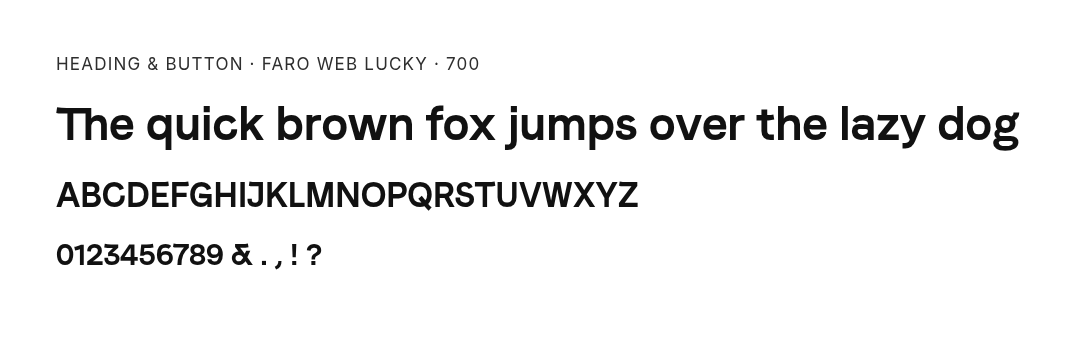
| Faro Lucky Bold and specimen | Use for headings/buttons |
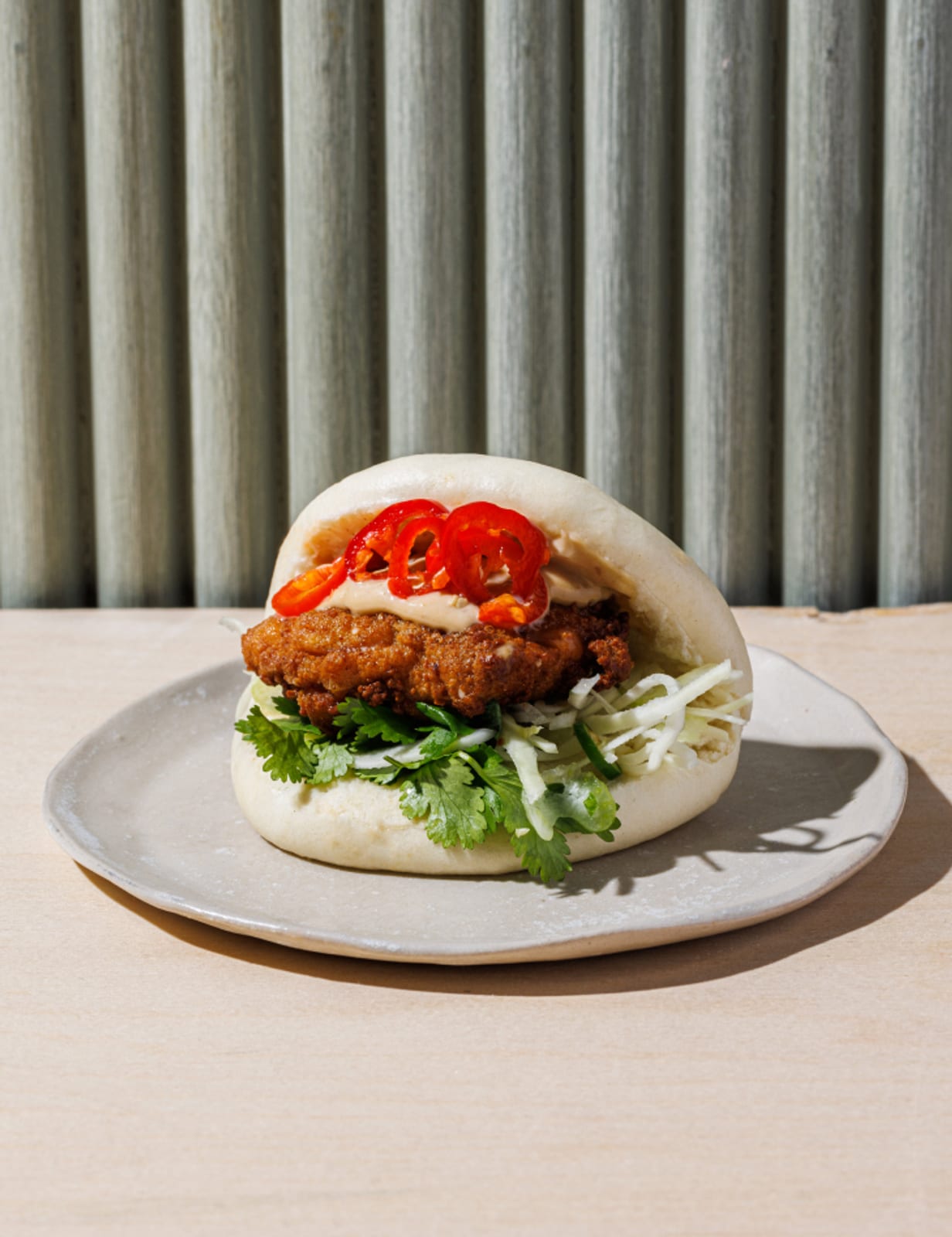
| Chicken-bao photo | Photographic reference, not proof of current fillings |
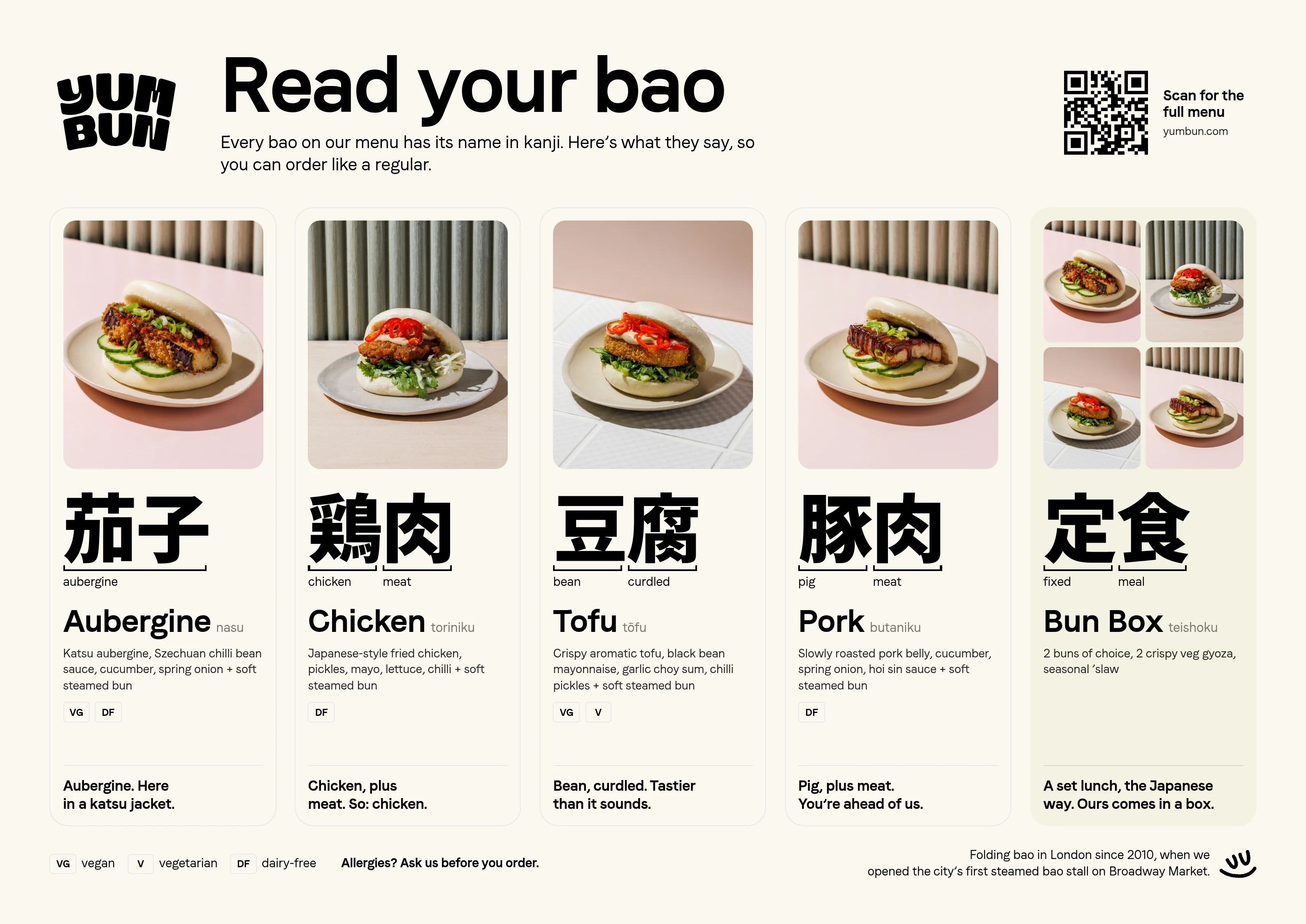
Inspect the print PDF. A separate photo Brief found no aubergine-bao image and returned pork, chicken and tofu references with different sets. Claude generated the missing image; the Brief left its exact background unresolved.
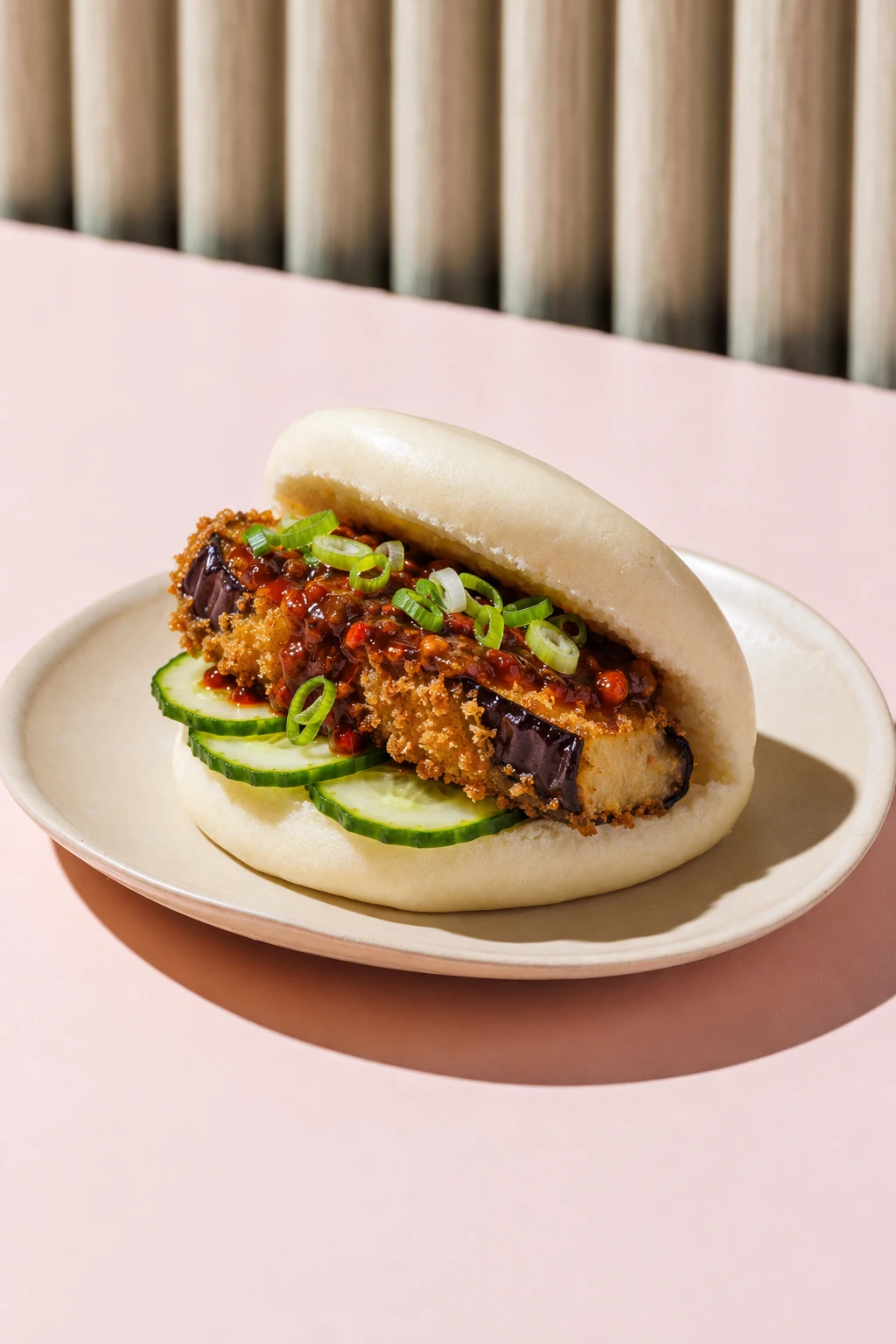
The full example distinguishes retrieving approved files from making a new asset. A Brand Skill export supplies local files for other tools; download it again after changes.
Check that each agent can use the files
Have each agent retrieve, open and show its selection before production. For layouts, load the actual fonts and place the logo. For image models, pass references through the supported inputs.
Show me the product images in [your brand]'s Brand Library in Rainbrand. Identify files that may be outdated and explain why. Wait for my confirmation before removing them. Then add the approved replacements I supply, with descriptions that identify the product, view and intended use.Keep the set current
- On replacement: add the new file and remove its predecessor; replace copies in projects and Skills.
- On a gap: source or make the missing asset and approve it before adding it.
- Before publishing: check original-logo use, product accuracy and brand fit.
Use Rainbrand Review on the finished work and resolve uncertain findings. Image checking covers that loop.
To try Rainbrand, connect an agent, add the original logo and a few approved product photos, and request a Brief for a real task.
More in AI tools
All 8 AI tools articles4 min read
How to give Claude Code and Cursor your brand, not just your design system
Coding agents read your design system and instruction files, but a landing page also needs your voice, product claims, imagery and logo rules. Keep code conventions in the repo, fetch the current brand for each task, and check the page before it merges.
3 min read
How to use ChatGPT for marketing and stay on brand
Use ChatGPT to research, draft, analyse and make campaign assets from real sources. Keep projects for campaign work, fetch current brand context through a connection, and check the deliverables before publication.
3 min read
How to use Claude for marketing without losing your brand
Give Claude a real marketing job, the sources behind it and current brand guidance. Use Projects, skills and connectors for their different jobs, then inspect the finished work before it goes out.