By Siddharth Borderwala
Published
10 min read
Branding kit checklist: what to include, file formats and real examples
What a branding kit should contain, from logo files and colour values to fonts, templates and rights; what to agree with your designer; what real companies’ kits hold; and a bounded web sample kit, with its index, a template and an asset made from it.
TL;DR
A branding kit is the set of files and short rules people need to use a brand: logo versions as vector and transparent files, colour values for screen and print, fonts with their licences, imagery, templates and usage rules. Ask your designer for editable source files and written rights too. If AI agents will use the kit, give them the rules as text and the files from one current source.
Three names get used for overlapping things. A branding kit (or brand kit) is the working set of files and essentials: logos, colours, fonts, imagery and templates. A brand identity package is what a designer delivers at the end of an identity project: the kit, the guidelines, the source files and the rights. A press kit or media kit is the public subset a company posts for journalists and partners, usually logos plus a few rules. If AI agents will make assets from your kit, they need a little more than people do, covered further down.
What goes in a branding kit
| Item | Files and formats | Why it matters |
|---|---|---|
| Logo set | Primary, horizontal and symbol versions in full colour, one colour and reversed; SVG and PDF or EPS, plus transparent PNG | People pick the version that fits instead of stretching or recolouring one file |
| Small marks | Favicon, app icon and social avatar, at their exact sizes | A full logo shrunk to 32 pixels is often unreadable |
| Colours | Each colour named, with its role; HEX and RGB for screens, CMYK and Pantone for print | Without a value for each medium, every printer and tool reproduces “our green” differently |
| Colour pairs | Which text colour may sit on which background | Text needs a contrast ratio of at least 4.5:1, or 3:1 when large, to meet WCAG AA |
| Fonts | Font files (OTF or TTF for desktop, WOFF2 for the web), the licence and a named fallback | Without the files, people substitute; sharing them beyond the licence can breach it |
| Imagery | Approved photos, illustrations and icons, with what each may be used for and the usage rights | Stock and commissioned images often have limits on where and how long they can be used |
| Graphic elements | Patterns, shapes and textures as SVG | They carry the brand when the logo is small or absent |
| Templates | Slides, social posts, email signature and letterhead, in the tools the team uses | People who aren’t designers can make assets without rebuilding the layout |
| Voice essentials | One page: the tagline, the company description, words to use and avoid | Copy is part of the brand, and the boilerplate gets pasted everywhere |
| Usage rules | Clear space, minimum sizes, backgrounds and common mistakes, on a page or two | The files don’t say how to use them |
Logos are exempt from the WCAG contrast rule, but the text around them isn’t, so list the approved pairs. Keep the full brand guidelines as a separate document and link to it from the kit; the kit is what people open every day. Brand guidelines examples shows how twelve brands structure theirs.
What a designer should hand over
A brand identity package should leave you able to make anything without going back to the designer. None of the following is automatic: what a package includes, and who owns what, are terms to agree in the design contract before the project starts. On top of the kit above, ask for:
- Source files in the designer’s tool (Illustrator, Figma or similar), so the logo and templates can be edited later.
- Separate files for screen and print: RGB versions for screens, CMYK or Pantone versions for printers, named so nobody confuses them.
- A file index that says what each file is and when to use it.
- The guidelines as a PDF and, ideally, a web page you can update.
- A written transfer of rights in the logo and other custom artwork, stating the uses, duration and territory, if the contract provides for one. Fonts, stock photos and icon sets are licensed rather than transferred, so get their licences instead. WalkUp Digital, a brand and web design studio, lists both in its published package checklist (November 3, 2026); other studios price source files and rights separately, so ask before you sign.
What real kits contain
Here is what three software companies put in the kit you can download from their public brand pages, checked on November 15, 2026:
| Company | What the download contains |
|---|---|
| Linear | 11 files: the wordmark and logo for light and dark backgrounds and the icon, each as SVG and PNG, plus an app icon PNG |
| Supabase | 10 files: the icon and four wordmark colourways, each as SVG and PNG |
| Stripe | 9 files: the wordmark in Blurple, Slate and white, as SVG and as small and large PNGs, with separate downloads for checkout badges and leadership photos |
All three logo kits are logos only. None of them includes fonts, a colour file, brand imagery or the usage rules; Stripe offers its badges and leadership photos as separate downloads, and the rules live on the web pages beside the download links. The pages show how much those rules vary:
- Linear explains which mark to use when (the wordmark “in all references to Linear as space allows”, the logomark for tight layouts, the icon for company references such as social media) and gives two colours with values. Its primary colour is described as “a subtle desaturated blue” without a value.
- Supabase gives each colour as HEX, RGB, HSL and OKLCH (“Each value is valid CSS”), tells you not to repaint the logo because the files already carry its colours, and spells the name out: “Write Supabase as one word, with a capital S.” Its page also has a Copy agent prompt button beside Download logo kit.
- Stripe puts its rules in a separate Marks Usage Agreement, and its badge comes with a suggestion to link it to stripe.com.
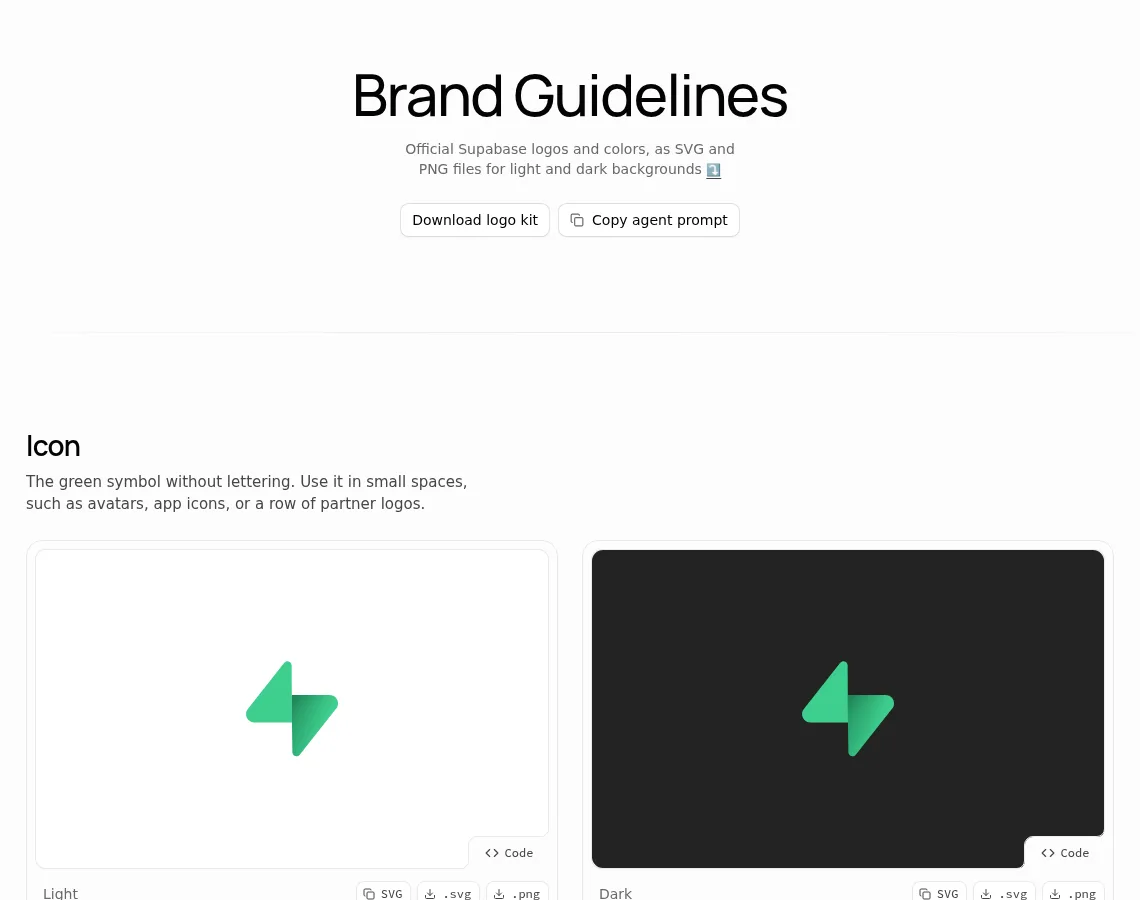
Supabase’s brand page: a logo kit and a prompt for agents.
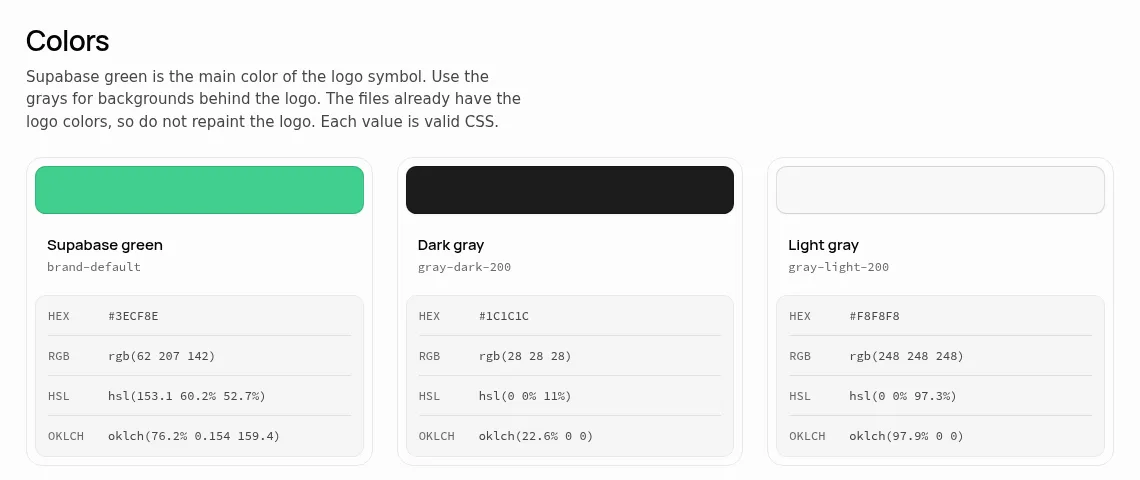
Each colour in four formats, all valid CSS. Screenshots of supabase.com/brand, November 15, 2026.
A press kit is the right thing to publish for journalists and partners, who only need to show your logo correctly. Your own team, agencies and agents need the full kit.
What an AI agent needs from a kit
When an agent makes a slide, an ad or a web page for your brand, it uses the kit the way a new freelancer would. An agent can ask what you meant if it’s set up to stop and ask; left to run unattended, it guesses. Rainbrand, the brand layer for agents, keeps a brand’s guidance and files for connected agents, and when we corrected a brand in it without supplying font files, its editing agent stopped to ask for licensed files rather than invent them. An agent making assets may not stop like that unless you tell it to. The parts that cause trouble are predictable:
- Logos as pictures. A logo pasted into a PDF page or a moodboard gets redrawn or cropped. Give the agent the SVG or transparent PNG file itself.
- Colours without values. “A subtle desaturated blue” leaves the agent to sample a screenshot. Give every colour a value and a role.
- Fonts it can’t load. Most agents don’t have your licensed font files. Name the fallback, as you would for slide tools and email.
- Rules in a separate document. Clear space and backgrounds belong next to the files they govern, as text an agent can read.
- Copies that go out of date. A ZIP downloaded once stays as it was. When the brand changes, every copy in every chat project and folder has to be found and replaced.
A bounded web sample kit
To show how the parts fit together, we assembled a bounded web sample kit for Supabase: built only from its own public sources (the logo kit, the brand page and the fonts its website loads), with the gaps marked rather than filled. The sample kit index lists every file and rule with its source, and marks what Supabase doesn’t publish:
| Part | What the index holds | Source |
|---|---|---|
| Logos | Five variants, each as SVG and PNG, with the background each one is for | Logo kit and brand page |
| Colours | Supabase green #3ECF8E, dark gray #1C1C1C, light gray #F8F8F8, each with a role | Brand page |
| Type | Manrope for headings, Inter for body, Source Code Pro for code, all open licence | The website’s stylesheets |
| Permissions | The name rule, logos only to refer to Supabase, the trademark line | Brand page |
| Template | An editable 1200 × 630 link preview in HTML | Built for this index |
| Gaps | Minimum size, clear space, print colours, imagery and voice rules | Not published |
The template fixes the logo file, the colours and the fonts, and leaves three lines to edit. It loads the logo from supabase.com and the fonts from Google Fonts, so it needs a connection; a kit you hand over would include those files. Here is a link preview made from it, with Supabase’s own website headline:
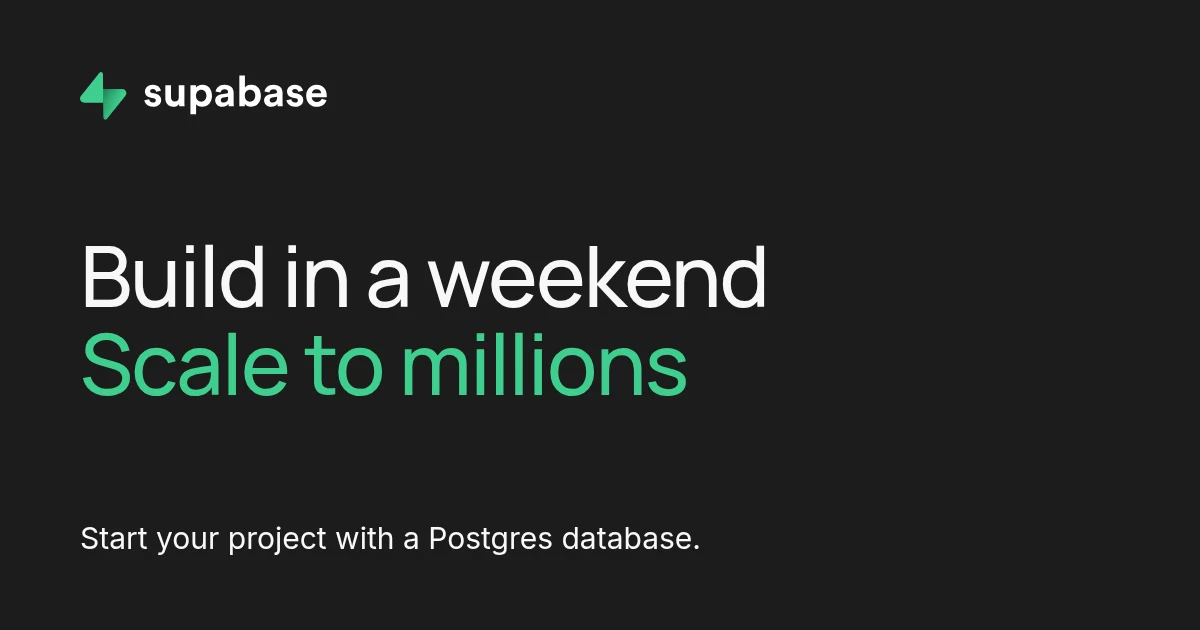
A concept link preview, assembled from the sample kit’s template on November 16, 2026.
We checked it with a Rainbrand Review, which compares a capture of an asset with the brand and returns a verdict and a reason for each check, without editing the image. All four checks passed: the colours matched the palette, the headline matched Manrope 500 and the supporting line Inter 400, the wordmark matched the supplied artwork with no extra lettering, and the copy matched the three lines word for word.
The passes cover only what the kit defines. Supabase publishes no minimum size or clear space, so nothing could check the logo’s size or spacing, and the fonts came from the website rather than the brand page. Those are the gaps to fill first in a kit of your own. To give the same kit to your agents, add a brand in Rainbrand from the files and the index; each task then requests a Brief with the guidance and files it needs, and after an edit to the brand, a new Brief picks up the change.
For which design tools apply a kit and how, see AI design tools that support brand kits; for Canva’s Brand Kit specifically, Rainbrand vs Canva Brand Kit. To see what can be read from a public website alone, Rainbrand’s free brand kit generator collects a site’s logos, colours with HEX and RGB codes, type sizes and font names into a ZIP.
Check your kit
Files
- Every logo version as SVG and as a transparent PNG, for light and dark backgrounds.
- Favicon, app icon and avatar at their exact sizes.
- Font files and their licences, or a note of where to get them.
- Approved images with their usage rights.
- Editable source files and templates in the tools your team uses.
Values and rules
- Every colour named, with a role and values for screen and print.
- Approved text and background pairs that pass contrast.
- A named fallback for every font.
- Clear space, minimum sizes and backgrounds, written next to the files.
- The tagline, the company description and words to avoid.
Ownership
- A written transfer of rights in the logo and custom artwork.
- One current copy that everyone, including agents, works from.
- A date or version on the kit, and a list of retired files.
FAQ
Should a branding kit include the font files?
Include them if the licence allows you to share them with everyone who uses the kit. Open-licence fonts like Inter and Manrope do, as long as each copy keeps its copyright notice and the licence. Otherwise name the fonts and say where to get them, as Rainbrand’s brand kit generator does. Either way, name a fallback for each font, for tools that can’t load the real one.
How often should a branding kit be updated?
Whenever a file, value or rule in it changes: a new logo version, a colour, a font or a template. Date the kit or give it a version number, and list the files it retires, so people and agents can tell an old download from the current one. Agents working from a maintained source get the change on their next task; copies people downloaded don’t.
Can I use the logos from another company’s press kit?
Only as that company’s rules allow. Supabase, for example, allows its logos only to refer to Supabase and asks that the files and colours stay unchanged; Stripe puts its terms in a separate usage agreement. Downloading a press kit doesn’t license the marks for anything else.
More in Brand guidelines
All 18 Brand guidelines articles18 min read
Brand guidelines examples: 12 real brand books and what to copy from each
Twelve brand guidelines you can open today, from Mastercard’s logo rules to NASA’s 1976 standards manual, with the exact rule worth copying from each, which ones an AI agent can read, and what it took to correct an agent’s version of Starbucks.
11 min read
Logo usage guidelines: what to include and how to write them
Logo usage guidelines say which logo goes where, how much space it needs, how small it can go, which colours and backgrounds it allows and what never to do. See how Amazon and Strava write each rule, how AI tools get logos wrong, and a template to download.
14 min read
How to make brand guidelines AI-ready
AI-ready brand guidelines give an agent rules it can apply without guessing, the real logo and font files, and the current version. Rewrite each rule without inventing policy, keep the guide's own decisions apart from your suggestions and the questions only the brand owner can answer, then test the rewrite on a real task.