Rainbrand · create_briefReady
- Brand
- Hoplite
- Task
- A feature page for hoplite.sh, from issue to pull request
- Returns
- Guidance and 19 selected assets
1 Brief
Use casesWeb page
Your coding agent requests a Brief for the page, then builds it in your project with the brand's logo, fonts, imagery and voice.
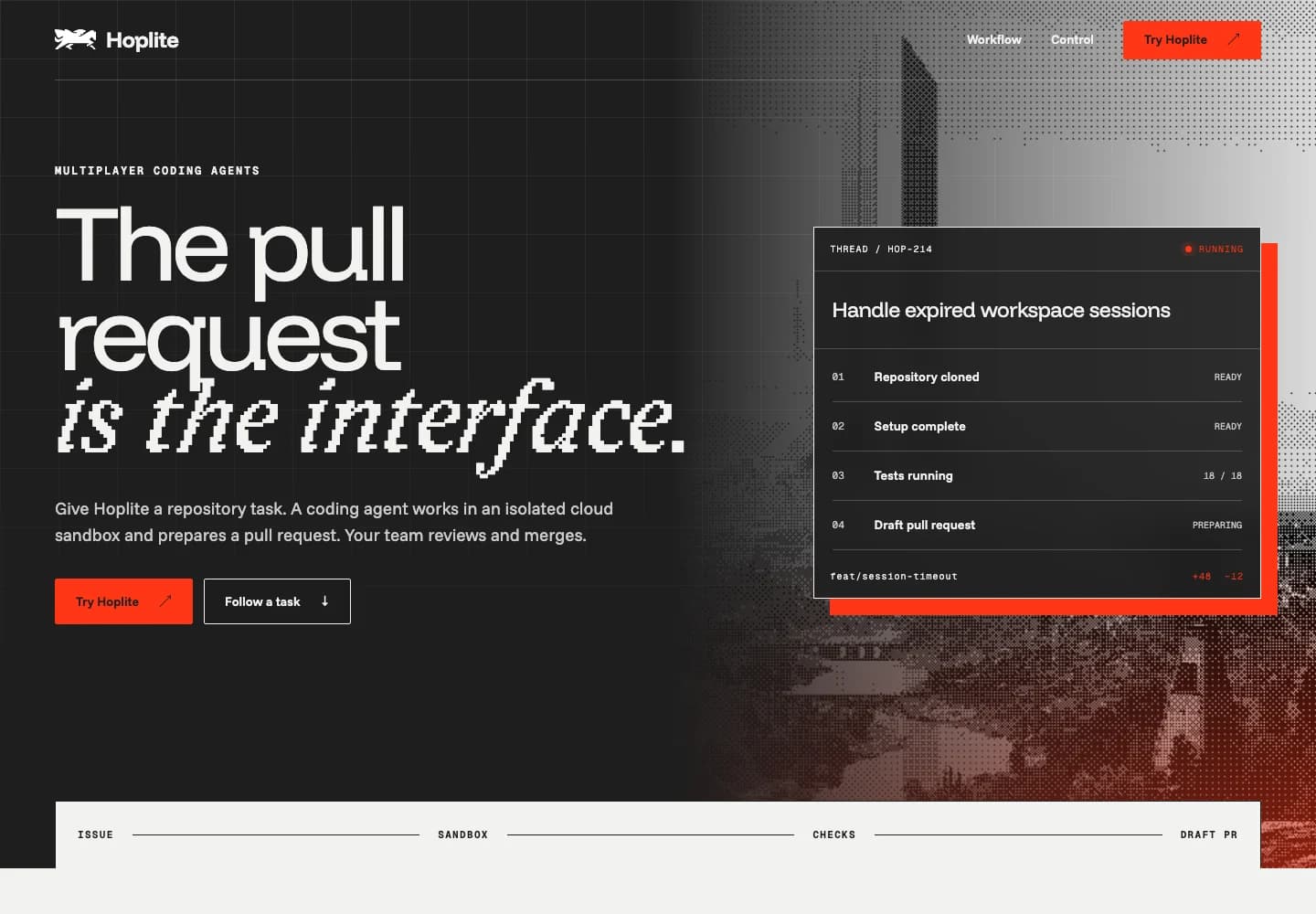
A coding agent can build a page quickly, but without the brand it falls back on default fonts, stock imagery and generic copy. Rainbrand gives it a Brief for each page, with the guidance, logos, fonts and images that page needs.
How it's made
With your agent
Describe the page, who it's for and its main action. Your agent requests a Brief, builds the page in your project and checks it against the Brief on desktop and mobile.
Read the guide (opens in a new tab) Cursor
Build a feature page for hoplite.sh about how an issue becomes a pull request, for engineering teams, with Try Hoplite as the main action. Use this Next.js project and don't deploy anything.
Cursorcreate_briefHoplite feature page
Cursorget_briefWaiting until it's ready
Rainbrand BriefHoplite feature page
ReadyThe Brief is ready. The page will follow an issue through a thread, a cloud sandbox and tests to a pull request your team reviews, with no invented customers, numbers, pricing or certifications.
It's built in your Next.js app with the Brief's logo, fonts and imagery. I previewed it on desktop and mobile and checked it against the Brief. Nothing is deployed.
Illustrated with the Hoplite page from the web page guide, built in Next.js and React from a Brief with 19 assets.
More web pages
The same kind of page for other brands, from our examples.
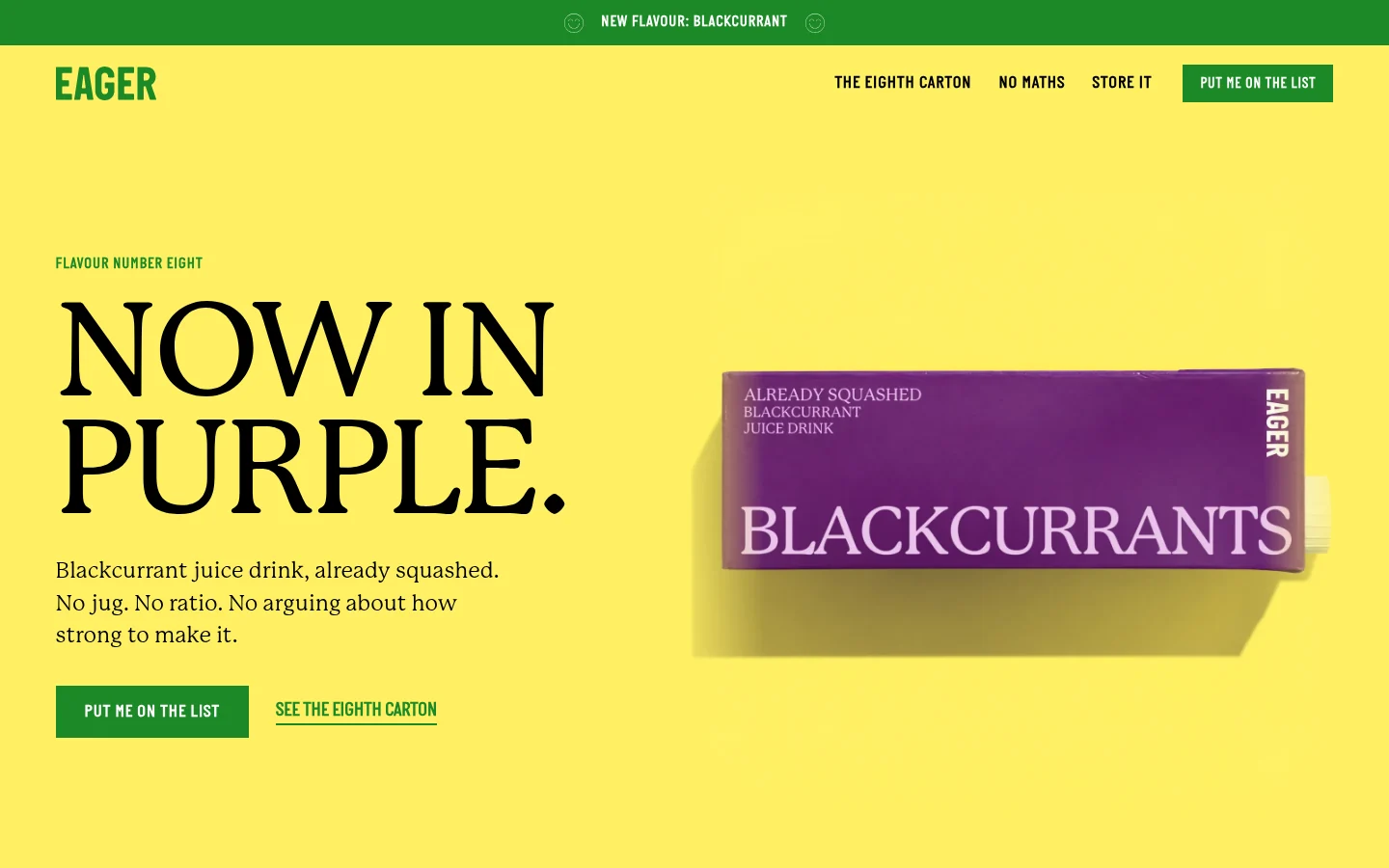
A signup page for a new flavour, from a launch campaign Claude made with one Brief.
See the example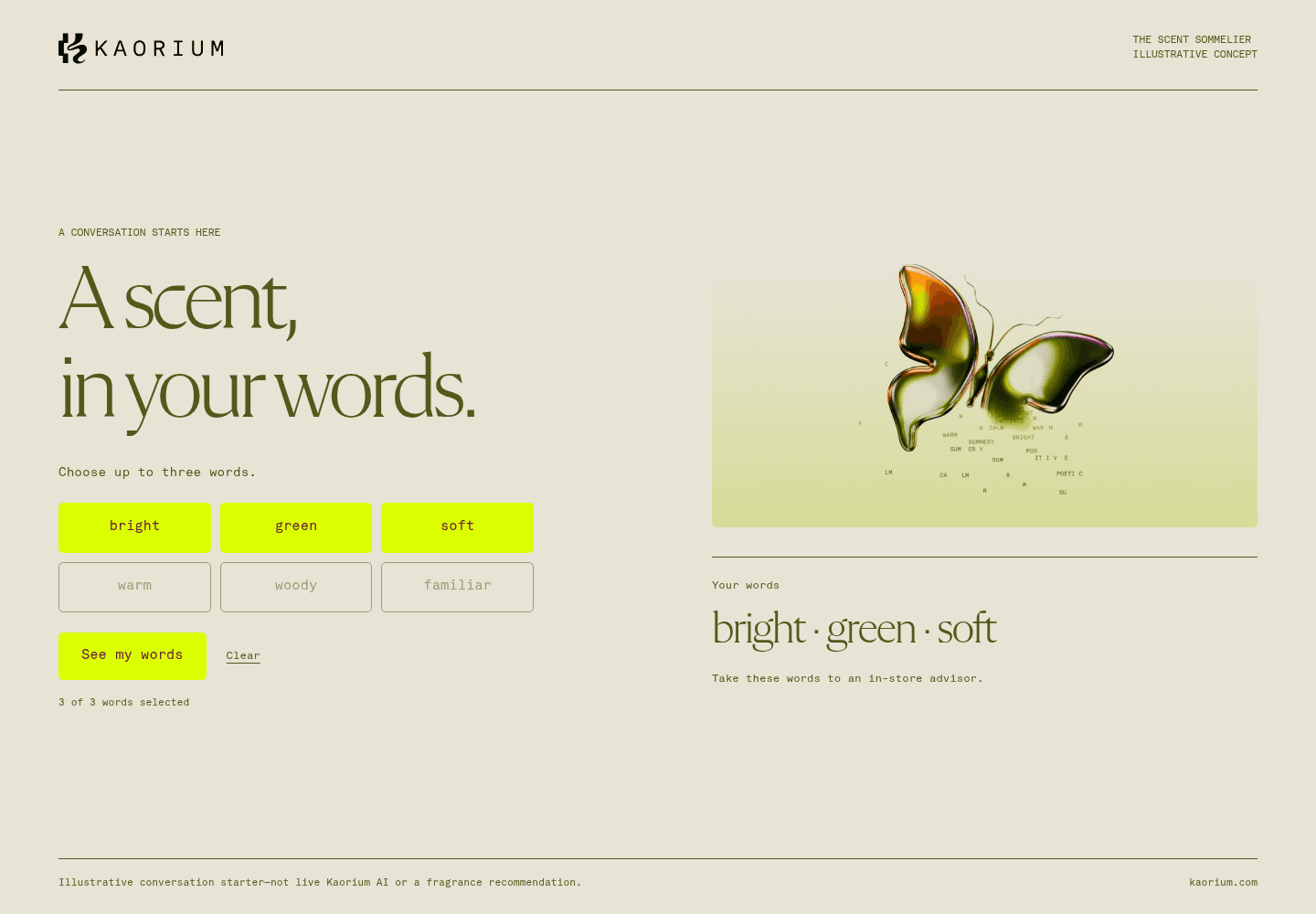
A website for describing a scent in up to three words, built by Codex from Kaorium's logo, fonts and butterfly.
See the example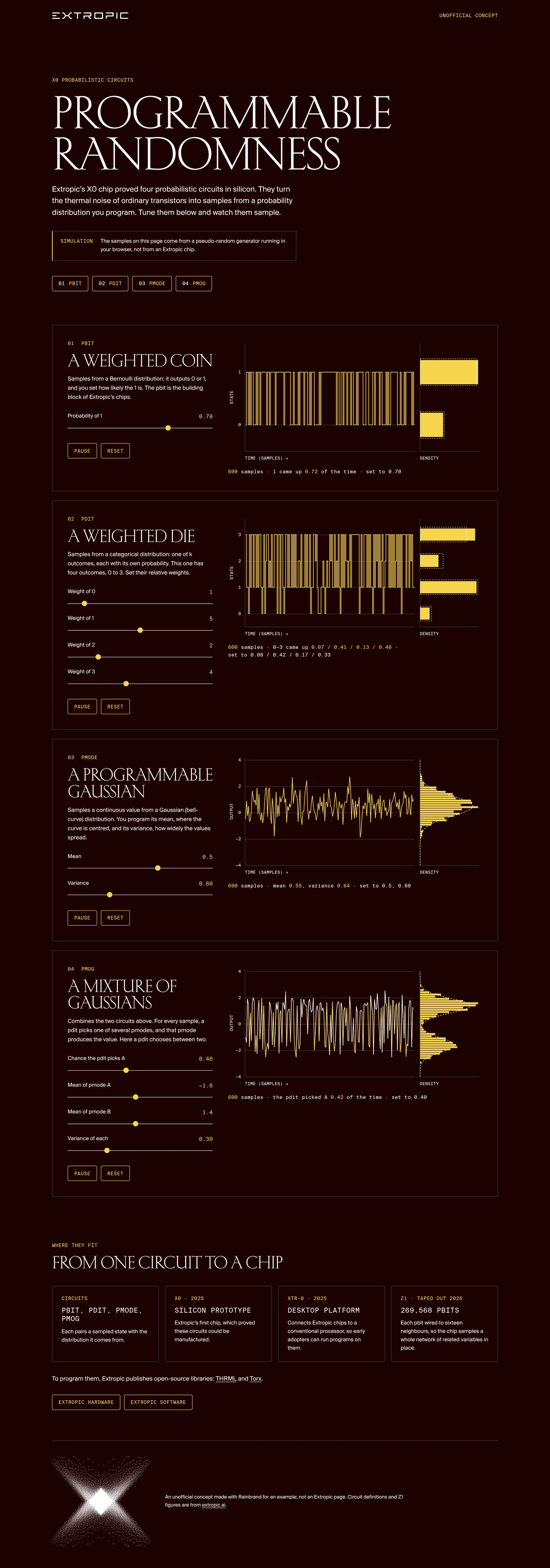
An interactive page where you set the odds of four random circuits and watch them sample, with every figure from extropic.ai.
See the exampleHow companies integrate Rainbrand into their agents and products.
All customer stories“We use Rainbrand to fetch each customer’s brand and generate accurate, on-brand creative for their ads. It means we don’t have to reinvent that part of the stack ourselves.”
“We pushed Rainbrand to production as our default image solution.”
“I have the ideas, but turning them into great design was always a struggle. Rainbrand makes me feel like the best designer in the world, and I don’t think I’ll need to hire one for the small stuff again.”
Connect Rainbrand to your coding agent, add a brand and describe the page you want.
Open the Rainbrand plugin and add it.
Open Rainbrand plugin (opens in a new tab)Connect your Rainbrand account when asked. It works in ChatGPT and in Codex.
A coding agent or development environment connected to Rainbrand through MCP, and a ready brand or sources such as a website to create one. Your agent requests a Brief and builds the page in your project. Connect Rainbrand to your agent.
The Brief selects the brand guidance and assets that matter for this page. For Hoplite's page it supplied 19 assets, including the logo, fonts, architectural imagery and product UI references, with typography, palette and gradient rules for the design. How Briefs work.
Yes. The Hoplite page was built with Next.js and React, but your agent uses the stack already in your project. The same workflow suits your own website, client pages or a product that serves several brands.
Ask your agent to use only claims it can support from the Brief or official sources, as the guide's prompt does. The Hoplite page leaves out invented customers, numbers, pricing and certifications. See the prompt.
Check product claims and call-to-action links against the brand's current approved sources, confirm the assets and fonts can be used on the web, and review keyboard access, contrast and the mobile layout. To check a screenshot against the brand, request a Review.

Rainbrand builds and maintains shared brand context for your agents and products.





