(Example) Codex 2 outputs
Codex with Rainbrand for Kaorium (opens in a new tab).
The test
We asked Codex to make something for Kaorium’s fragrance consultations. The prompt below is Codex’s own.
The setup
Codex could use the Rainbrand MCP (opens in a new tab).
Prompt
Using Kaorium’s Brand Skill, make ‘A scent, in your words’: a responsive website concept where visitors choose up to three scent words, and an A5 conversation card for an advisor-led fragrance consultation. Use the supplied identity, fonts, palette and relevant assets. Label the work as a concept, preserve the physical consultation, and invent no fragrance results, retail locations or performance claims. Request a Brief, review every asset twice, and save the work and evidence.
 (opens kaorium.com in a new tab)
How Codex made it
From the brand to a finished concept, in four steps.
- Brand
- Brief
- Outputs
- Review
Rainbrand turns a brand’s identity, guidance and files into shared context that agents can use.
Codex added Kaorium’s brand from kaorium.com (opens in a new tab).
A Brief is focused brand guidance and files for one task.
Codex requested one Brief for both outputs.
Outputs
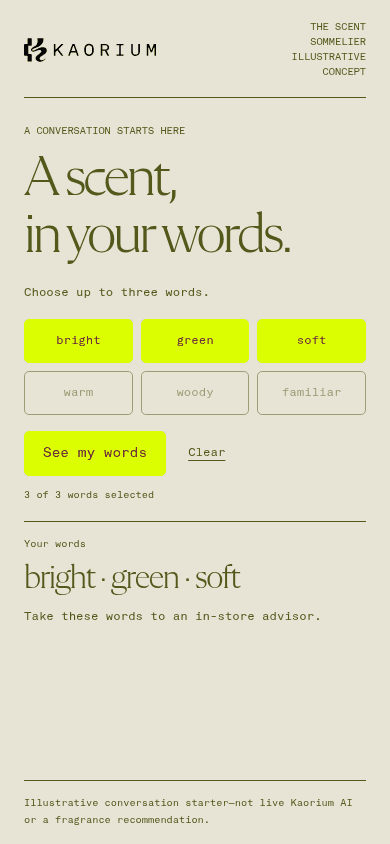
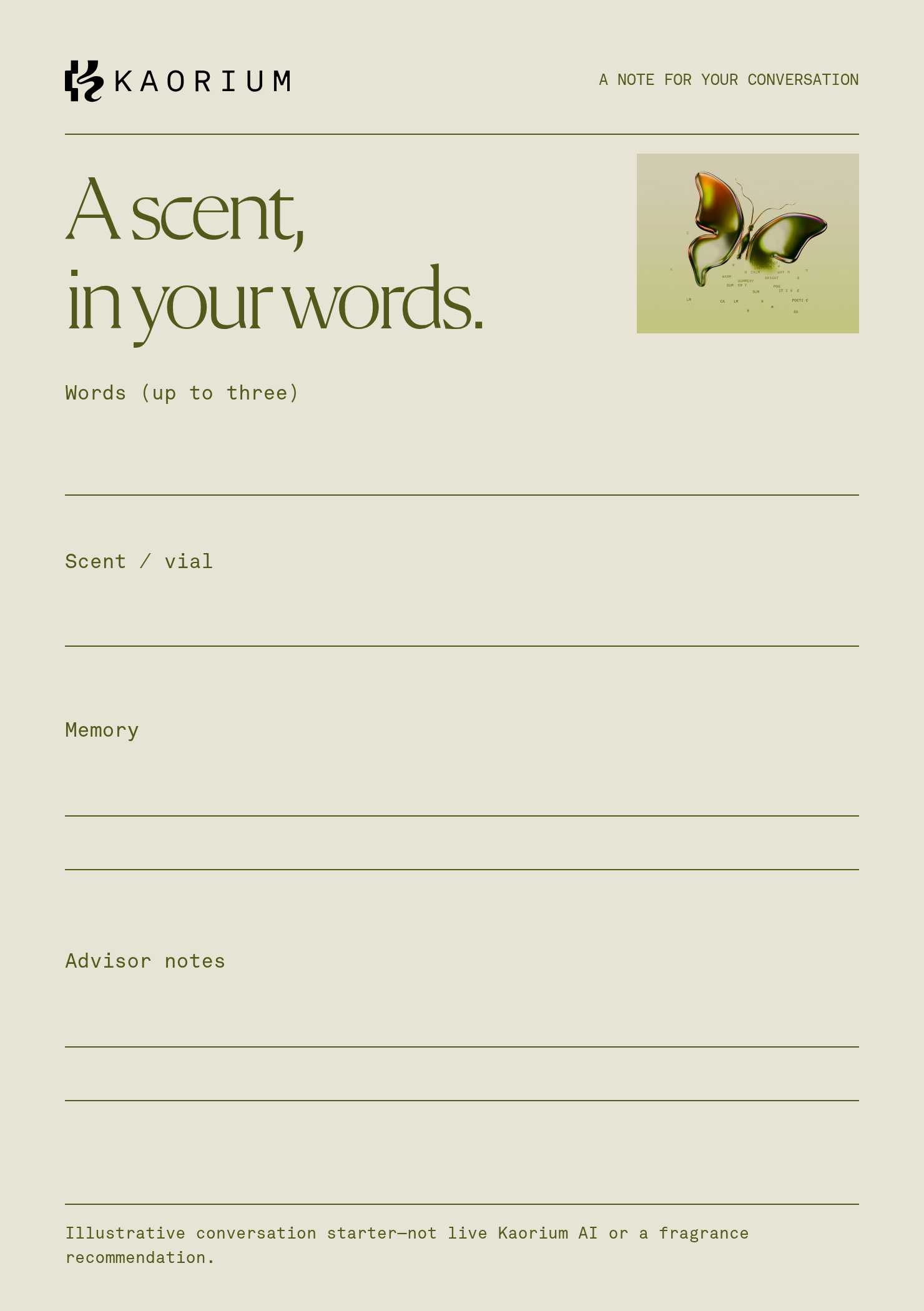
View more examplesKaorium helps people find a fragrance in shops through their reactions to scents and words. Codex made this concept with the Brief.
 WebsiteChoose up to three words to describe a scent to a fragrance advisor.
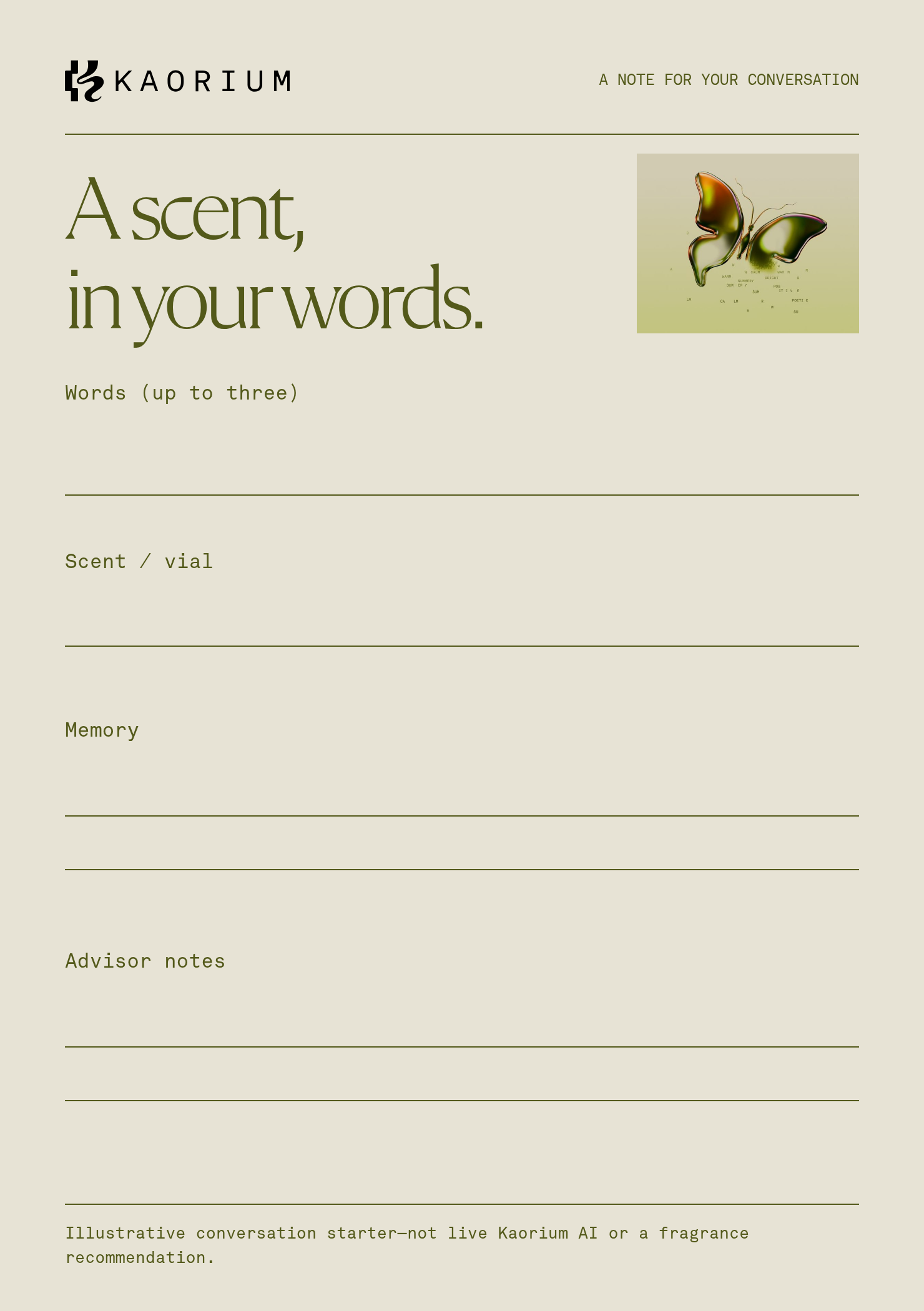
 Conversation cardA printed card for recording scent words, fragrances tried and the advisor’s notes.
A Rainbrand Review checks an asset against the brand.
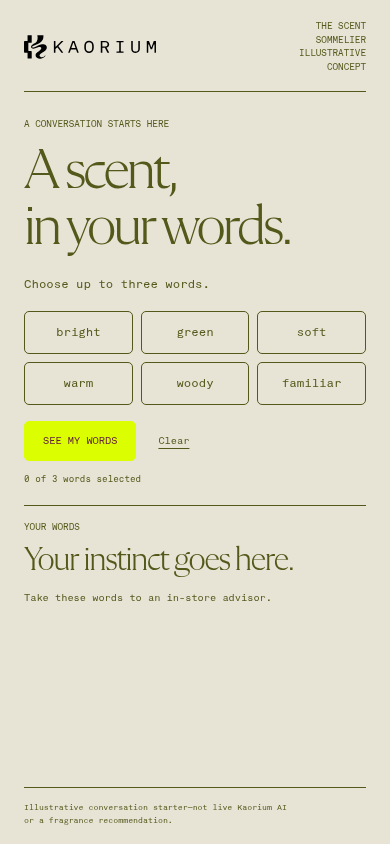
Codex corrected the button labels and requested another Review.
Review comment
“The concept follows brand voice guidelines, but multiple interface labels omit requested terminal periods and use uppercase lettering instead of sentence case.”
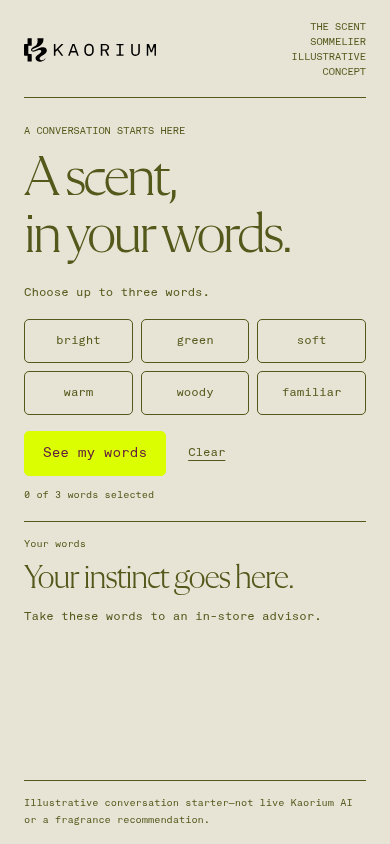
Codex set the labels in sentence case and gave the next Review their exact text.
Review comment
“All text accurately reflects the requested fragrance conversation concept without spelling or grammar errors, fitting Kaorium's voice guidance.”
 Conversation card PassNotes for a fragrance consultation.

Remove the backgrounds and colour

Line up and overlap
 Open the overlap image in a new tab.
- Matching parts
- Brand only
- Observed only
Review comment
“The primary Kaorium logo appears unaltered and legible in the upper corner, contrasting clearly against the neutral backdrop.”
- WordingMatches the requestMatches
- SpellingCorrectMatches
- VoiceHuman, consultativeMatches
Review comment
“All prompts, labels, and disclaimers are spelled correctly and capture Kaorium's human, consultative tone without overpromising AI recommendations.”
 FontFlechaMatches
- FontAkkurat MonoMatches
Review comment
“Headings are set in the brand serif Flecha, while section labels and prompts are set in Akkurat Mono.”
- BackgroundObserved
#E7E4D5Approved#E7E3D5Matches - LogoObserved
#000000Approved#040404Matches - LetteringObserved
#545917Approved#53591AMatches
Review comment
“The warm neutral background, dark logo mark, and olive lettering match the brand palette accurately across the card.”

Try it yourself.
Add Rainbrand to the agent you already use.
Read the docs
Open the Rainbrand plugin and add it.
Open Rainbrand plugin (opens in a new tab)Connect your Rainbrand account when asked. It works in ChatGPT and in Codex.
Rainbrand turns your Identity, Guidance and files into shared Context that agents and products can use.
