Rainbrand · create_briefReady
- Brand
- Adesso
- Task
- A short vertical video for adessobakeshop.com
- Returns
- Guidance and selected assets
1 Brief
Use casesProduct video
Your agent plans each video from a Brief, then renders it through the AI Gateway with the brand's guidance and references.
Video models can render almost anything, but they don't know your products, packaging or colours. Rainbrand gives your agent a Brief for each video, with the guidance and references the model needs.
How it's made
With your agent
Describe the video you want. Your agent requests a Brief, renders the video through the AI Gateway and checks it against the Brief.
Read the guide (opens in a new tab)Make a short vertical video for adessobakeshop.com: cookies dropping into the gift box, ending on the logo.
Claudecreate_briefAdesso video
Claudegenerate_videoSeedance 2.5
Rainbrand generationAdesso video
Video readyThe video is ready. I compared it with the Brief and it matches, so it's ready for you to watch.
Illustrated with the Adesso video from the product video guide, made with Seedance 2.5 through Rainbrand's AI Gateway.
In your product
Request a Brief for the video, then start a Seedance 2.5 generation with its ID. Rainbrand passes the Brief's guidance and references to the model with your prompt.
View API reference (opens in a new tab)1Request a Brief and wait for it.
curl -X POST https://www.rainbrand.com/api/v1/briefs \
  -H "x-api-key: $RAINBRAND_API_KEY" \
  -H "Content-Type: application/json" \
  -d '{
    "brandSessionId": "e6220a5e-4a68-4d39-8bb9-5105e9a3a164",
    "task": "A short vertical product video for Acme Inc. Atlas Pro."
  }'

curl "https://www.rainbrand.com/api/v1/briefs/$BRIEF_ID?wait=true" \
  -H "x-api-key: $RAINBRAND_API_KEY""data": {
  "id": "657bcf79-1f2f-47fa-90f8-9245142980ed",
  "status": "completed", …
}
2Render with the Brief.
curl -X POST https://www.rainbrand.com/api/v1/generations \
  -H "x-api-key: $RAINBRAND_API_KEY" \
  -H "Content-Type: application/json" \
  -d '{
    "brandSessionId": "e6220a5e-4a68-4d39-8bb9-5105e9a3a164",
    "model": "bytedance/seedance-2.5",
    "briefId": "657bcf79-1f2f-47fa-90f8-9245142980ed",
    "input": {
      "prompt": "Atlas Pro turns on a desk, ending on the logo.",
      "aspect_ratio": "9:16",
      "resolution": "1080p"
    }
}'More product videos
The same kind of video for other brands, from our examples and integration guides.
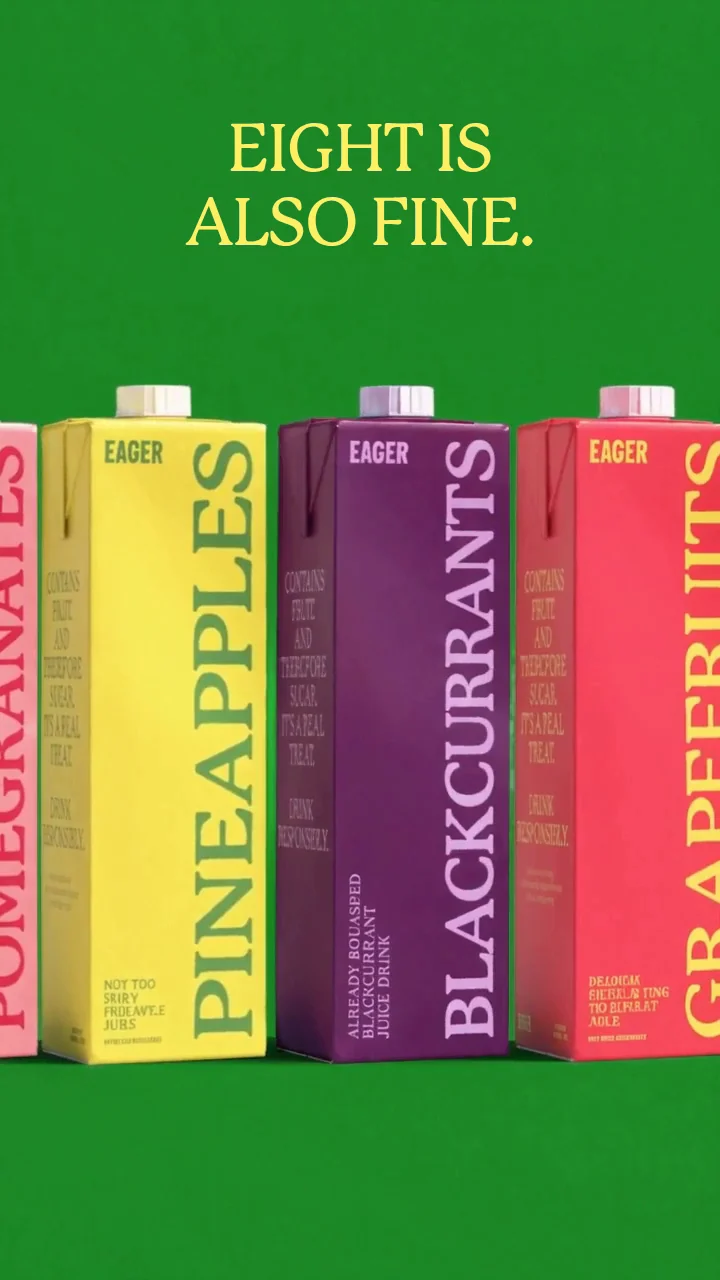
A 12-second reel for a new flavour, made with Seedance through the AI Gateway.
See the example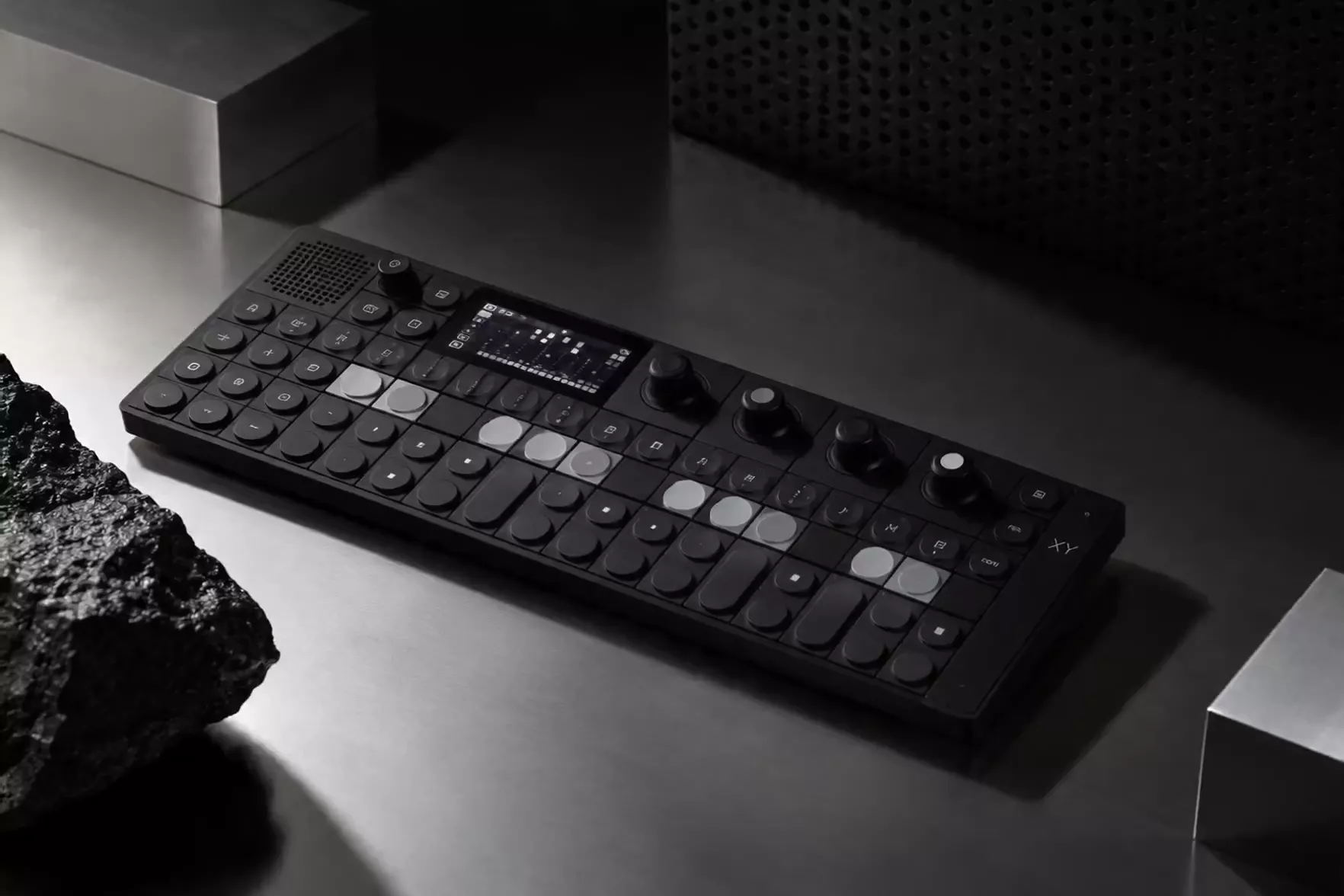
A 5-second OP–XY clip made in ChatGPT with Seedance through the AI Gateway.
See the ChatGPT guide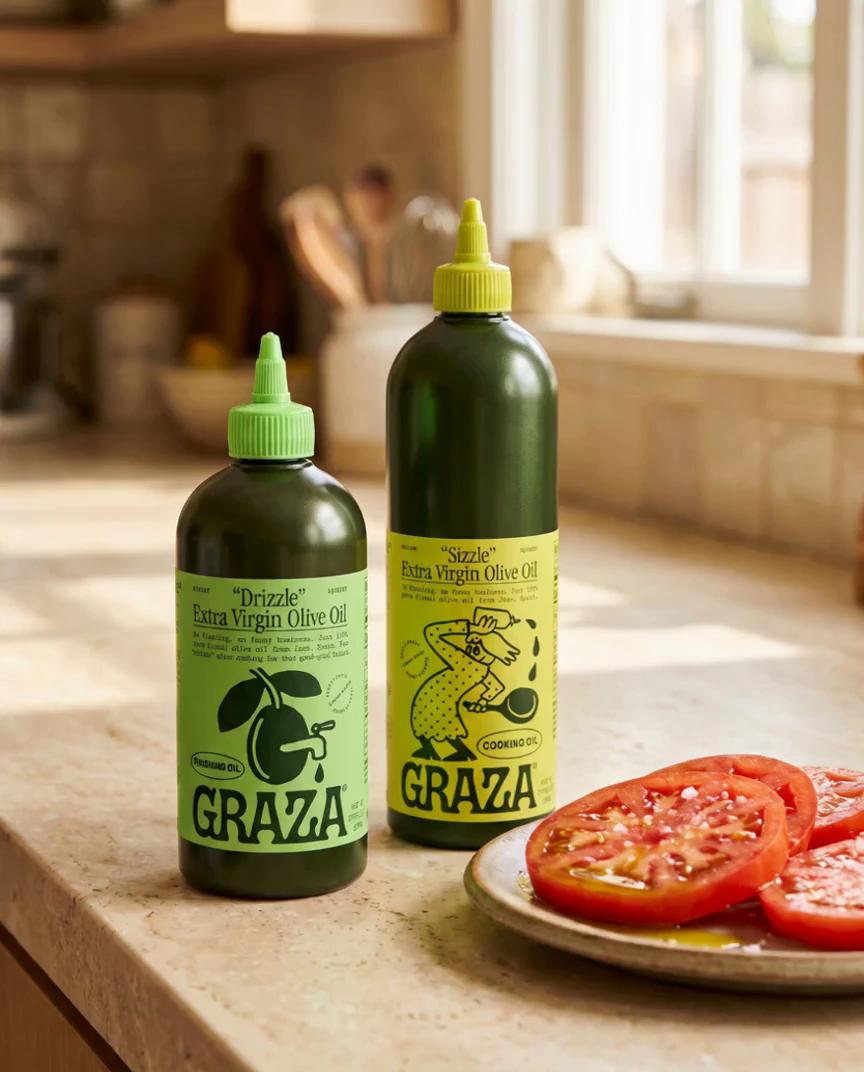
A 5-second bottle clip made in Higgsfield, using Graza's brand from Rainbrand.
See the Higgsfield guideHow companies integrate Rainbrand into their agents and products.
All customer stories“We use Rainbrand to fetch each customer’s brand and generate accurate, on-brand creative for their ads. It means we don’t have to reinvent that part of the stack ourselves.”
“We pushed Rainbrand to production as our default image solution.”
“I have the ideas, but turning them into great design was always a struggle. Rainbrand makes me feel like the best designer in the world, and I don’t think I’ll need to hire one for the small stuff again.”
Connect Rainbrand to your agent, add a brand and describe the video you want.
Open the Rainbrand plugin and add it.
Open Rainbrand plugin (opens in a new tab)Connect your Rainbrand account when asked. It works in ChatGPT and in Codex.
An agent connected to Rainbrand through MCP and a ready brand, or sources such as a website to create one. Your agent requests a Brief and renders the video with Seedance 2.5 through the AI Gateway. Connect Rainbrand to your agent.
The Brief selects the brand guidance and assets that matter for this video. When your agent passes its ID with the generation request, Rainbrand gives the model that guidance and the Brief's visual references alongside the prompt. How Briefs work.
Yes. The AI Gateway is optional. Your agent can pass the Brief's guidance and assets to the video tools you already use. Use your own tools.
Only when they serve the idea. A Brief can add reference images automatically, so use Seedance's reference inputs rather than first and last frames. Raw font files don't help a video model; if type matters, use a rendered reference.
Compare it with the Brief, then watch the whole video for malformed logos, wrong text, products that change shape, artifacts and framing, and listen to the sound. To check a frame against the brand, capture it and request a Review.

Rainbrand builds and maintains shared brand context for your agents and products.





