Rainbrand · create_briefReady
- Brand
- rabbit
- Task
- Static ads in 4:5, 1:1 and 16:9
- Returns
- Guidance and product references
1 Brief
Use casesStatic ads
Your agent explores directions from a Brief, then makes the strongest one in every size through the AI Gateway, with the brand's guidance and references.
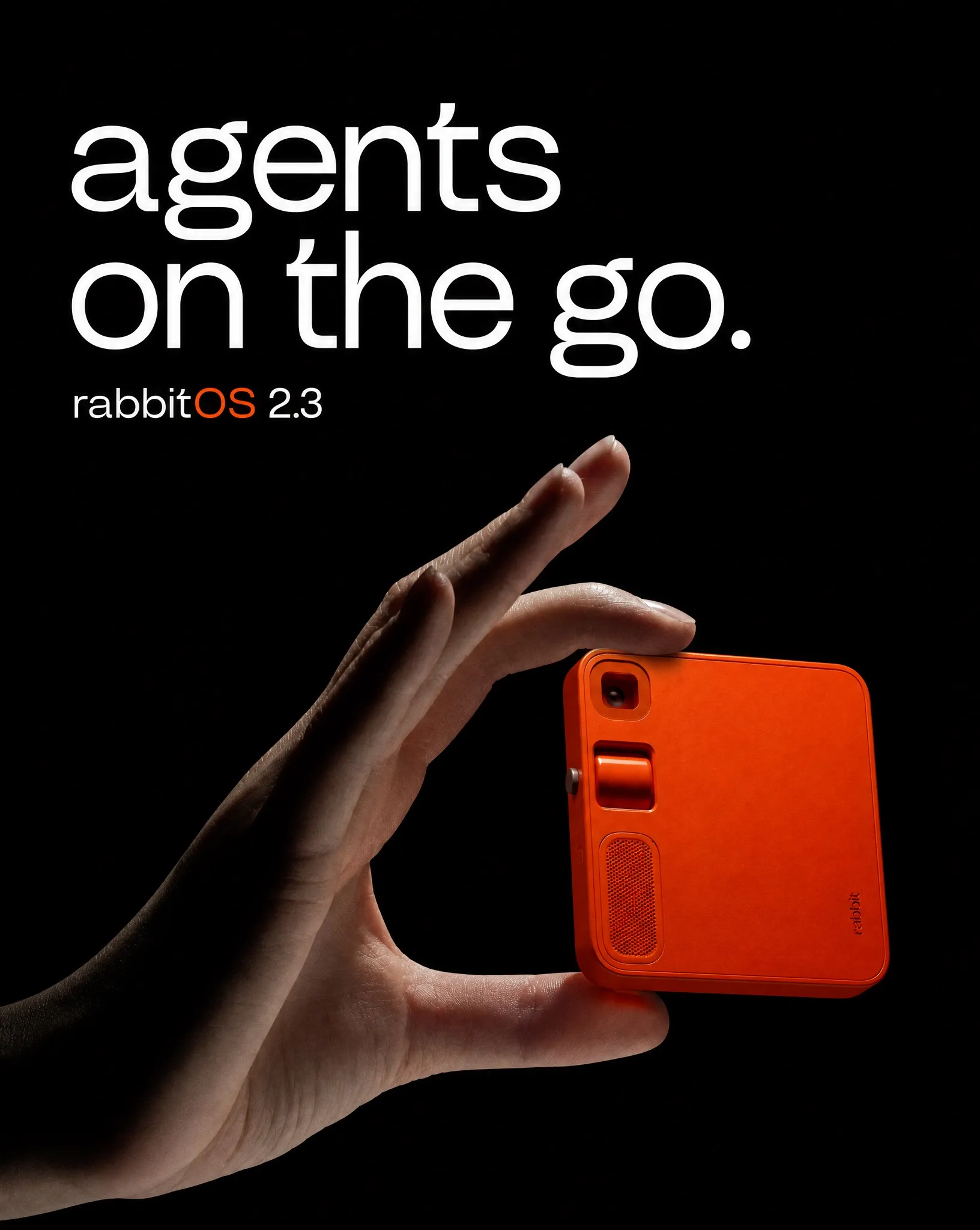
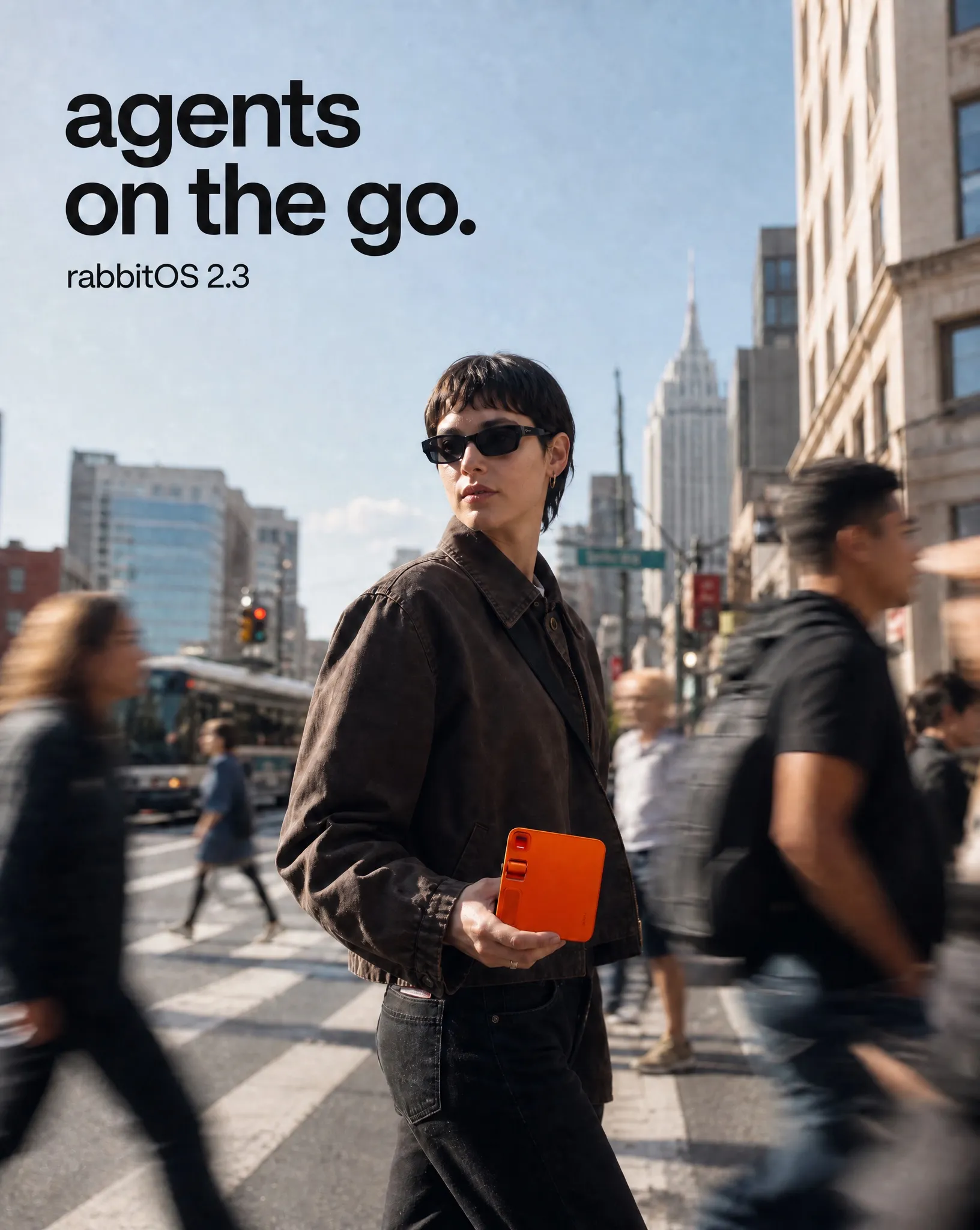
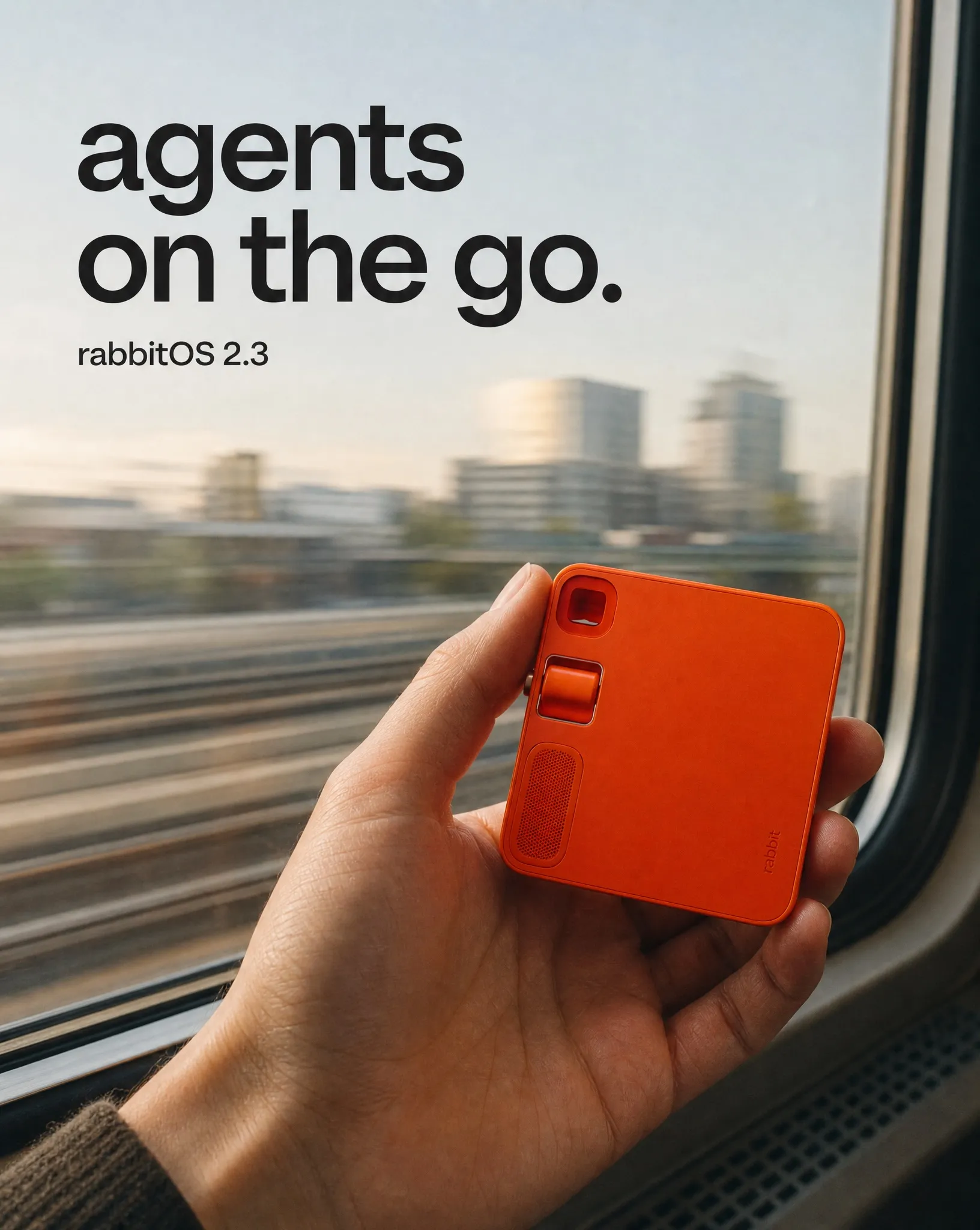
Image models can make a striking campaign image, but they don't know your products, type or colours, and every new size starts from scratch. Rainbrand gives your agent a Brief for the campaign, with the guidance and product references every format needs.
How it's made
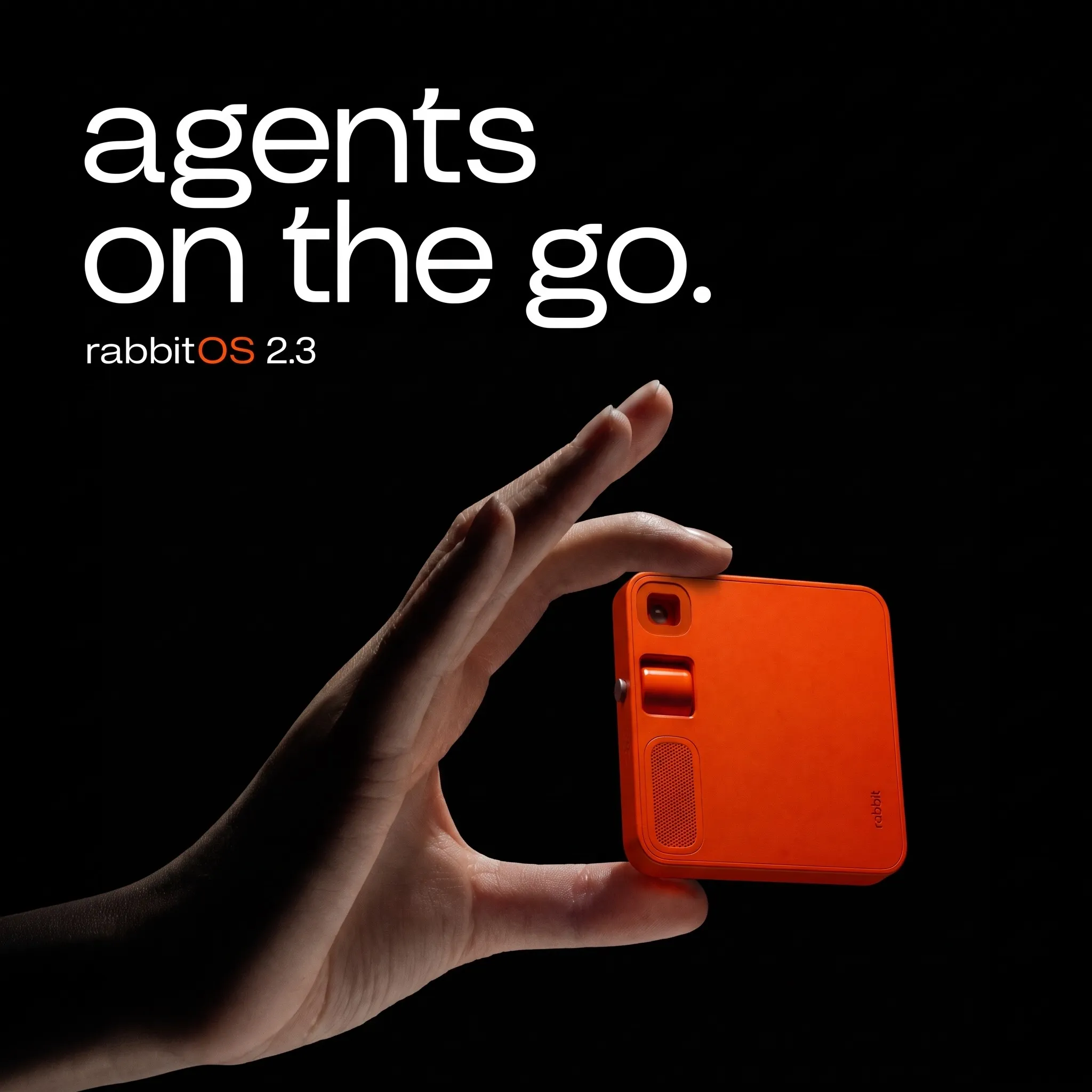
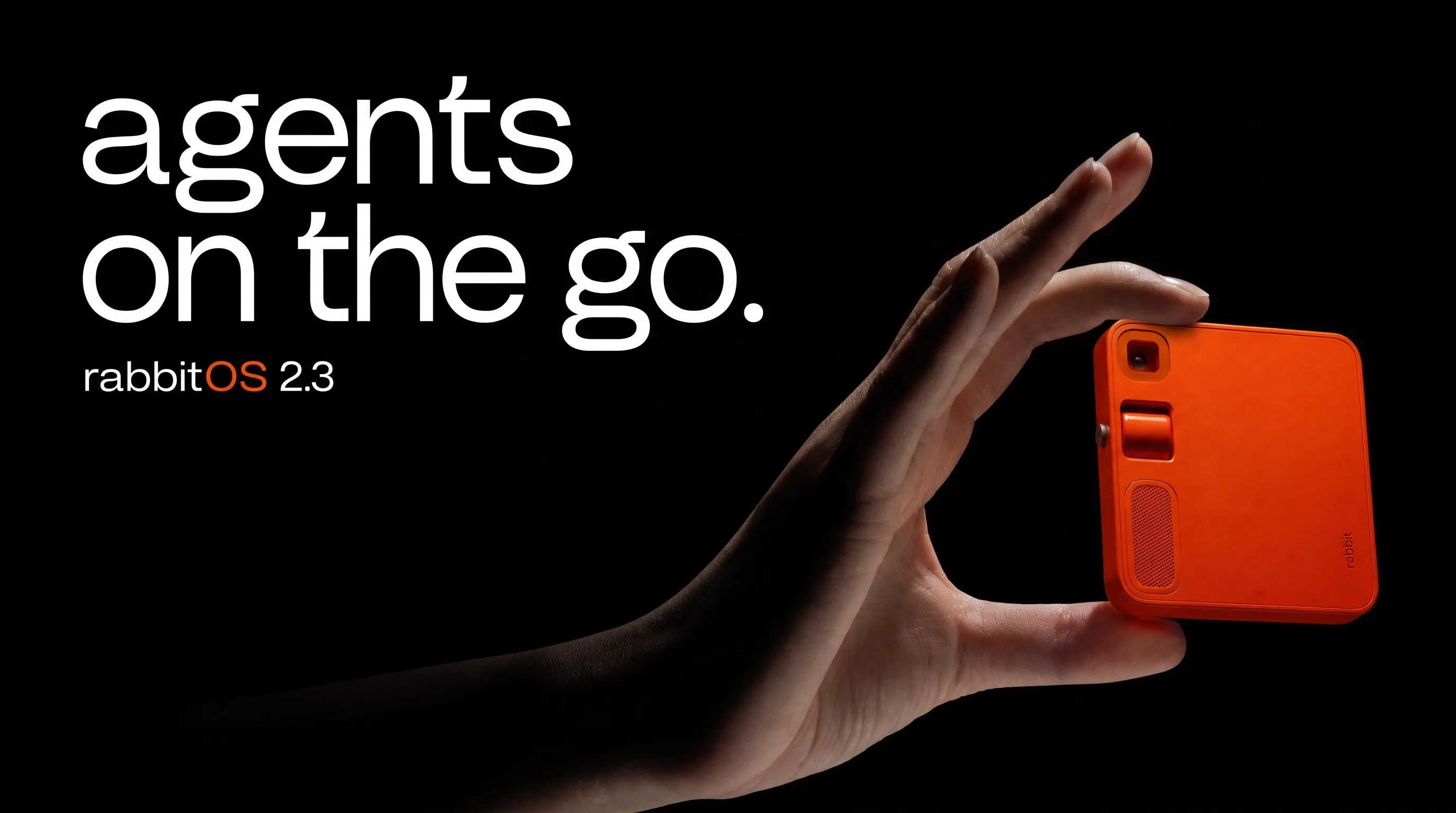
With your agent
Name the brand and the formats. Your agent requests a Brief, compares three directions and makes the strongest in every size through the AI Gateway.
Read the guide (opens in a new tab) ChatGPT
Create static ads for rabbit.tech featuring r1 and the headline "agents on the go", in 4:5, 1:1 and 16:9.
ChatGPTcreate_briefrabbit campaign
ChatGPTgenerate_imageThree 4:5 directions
Direction 01 has the clearest type, the most accurate r1 and enough open space for all three sizes, so I'll use it as the reference.
ChatGPTgenerate_image1:1 from direction 01
ChatGPTgenerate_image16:9 from direction 01
Rainbrand generationrabbit 16:9
Image ready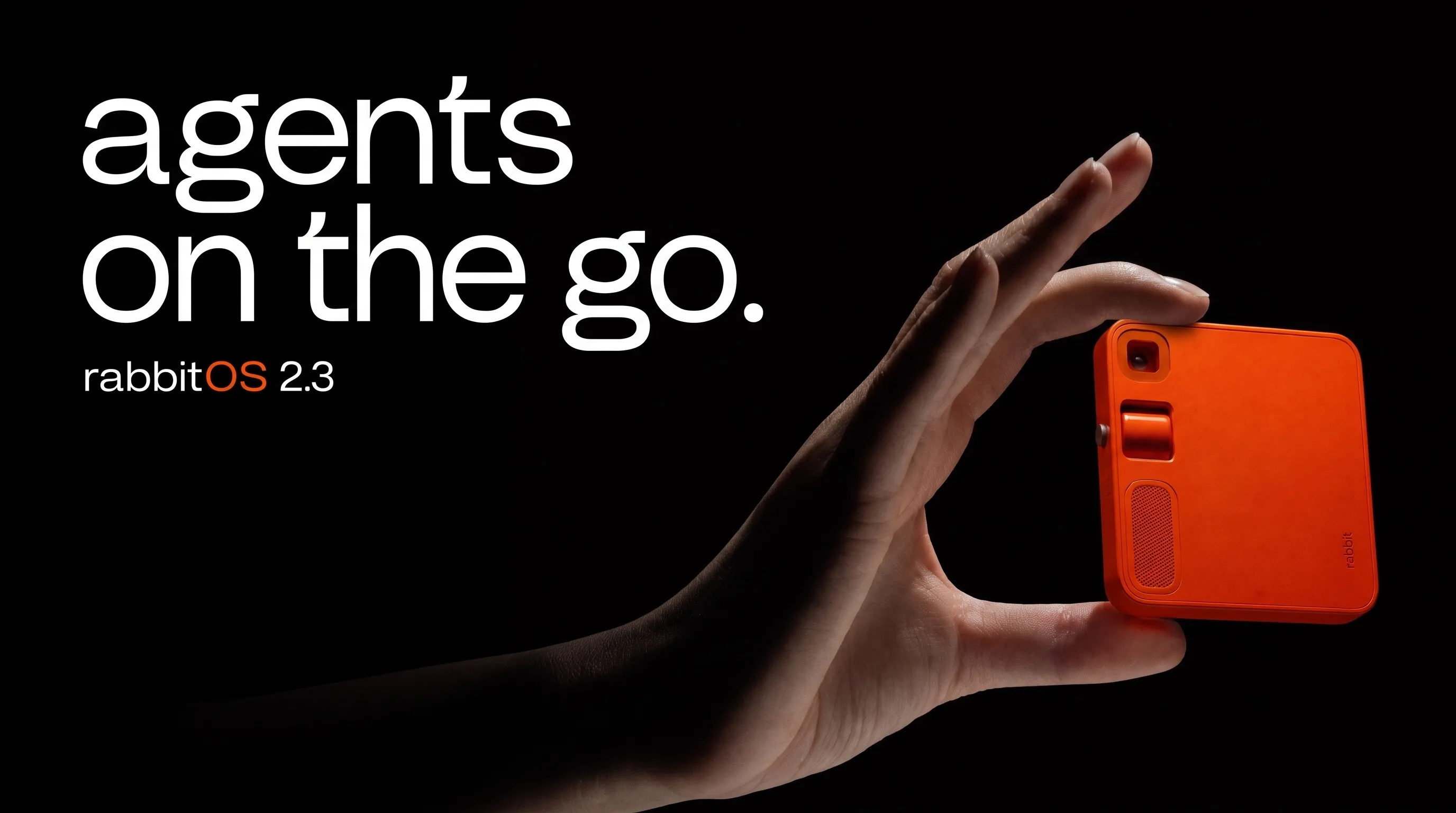
The set is ready in 4:5, 1:1 and 16:9, with the same r1, headline and type in each.
A rabbit static ad concept adapted across three aspect ratios.
In your product
Request a Brief for the campaign, then start one generation per format with its ID. Rainbrand passes the Brief's guidance and references to the image model with your prompt.
View API reference (opens in a new tab)1Request a Brief and wait for it.
curl -X POST https://www.rainbrand.com/api/v1/briefs \
  -H "x-api-key: $RAINBRAND_API_KEY" \
  -H "Content-Type: application/json" \
  -d '{
    "brandSessionId": "e6220a5e-4a68-4d39-8bb9-5105e9a3a164",
    "task": "Static ads for Acme Inc. Atlas Pro in 4:5, 1:1 and 16:9."
  }'

curl "https://www.rainbrand.com/api/v1/briefs/$BRIEF_ID?wait=true" \
  -H "x-api-key: $RAINBRAND_API_KEY""data": {
  "id": "657bcf79-1f2f-47fa-90f8-9245142980ed",
  "status": "completed", …
}
2Generate with the Brief.
curl -X POST https://www.rainbrand.com/api/v1/generations \
  -H "x-api-key: $RAINBRAND_API_KEY" \
  -H "Content-Type: application/json" \
  -d '{
    "brandSessionId": "e6220a5e-4a68-4d39-8bb9-5105e9a3a164",
    "model": "google/nano-banana-2.1",
    "briefId": "657bcf79-1f2f-47fa-90f8-9245142980ed",
    "input": {
      "prompt": "A product-led campaign image of Atlas Pro.",
      "aspect_ratio": "4:5",
      "image_size": "2K"
    }
}'How companies integrate Rainbrand into their agents and products.
All customer stories“We use Rainbrand to fetch each customer’s brand and generate accurate, on-brand creative for their ads. It means we don’t have to reinvent that part of the stack ourselves.”
“We pushed Rainbrand to production as our default image solution.”
“I have the ideas, but turning them into great design was always a struggle. Rainbrand makes me feel like the best designer in the world, and I don’t think I’ll need to hire one for the small stuff again.”
Connect Rainbrand to your agent, add a brand and name the formats you need.
Open the Rainbrand plugin and add it.
Open Rainbrand plugin (opens in a new tab)Connect your Rainbrand account when asked. It works in ChatGPT and in Codex.
An agent connected to Rainbrand through MCP and a ready brand, or sources such as a website to create one. Your agent requests a Brief and generates the images through the AI Gateway with a model that supports reference images and the sizes you need. Connect Rainbrand to your agent.
The Brief selects the brand guidance and product references that matter for this campaign. When your agent passes its ID with each generation request, Rainbrand gives the model that guidance and the Brief's references alongside the prompt. Every format uses the same Brief. How Briefs work.
Pick the strongest image and pass it as a reference in separate 1:1 and 16:9 generations, with the same Brief. Ask the model to keep the product, copy and visual direction while it recomposes each format. Read the model's input schema first to check it accepts reference images and those ratios.
Yes. The AI Gateway is optional. Your agent can pass the Brief's guidance and assets to the image tools you already use. Use your own tools.
Compare each image with the Brief for brand fit, product fidelity, copy and composition, check that any text is exactly right, then look at the set together for consistency. To check an image against the brand, request a Review.

Rainbrand builds and maintains shared brand context for your agents and products.