Rainbrand · create_briefReady
- Brand
- Ramp
- Task
- An animated 600 × 200 email signature banner
- Returns
- Lausanne, the wordmark and 4 product screens
1 Brief
Use casesEmail signature GIF
Your coding agent requests a Brief for the banner, animates it in HTML with the brand's fonts, logos and imagery, and renders a looping GIF.
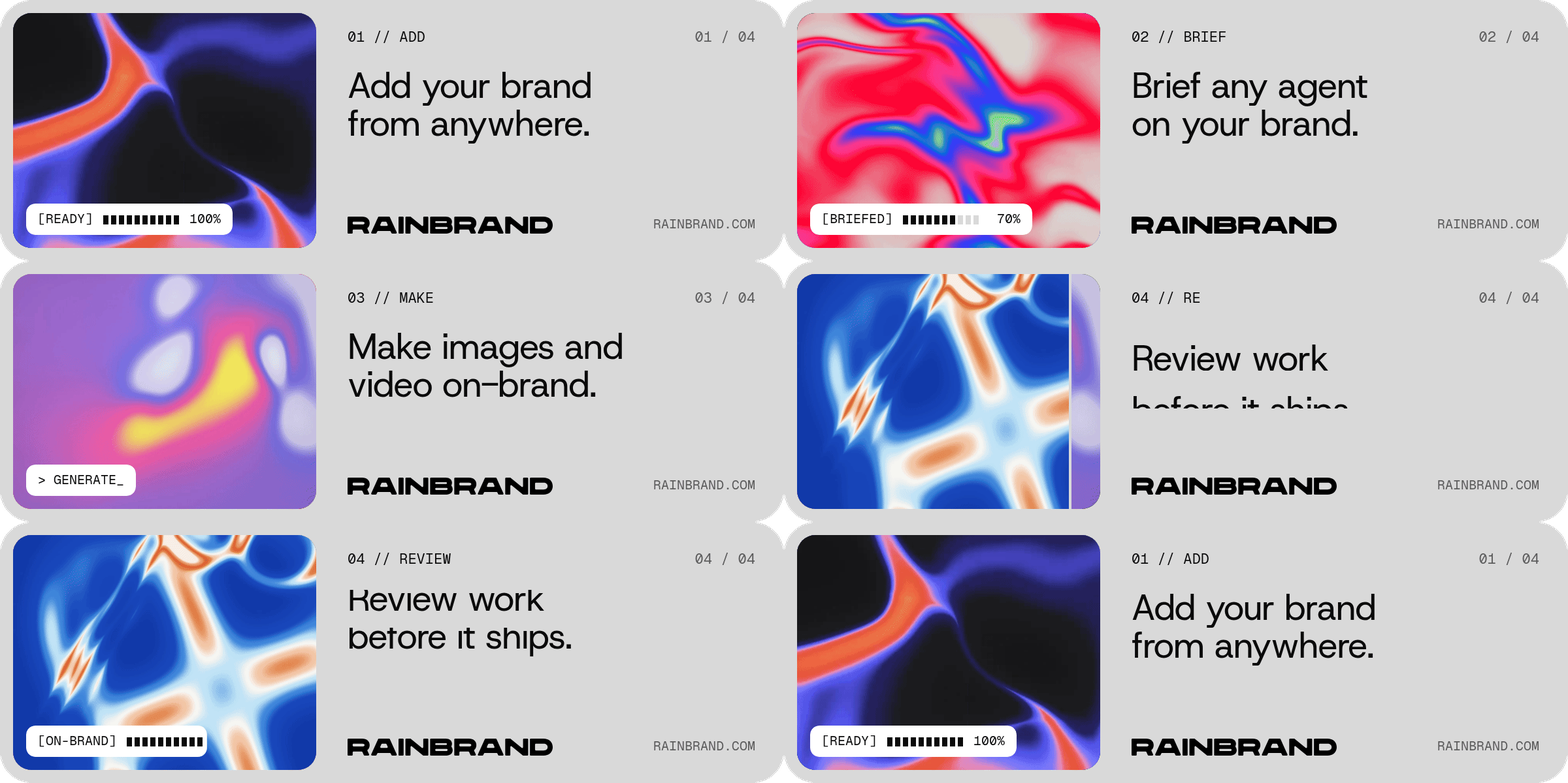
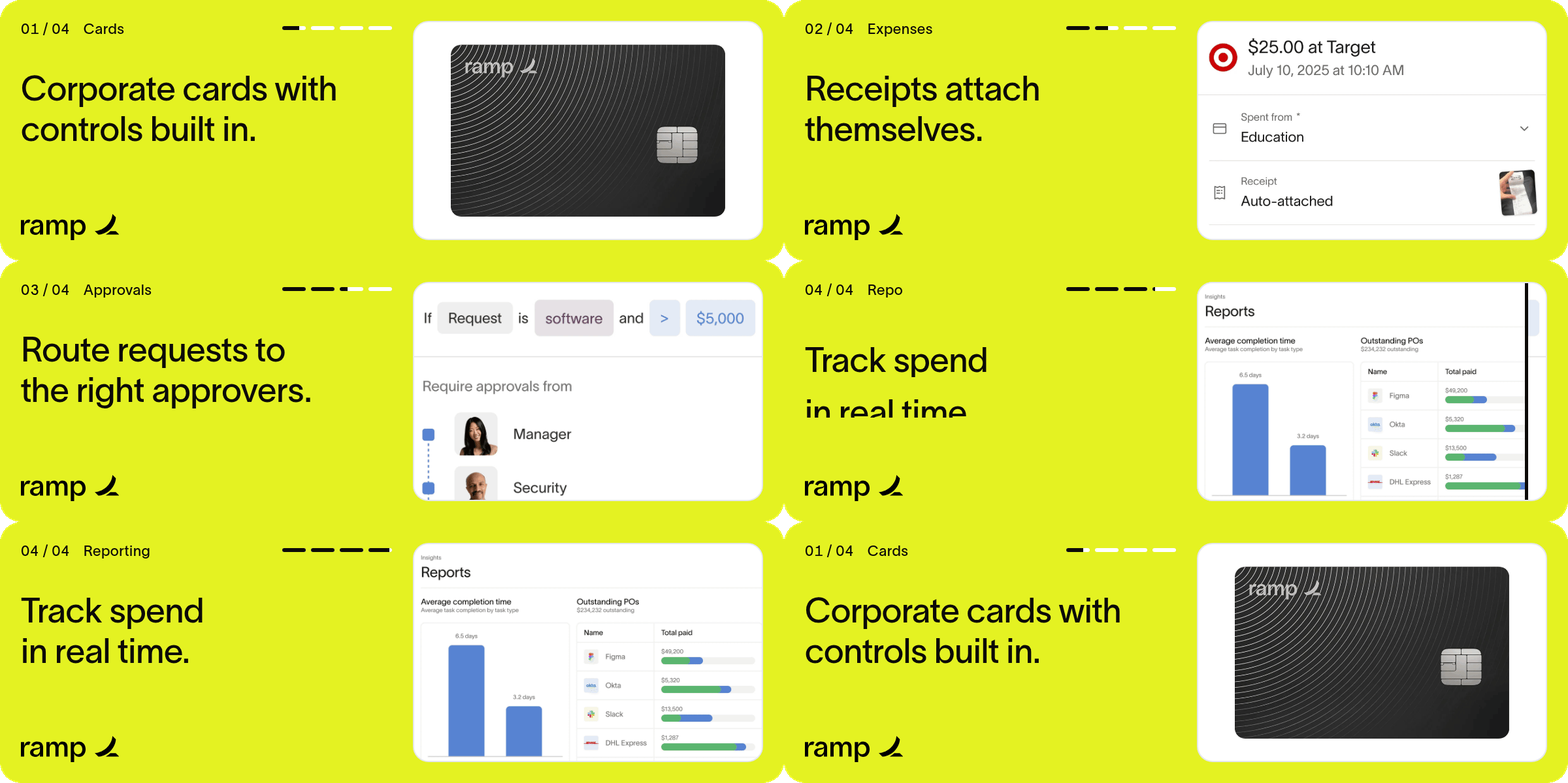
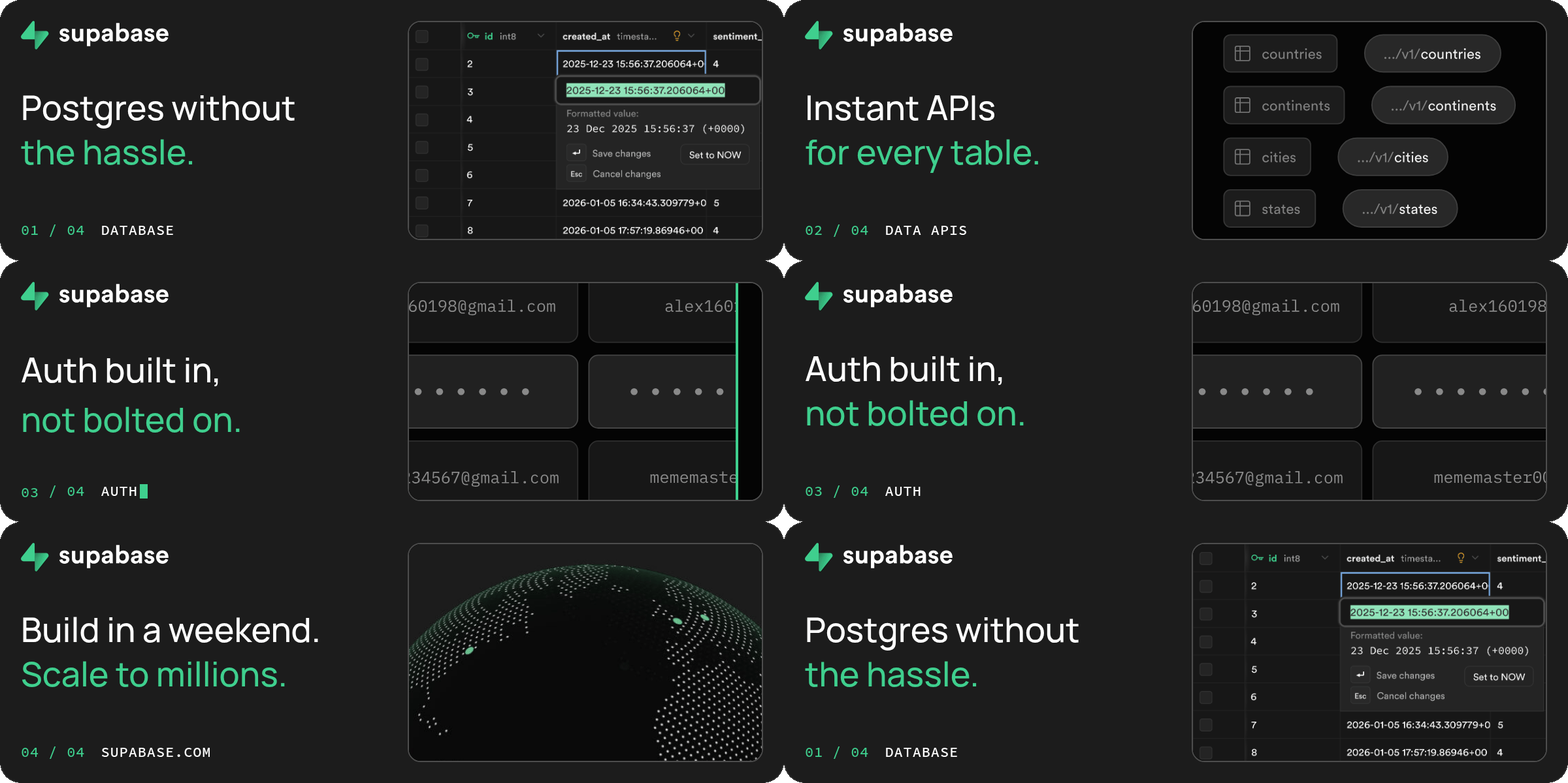
A coding agent can animate a banner, but without the brand's fonts, logos and product images it has to guess. Rainbrand gives it a Brief for the banner, with the brand's fonts, logos, colours and imagery.
How it's made
With your agent
Point your coding agent at rainbrand.com/signature. It requests a Brief, builds the loop in HTML, renders the GIF and reviews the frames.
Read the guide (opens in a new tab)Make an email signature GIF for Ramp (ramp.com) using https://www.rainbrand.com/signature. Build a 600 × 200 loop from the Brief's fonts, logos and imagery, and give me setup steps for my email client.
Claude Codecreate_briefSignature banner
Claude Codeget_briefWaiting until it's ready
Rainbrand BriefSignature banner
ReadyThe Brief is ready. I'll make a short product tour with one beat each for cards, expenses, approvals and reporting, set in Lausanne with the wordmark.
I rendered it with the skill's script and checked the frames against the Brief on light and dark backgrounds. I've opened signature.gif so you can see it move. Setup steps for Gmail, Apple Mail and Outlook are below.
Illustrated with the Ramp banner from the email signature GIF guide, rendered with the skill's script.
How companies integrate Rainbrand into their agents and products.
All customer stories“We use Rainbrand to fetch each customer’s brand and generate accurate, on-brand creative for their ads. It means we don’t have to reinvent that part of the stack ourselves.”
“We pushed Rainbrand to production as our default image solution.”
“I have the ideas, but turning them into great design was always a struggle. Rainbrand makes me feel like the best designer in the world, and I don’t think I’ll need to hire one for the small stuff again.”
Connect Rainbrand to your coding agent, add your brand and point the agent at rainbrand.com/signature.
Open the Rainbrand plugin and add it.
Open Rainbrand plugin (opens in a new tab)Connect your Rainbrand account when asked. It works in ChatGPT and in Codex.
A coding agent that can run Node.js, such as Claude Code, connected to Rainbrand through MCP, and a ready brand or a website to create one. Then point the agent at rainbrand.com/signature. Connect Rainbrand to your agent.
The Brief selects the fonts, logos, colours and imagery for the banner. Ramp's supplied Lausanne, the wordmark and four product screens. In Rainbrand's own banner, its voice guidance became the numbered labels and the [READY] chip. How Briefs work.
Yes. Describe it in your prompt. Otherwise your agent picks the idea that suits the brand, usually a short product tour with one beat for each thing the company does, and writes the copy in the brand's voice using claims from the Brief or the company's own site.
The skill gives setup steps for Gmail, Apple Mail and Outlook. Classic desktop Outlook shows only the first frame, so the loop starts on a finished still. The banners in the guide came out at 200 to 310 KB at 600 × 200, with a sharper 2× file alongside.
The render script writes sheets of the loop, its transitions and the first frame on light and dark backgrounds, and your agent reviews them against the Brief. The skill also asks Rainbrand for a Review of the first frame. Before you use it, send yourself a test email and check it on your phone and in the email clients your recipients use.

Rainbrand builds and maintains shared brand context for your agents and products.





