(Brand guidelines) // Finance
PayPal brand
guidelines
PayPal’s logo, colors, fonts, voice, and dos and don’ts, from the Brand Skill Rainbrand built from paypal.com.
Download the Brand Skill
- Deep blue#002991
- Navy blue#012169
- Bright blue#41B1F8
- White#FFFFFF
About PayPal
PayPal is a global financial technology and payments brand. Its identity pairs clear, reassuring communication with practical flexibility across consumer money management, shopping, and business payments.
PayPal logo
- WordmarkDownloadSVG of PayPal logoPNG of PayPal logo

Use PayPal’s logo and standalone mark artwork as supplied. Keep the artwork legible and recognizable; do not redraw, distort, or treat product imagery, campaign graphics, or backdrops as identity marks.
PayPal colors
Deep blue
Signature brand blue
HEXRGBNavy blue
Dark supporting blue
HEXRGBBright blue
Bright supporting blue
HEXRGBWhite
Website background
HEXRGBBlack
Website text and primary button background
HEXRGBLink blue
Website links
HEXRGB
PayPal fonts
PayPal Pro
Display headings · 900
PayPal Pro Text
Body · 400, Buttons and links · 700
PayPal Open
Subheadings · 500
Font names only. The Brand Skill download doesn’t include font files.
PayPal’s voice
Write with confident warmth. Make the benefit easy to grasp, then show how the experience works. Emphasize choice, convenience, and security in plain language; speak directly to the reader.
Use short, energetic phrases and parallel constructions to make complex services feel approachable. Keep promises measured and specific, especially around protection, rewards, credit, and financial outcomes.
- “Shop and pay with confidence. PayPal encrypts your key financial details, so you get smart security and real peace of mind”
- “Build a PayPal-hosted checkout page in a few clicks. No website or coding required”
- “Your transactions are encrypted. We keep your full financial info safe”
- “Get paid. Get growing. Get ahead”
Dos and don’ts
Do
- Use PayPal’s blue palette, supplied identity artwork, and type families consistently across branded work.
- Show the practical benefit early, then explain the payment or money-management experience in plain, direct language.
- Use warm, everyday lifestyle scenes to make digital services feel approachable.
- Keep claims specific and qualified when benefits depend on eligibility, terms, or transaction conditions.
Don’t
- Don’t distort or redraw PayPal’s logo or standalone marks.
- Don’t present illustrative screen images as a guarantee of the exact live interface or a product outcome.
- Don’t turn conditional security, rewards, or protection benefits into universal guarantees.
- Don’t make service descriptions dense or abstract when a straightforward explanation will do.
PayPal imagery
41 images from paypal.com, in 4 files of the Brand Skill. Each file starts with its guidance, then shows the images it refers to.
Lifestyle photography
13 imagesShow people in relatable, everyday moments: relaxing at home, spending time together, shopping, or working on a small business. Favor warm, candid scenes that make digital payments and money management feel part of real life.













Marketing imagery
7 imagesUse PayPal’s own marketing visuals to support the story of the specific page or campaign. Hero and share images introduce a page; lifestyle and product-led campaign art can show the benefit in context. Keep the image’s original role in mind when adapting it.




Product imagery
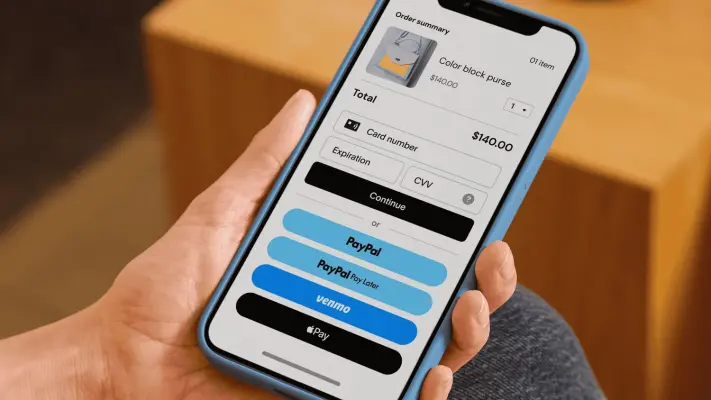
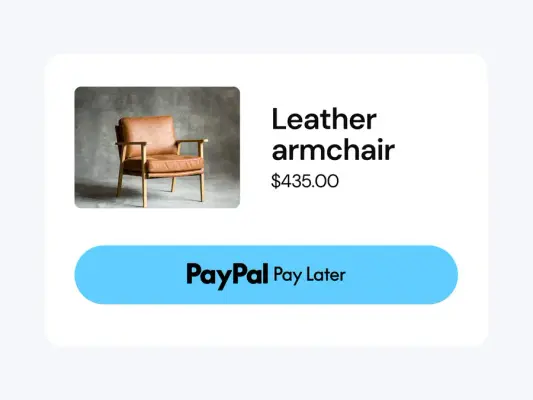
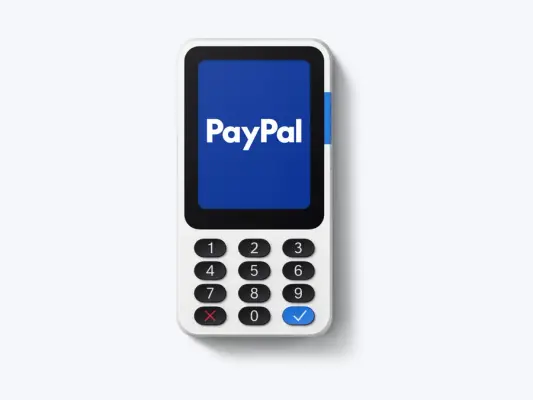
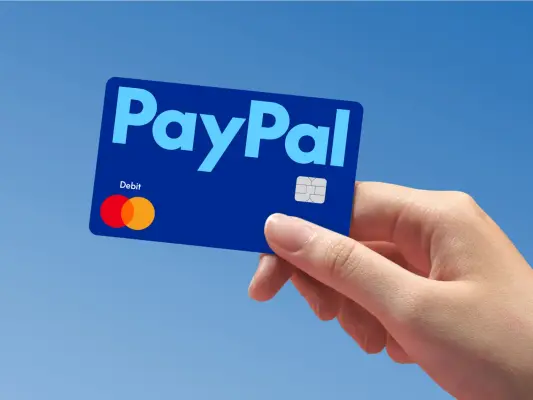
18 imagesMake PayPal’s products tangible with clear views of payment moments, mobile experiences, and business tools. Pair product interfaces with context that shows how people shop, pay, or run a business. Screen images are illustrative; present them as visual examples, not as guaranteed depictions of every live experience.

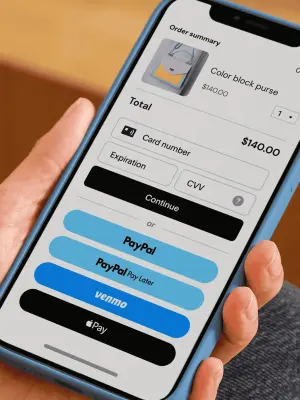

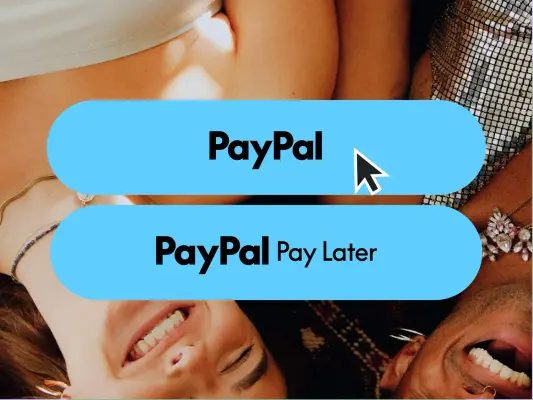

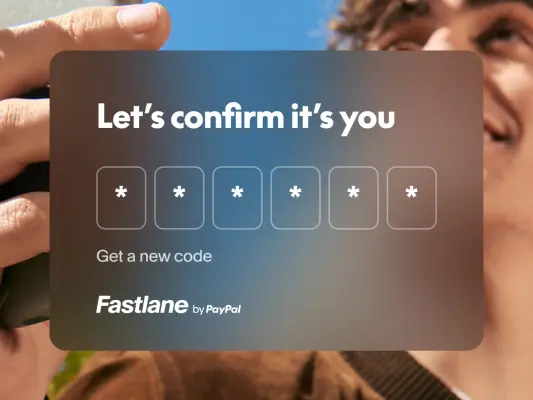





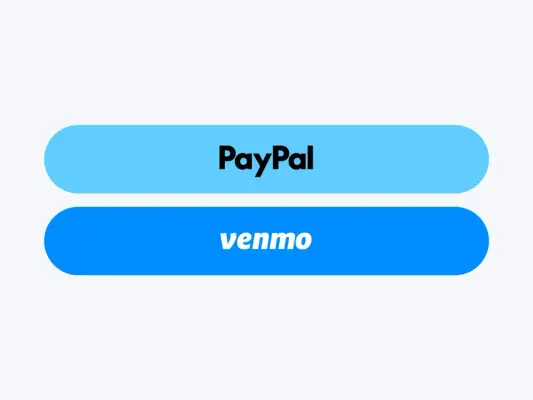



Branded backdrops
3 imagesUse PayPal’s branded backdrops as supporting visual fields. Keep the logo or message readable against the background and let the backdrop support—not replace—the primary content.


More from the Brand Skill
Logos
Use PayPal’s logo and standalone mark artwork as supplied. Keep the artwork legible and recognizable; do not redraw, distort, or treat product imagery, campaign graphics, or backdrops as identity marks.
Download PayPal’s Brand Skill
A Brand Skill is a folder of brand guidance written for agents. Give it to Claude, ChatGPT, Cursor or another agent and ask it to follow PayPal’s guidelines. It starts at SKILL.md, which points to the right file for each task.
It has the guidance, 41 images and the logos. The font files belong to PayPal, Inc, so they’re left out.
paypal-brand-skill/
├ SKILL.md
├ README.md
├ references/
│ ├ dos-and-donts.md
│ ├ voice.md
│ ├ lifestyle-photography.md
│ ├ marketing-imagery.md
│ ├ brand-colors.md
│ ├ typography.md
│ ├ product-imagery.md
│ ├ brand-mark.md
│ ├ branded-backdrops.md
│ ├ colors.md
│ └ logos.md
└ assets/
├ images/
└ logos/
Rainbrand’s Brand Agent built this Brand Skill from paypal.com on 3 Nov 2026. It isn’t PayPal’s official guide. Reviewed by Siddharth Borderwala, Founding Engineer at Rainbrand.
PayPal and its logos are trademarks of PayPal, Inc. Rainbrand isn’t affiliated with or endorsed by PayPal, Inc.

Make one for
your brand.
Add Rainbrand to your agent and give it your website, brand guide or files. Rainbrand builds a Brand Skill like this one and keeps it up to date.

Open the Rainbrand plugin and add it.
Open Rainbrand plugin (opens in a new tab)Connect your Rainbrand account when asked. It works in ChatGPT and in Codex.
More brand guidelines
See all brands Cash App brand guidelinesFinance
 Mastercard brand guidelinesFinance
 Mercury brand guidelinesFinance

Rainbrand builds and maintains shared brand context for your agents and products.