Bloom is now Rainbrand

(Brand guidelines) // Finance

Cash App brand
guidelines

Cash App’s logo, colors, fonts, voice, and dos and don’ts, from the Brand Skill Rainbrand built from cash.app.

Download the Brand Skill

About Cash App

Cash App is a financial services platform for managing, sending, spending, saving, and investing money. Its identity pairs a vivid green accent and clean Cash Sans typography with direct, approachable language and lively, product-led imagery.

Use the Cash App symbol and wordmark lockup as the main brand signature. Preserve the dollar-sign symbol, lettering and original spacing.

Use the green-and-black lockup on a light background. Keep card designs, app interfaces and campaign imagery separate from the identity artwork.

Cash App colors

  • Cash App green

    Primary brand accent

    HEX
    RGB
  • Black

    Wordmark and text

    HEX
    RGB
  • White

    Light backgrounds

    HEX
    RGB

Cash App fonts

  • Cash Sans Wide

    Headlines · 600

  • Cash Sans

    Body and controls · 400

Font names only. The Brand Skill download doesn’t include font files.

Cash App’s voice

Write in plain, friendly language that makes managing money feel immediate and understandable. Speak directly to the reader, focus on useful outcomes, and keep sentences short and confident. Use lively phrasing when the subject invites it, especially for expressive products such as Cash App Tags.

  • “The way money should work”
  • “From getting paid to growing what you've got, Cash App makes managing your money effortless and instant—without all the fees”
  • “It's a more whimsical way to tap to pay”
  • “Sending money is fast, free, and made for you”
  • “Security built into every swipe, tap, and send”

Dos and don’ts

Do

  • Lead with the customer benefit and explain how the product helps in concrete terms.
  • Use direct, conversational phrasing and address the reader as “you.”
  • Keep product language simple and actionable; explain features through familiar actions such as sending, saving, and spending.
  • Keep security language reassuring but specific, describing the feature rather than promising perfect protection.
  • Match the tone to the product: approachable and practical for money tools, more playful for Tags.

Don’t

  • Don’t make absolute security, insurance, investment, or financial-outcome promises. State applicable conditions and risks when describing those products.
  • Don’t overload copy with jargon, long qualifications, or abstract claims when a clear everyday explanation will work.
  • Don’t treat every product as whimsical; reserve playful language for contexts that support it.
  • Don’t present changing figures or benefit terms as timeless. Use current, approved wording and preserve relevant qualifications.

Cash App imagery

Borrow and Afterpay imagery

22 images

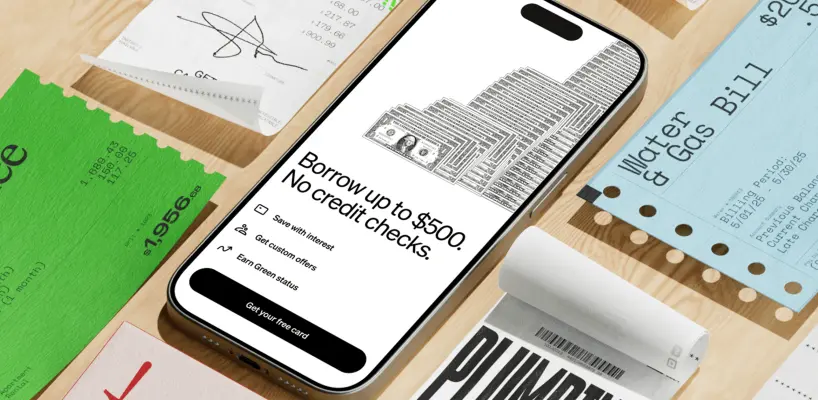
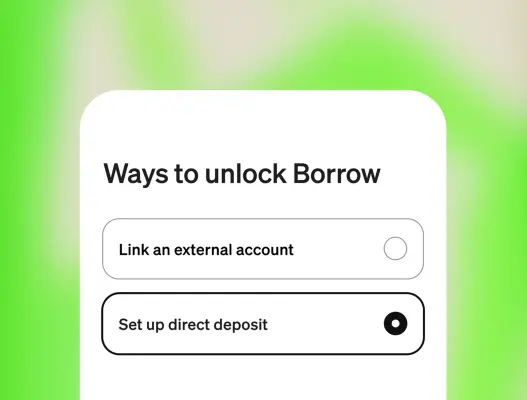
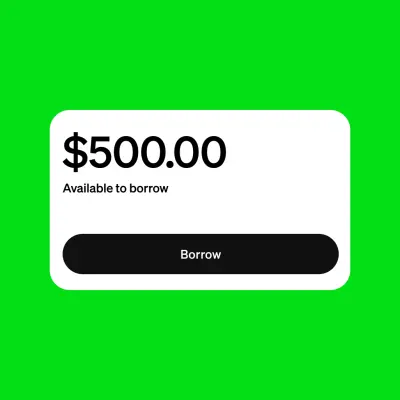
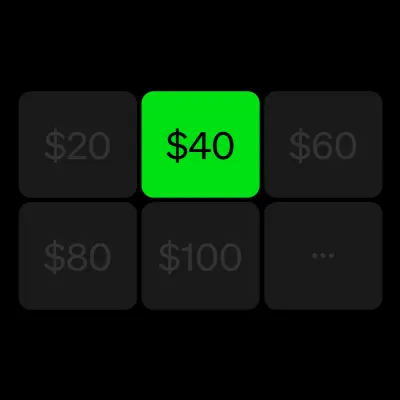
Borrowing and pay-over-time visuals should make the customer journey easy to understand. Use the product flows, payment schedules, and feature visuals alongside clear, qualified copy.
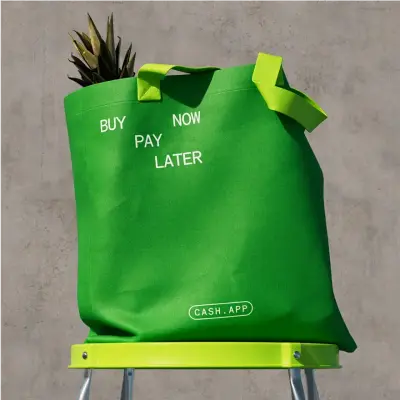
  • A minimalist black and white graphic features three identical dollar signs arranged horizontally in a row.
  • A vibrant green felt tote bag sits atop a lime green metal stool against a textured gray concrete wall.
  • A vibrant lime green lightning bolt icon with rounded terminals and a minimalist, flat graphic design.
  • A neon green minimalist icon featuring a rectangular tag and an open padlock.
  • A vibrant lime green graphic icon featuring a bold 'X' centered beneath a segmented semicircular arch.
  • A minimalist lime green graphic composed of four circular elements arranged in a perfect square grid.
  • A smartphone rests on a wooden surface, surrounded by physical financial documents like a green rent receipt for $1,956.68 and a blue 'Water & Gas Bill'.
  • A close-up digital screenshot shows a white interface card titled "Ways to unlock Borrow" against a soft, blurred lime green background.
  • A vibrant lime green graphic features a centered white card with rounded corners, mimicking a mobile app interface.
  • A flat digital graphic displays a grid of six rounded square tiles against a black background.
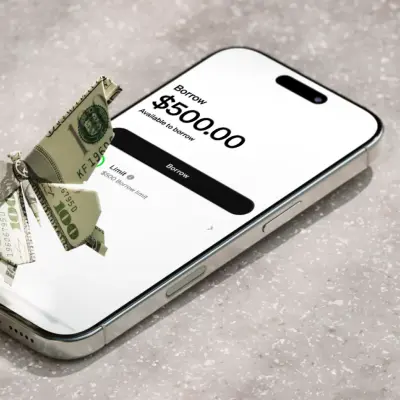
  • A close-up studio shot shows an origami butterfly folded from a one-hundred-dollar bill resting on a white smartphone screen.
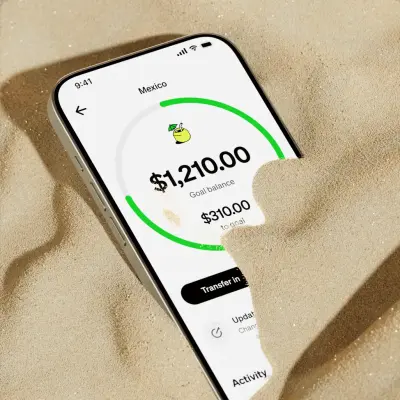
  • A close-up photograph features a modern smartphone partially buried in light-colored, textured beach sand.
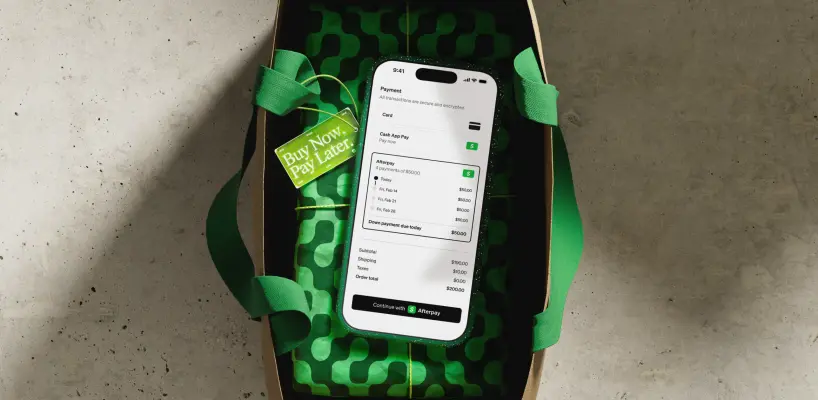
  • A smartphone rests atop a gift wrapped in green patterned paper inside a brown shopping bag with bright green straps.
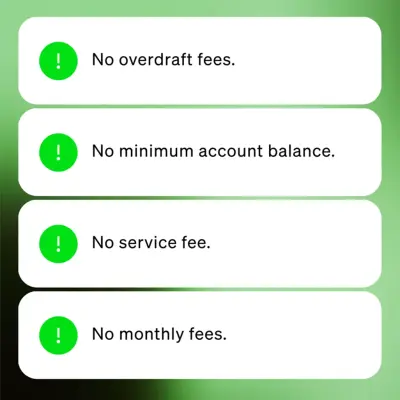
  • A vertical stack of four white, rounded notification bubbles is set against a soft, gradient green background.
  • A digital graphic displays a set of four dark circular progress indicators arranged in a 2x2 grid on a black background.
  • A minimalist black icon is centered on a vibrant, solid neon green background.
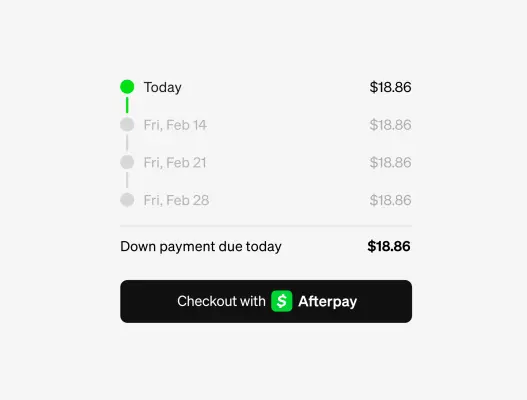
  • A digital UI screenshot displays an installment payment schedule against a clean light background.
  • A digital notification graphic floats against a soft, grainy background with a gradient of lime green and off-white.
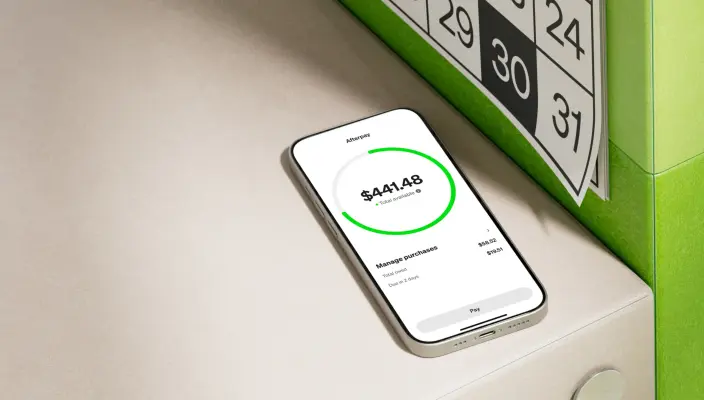
  • A high-angle product shot shows a smartphone resting on a textured beige surface next to a bright green binder and a paper calendar.
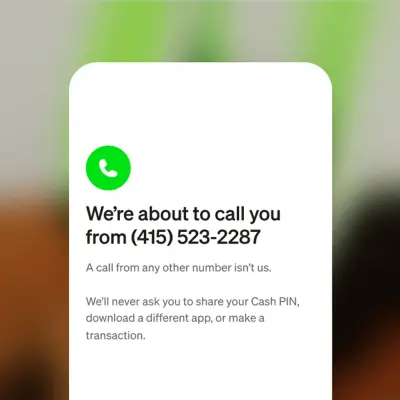
  • A clean, vertical mobile app notification card features a vibrant green circular phone icon above bold black text.
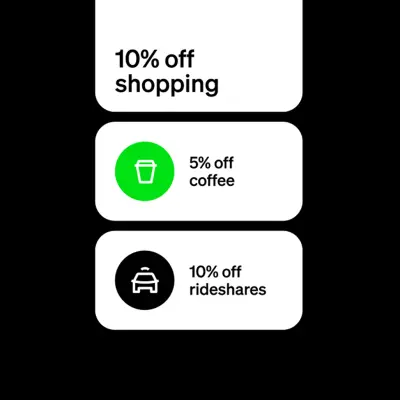
  • A vertical stack of three rounded white cards floats against a solid black background.
  • This black and white graphic features the Trustpilot logo followed by a four-and-a-half-star rating.

Brand and card imagery

26 images

Use the Cash App mark and card imagery as product-led brand assets. Card designs can be expressive and varied while remaining recognizably Cash App; treat the standalone mark as identity artwork and card designs as product imagery.
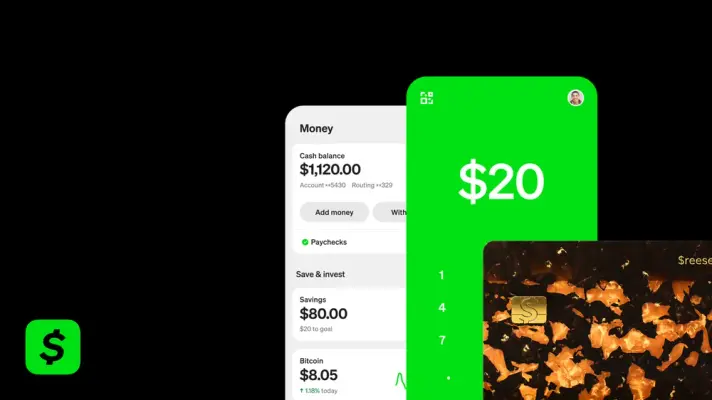
  • A digital interface collage displays various Cash App screens and a debit card against a solid black background.
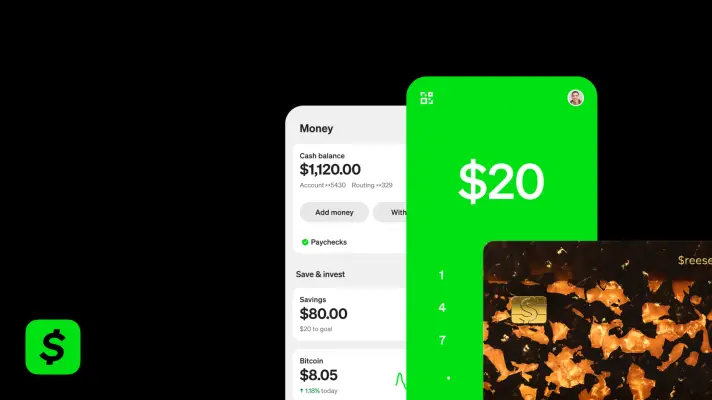
  • A vibrant collage of Cash App interfaces and a physical card set against a black background.
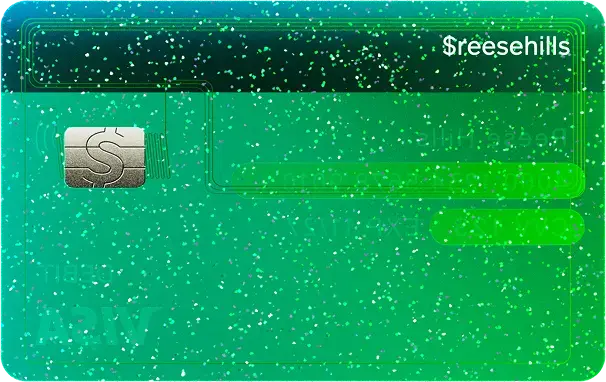
  • A vibrant teal and green glitter-covered debit card graphic featuring a silver dollar sign emblem on its chip.
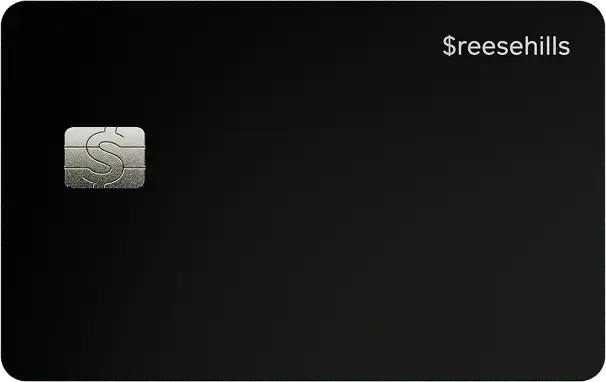
  • A sleek, matte black debit or credit card with rounded corners and minimal detail.
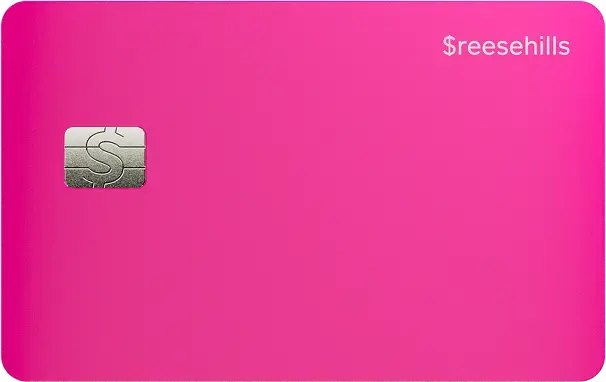
  • A vibrant hot pink credit card oriented horizontally, featuring a silver EMV chip on the left side embossed with a dollar sign.
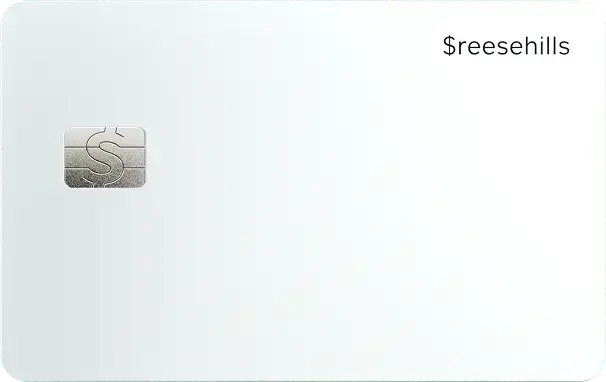
  • A minimalist white Cash App card features a matte finish with rounded corners.
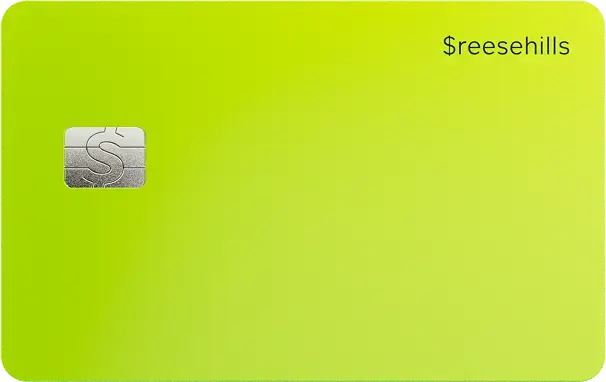
  • A vibrant chartreuse-green debit card features a matte, uniform finish with rounded corners.
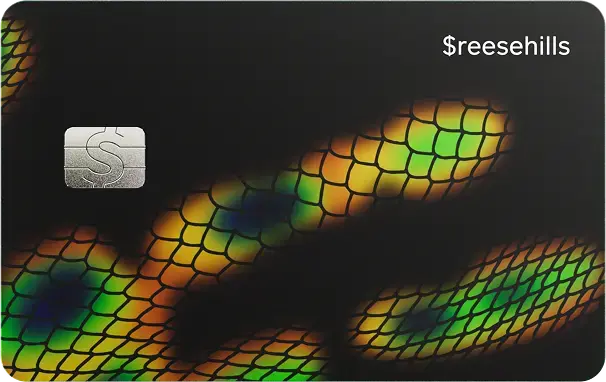
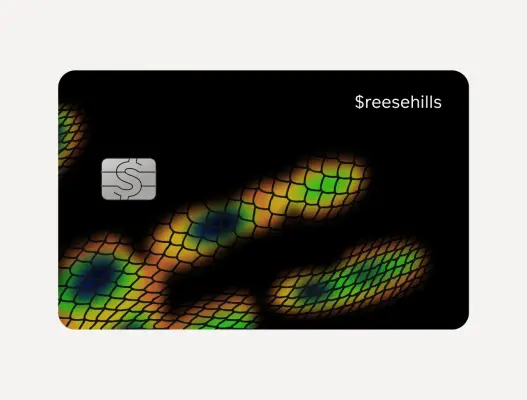
  • A matte black debit card featuring a vibrant iridescent snake scale pattern that flows across the bottom and right side in hues of gold, green, and blue.
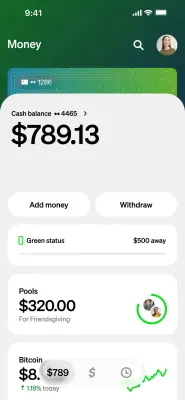
  • A vertical screenshot of a mobile banking app's 'Money' interface set against a textured dark green background.
  • A close-up vertical photo captures a person's hand holding a white, glossy star-shaped wand against a clear blue sky.
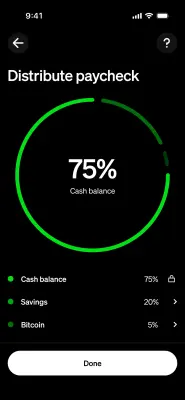
  • A dark mode mobile application screenshot titled "Distribute paycheck" featuring a vibrant neon green ring chart.
  • A close-up portrait of a woman with a sleek dark bob and winged eyeliner looking confidently into the camera against a bright blue sky with soft white clouds.
  • A vibrant lime green graphic symbol featuring a vertical oval with a diagonal slash passing through it from bottom-left to top-right.
  • A bright green graphic icon of a price tag, angled diagonally from the bottom left toward the top right.
  • A vibrant green flat-style icon featuring a bold shield outline with rounded corners.
  • A vibrant green vector graphic resembling a credit card or digital wallet icon.
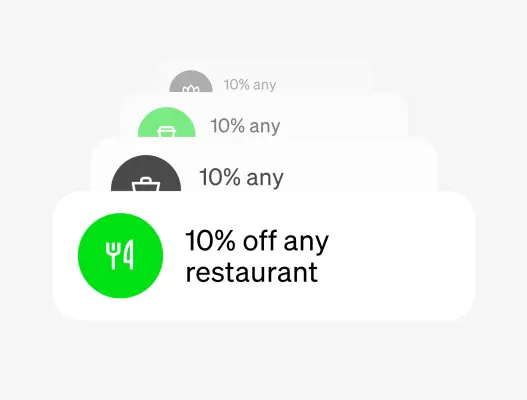
  • A tiered stack of four white digital notification cards creates a minimalist graphic against a light gray background.
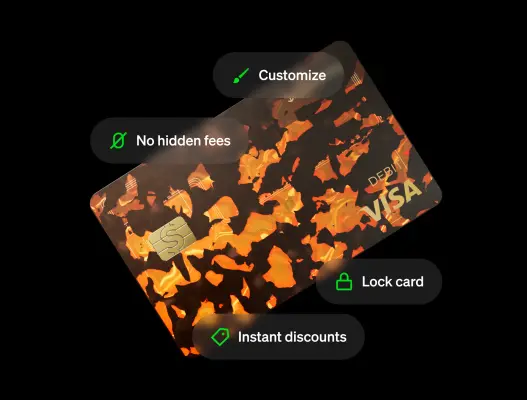
  • A tilted Visa debit card with a tortoiseshell-patterned design in amber and dark brown features a gold chip with a dollar sign.
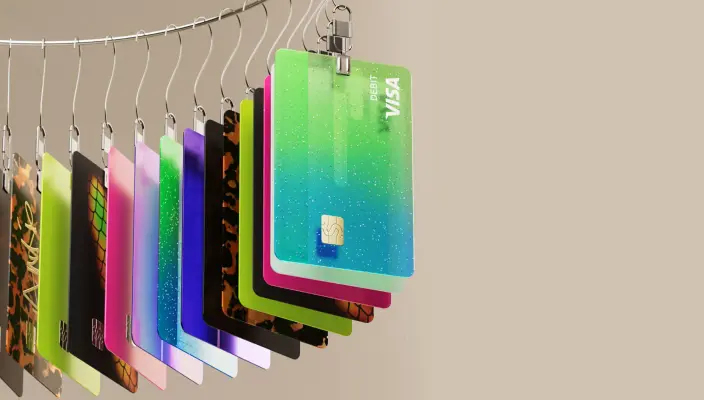
  • A vibrant sequence of stylized vertical debit cards hangs from silver metal clips along a curved wire, set against a neutral beige background.
  • A vertical stack of three rounded white cards floats against a solid neon green background.
  • A digital graphic featuring a white, rounded-corner card centered against a textured, grainy background of blurred green and grey tones.
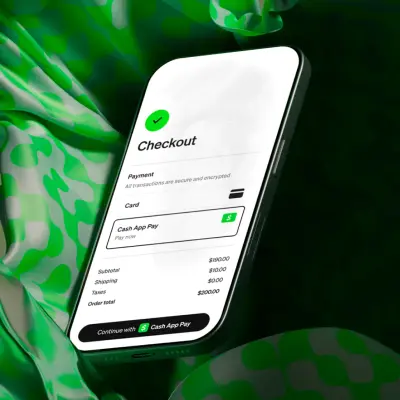
  • A smartphone floats at a sharp angle against a backdrop of fluid, lime green and dark forest green patterned silk.
  • A vibrant green icon featuring a rounded, minimalist rectangle with a small horizontal dash inside, resembling a simplified credit card or wallet.
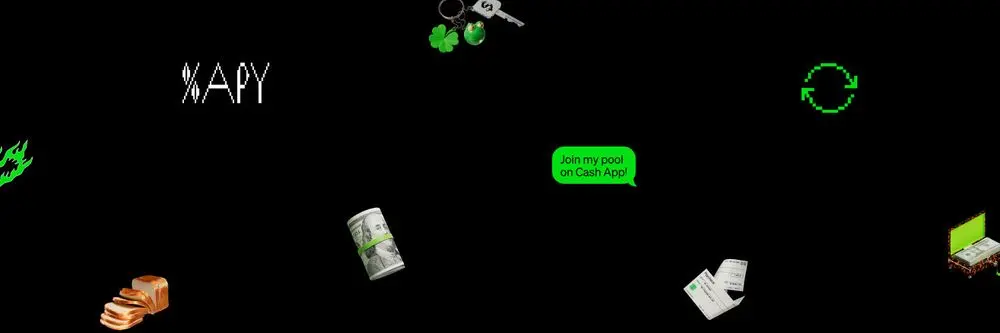
  • A wide black banner scattered with various finance-themed graphics and 3D objects, including a loaf of sliced bread, a roll of cash, a green 'Join my pool on…
  • A horizontal banner graphic featuring a dark, sparse background populated with floating lo-fi and pixelated financial icons.
  • A dark, horizontal banner features a wide scattering of financial and pop-culture icons against a black background.

Spending and direct deposit imagery

7 images

Everyday spending and deposit imagery should feel practical and product-connected. Use card, offers, QR-pay, paycheck, and deposit visuals to show how Cash App fits routine money moments.

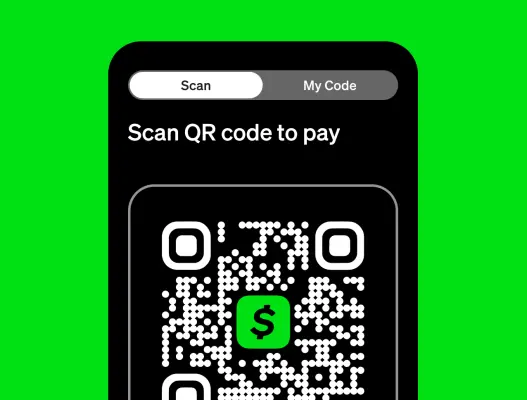
  • A vibrant green QR code with black dots and three rounded square anchor points in the corners.
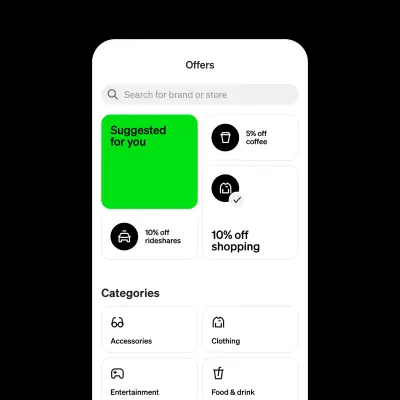
  • A clean UI screenshot of an 'Offers' mobile app interface featuring a prominent vibrant green card labeled 'Suggested for you.' The layout uses a grid of…
  • A sleek black debit card features an iridescent peacock-inspired scale pattern that glows in shades of gold, green, and blue.
  • A close-up graphic of a smartphone screen interface set against a vibrant green background.
  • A close-up photograph features a white paycheck taped to a reflective, cloudy surface with neon green 'CASH APP' tape.
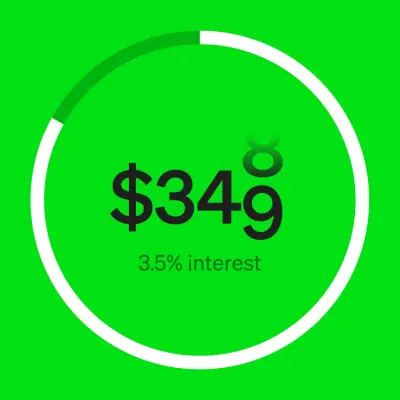
  • A minimalist graphic on a vibrant lime green background features a large white circle acting as a progress ring with a small dark green section at the top.
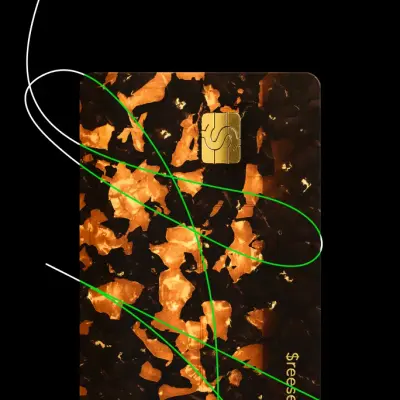
  • A vertical credit card with a luxury tortoiseshell pattern in rich amber and dark chocolate tones is set against a solid black background.

Families and teen imagery

20 images

Family-focused creative shows Cash App adapting to different ages while keeping the product recognizable. Use account, parental-control, card, and savings imagery that fits the intended age group and depicts the product experience accurately.

  • A vibrant lime green graphic of a stylized person icon.
  • A vibrant neon green graphic icon features a stylized, lowercase letter 'b' enclosed within a thick circular ring.
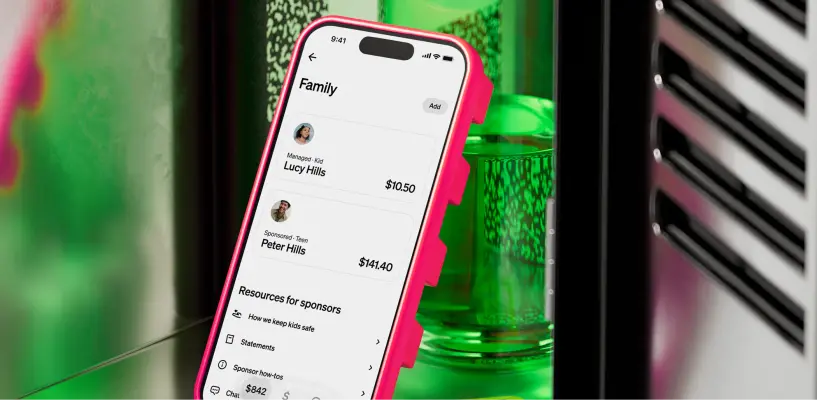
  • A close-up product shot features a smartphone in a vibrant pink case, angled inside a school locker next to a green glass bottle.
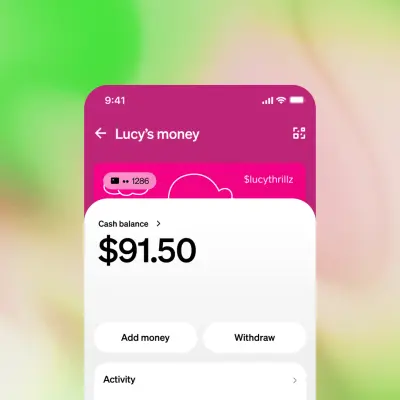
  • A close-up digital interface of a mobile banking app centered on a bold '$91.50' cash balance.
  • A vibrant green mobile app interface centered on a large white "$20" amount, set against a stark black background.
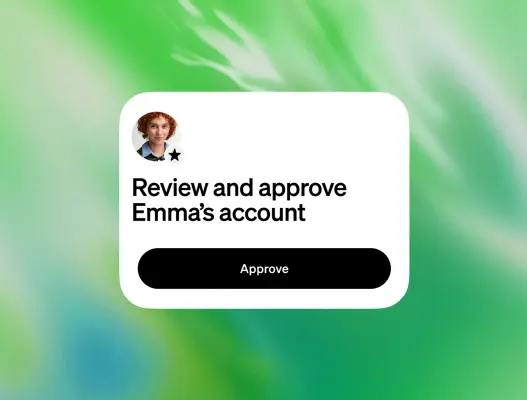
  • A floating white interface card sits centered against a textured, vibrant green and teal gradient background.
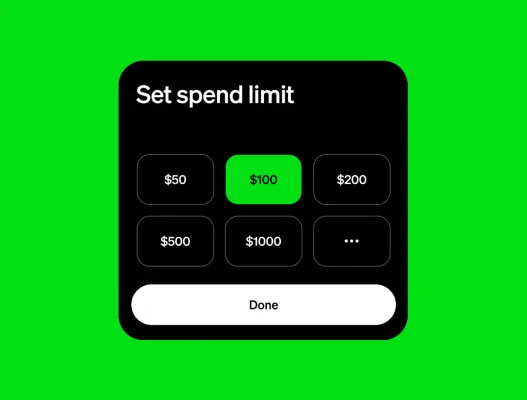
  • A digital UI screenshot of a "Set spend limit" menu card is centered against a vibrant neon green background.
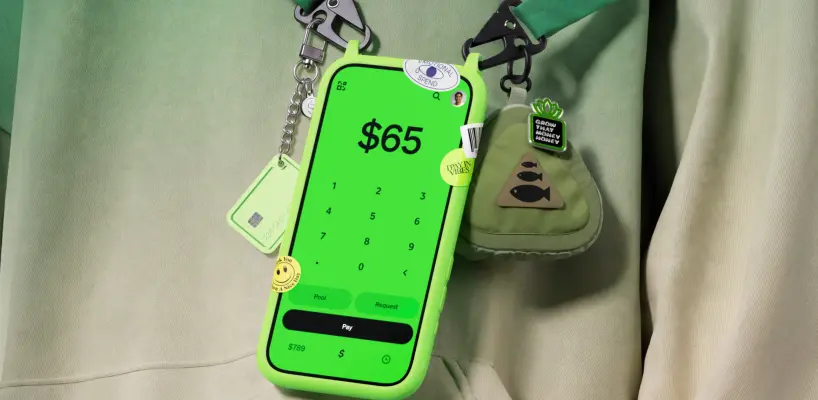
  • A vibrant green smartphone screen displaying a '$65' payment interface hangs from a green lanyard against a soft, ombre-green hoodie.
  • A vibrant green square app icon containing a black dollar sign sits in the center of a black field.
  • A vibrant lime green pill-shaped button is centered against a solid black background.
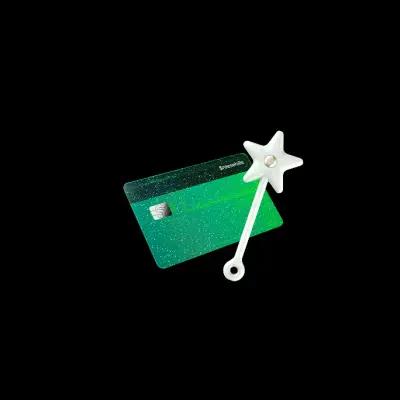
  • A white, rounded star wand with a gem in its center leans against a sparkling, emerald-green payment card.
  • A tortoiseshell pattern Cash App Visa debit card hangs from a green clothesline alongside a black heart charm, a white star wand, and a lime green keychain…
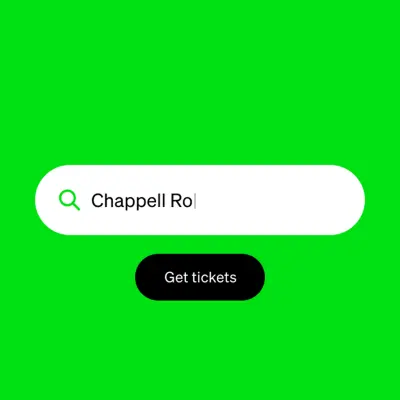
  • A vibrant lime green graphic features a centered white search bar with a green magnifying glass icon and the text 'Chappell Ro' followed by a vertical cursor.
  • A graphic featuring three stacked white rounded-rectangle cards against a black background, representing a digital wallet or app interface.
  • A bold black padlock icon is centered against a vibrant, grainy green gradient background.
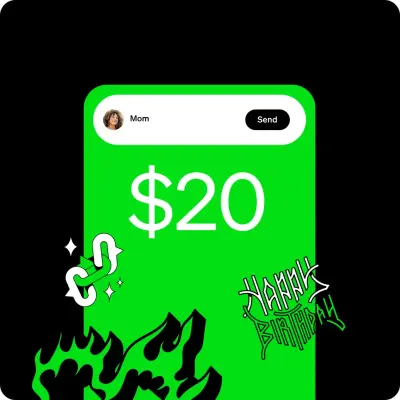
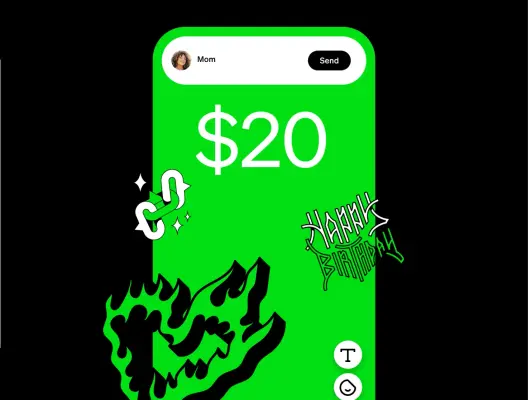
  • A vibrant green digital interface displays a transaction of '$20' addressed to 'Mom' with a black 'Send' button at the top.
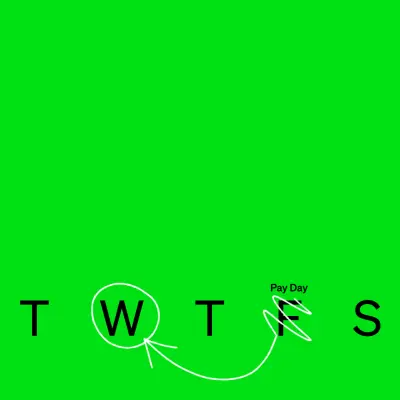
  • A vibrant lime green graphic features the black capitalized initials "T W T F S" representing the work week across the bottom.
  • A vertical stack of three rounded white cards sits against a vibrant lime green background.
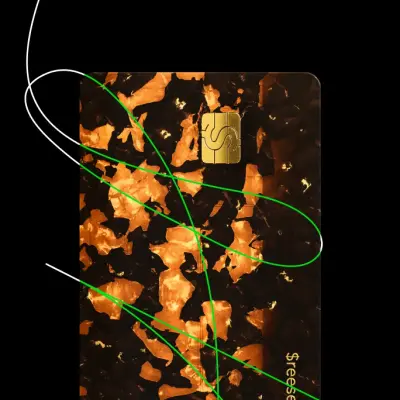
  • A close-up vertical shot of a credit card featuring a dark tortoiseshell pattern with glowing amber and copper flecks.
  • The phrase "Hidden fees" is written in a traditional black serif font and centered on a plain white background.

Homepage and cross-product imagery

5 images

Homepage creative brings together the Cash App card, access to cash, savings, payments, and Tags. Use these assets for cross-product storytelling rather than as standalone identity marks.

  • A mobile app notification bubble reading "Paycheck deposited" and "1m Ago" is centered over a vibrant, lime green and cream abstract background.
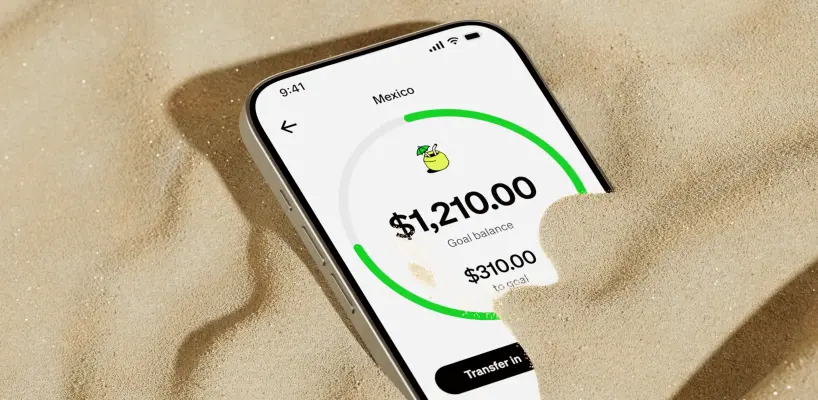
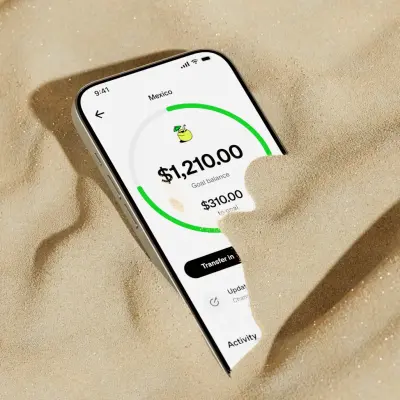
  • A smartphone is partially buried in fine, tan sand, showing a banking app's savings goal for 'Mexico'.
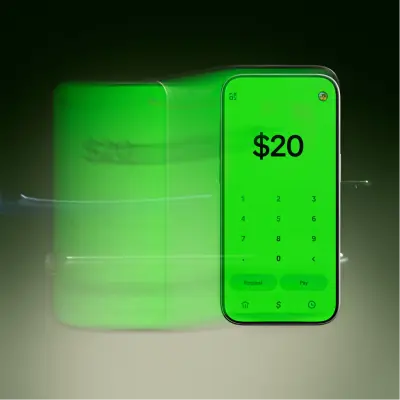
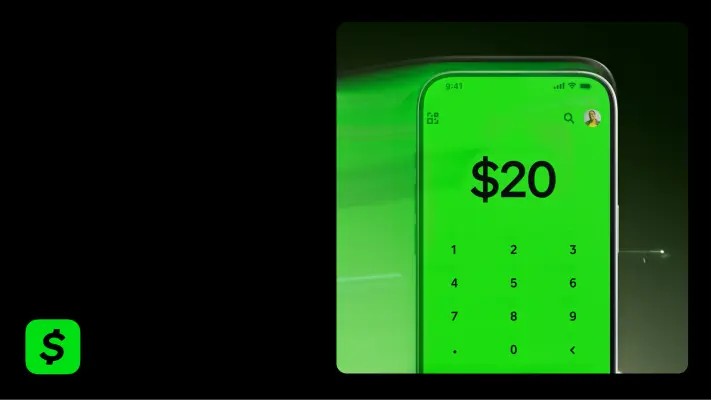
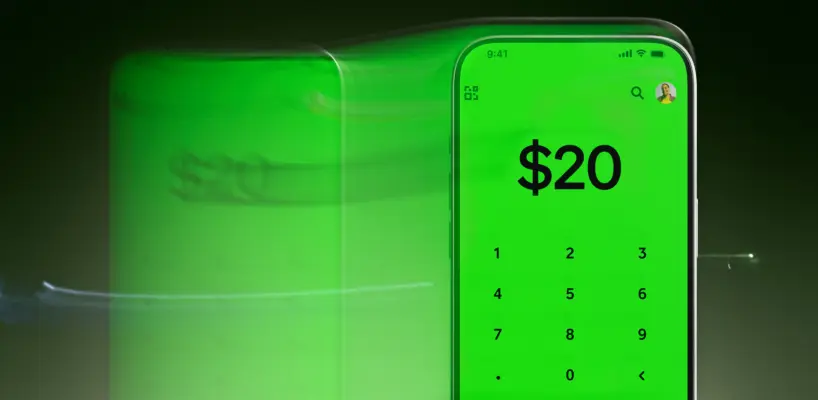
  • A vibrant green smartphone screen displays a $20 payment interface with a numeric keypad and buttons for "Request" and "Pay." The image uses a dynamic motion…
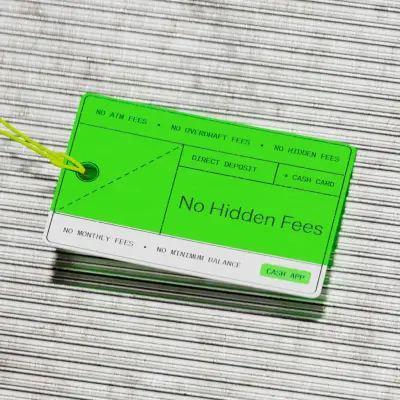
  • A high-angle product shot features a neon green and white hangtag resting on a textured, grey-ribbed surface.
  • A close-up studio shot shows a smartphone with a bright green screen displaying a digital keypad and the text '$20'.

Investing and bitcoin imagery

20 images

Keep investing and bitcoin visuals grounded in the Cash App product experience. Use the interface and feature imagery in context; pair promotional investing or bitcoin creative with the appropriate risk-aware language.


  • A square, vibrant green QR code graphic features a pattern of small black circular dots instead of standard blocks.
  • A vibrant neon green icon depicts a wavy, rectangular bank note outline with a solid oval in the center.
  • A vibrant neon green graphic icon depicting two curved arrows in a circular, clockwise rotation pattern.
  • A vibrant neon green line graphic representing a positive trend.
  • A neon green graphic logo features a thick, vertical pill shape with a diagonal slash running through it from bottom-left to top-right.
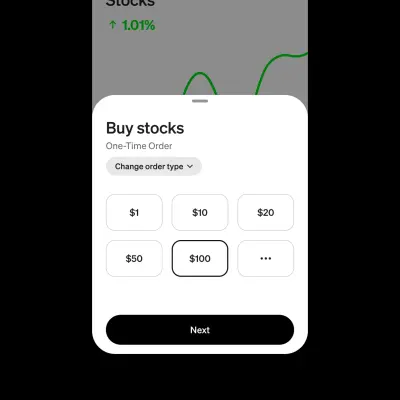
  • A close-up UI screenshot of a mobile stock trading app featuring a white overlay menu labeled "Buy stocks" over a dark grey background with a green trend…
  • The words "Hidden fees" are centered in a black serif font against a plain, light beige background.
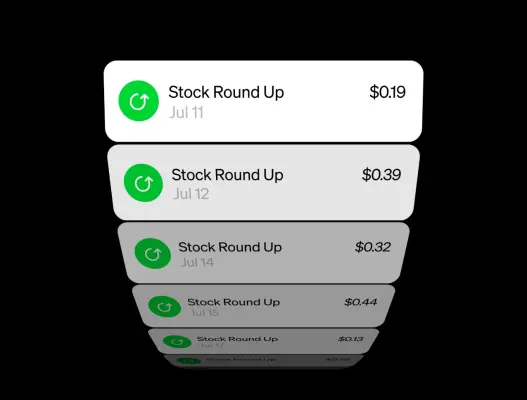
  • A digital graphic displays a stack of rounded mobile app notifications receding into the distance against a black background.
  • A grainy, stylized Bitcoin symbol is centered against a textured background that transitions from a vibrant lime green on the left to a muted off-white on…
  • A bright neon green Bitcoin symbol stands out with its bold, blocky silhouette.
  • A vibrant neon green icon depicts a simplified line graph arching upward.
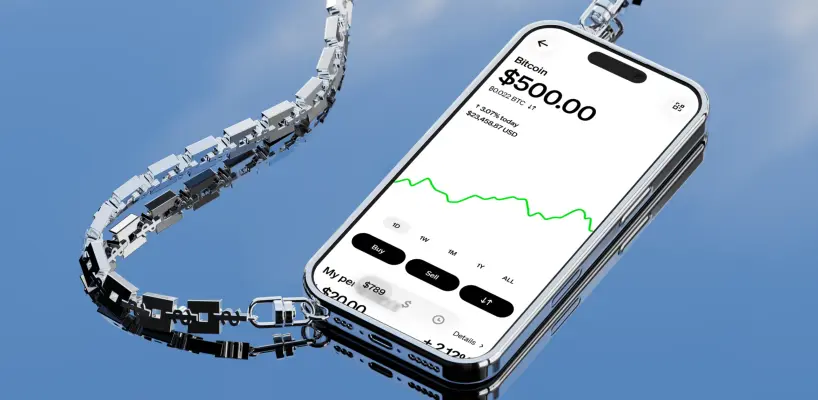
  • A high-angle 3D render features a chrome-finished smartphone attached to a heavy silver chain made of interlocking dollar-sign links.
  • A high-angle, photorealistic 3D graphic features a modern traffic light with three glowing green LED signals reading "LOW," "FEE," and "BTC" from top to bottom.
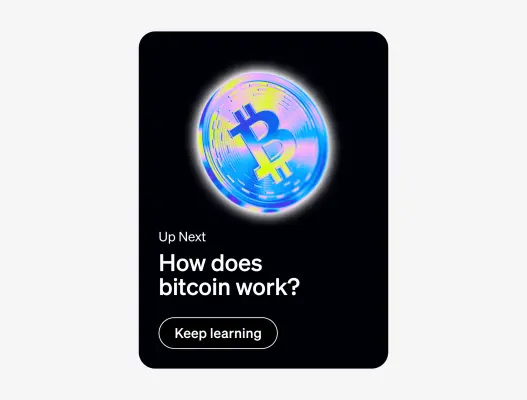
  • A vertical digital graphic features a vibrant, iridescent Bitcoin symbol glowing in blue, yellow, and pink hues against a solid black background.
  • A minimalist graphic features a black-outlined shield icon with a central checkmark positioned in the lower-left corner.
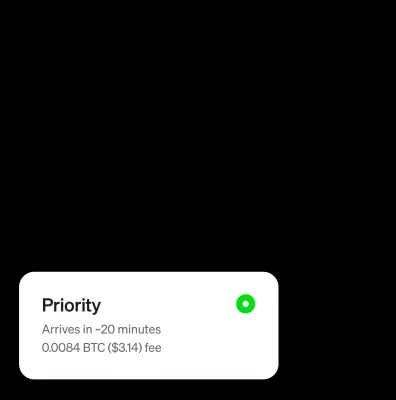
  • A white user interface card for a cryptocurrency transaction sits at the bottom of a dark frame.
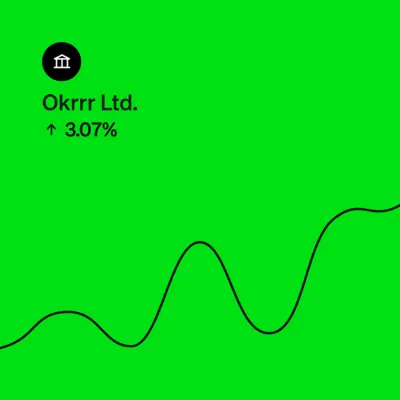
  • A vibrant neon green digital graphic features a black line chart fluctuating across the lower half.
  • A vibrant green graphic icon featuring a thick, rounded line that forms a partial rectangle with an integrated downward-pointing arrow.
  • A minimalist graphic features a white lightning bolt and a black Bitcoin symbol centered side-by-side on a solid, vibrant neon green background.
  • A green pixel-art dollar bill floats diagonally upward, sporting small white and light-blue wings on its left side.

Savings and banking imagery

16 images

Savings and banking visuals emphasize approachable progress and clear money-management tools. Use savings goals, balances, deposits, and banking interface imagery in product context.
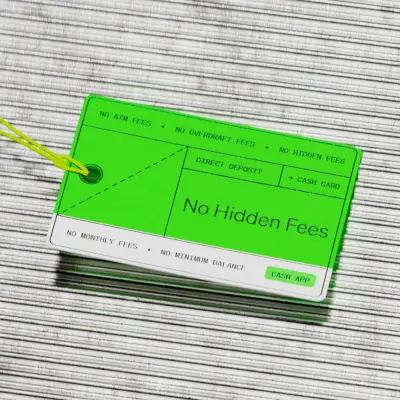

  • A bright neon green and white rectangular price tag rests on a gray, horizontally-ribbed metallic surface.
  • A flat graphic asset against a vibrant neon green background features a central circular progress bar in white, which is incomplete at the top.
  • A vibrant neon green icon depicting a stylized banknote or bill with a wavy top and bottom edge.
  • Two neon green arrows stand vertically side-by-side, pointing in opposite directions to represent data exchange or transfer.
  • A minimalist green icon of a bank or classical building.
  • A smartphone displaying a banking app's savings goal for 'Mexico' is partially buried in fine, light-colored sand.
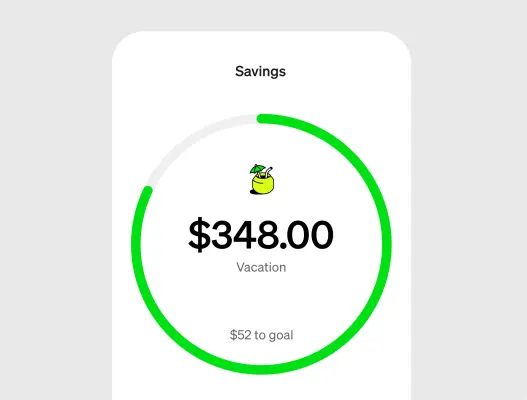
  • A clean digital interface graphic displays a 'Savings' goal for a 'Vacation' within a white rounded card.
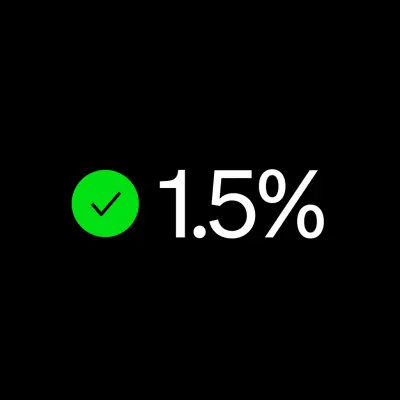
  • A vibrant green circular icon containing a thin black checkmark sits to the left of the text "1.5%" written in a clean, white sans-serif font.
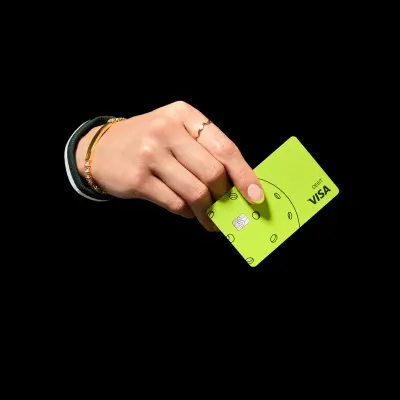
  • A vibrant lime-green Visa debit card with a black circular line pattern and a silver dollar-sign chip is held by a hand against a solid black background.
  • A minimalist user interface element displays a horizontal white pill-shaped button set against a solid black background.
  • A digital graphic features a white rounded notification card centered on a grainy, blurred green and grey background.
  • A vibrant green digital icon depicting two stacked banknotes.
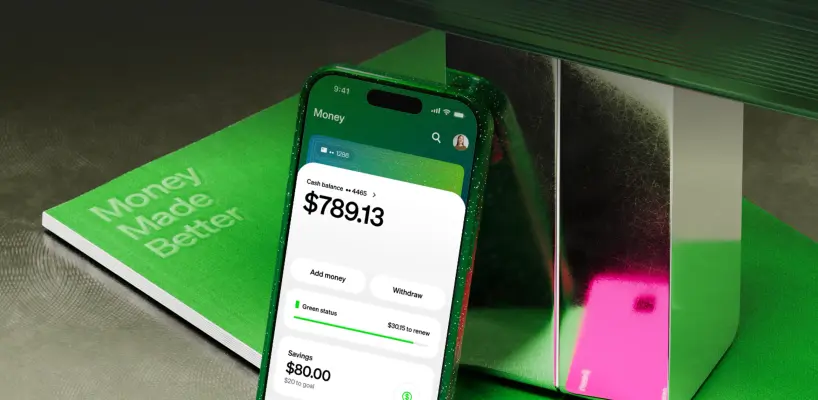
  • A dark green smartphone with a speckled texture leans against a metallic, mirrored block, displaying a banking app with a cash balance of "$789.13".
  • A minimalist graphic features a prominent black 'Ø' symbol in the bottom-left corner, set against a softly textured background.
  • A vibrant green digital toggle switch icon is positioned in the bottom left corner against a solid black background.
  • The phrase "Hidden fees" is written in a classic black serif typeface, centered and bold against a plain background.

Learn and campaign imagery

7 images

Educational and campaign imagery supports specific stories and product messages. Keep each visual with its associated subject: scam education, security awareness, or the relevant homepage feature.
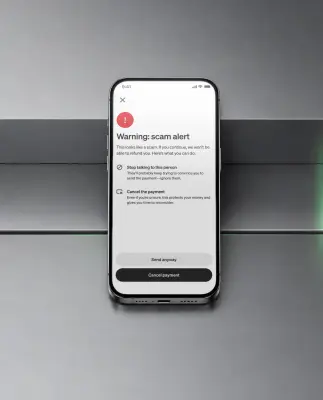
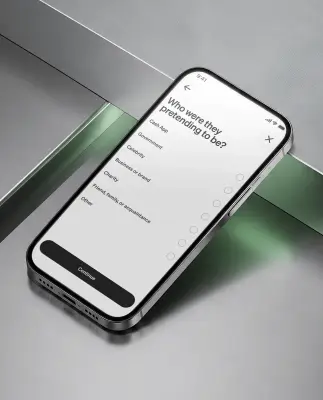
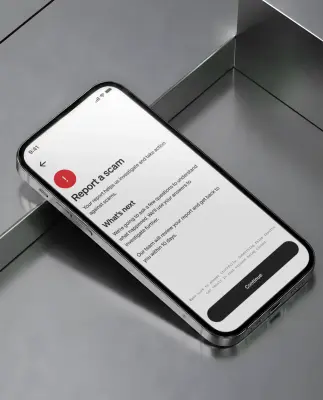
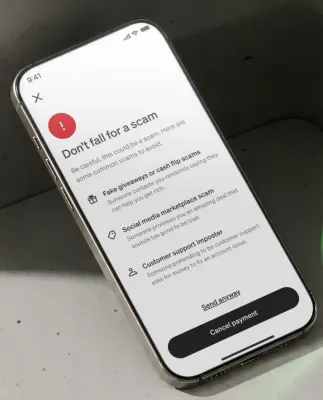
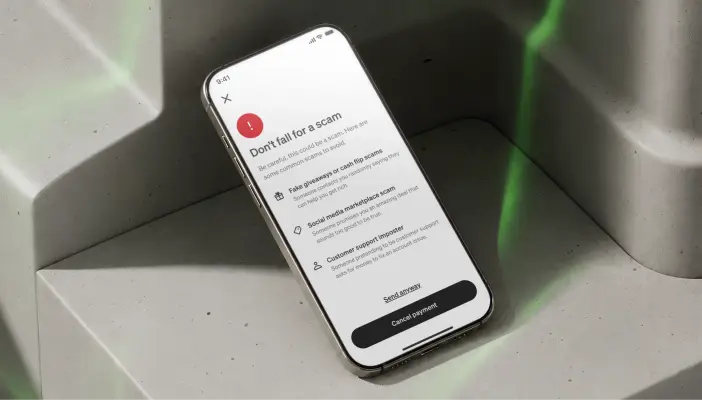
  • A vertical product shot of a silver smartphone resting against a metallic, tiered surface featuring a 'Warning: scam alert' notification on its screen.
  • A high-angle, close-up shot features a sleek silver smartphone resting diagonally on a reflective, geometric surface of metallic grey and translucent green…
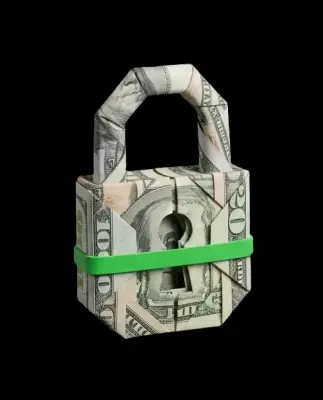
  • A studio product shot of an intricate padlock created from folded US currency, including visible fragments of hundred and twenty dollar bills.
  • A smartphone rests on a chartreuse green, metallic hand-shaped wall mount against a textured cream surface.
  • A glowing, cube-shaped red lightbox sign mounted on a textured concrete wall features the words "Scam" and "Warning!" in bold black text on its sides.
  • A close-up studio shot of a smartphone resting on a reflective, brushed metal surface with sharp geometric angles.
  • A close-up product shot of a gold smartphone resting on a textured, grey stone surface.

Security imagery

18 images

Security creative connects recognizable Cash App product experiences with practical reassurance. Use the relevant security, card-lock, alert, and monitoring visuals when a brief is about safety or account controls.
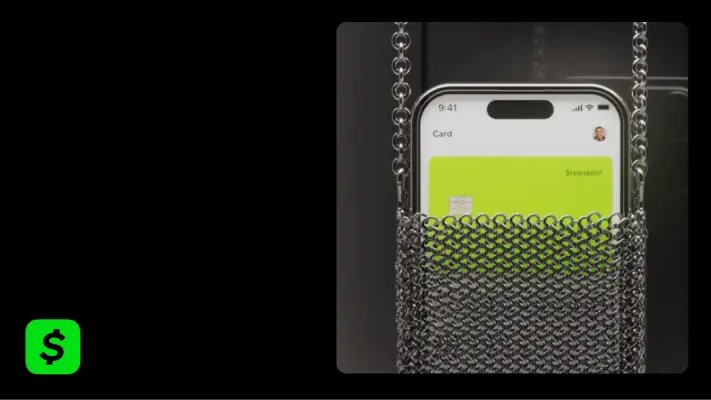

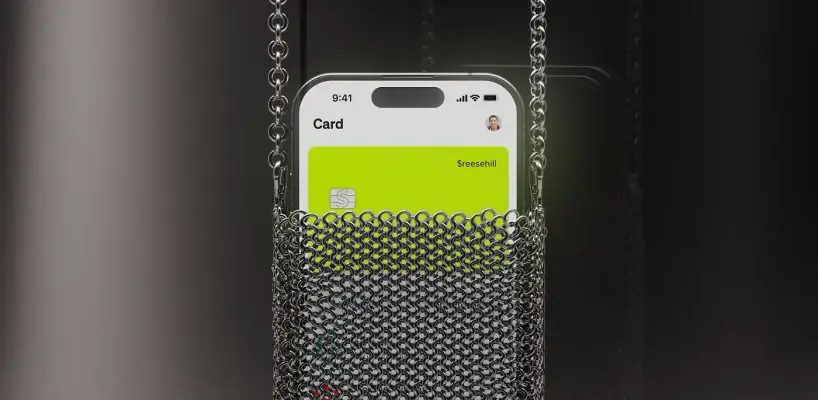
  • A close-up photograph features a smartphone tucked into an intricate silver chainmail pouch with a matching chain strap against a dark background.
  • A bold, black checkmark is centered within a broken circular frame.
  • A bold black graphic symbol featuring an elongated, vertical oval struck through by a diagonal line from bottom-left to top-right.
  • A minimalist black graphic of a clock face set against a plain background.
  • A bold black minimalist icon featuring a central X-mark topped by a segmented semi-circle.
  • A bold, minimalist black-and-white shield icon with rounded corners and a thick outline.
  • A lime green digital card with the text "$reesehill" is displayed on an iPhone screen, which is tucked into a polished silver chainmail pouch with a long strap.
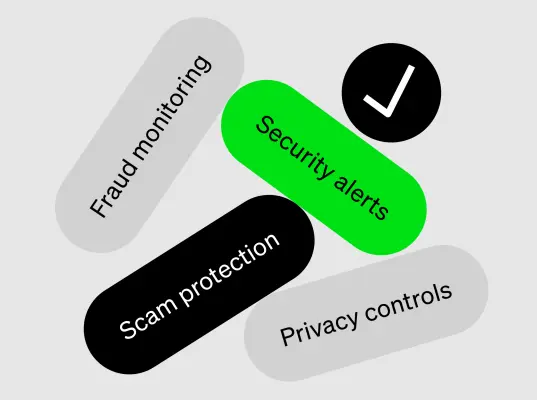
  • A graphic illustration features four rounded, pill-shaped buttons and a circular checkmark icon floating against a light grey background.
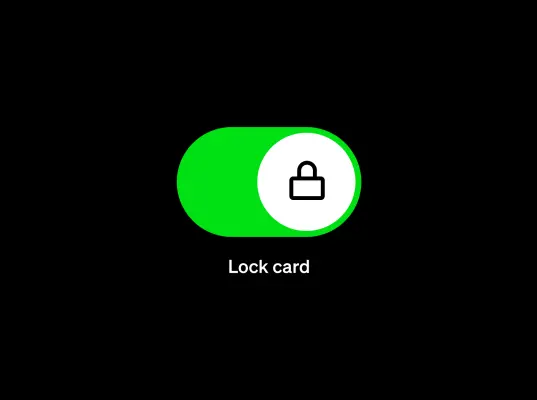
  • A vibrant green toggle switch in the 'on' position features a white circular slider containing a simple black line-art padlock icon.
  • A stark graphic featuring the text "24/7" in a thin, black serif font centered on a solid, vibrant lime-green background.
  • A minimalist black facial recognition icon, featuring a simplified smiling face with a curved nose and eyes framed by four corner brackets, is centered on a…
  • A close-up product shot shows a smartphone angled on a grey, brutalist concrete surface with soft green light reflections.
  • A detailed silver miniature of a knight in full plate armor stands against a solid black background.
  • A minimalist graphic features a solid neon green background with three bold black symbols positioned in the lower-left corner.
  • A minimalist graphic features a bold, black line-art shield icon containing a checkmark, positioned in the lower-left corner.
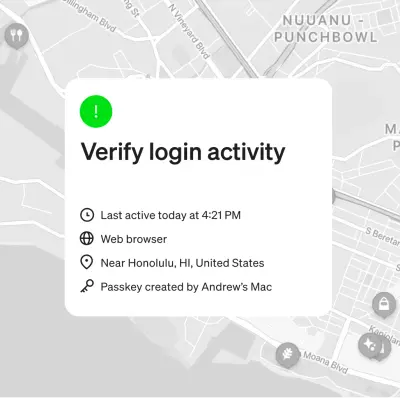
  • A digital security alert interface sits centered over a muted, monochromatic street map of Honolulu.
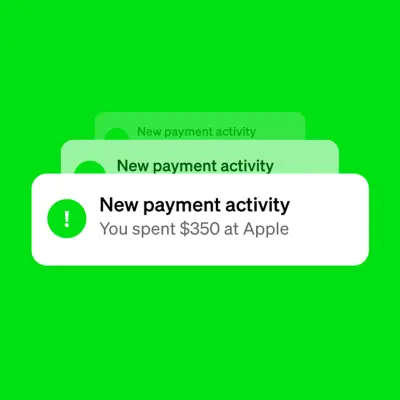
  • A vibrant green background features a stack of three digital notification bubbles for "New payment activity." The top white bubble shows a green exclamation…
  • A bold, bright green shield icon with a thick outline and rounded corners.

Sending and payments imagery

11 images

Show payment experiences as clear, social, and easy to follow. Product UI, contact and payment flows, personalized payments, and group pools support a friendly, useful tone.


  • A vibrant green graphic of a stylized arrow curves into a 'U' shape before pointing directly upward.
  • A vibrant lime green graphic icon representing banknotes or currency.
  • A vibrant green icon featuring a shield outline with an exclamation point centered inside.
  • A vibrant lime green graphic resembling a zero or a flattened vertical oval with a diagonal slash through its center.
  • A close-up product shot features a smartphone screen displaying a vibrant lime green interface with a large black "$20" over a numeric keypad.
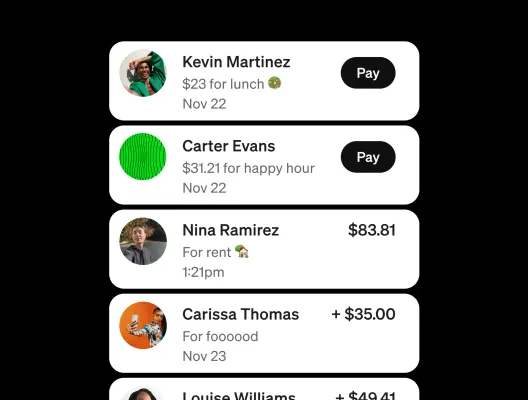
  • A vertical stack of rounded white UI cards displays a peer-to-peer payment activity feed against a solid black background.
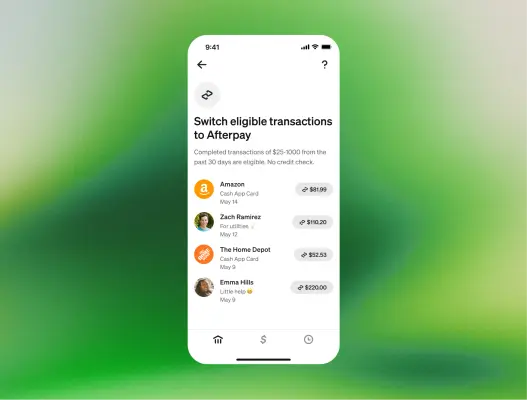
  • A smartphone interface shows a transaction list under the header "Switch eligible transactions to Afterpay" against a soft, blurred green and yellow gradient…
  • A bold black padlock icon with a dollar sign cut out of its center sits anchored in the middle of this graphic.
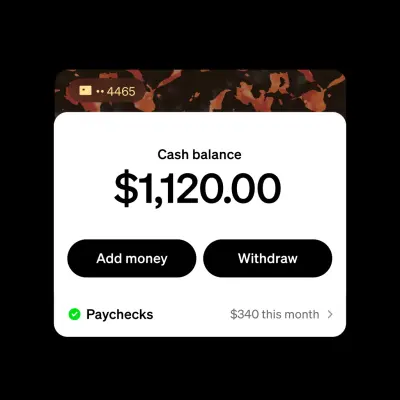
  • This graphic displays a financial app interface overlay featuring a tortoise-shell patterned header with a debit card chip icon and the digits "4465".
  • A digital graphic designed to resemble a transaction or gift card notification floats against a grainy, blurred green and gray background.
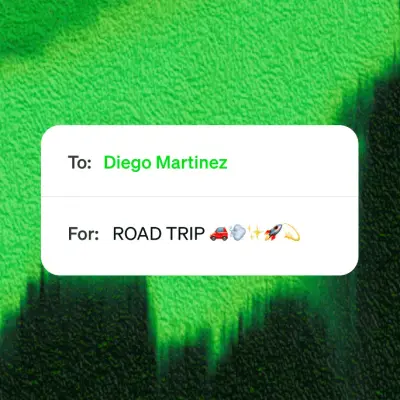
  • A white digital card with rounded corners displays a transfer message against a textured, vibrant green and dark forest-green background.

More from the Brand Skill

Product claims and disclosures

Keep product claims specific, accurate, and appropriately qualified. Features, rates, eligibility, fees, limits, availability, and benefits can depend on the customer, product, location, or terms. Avoid presenting a conditional benefit as universal.

When describing Cash App and banking, say that Cash App is a financial services platform, not a bank. Describe FDIC coverage as pass-through insurance through partner banks, subject to applicable terms and conditions; do not imply that Cash App itself is FDIC-insured.

When describing investing or virtual currency, pair the product information with relevant risk language. Investing and bitcoin involve risk, including possible loss; virtual currency is not FDIC- or SIPC-protected. Avoid implying that past performance or a no-fee feature removes investment risk.

Use current approved claims and their supporting qualifications for promotional figures. Security statistics, account counts, interest rates, borrowing limits, and eligibility criteria are not evergreen copy.

Download Cash App’s Brand Skill

A Brand Skill is a folder of brand guidance written for agents. Give it to Claude, ChatGPT, Cursor or another agent and ask it to follow Cash App’s guidelines. It starts at SKILL.md, which points to the right file for each task.

It has the guidance, 152 images and the logos. The font files belong to Block, Inc, so they’re left out.

cash-app-brand-skill/

├ SKILL.md

├ README.md

├ references/

│ ├ claims-and-disclosures.md

│ ├ color.md

│ ├ logo.md

│ ├ typography.md

│ ├ dos-and-donts.md

│ ├ voice.md

│ ├ imagery-borrow-and-afterpay.md

│ ├ imagery-brand-and-cards.md

│ ├ imagery-spend-and-direct-deposit.md

│ ├ imagery-families-and-teens.md

│ ├ imagery-home-and-cross-product.md

│ ├ imagery-investing-and-bitcoin.md

│ ├ imagery-savings-and-banking.md

│ ├ imagery-learn-and-campaigns.md

│ ├ imagery-security.md

│ └ imagery-send-and-payments.md

└ assets/

├ images/

└ logos/

Rainbrand’s Brand Agent built this Brand Skill from cash.app on 3 Nov 2026. It isn’t Cash App’s official guide. Reviewed by Siddharth Borderwala, Founding Engineer at Rainbrand.

Cash App and its logos are trademarks of Block, Inc. Rainbrand isn’t affiliated with or endorsed by Block, Inc.

Make one for
your brand.

Add Rainbrand to your agent and give it your website, brand guide or files. Rainbrand builds a Brand Skill like this one and keeps it up to date.

  1. Open the Rainbrand plugin and add it.

    Open Rainbrand plugin (opens in a new tab)
  2. Connect your Rainbrand account when asked. It works in ChatGPT and in Codex.

See all brands