Rainbrand · create_briefReady
- Brand
- Teenage Engineering
- Task
- An Instagram post introducing OP–XY
- Returns
- Guidance and selected assets
1 Brief
Use casesSocial graphics
Give your agent the brand's visual style and voice, then turn an announcement into posts and carousels.
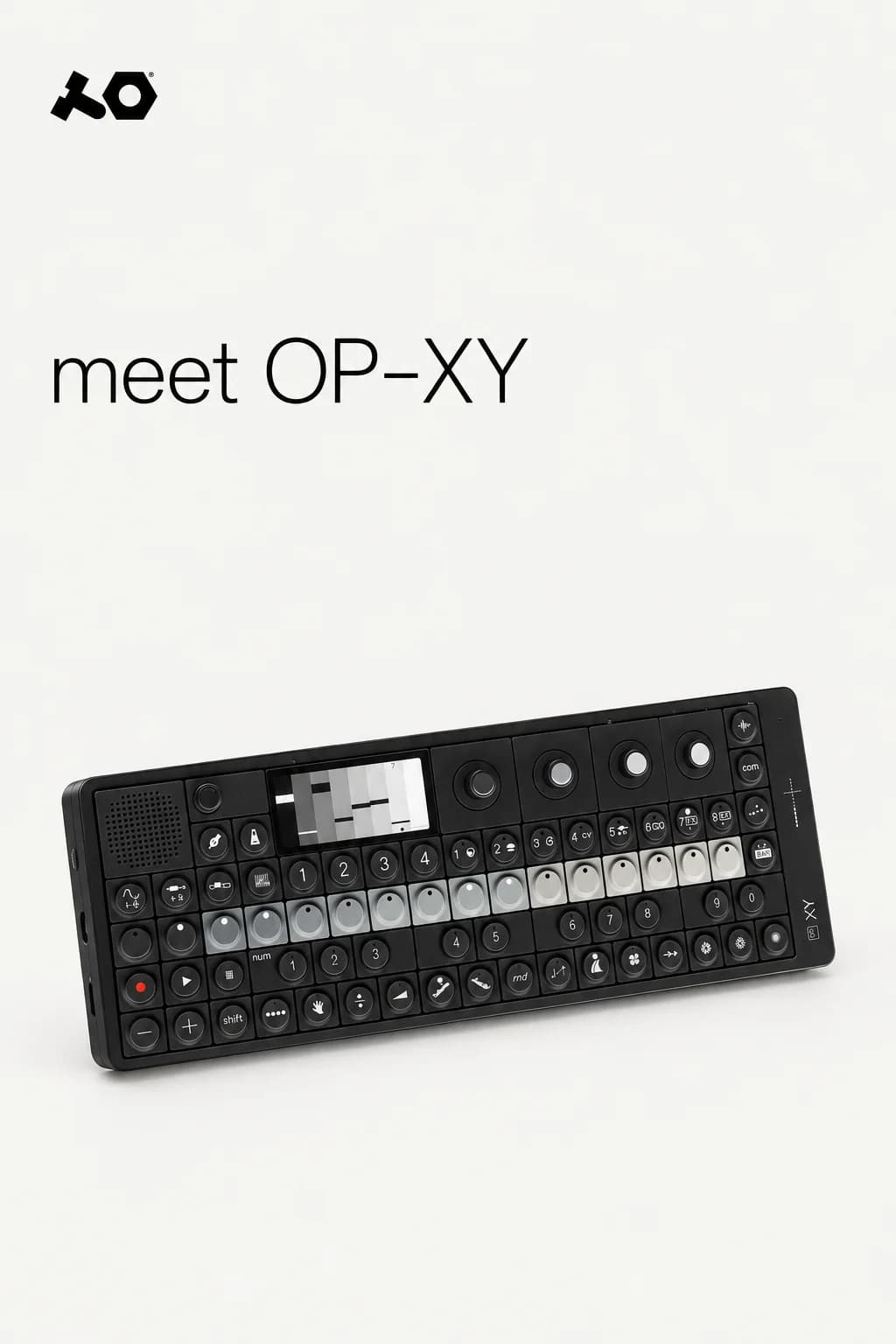
A well-written post can still look like it belongs to another brand. The typography, imagery and voice need to work together. Rainbrand gives your agent a Brief with the guidance and selected assets for the task, so it has a clear direction before it creates anything.
How it's made
With your agent
Describe the brand, the task and where the result will appear. Your agent can use the Brief with Rainbrand's AI Gateway or your own creative tools.
Read the guide (opens in a new tab) ChatGPT
Create an Instagram post for teenage.engineering introducing OP–XY, with a product graphic and a short caption.
I'll use the Brief's product references and typography to lay out the OP–XY post, then check the graphic and caption together.
The guide includes the full prompt and more examples.
Examples
Standalone graphics and a carousel, shaped by different brands.
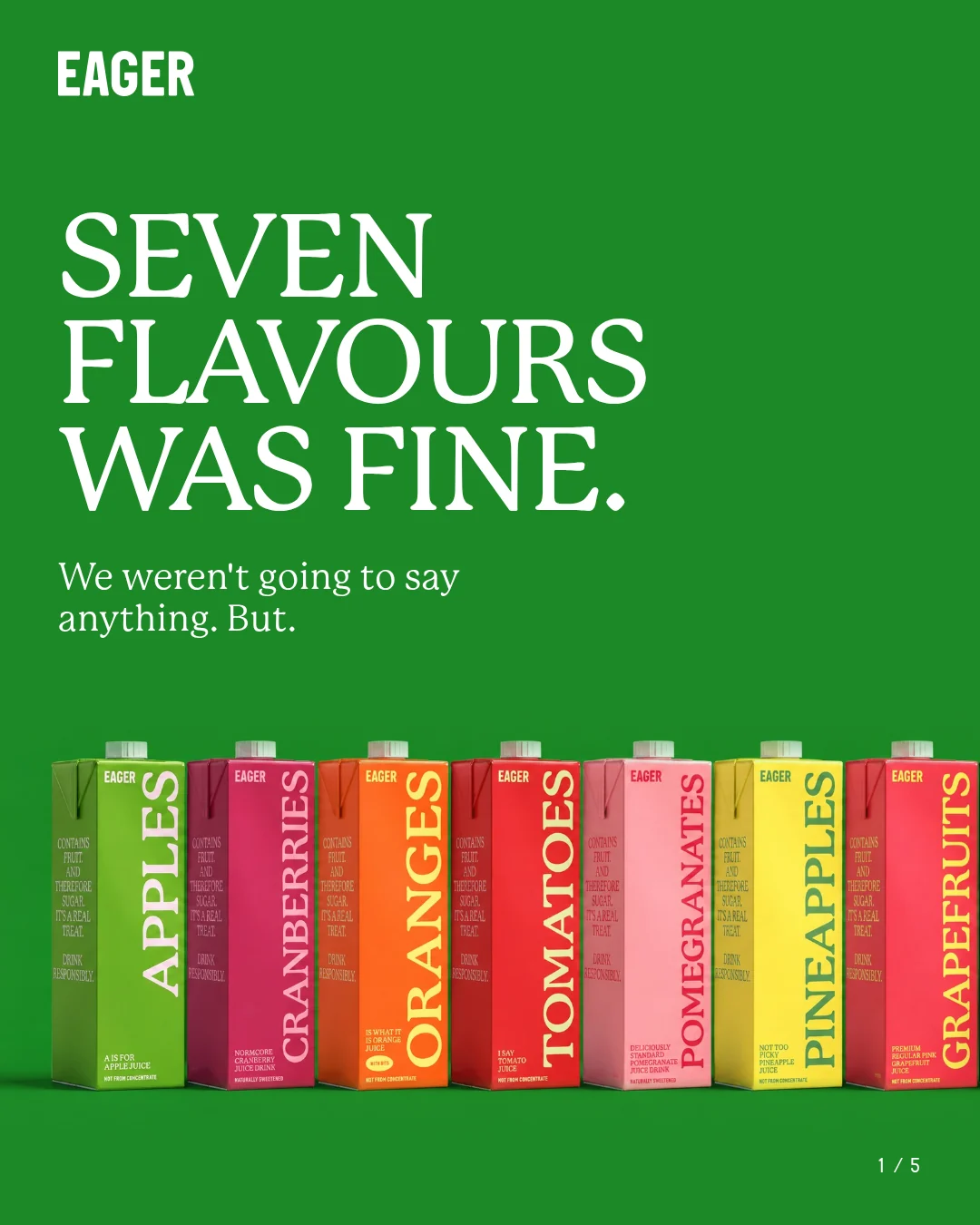
A five-panel carousel introducing Blackcurrants, from the opening message to the product.
See the carouselHow companies integrate Rainbrand into their agents and products.
All customer stories“We use Rainbrand to fetch each customer’s brand and generate accurate, on-brand creative for their ads. It means we don’t have to reinvent that part of the stack ourselves.”
“We pushed Rainbrand to production as our default image solution.”
“I have the ideas, but turning them into great design was always a struggle. Rainbrand makes me feel like the best designer in the world, and I don’t think I’ll need to hire one for the small stuff again.”
Connect Rainbrand to your agent, add a brand and describe what you need.
Open the Rainbrand plugin and add it.
Open Rainbrand plugin (opens in a new tab)Connect your Rainbrand account when asked. It works in ChatGPT and in Codex.

Rainbrand builds and maintains shared brand context for your agents and products.