Rainbrand · create_briefReady
- Brand
- Nothing
- Task
- A headphone image for a website launch section
- Returns
- Guidance and selected assets
1 Brief
Use casesProduct imagery
Give your agent the brand's visual direction and product references, then create product shots and scenes for the places they'll appear.

A convincing scene is only useful if the product still looks right and the image belongs with the rest of the brand. Rainbrand gives your agent a Brief with the guidance and selected assets for the task, so it has a clear direction before it creates anything.
How it's made
With your agent
Describe the brand, the task and where the result will appear. Your agent can use the Brief with Rainbrand's AI Gateway or your own creative tools.
Read the guide (opens in a new tab) ChatGPT
Create a product image for Nothing using its headphone references, on a light grey background for a website launch section.
I'll inspect the headphone references, then create the light grey composition and check the product details against them.
The guide includes the full prompt and more examples.
Examples
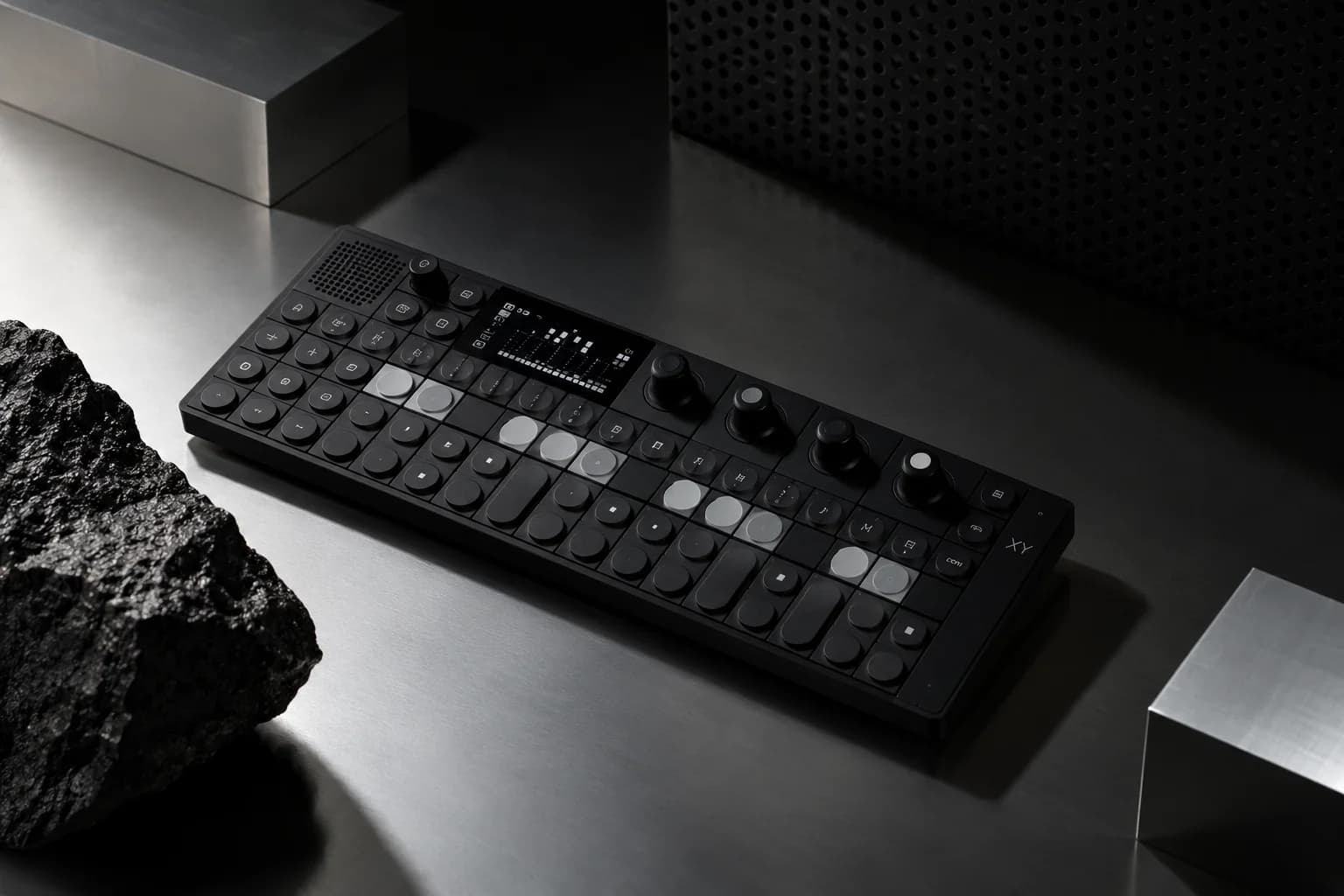
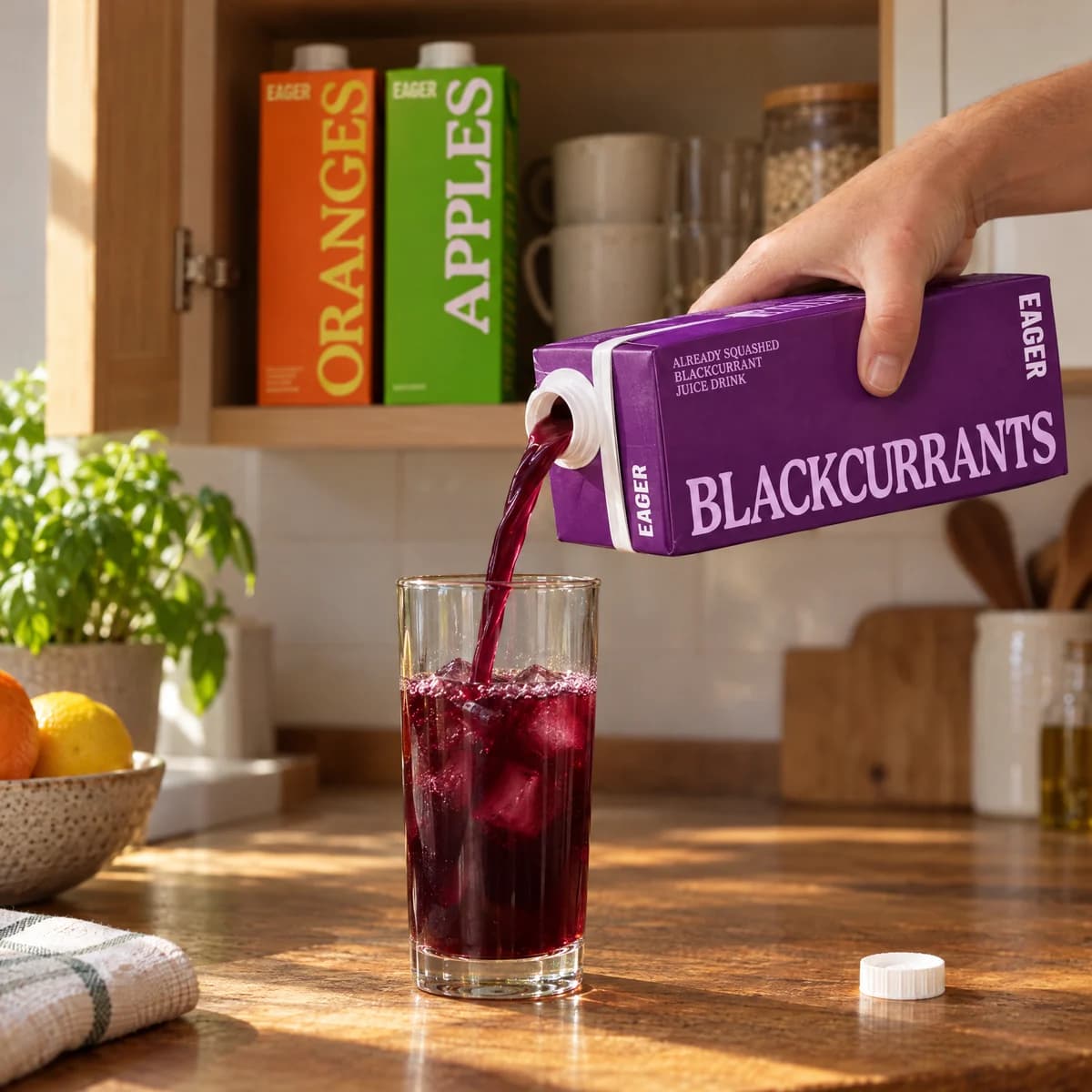
Product compositions and scenes across three different brands.
How companies integrate Rainbrand into their agents and products.
All customer stories“We use Rainbrand to fetch each customer’s brand and generate accurate, on-brand creative for their ads. It means we don’t have to reinvent that part of the stack ourselves.”
“We pushed Rainbrand to production as our default image solution.”
“I have the ideas, but turning them into great design was always a struggle. Rainbrand makes me feel like the best designer in the world, and I don’t think I’ll need to hire one for the small stuff again.”
Connect Rainbrand to your agent, add a brand and describe what you need.
Open the Rainbrand plugin and add it.
Open Rainbrand plugin (opens in a new tab)Connect your Rainbrand account when asked. It works in ChatGPT and in Codex.
Yes. Use the Brief's guidance and selected assets with your preferred tools, or generate images through Rainbrand's AI Gateway. Read the guide.
Compare the product with its references, especially shape, materials, packaging and labels. Check lighting, composition and crops against the intended placement.

Rainbrand builds and maintains shared brand context for your agents and products.