Bloom is now Rainbrand

(Brand guidelines) // Business software

ZoomInfo brand
guidelines

ZoomInfo’s logo, colors, fonts, voice, and dos and don’ts, from the Brand Skill Rainbrand built from zoominfo.com.

Download the Brand Skill

About ZoomInfo

ZoomInfo is an all-in-one AI go-to-market platform for B2B teams. Its verified business data foundation, GTM Context Graph, orchestration, and product surfaces help sales, marketing, RevOps, customer success, and developer teams turn market signals into coordinated action.

Use ZoomInfo’s own wordmark as the default identity. Use the standalone mark where a compact brand signature is needed; keep it distinct from product-interface icons and third-party marks. Preserve the mark’s original proportions and artwork.

ZoomInfo’s visual materials also include these branded backdrops. Use them as background artwork rather than as logo variants.

ZoomInfo colors

  • Red

    Signature accent

    HEX
    RGB
  • Near-black

    Core dark

    HEX
    RGB
  • Deep navy

    Website text and accent

    HEX
    RGB
  • White

    Website background and card surface

    HEX
    RGB
  • Link blue

    Website links

    HEX
    RGB

ZoomInfo fonts

  • Figtree

    Headings · 300, Body text · 300, Buttons · 600

Font names only. The Brand Skill download doesn’t include font files.

ZoomInfo’s voice

Write with confident clarity, forward motion, and an emphasis on practical outcomes. Address the work GTM teams need to do—identify buyers, act on signals, coordinate teams, and grow pipeline. Keep claims concrete and tie benefits to data, workflow, or measurable business results.

ZoomInfo’s copy is direct, conversational, and energetic. It uses short, decisive statements alongside specific explanations of how the platform works. Use action-oriented language, but keep the promise grounded in the described capabilities.

  • “The best GTM data. Orchestrated anywhere. Paid for once”
  • “Describe the play. Agents find the audience and write the opener that actually lands”
  • “Always learning, never generically sending”
  • “One GTM canvas that turns signals into actions”

Dos and don’ts

Do

  • Use ZoomInfo’s red as the signature accent, supported by its dark tones and light backgrounds.
  • Set headings and body copy in Figtree, reserving heavier weights for clear emphasis and buttons.
  • Describe the brand as an all-in-one AI GTM platform, and connect data, signals, and orchestration to useful GTM outcomes.
  • Write directly and energetically; make the next action or business benefit easy to understand.
  • Use current product names, including GTM Workspace and GTM Studio.

Don’t

  • Don’t substitute partner, customer, or third-party marks for ZoomInfo’s own identity.
  • Don’t treat product-interface icons or backdrops as logo variants.
  • Don’t describe ZoomInfo as only a contact database or data provider; position it as an all-in-one AI GTM platform.
  • Don’t use “ZoomInfo Copilot” as the name of a current standalone product.
  • Don’t rely on vague hype where a specific capability or outcome can make the message credible.

ZoomInfo imagery

95 images from zoominfo.com, in 3 files of the Brand Skill. Each file starts with its guidance, then shows the images it refers to.

Marketing imagery

14 images

Use these source-brand marketing images as visual reference for page headers, promotional compositions, and campaign storytelling. Preserve the imagery as supplied; the surrounding copy and page context define its use.

ZoomInfo’s marketing pages use simple, prominent visuals to make data coverage, buyer signals, automation, and pipeline outcomes tangible. Keep product and brand artwork central; use the accompanying customer or partner material only when the specific project calls for it.

  • A split-screen graphic features a smiling young East Asian man in a casual white t-shirt and open light green button-down holding a laptop on the left.
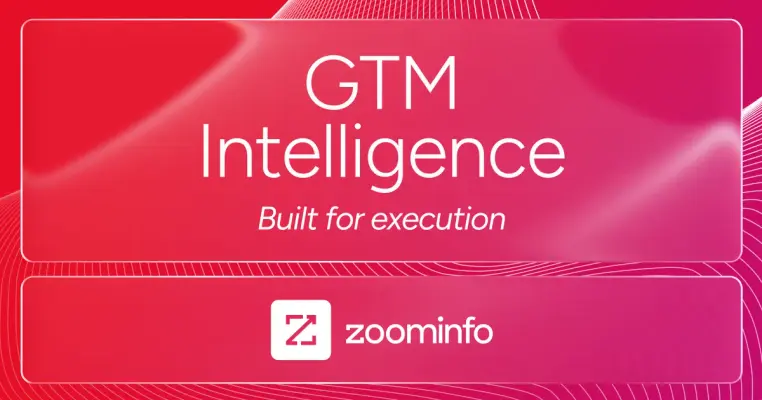
  • A vibrant magenta digital graphic features two rounded-edge glassmorphism panels set against a backdrop of fluid, topographic white lines.
  • A clean graphic banner featuring a man with a beard and glasses smiling as he looks at his laptop in a bright office setting on the left.
  • A man in an orange beanie and denim jacket leans over a wooden desk to point at a tablet screen held by a seated woman in an olive jacket.
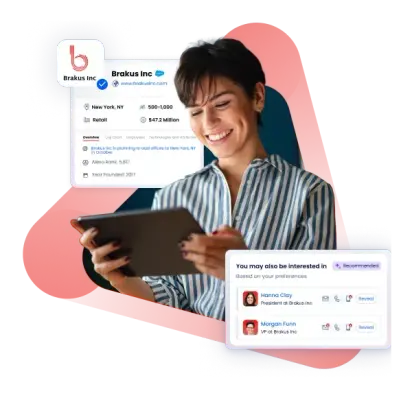
  • A smiling person with short dark hair and a blue-and-white striped shirt holds a tablet, framed by soft pink and orange abstract shapes.
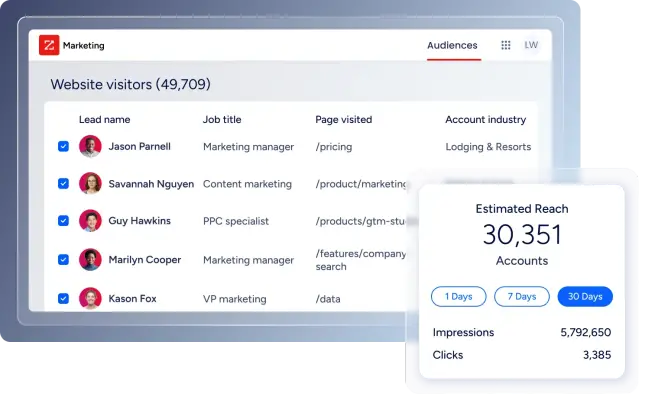
  • A clean software interface graphic displays a 'Website visitors' table listing leads like Jason Parnell and Savannah Nguyen with their job titles and page…
  • A G2 award badge shaped like a tall banner with a pointed bottom edge, bordered by a thick black line.
  • A minimalist graphic of three overlapping circles arranged horizontally on a white background.
  • A bold graphic logo featuring a stylized, angular letter 'S' icon constructed from vibrant red and dark maroon ribbon-like folds.
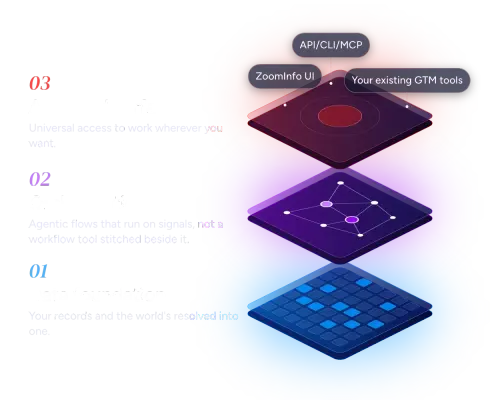
  • An isometric infographic displays a three-layered software stack next to numbered text.
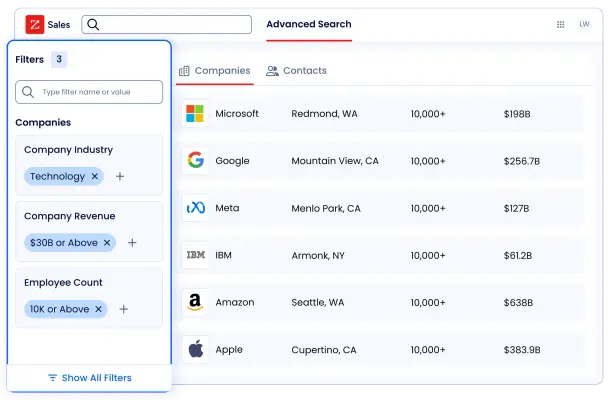
  • A clean, modern software interface displays an 'Advanced Search' page for sales prospecting, featuring a list of major tech companies like Microsoft, Google,…
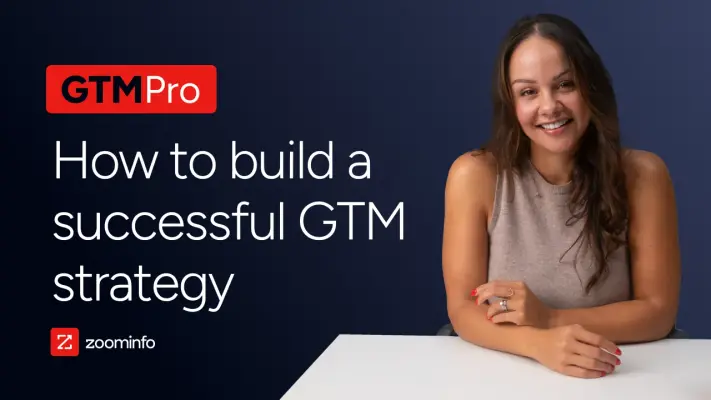
  • A smiling woman with long brown hair, wearing a tan sleeveless top, leans over a white desk against a dark navy blue background.
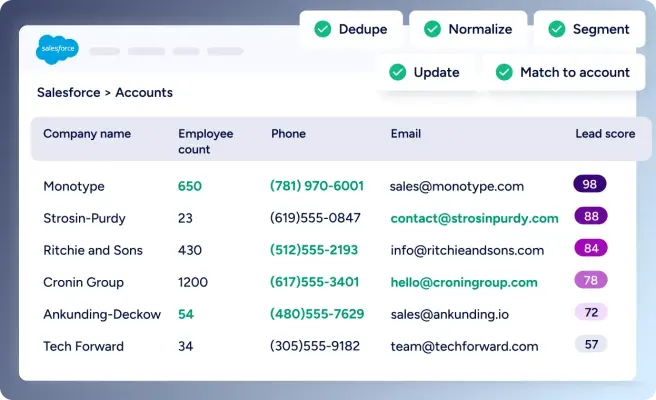
  • A clean graphic illustration of a Salesforce user interface showing an 'Accounts' table with data fields like Company name, Employee count, and Lead score.
  • A winking pink pig emoji face rendered with a 3D, glossy texture.

Brand photography

11 images

For people and place imagery, keep the context tied to ZoomInfo: its teams, leadership, and workplaces. Use these photographs as references for company culture and business settings; retain the subject’s context and avoid presenting a customer’s identity or endorsement as ZoomInfo’s own.


  • A large, diverse group of smiling professionals poses for a wide group portrait in an industrial-style loft office.
  • A close-up studio portrait of a man with dark hair, a neatly groomed beard, and a warm, wide smile that shows his teeth.
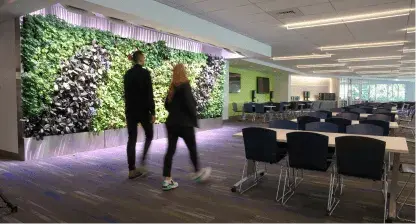
  • A man and a woman walk past a massive, lush living green wall that serves as the focal point of a modern, open-plan office or educational space.
  • A wide-angle, low-elevation photo captures the striking industrial facade of 'TERMINAL 1,' marked by a long steel beam spanning an outdoor concrete courtyard.
  • A modern, industrial-style lounge features a tiered black wooden bleacher seating area with soft pink and grey cushions set against a raw concrete wall.
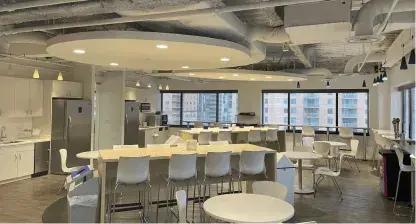
  • A wide-angle photo captures a modern industrial office breakroom featuring two large circular recessed light panels on an exposed ductwork ceiling.
  • A deep purple and magenta gradient sky provides the backdrop for a stark black silhouette of the London skyline at dusk.
  • A dark city skyline silhouette is set against a dramatic purple and deep pink twilight sky.
  • A silhouette of the Toronto skyline is set against a grainy, gradient sky transitioning from deep red to purple.
  • A striking silhouette of the Dublin skyline stands against a vibrant gradient sky of deep purple and warm magenta.
  • A vibrant coral-red circular graphic features a white stylized 'Z' at its center, where the diagonal stroke ends in an upward-pointing arrow.

Product and interface imagery

70 images

Preserve screenshots and interface imagery of ZoomInfo’s own products. The examples below show data search, account intelligence, signal workflows, orchestration, enrichment, and sales coaching. Use them when representing the product experience; do not replace product-interface views with generic dashboard art.
  • A vertical G2 award badge shaped like a tall hexagon with a pointed base, primarily in white and grey.
  • A vertical G2 award badge features a light gray shield base with a red banner at the top and across the middle.
  • A vertical G2 award badge shaped like a pointed shield with a black outline and a tricolor yellow and orange chevron at the bottom.
  • A white and light gray G2 award badge features a bright orange banner across the middle with the word "Leader" in bold white text.
  • A vertical G2 award badge features a white, shield-like banner with a light grey border and a subtle diagonal shadow across its face.
  • An official G2 digital award badge in the shape of a white pentagonal shield with a thick light-gray border.
  • A G2 award badge shaped like a vertical banner with a pointed bottom edge, featuring a minimalist white field and bold black text.
  • This is a G2 software award badge presented as a white vertical banner with a pointed bottom edge.
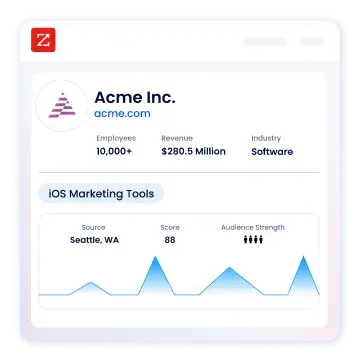
  • A digital UI card for "Acme Inc." displays corporate and marketing data within a clean, rounded white container.
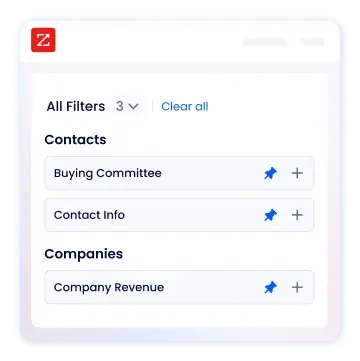
  • A clean software interface graphic shows a filtered search panel labeled All Filters with three selections applied.
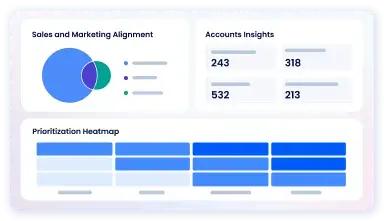
  • A digital analytics dashboard graphic featuring three distinct data visualization sections on a light gray background.
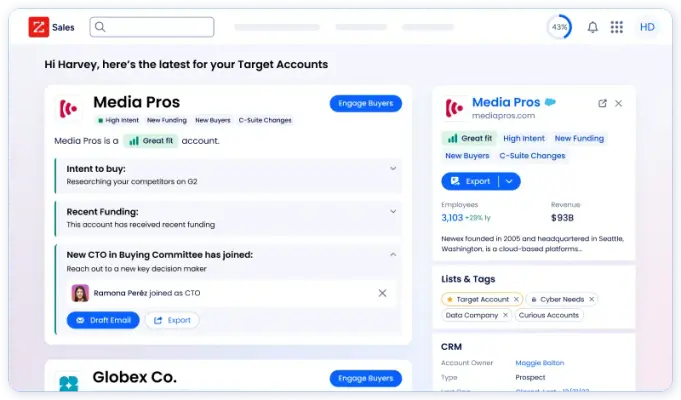
  • A software dashboard interface shows sales intelligence data for a target account named 'Media Pros.' The layout features detailed cards with blue action…
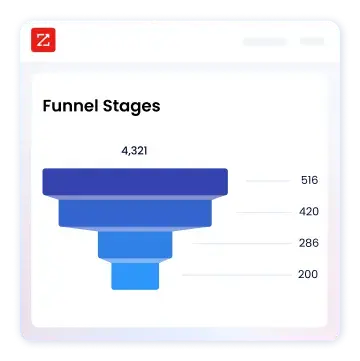
  • A clean software interface graphic displays a blue sales funnel under the title "Funnel Stages." The funnel transitions from dark navy at the top to a bright…
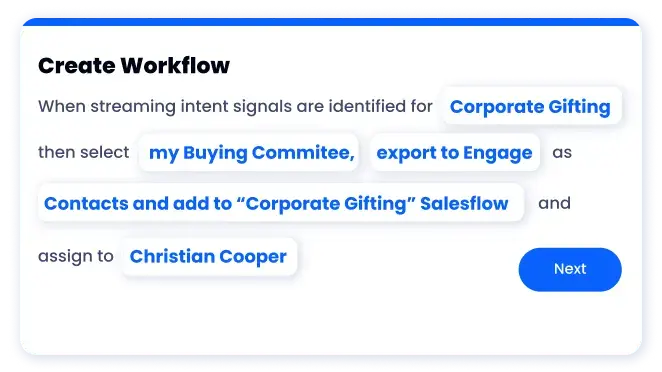
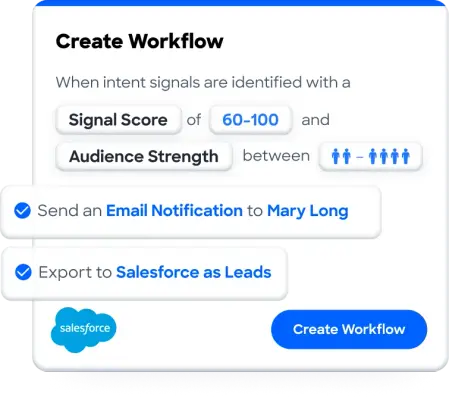
  • A clean software user interface card titled "Create Workflow" shows a logic-based sentence with editable blue fields.
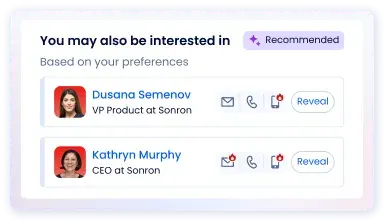
  • A clean software user interface card titled "You may also be interested in" featuring professional contact recommendations.
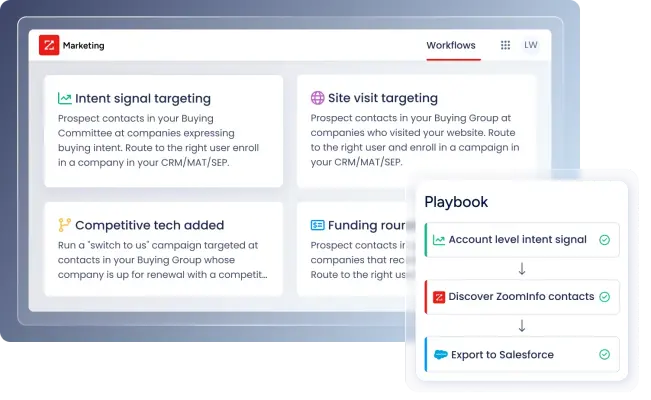
  • A digital UI graphic displays a marketing workflow dashboard with white tiles for 'Intent signal targeting', 'Site visit targeting', and 'Competitive tech…
  • A square, rounded-corner graphic featuring a vibrant magenta-to-pink gradient.
  • A square graphic icon with rounded corners featuring the number "02" in a clean, white sans-serif font centered on the tile.
  • A vibrant graphic featuring the white digits "03" centered inside a rounded square.
  • A vertical G2 award badge features an orange 'Leader' banner across a white shield.
  • A digital G2 award badge for 'Grid Leader' in 'Lead Capture' featuring a sharp, shield-like bottom edge.
  • A vertical G2 award badge for 'Grid Leader' in 'Lead Intelligence,' marked for 'SPRING 2025.' The graphic is shaped like a banner with a pointed bottom,…
  • A G2 award badge shaped like a white shield with a black outline and a V-shaped bottom containing yellow and orange chevrons.
  • A white pentagonal G2 award badge features an orange 'Leader' banner across the center.
  • A digital award badge from G2 designed with a house-like pentagonal shape and a clean black border.
  • A G2 award badge shaped like a shield with a flat top and a pointed bottom, featuring the text 'Grid Leader Sales Engagement' in bold black font.
  • A G2 award badge shaped like a white shield with a grey border and a bright orange ribbon across the center.
  • A pentagonal G2 award badge features bold black text reading 'Grid Leader' and 'Visitor Identification' centered on a white field.
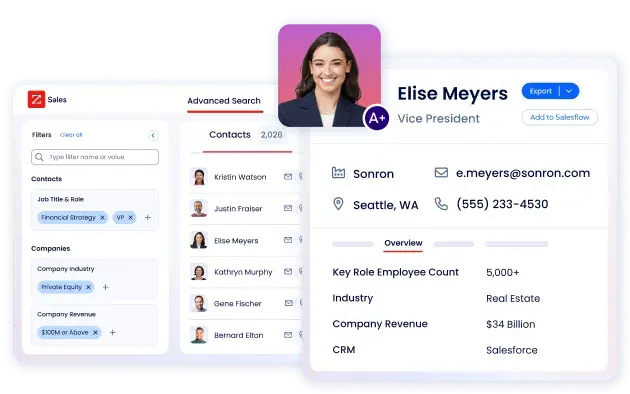
  • A digital software interface layout features a prominent profile for Elise Meyers, Vice President, alongside an advanced contact search sidebar.
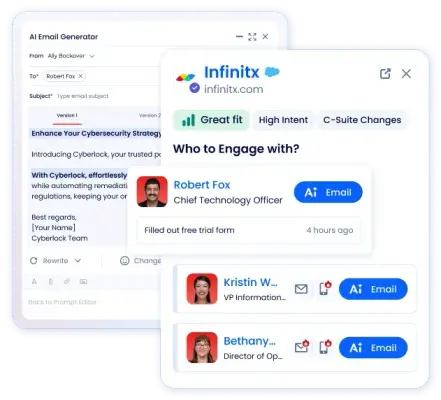
  • A UI graphic shows an 'AI Email Generator' window partially overlaid by an 'Infinitx' sales intelligence pop-up.
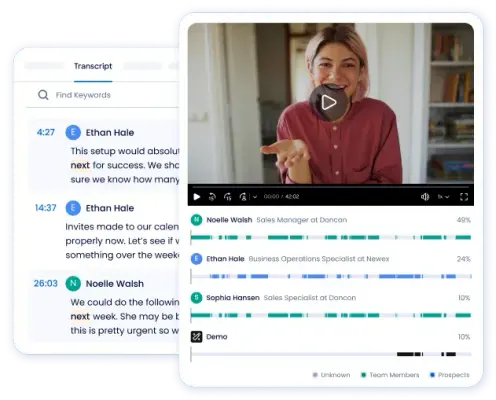
  • A digital interface mockup displays a video recording alongside a text transcript.
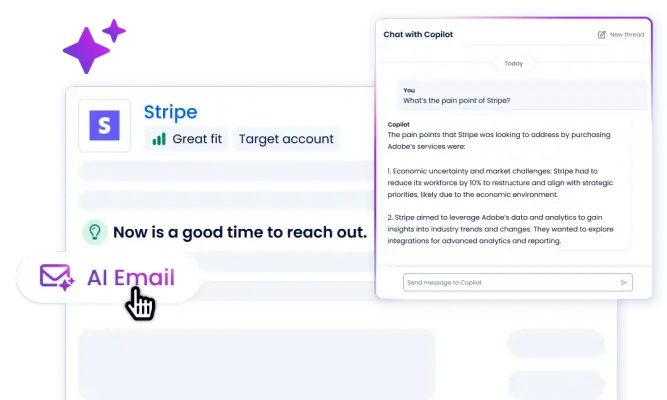
  • A digital graphic showcasing a customer intelligence platform with an overlay of an AI chat window titled 'Chat with Copilot'.
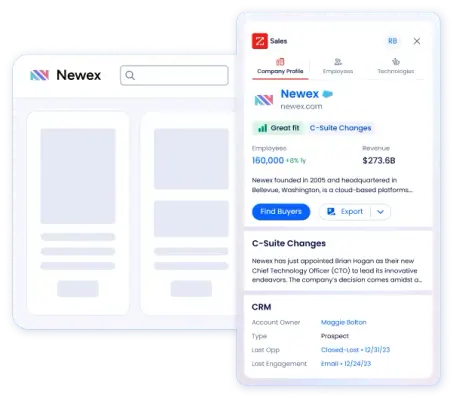
  • A software interface graphic features a detailed sidebar overlaying a simplified website mockup for Newex.
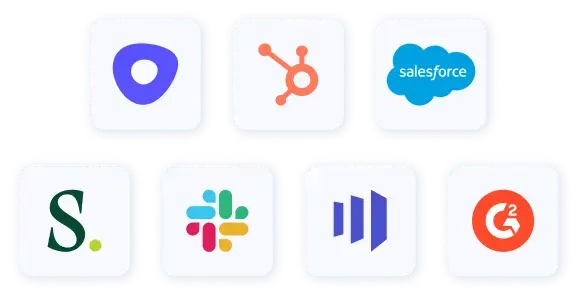
  • A collection of seven well-known software logos presented as flat, minimalist icons on white rounded-square tiles.
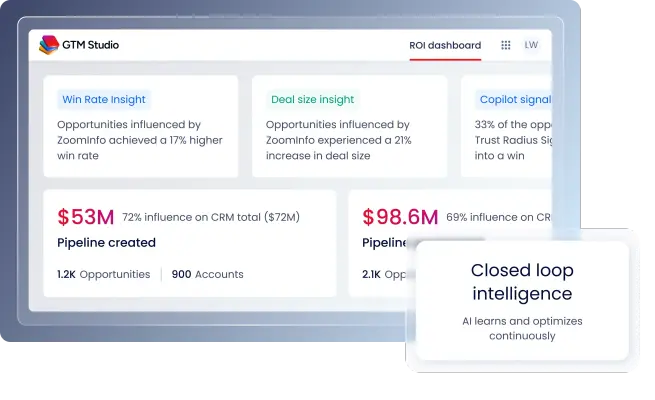
  • A clean screenshot of the GTM Studio ROI dashboard displays data cards on a light gray interface.
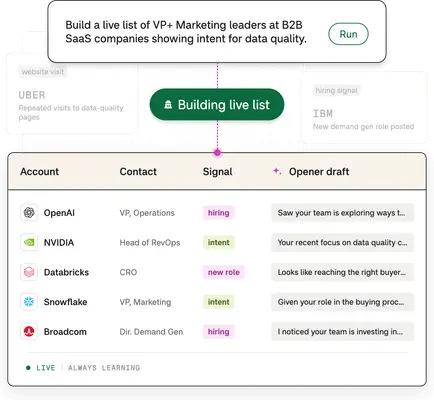
  • A digital graphic showcasing an automated lead generation interface with a central green button labeled 'Building live list.' Above it, a text prompt reads,…
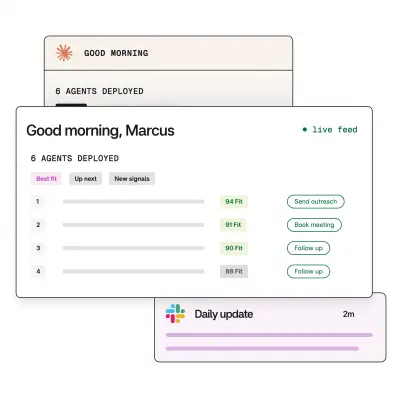
  • A clean UI graphic features stacked software notification windows over a light gray dot-grid background.
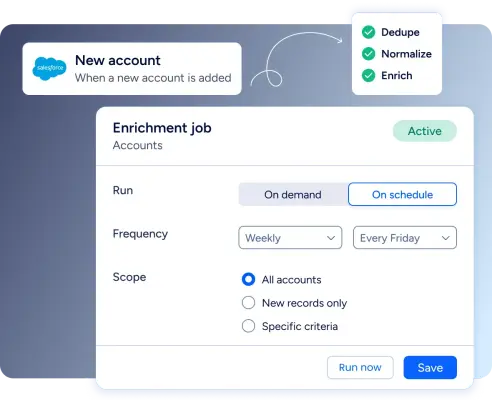
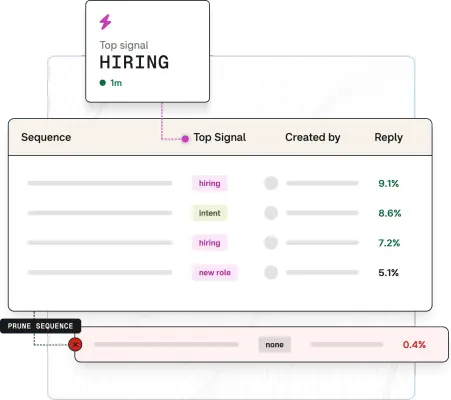
  • A clean software UI graphic displays a data table where several 'hiring' and 'intent' signals lead to high reply percentages like '9.1%'.
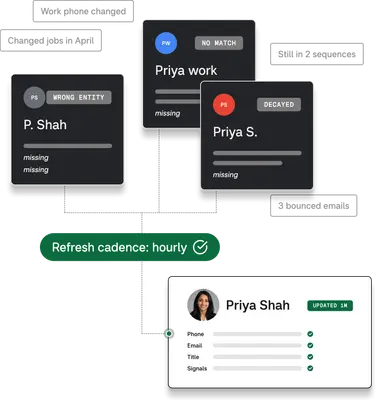
  • A clean UI graphic shows three dark data cards with status labels like "WRONG ENTITY," "NO MATCH," and "DECAYED" connecting via dashed lines to a single…
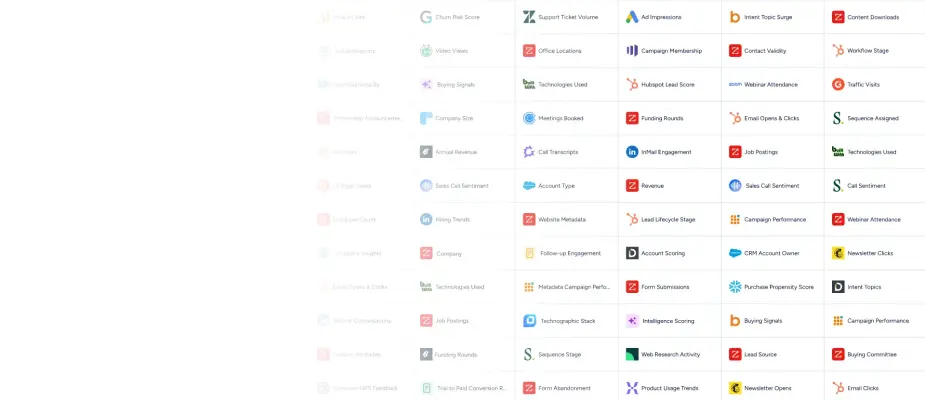
  • A dense grid of colorful corporate software and metric icons is displayed against a white background, featuring recognizable brand logos like HubSpot,…
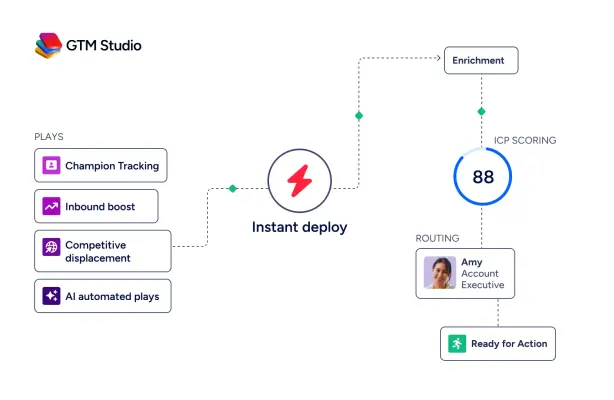
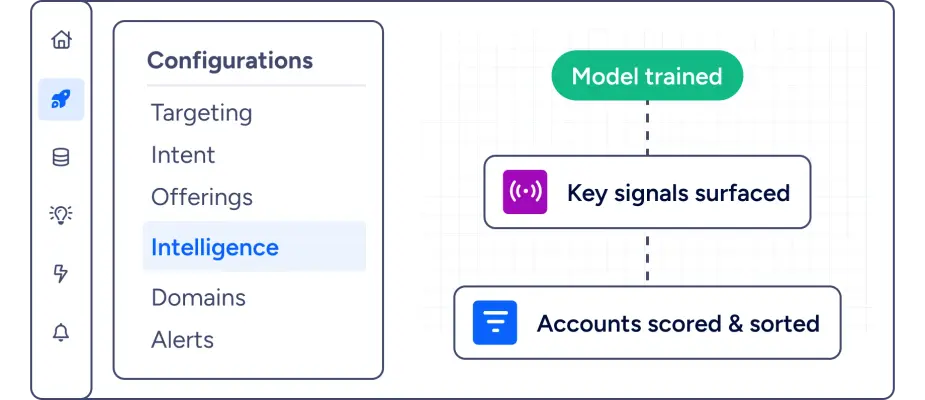
  • A digital graphic for GTM Studio illustrating a business workflow on a clean white background.
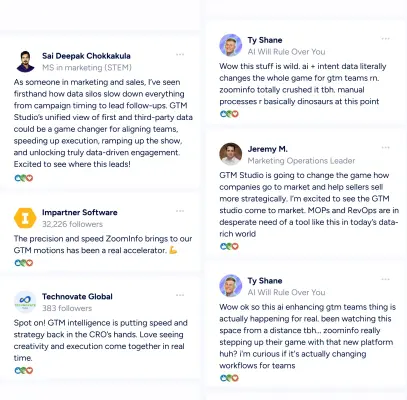
  • A digital graphic showcasing a collage of social media style testimonial posts in two vertical columns against a clean white background.
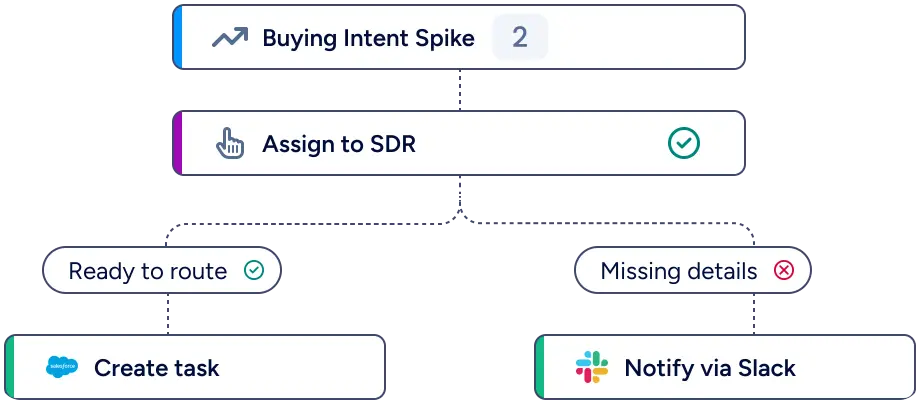
  • A clean UI flowchart illustration uses rounded rectangles and dashed connector lines to visualize an automated sales workflow.
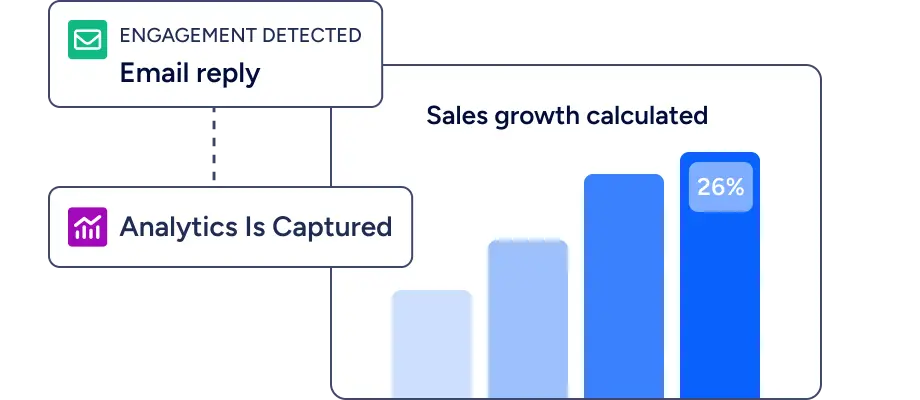
  • A clean UI graphic shows a workflow connecting data events to a bar chart titled 'Sales growth calculated.' On the left, two stacked notification boxes label…
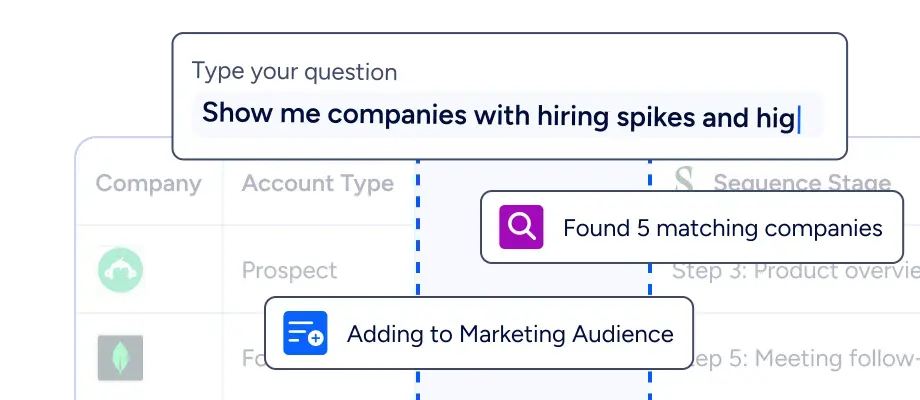
  • A close-up UI graphic shows a search prompt being typed: 'Show me companies with hiring spikes and hig'.
  • A clean software interface graphic displays a vertical flow of data processing steps against a subtle grid background.
  • The bold white text 'LOOKALIKE ICP TARGETING' is centered in a heavy, modern sans-serif font against a dark navy blue background.
  • A sleek graphic features the bold sans-serif text 'COMPETITIVE TECH UNINSTALL' centered on a soft, pale blue background.
  • Bold, white sans-serif text reading "CROSS-SELL TARGETING" is centered on a dark, navy blue gradient background.
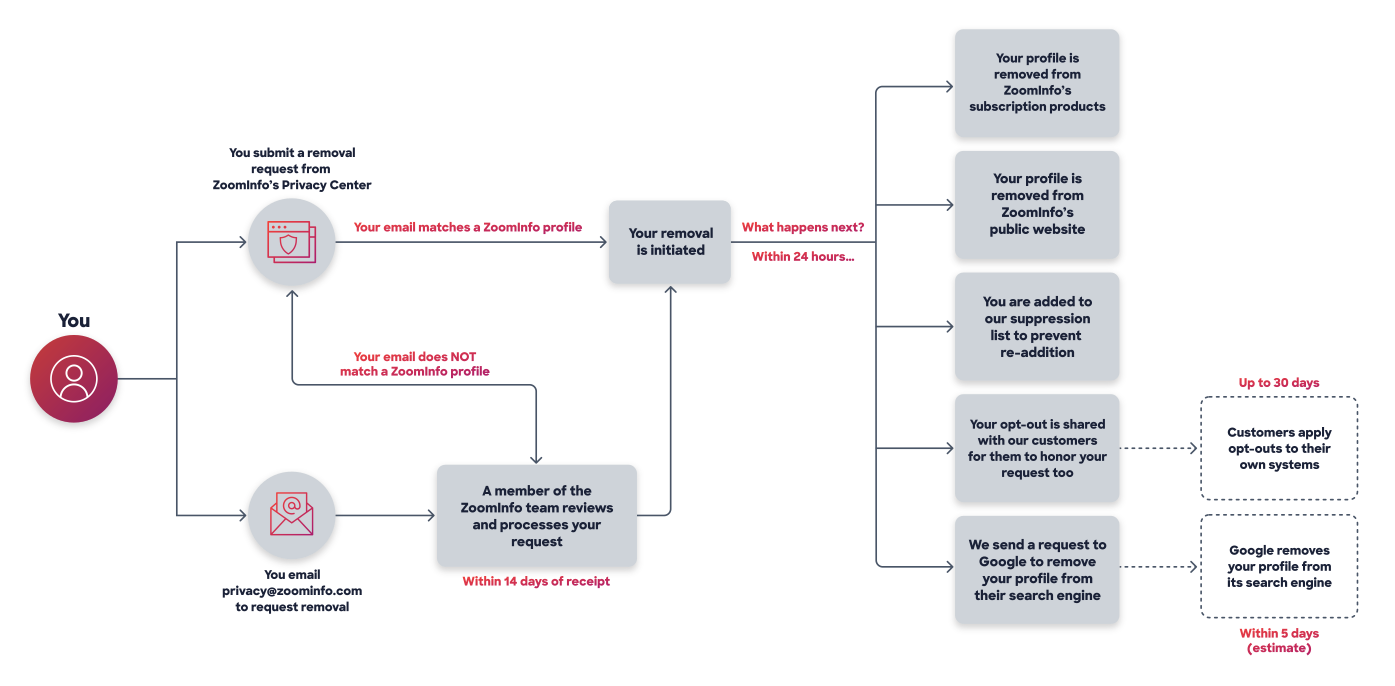
  • A clean, horizontal process flowchart illustrates the steps for removing a personal profile from ZoomInfo, moving from left to right.
  • A digital graphic illustrates an automated workflow on a dark-to-light blue gradient backdrop.
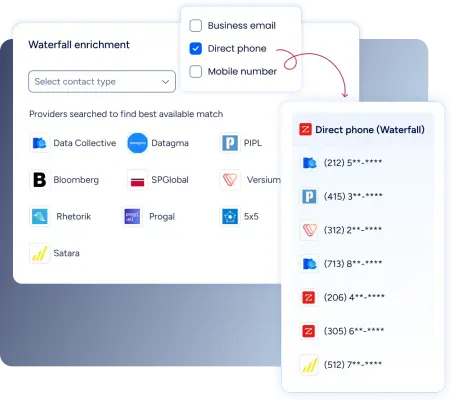
  • A digital graphic showcasing a 'Waterfall enrichment' interface that connects data providers with contact information.
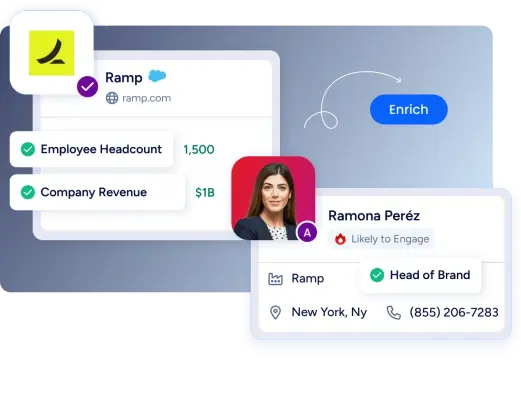
  • A clean software interface graphic displays layered data cards for Ramp and a professional profile for Ramona Per ez, 'Head of Brand.' The cards highlight…
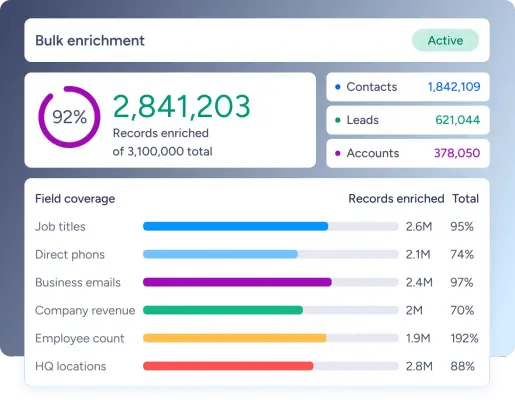
  • A digital dashboard graphic titled Bulk enrichment shows progress for 2,841,203 records enriched.
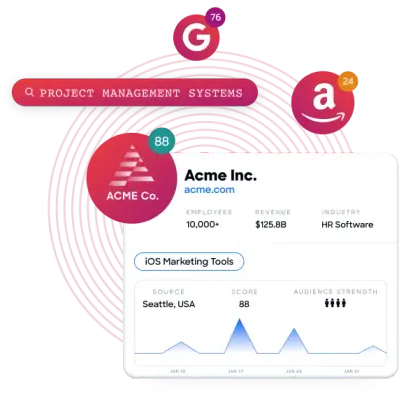
  • A digital graphic displays a stylized company profile for 'Acme Inc.' set against light pink concentric circles.
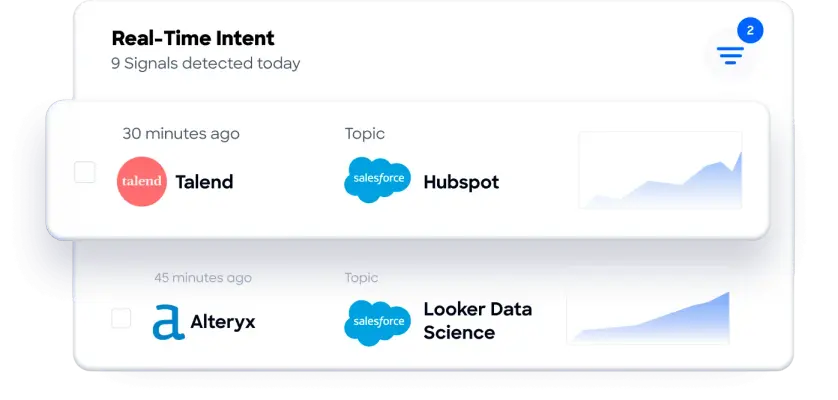
  • A software dashboard interface titled 'Real-Time Intent' displays '9 Signals detected today' on a clean white card with rounded corners.
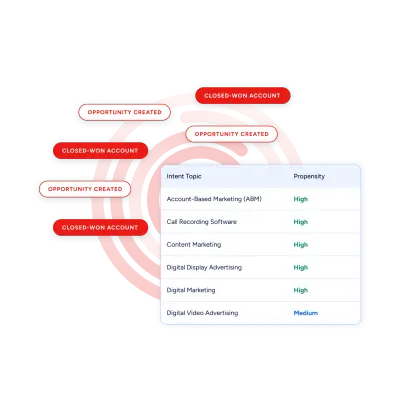
  • A clean software interface graphic displays an 'Intent Topic' table with 'High' and 'Medium' propensity scores for marketing categories like 'Account-Based…
  • A clean, modern user interface graphic titled "Create Workflow" that uses rounded white cards and blue accents.
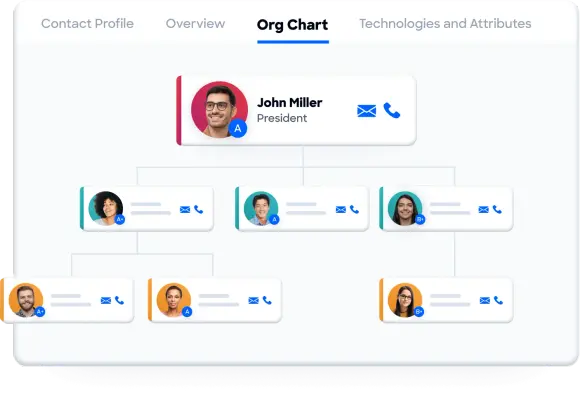
  • A clean software interface graphic displays a three-tier hierarchical 'Org Chart'.
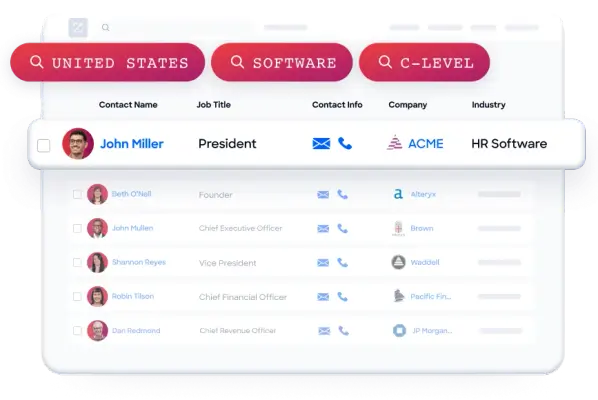
  • A clean graphic user interface shows a contact list database with three vibrant red-to-pink search tags floating at the top: 'UNITED STATES', 'SOFTWARE', and…
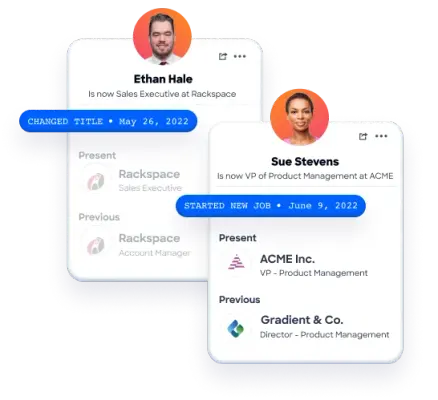
  • Two overlapping white user profile cards feature professional portraits of Ethan Hale and Sue Stevens in orange circular frames.
  • A minimalist graphic logo featuring the word "Engine" in a bold, black sans-serif font.
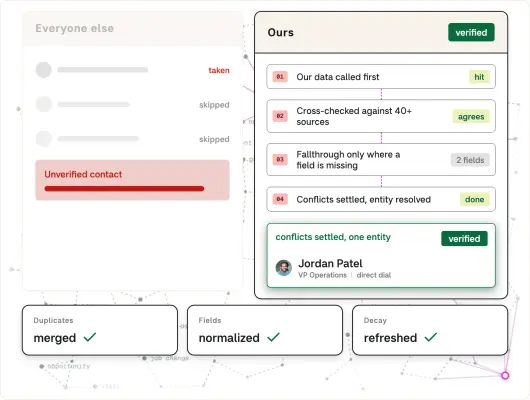
  • A UI graphic compares data processing methods against a background of faint connected nodes.
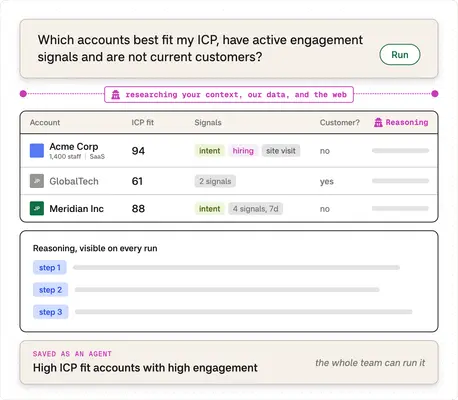
  • A clean UI graphic displays an AI-driven search query and account table on a subtle grid background.
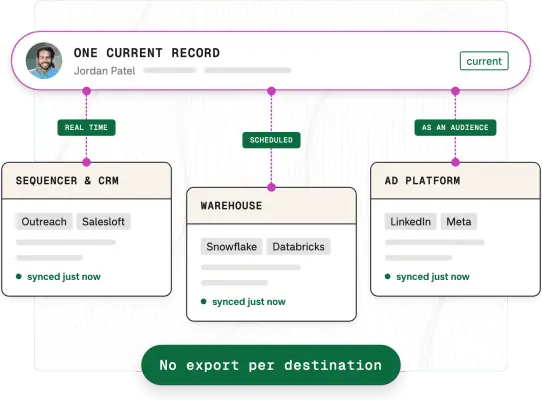
  • This digital graphic illustrates a data synchronization workflow, featuring a top 'ONE CURRENT RECORD' bar for 'Jordan Patel' connected by dashed purple…
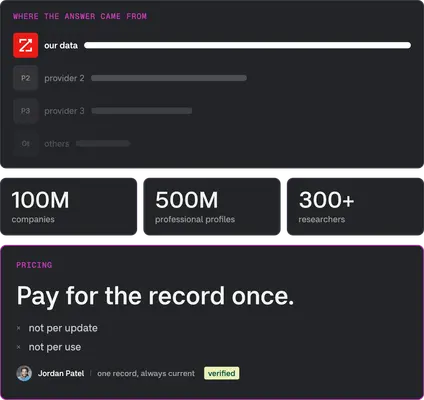
  • A digital graphic layout on a dark charcoal background uses pink and white text to highlight data sources and pricing.
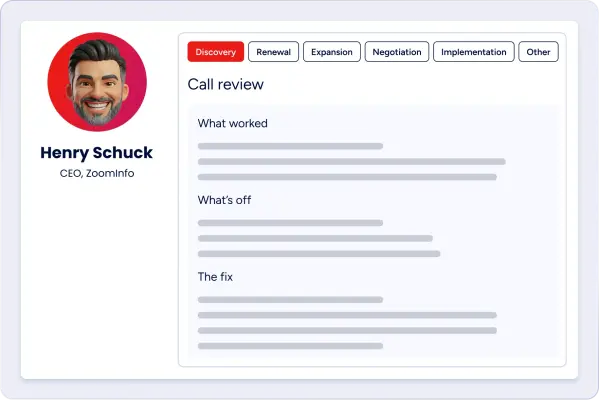
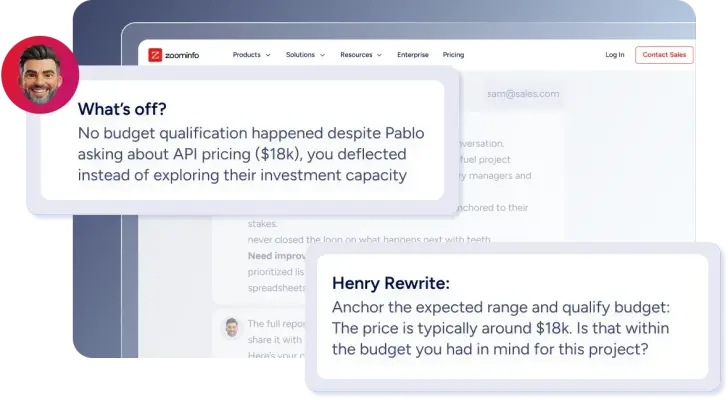
  • A digital interface mockup features a smiling, bearded 3D avatar of Henry Schuck, CEO of ZoomInfo, positioned next to a 'Call review' card.
  • A digital graphic layers instructional text cards over a blurred Zoominfo website interface.
  • A stark white brand logo featuring the word "Seismic" in a bold, sans-serif typeface with rounded edges.
  • A horizontal brand logo featuring the text 'GTM Studio' in a bold, black sans-serif font.

Download ZoomInfo’s Brand Skill

A Brand Skill is a folder of brand guidance written for agents. Give it to Claude, ChatGPT, Cursor or another agent and ask it to follow ZoomInfo’s guidelines. It starts at SKILL.md, which points to the right file for each task.

It has the guidance, 114 images and the logos. The font files belong to ZoomInfo Technologies LLC, so they’re left out.

zoominfo-brand-skill/

├ SKILL.md

├ README.md

├ references/

│ ├ dos-and-donts.md

│ ├ brand-marks.md

│ ├ colors.md

│ ├ typography.md

│ ├ voice-and-messaging.md

│ ├ marketing-imagery.md

│ ├ brand-photography.md

│ └ product-interface-imagery.md

└ assets/

├ images/

└ logos/

Rainbrand’s Brand Agent built this Brand Skill from zoominfo.com on 3 Nov 2026. It isn’t ZoomInfo’s official guide. Reviewed by Siddharth Borderwala, Founding Engineer at Rainbrand.

ZoomInfo and its logos are trademarks of ZoomInfo Technologies LLC. Rainbrand isn’t affiliated with or endorsed by ZoomInfo Technologies LLC.

Make one for
your brand.

Add Rainbrand to your agent and give it your website, brand guide or files. Rainbrand builds a Brand Skill like this one and keeps it up to date.

  1. Open the Rainbrand plugin and add it.

    Open Rainbrand plugin (opens in a new tab)
  2. Connect your Rainbrand account when asked. It works in ChatGPT and in Codex.

See all brands