(Brand guidelines) // Business software
HubSpot brand
guidelines
HubSpot’s logo, colors, fonts, voice, and dos and don’ts, from the Brand Skill Rainbrand built from hubspot.com.
Download the Brand Skill
- Orange#FF4800
- Coral#FF7A59
- Warm Off-White#FCFCFA
- Charcoal#1F1F1F
About HubSpot
HubSpot is an AI-powered customer platform that brings teams, tools, and customer data together to help businesses build demand, win deals, and delight customers. Its products span marketing, sales, service, content, data, revenue, and Smart CRM.
HubSpot logo
- WordmarkDownloadSVG of HubSpot wordmarkPNG of HubSpot wordmark
 IconDownloadSVG of HubSpot iconPNG of HubSpot icon
HubSpot’s identity includes a standalone wordmark and a standalone icon. Use the wordmark when the full brand name should be visible; use the icon when a compact brand mark is needed. Keep these brand marks distinct from product icons, app-store badges, customer logos, and other third-party marks.
HubSpot colors
Orange
Website accent
HEXRGBCoral
HEXRGBWarm Off-White
Website background
HEXRGBCharcoal
Website text
HEXRGBWhite
Button and card surfaces
HEXRGB
HubSpot fonts
HubSpot Serif
Display headings · 400
HubSpot Sans
Section headings · 400, Body · 400, Buttons and links · 500
Font names only. The Brand Skill download doesn’t include font files.
HubSpot’s voice
Write with optimism and momentum, grounded in the customer’s work and outcomes. Make complex platform benefits feel approachable: favor plain language, direct address, short sentences, and confident active verbs. Pair ambition with practical value rather than empty hype.
HubSpot’s voice makes bold ideas feel useful and human.
- “Your data deserves better than spreadsheets”
- “The solution isn't more tools. It's everything working together”
- “Make impossible growth feel impossibly easy, with HubSpot”
- “AI you control. Results you can trust”
Dos and don’ts
Do
- Lead with the customer’s goal, then show how connected data, teams, and tools help achieve it.
- Make AI feel like a helpful teammate: explain what it does and keep human judgment and control visible.
- Use clear, conversational language and concrete verbs such as “build,” “connect,” “create,” and “grow.”
- Keep the tone encouraging, practical, and confident; connect growth claims to a useful outcome.
Don’t
- Make the platform sound like a collection of disconnected tools; emphasize how the parts work together.
- Let AI sound generic, opaque, or autonomous without human control; ground it in business context and explain its role.
- Overload copy with jargon, lengthy setup, or claims without a clear customer benefit.
- Use aggressive or fear-driven language where a clear, helpful next step will do.
HubSpot imagery
137 images from hubspot.com, in 3 files of the Brand Skill. Each file starts with its guidance, then shows the images it refers to.
Brand assets and campaign imagery
40 imagesUse HubSpot’s own brand and campaign visuals to carry its identity across marketing and editorial work. The selection below includes brand backdrops, share artwork, Loop Marketing graphics, and corporate imagery.



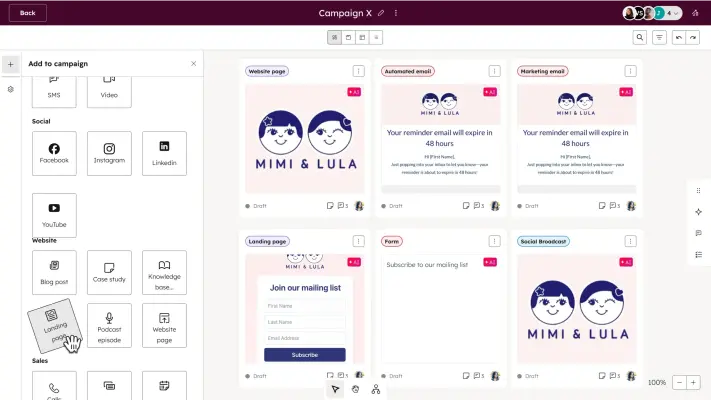
















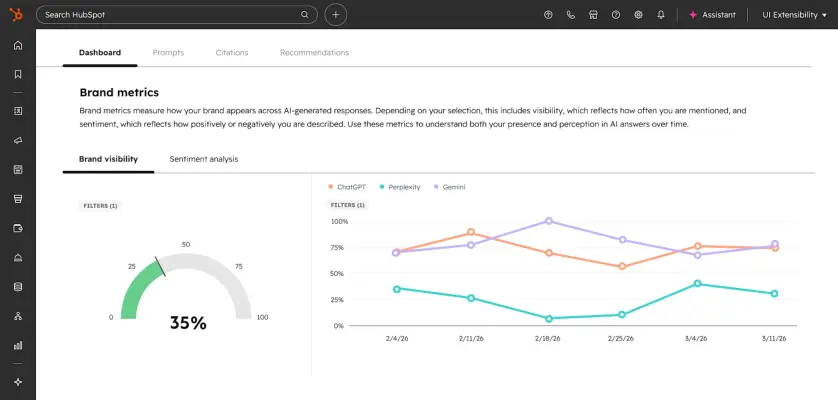
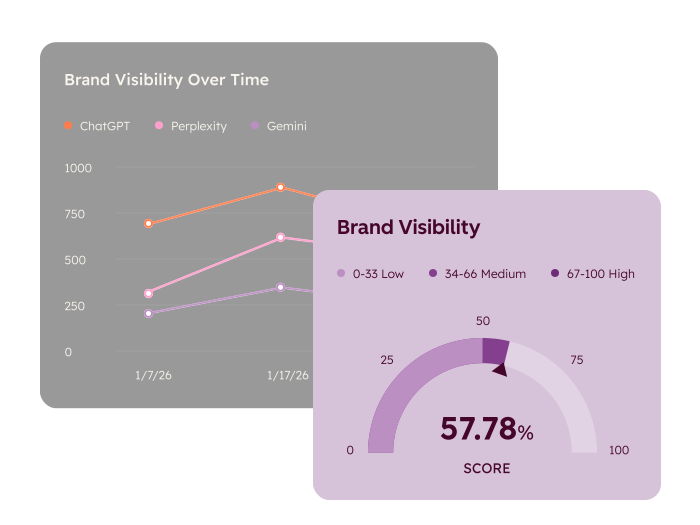


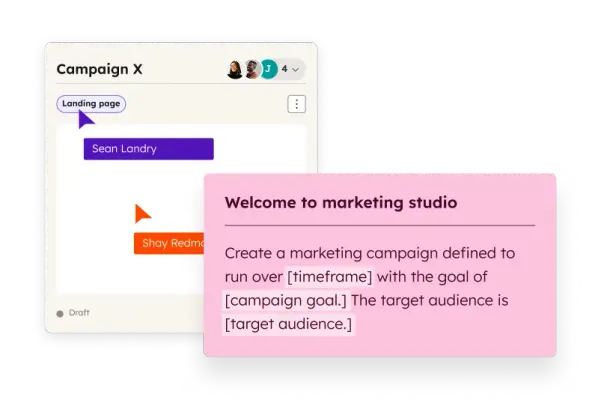
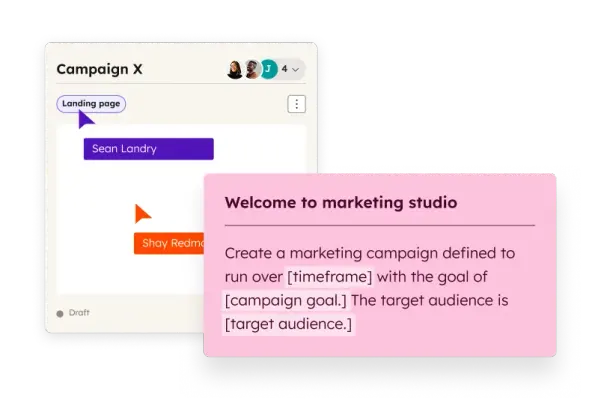






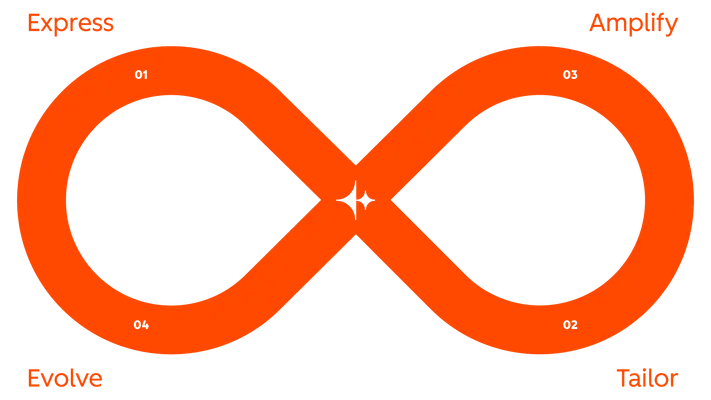


Illustration and pictograms
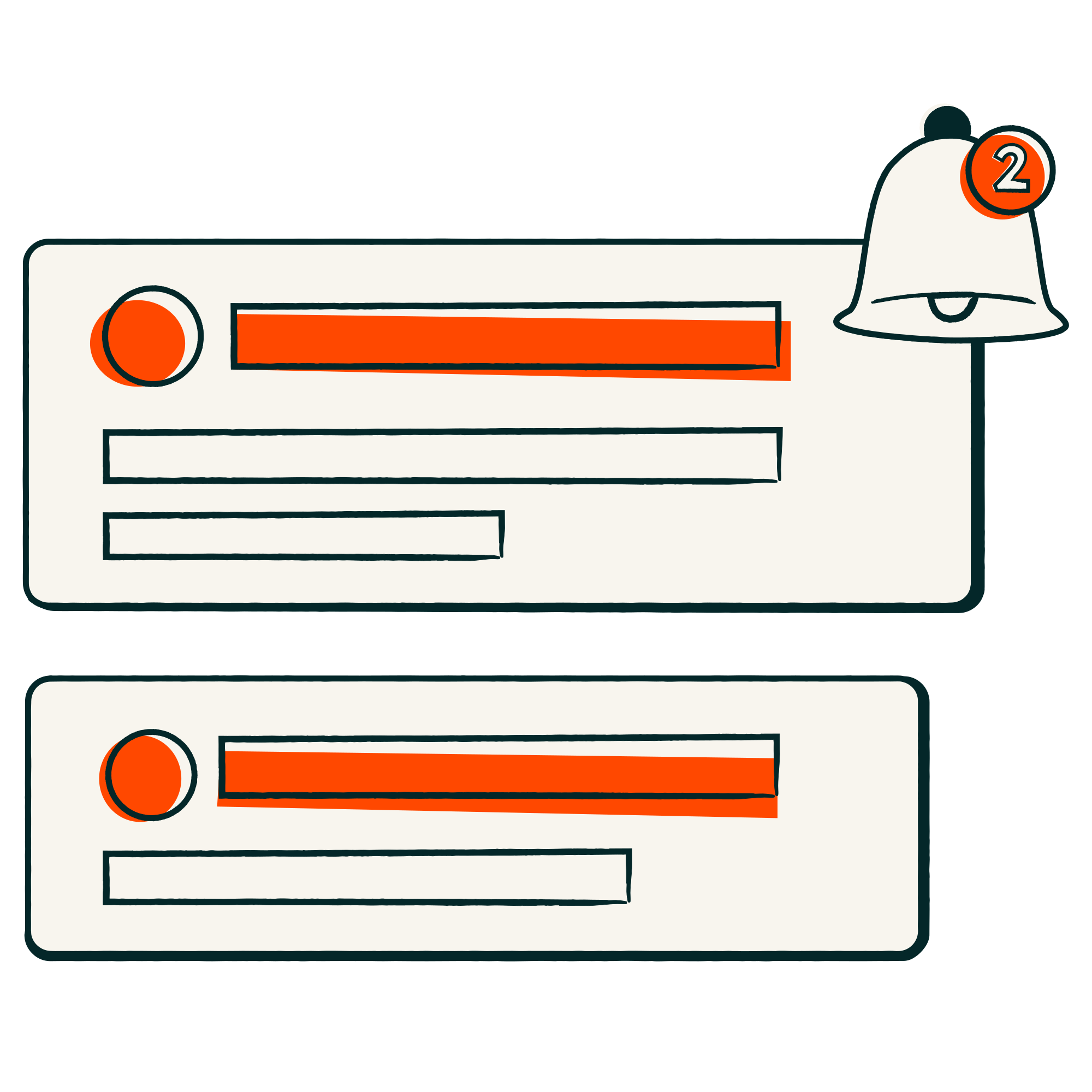
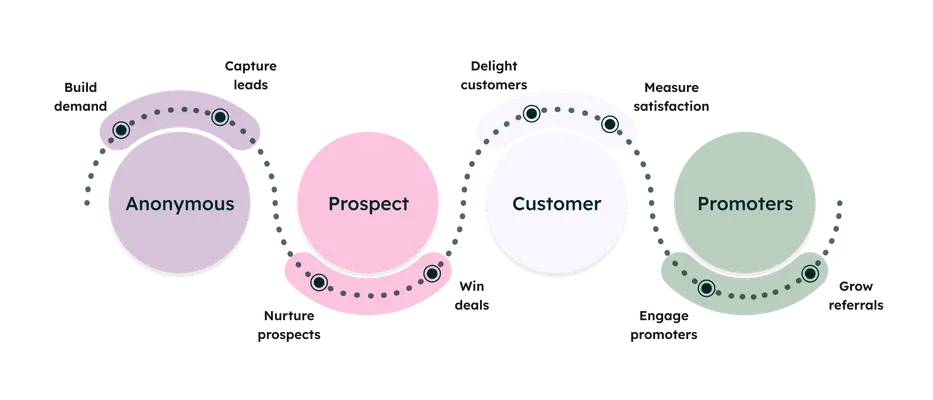
32 imagesHubSpot’s illustration library supports product storytelling, company content, and explanatory marketing. Use the light-background illustrations and pictograms to make abstract ideas—customer journeys, connected teams, growth, and data—easy to grasp. Keep illustrations purposeful and pair them with concise copy.






























Product experience imagery
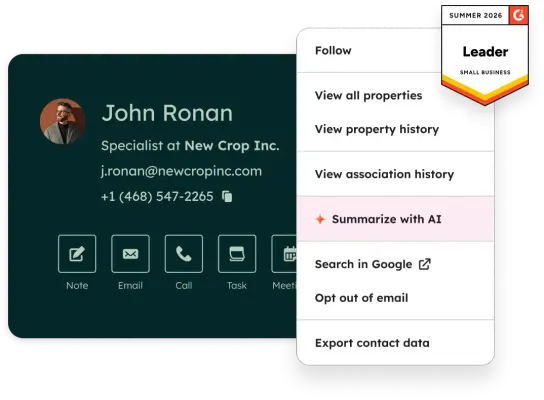
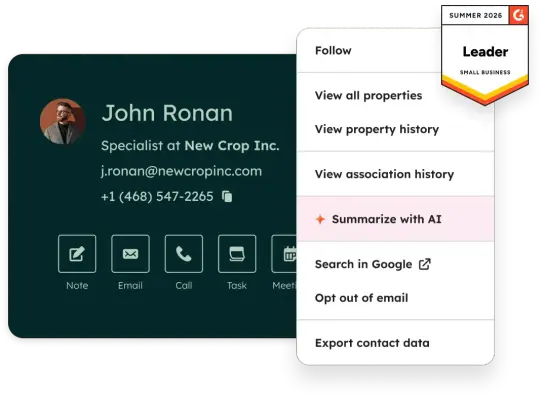
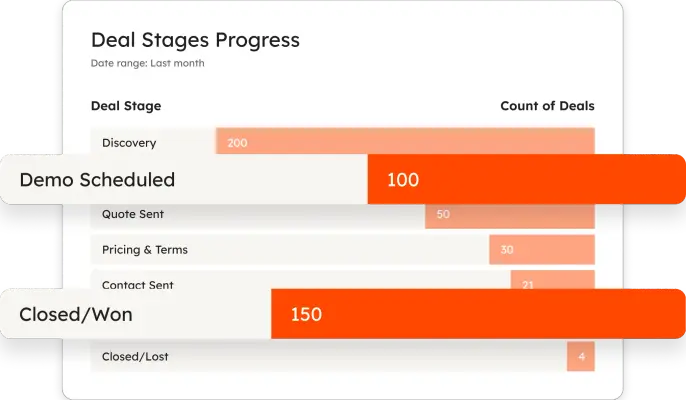
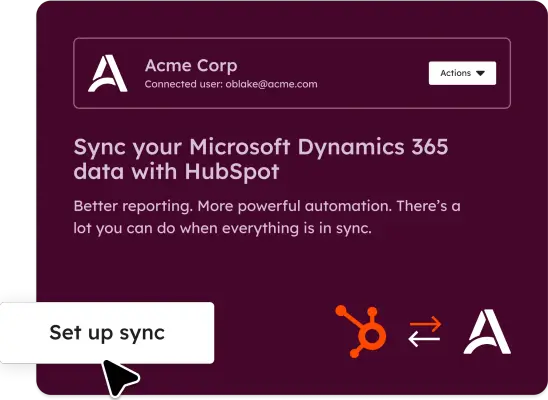
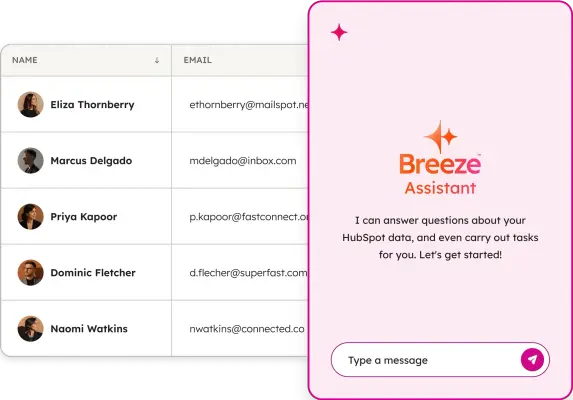
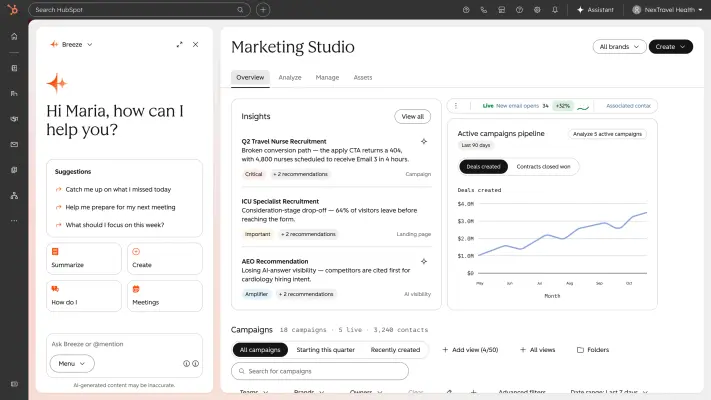
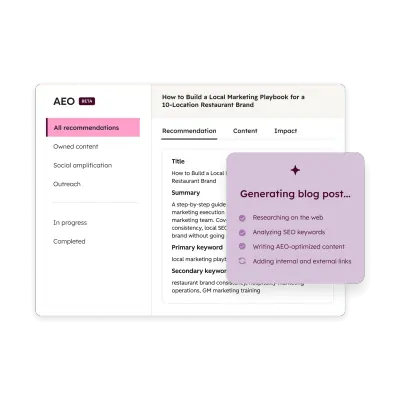
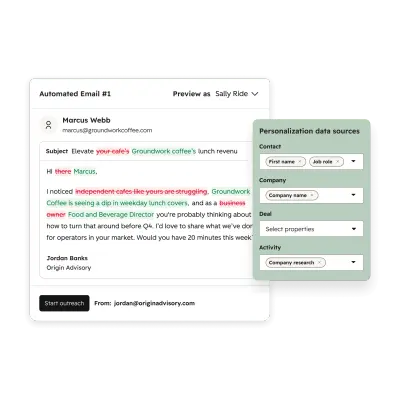
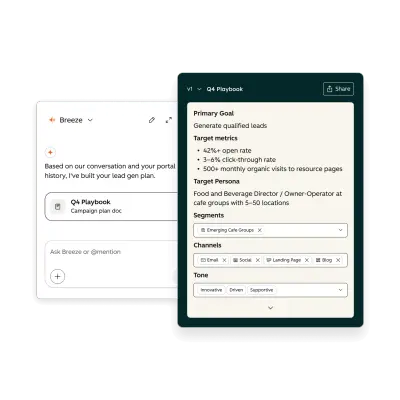
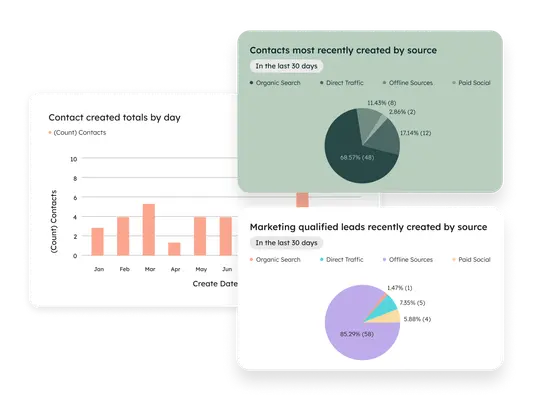
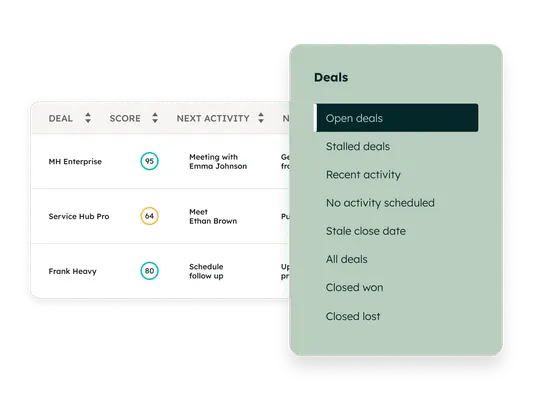
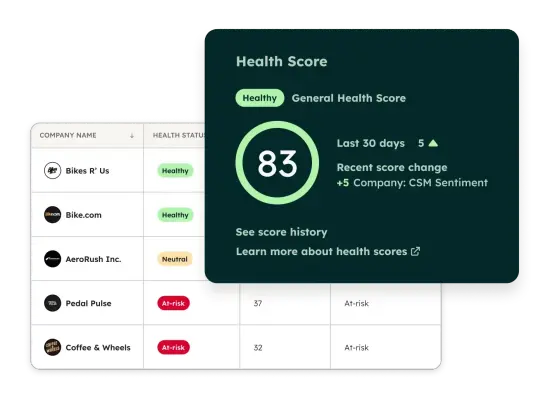
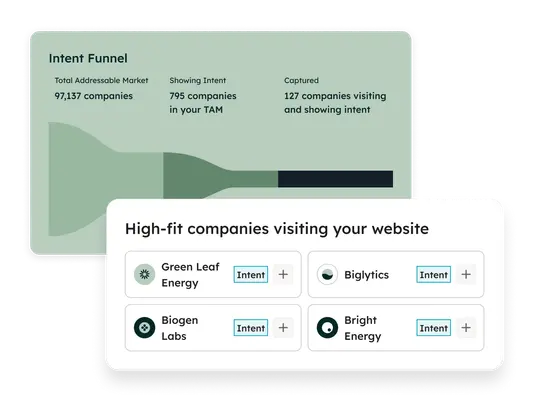
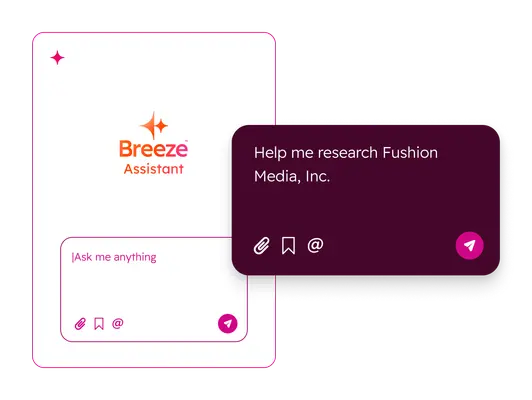
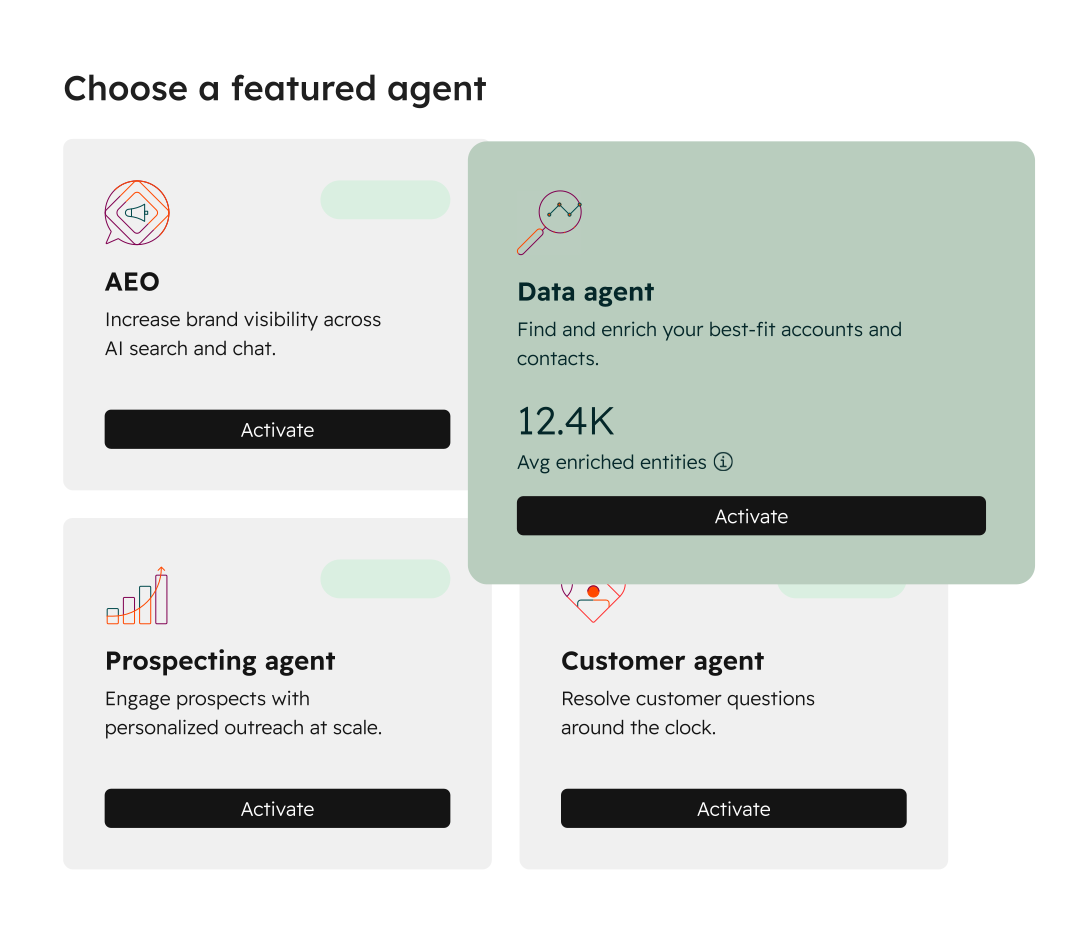
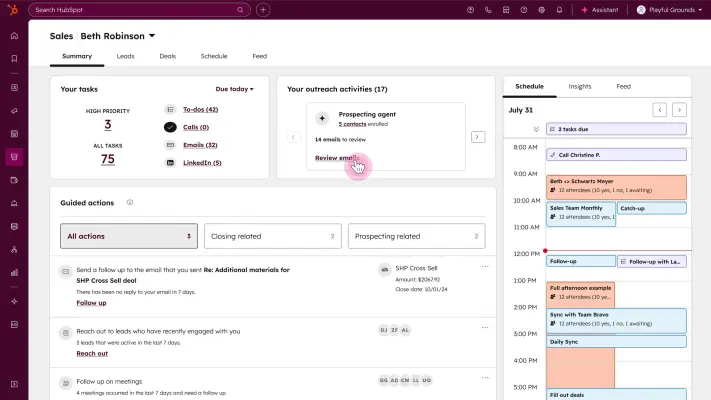
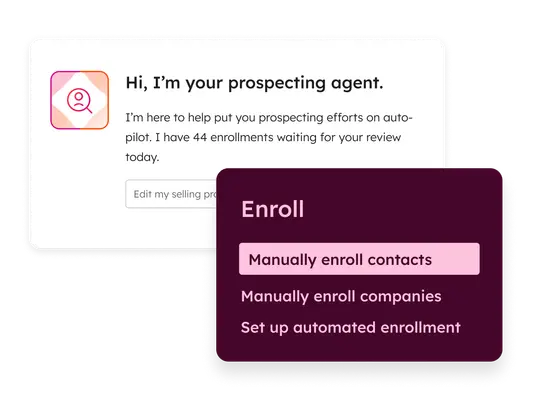
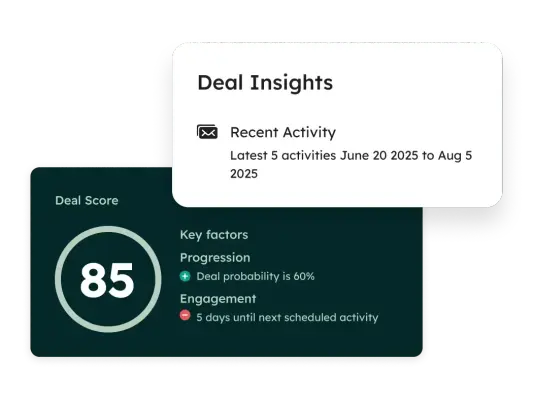
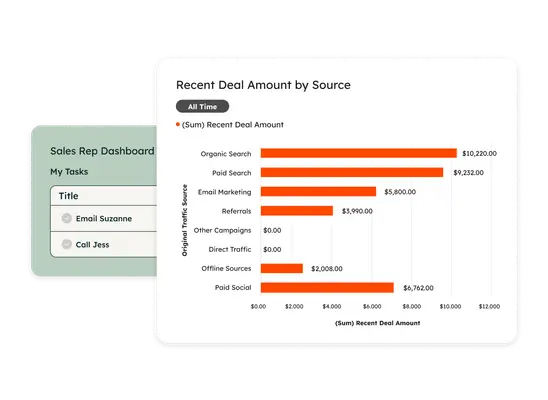
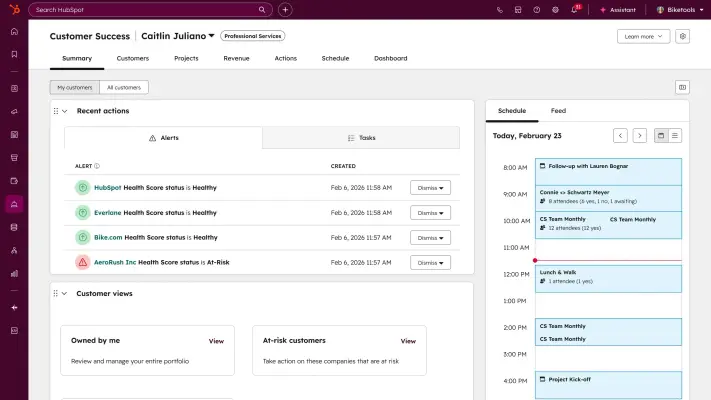
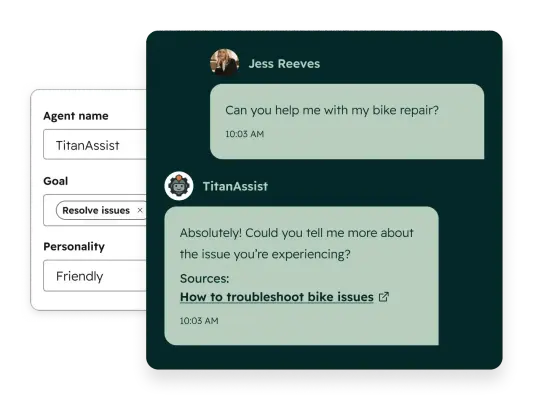
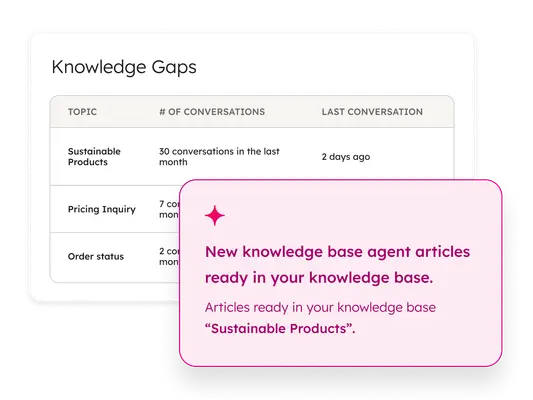
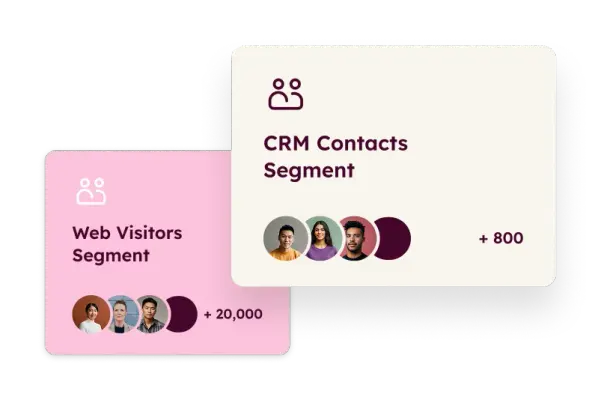
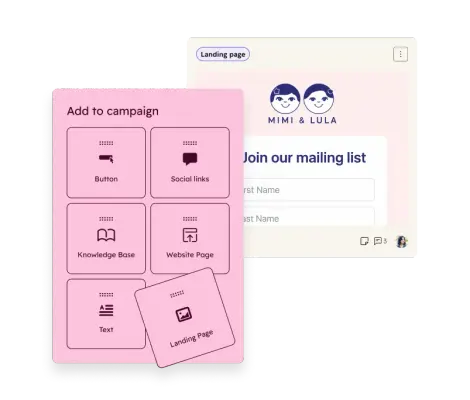
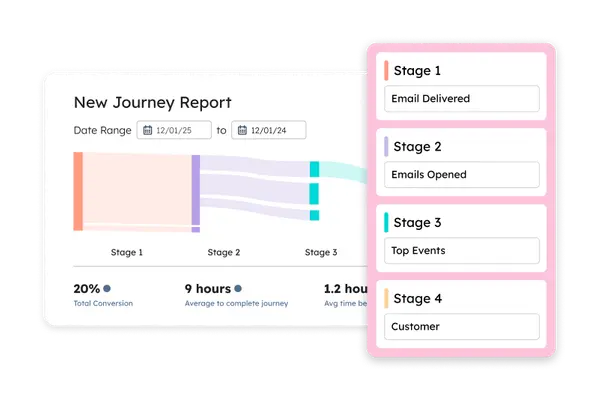
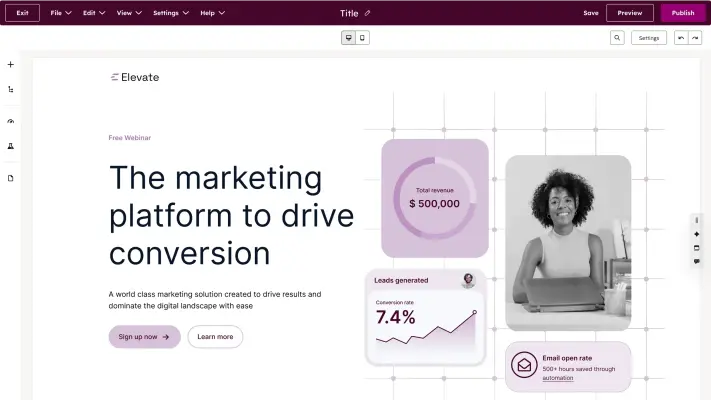
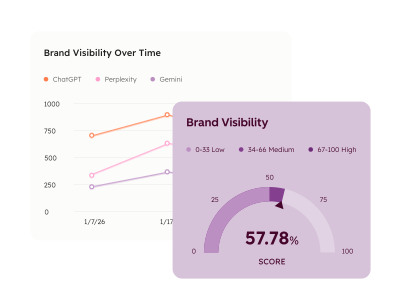
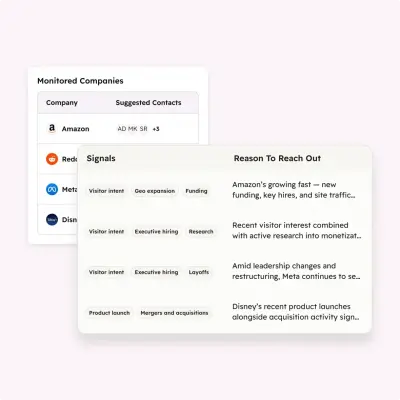
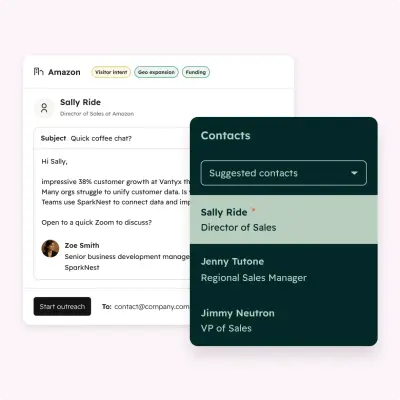
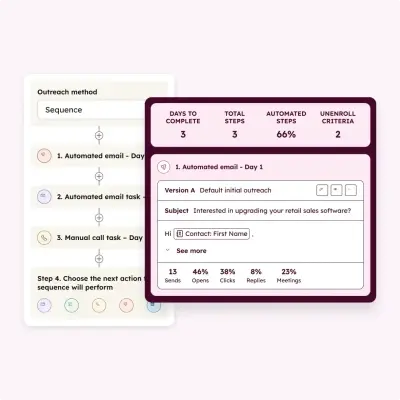
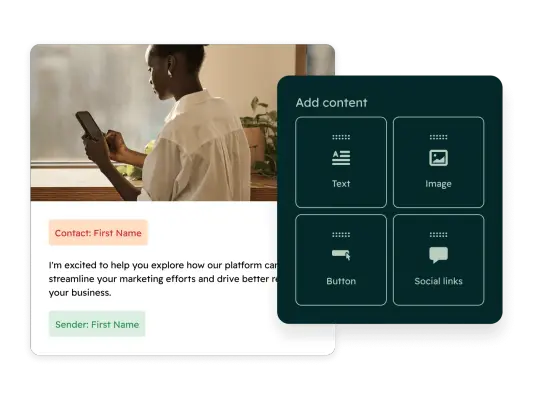
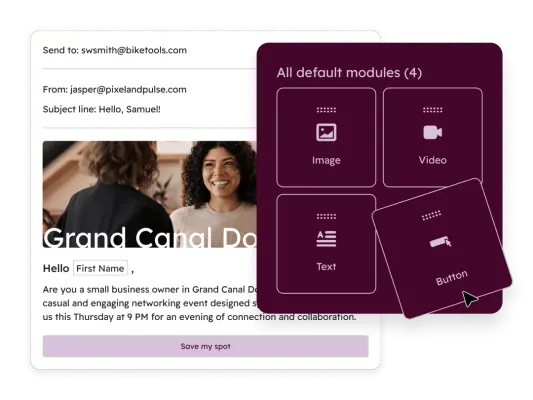
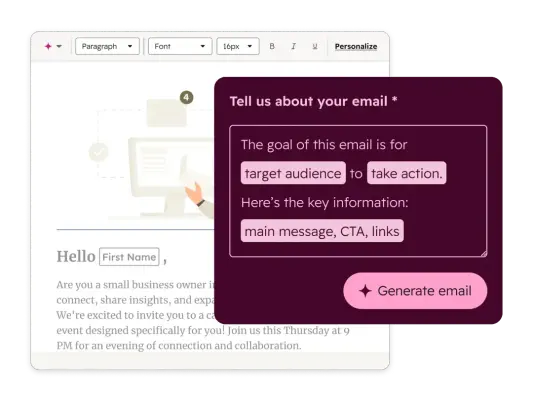
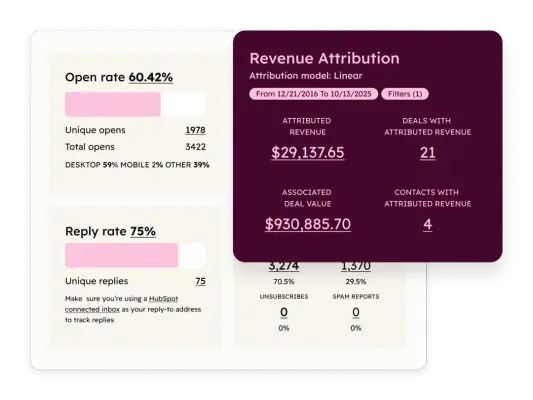
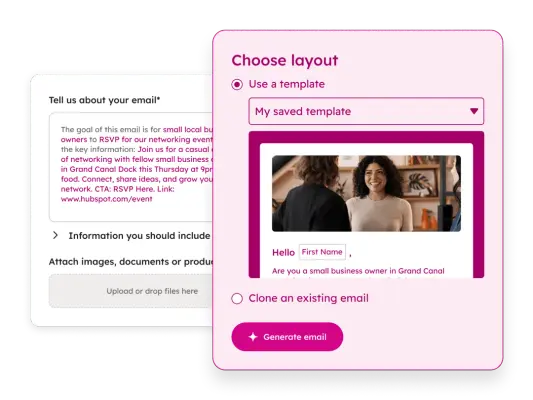
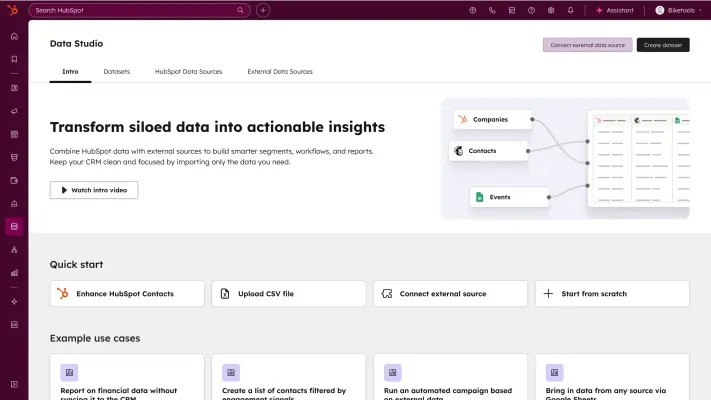
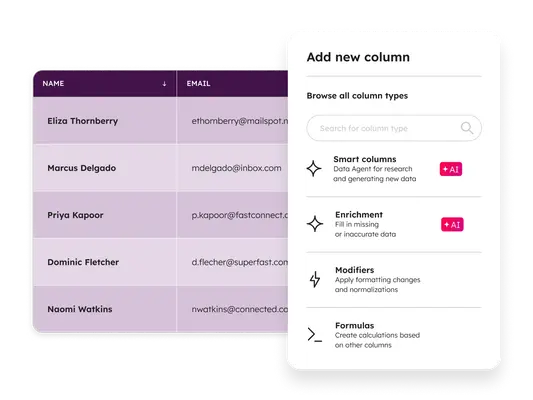
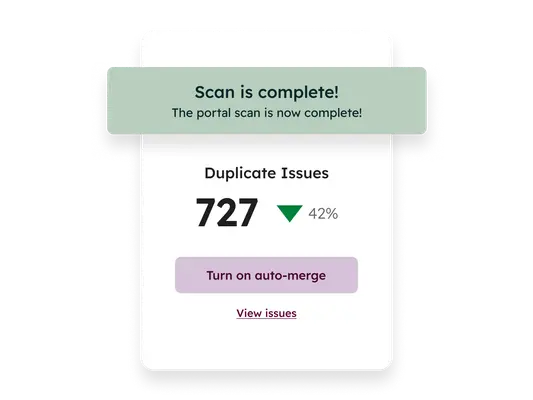
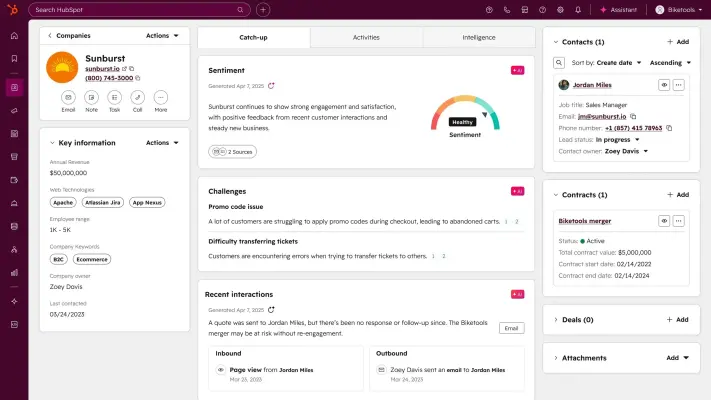
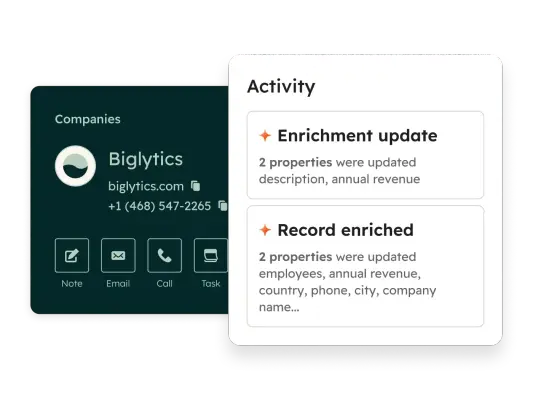
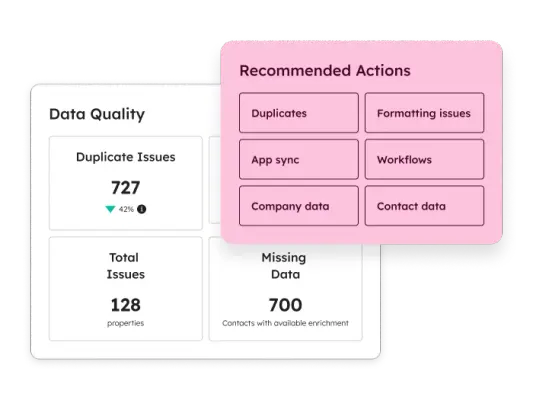
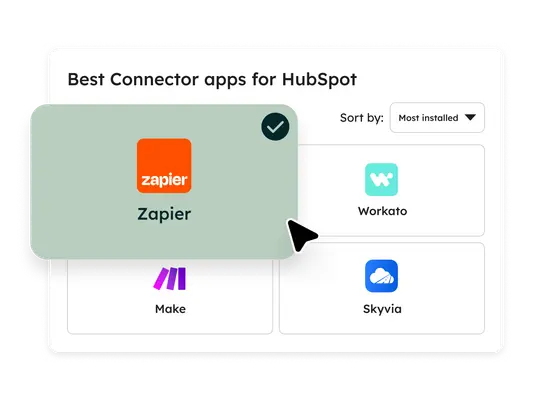
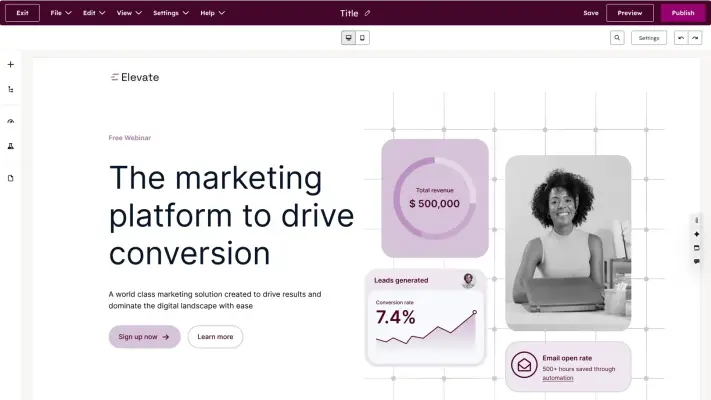
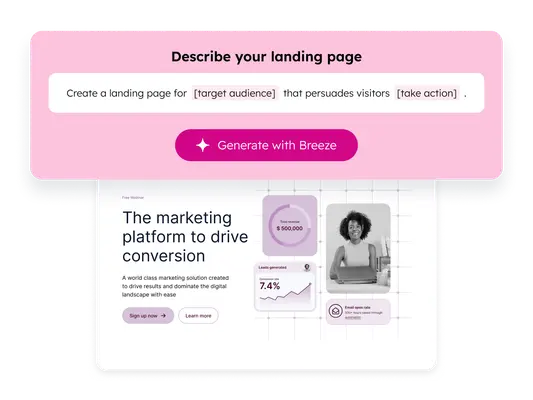
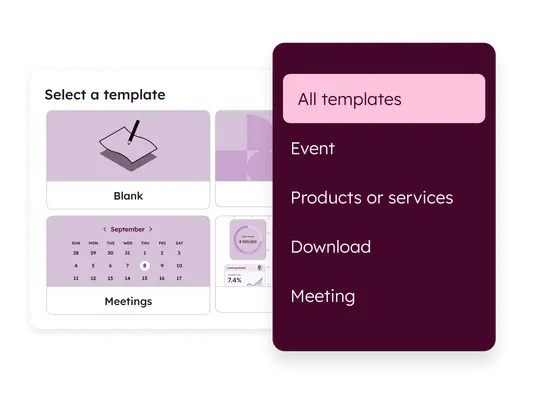
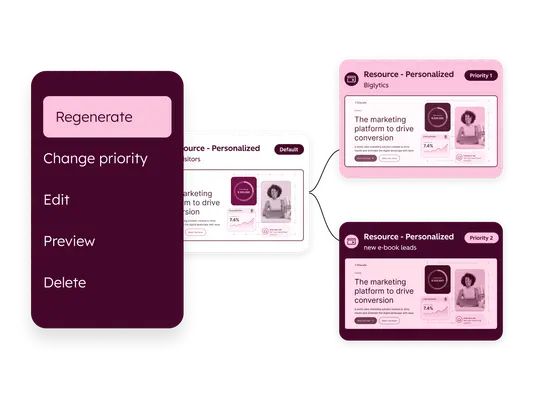
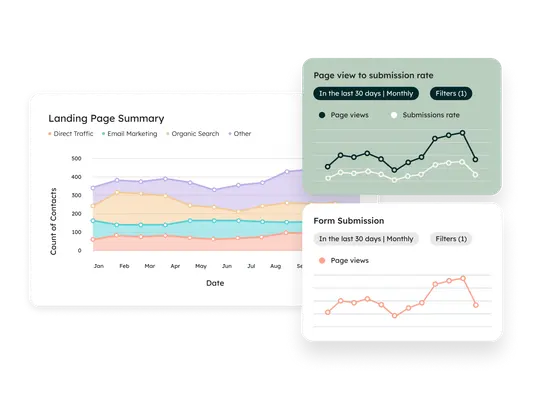
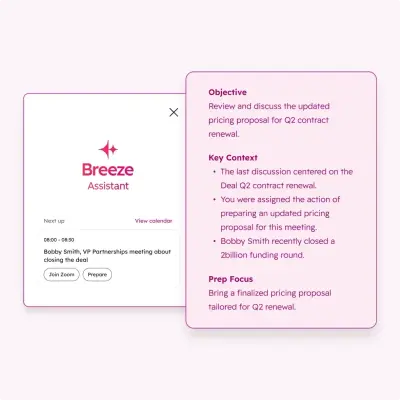
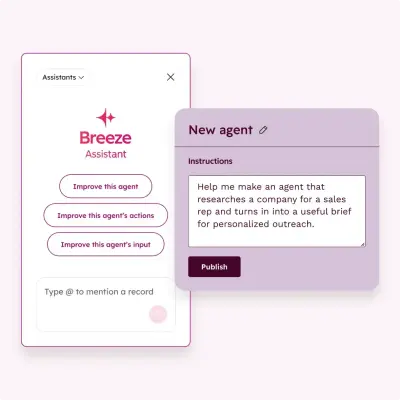
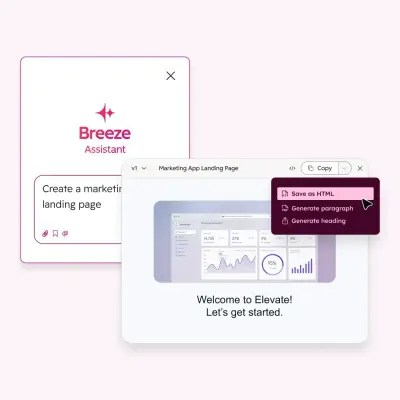
65 imagesShow HubSpot’s actual product experience when illustrating platform capabilities. Product screens, dashboards, records, agent interactions, and editor views are useful evidence of how the platform looks and works. Keep interface imagery recognizable; do not replace it with generic mock interfaces.












Download HubSpot’s Brand Skill
A Brand Skill is a folder of brand guidance written for agents. Give it to Claude, ChatGPT, Cursor or another agent and ask it to follow HubSpot’s guidelines. It starts at SKILL.md, which points to the right file for each task.
It has the guidance, 235 images and the logos. The font files belong to HubSpot, Inc, so they’re left out.
hubspot-brand-skill/
├ SKILL.md
├ README.md
├ references/
│ ├ dos-and-donts.md
│ ├ colors.md
│ ├ imagery-brand-assets.md
│ ├ imagery-illustration.md
│ ├ logo.md
│ ├ typography.md
│ ├ voice.md
│ └ imagery-product-experience.md
└ assets/
├ images/
└ logos/
Rainbrand’s Brand Agent built this Brand Skill from hubspot.com on 3 Nov 2026. It isn’t HubSpot’s official guide. Reviewed by Siddharth Borderwala, Founding Engineer at Rainbrand.
HubSpot and its logos are trademarks of HubSpot, Inc. Rainbrand isn’t affiliated with or endorsed by HubSpot, Inc.

Make one for
your brand.
Add Rainbrand to your agent and give it your website, brand guide or files. Rainbrand builds a Brand Skill like this one and keeps it up to date.

Open the Rainbrand plugin and add it.
Open Rainbrand plugin (opens in a new tab)Connect your Rainbrand account when asked. It works in ChatGPT and in Codex.
More brand guidelines
See all brands Attio brand guidelinesBusiness software
 Clay brand guidelinesBusiness software
 IBM brand guidelinesBusiness software

Rainbrand builds and maintains shared brand context for your agents and products.