Bloom is now Rainbrand

(Brand guidelines) // Business software

IBM brand
guidelines

IBM’s logo, colors, fonts, voice, and dos and don’ts, from the Brand Skill Rainbrand built from ibm.com.

Download the Brand Skill

About IBM

IBM is a global technology company whose work spans AI, hybrid cloud, data, infrastructure, software, consulting and research. Its brand connects ambitious technology to practical business and human outcomes, pairing a clear, modern voice with a design heritage built around the distinctive IBM wordmark.

Use the IBM 8-bar wordmark as the corporate signature. Preserve its bar spacing and letterforms, leave clear space around it and keep the artwork legible.

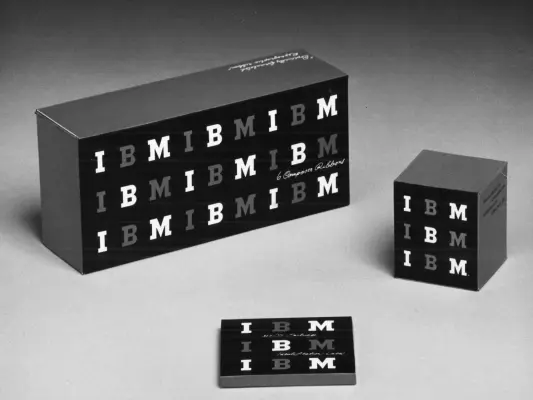
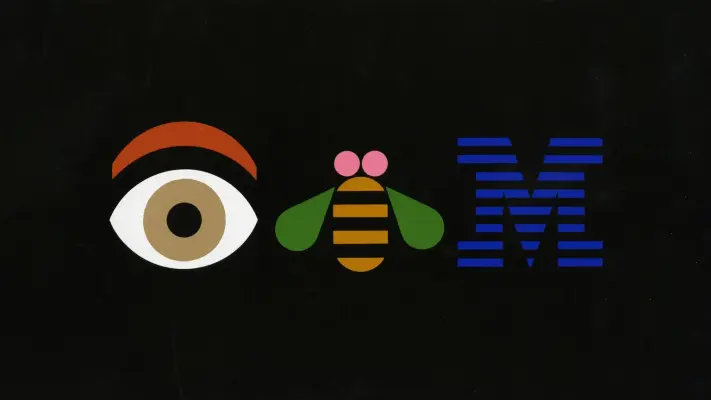
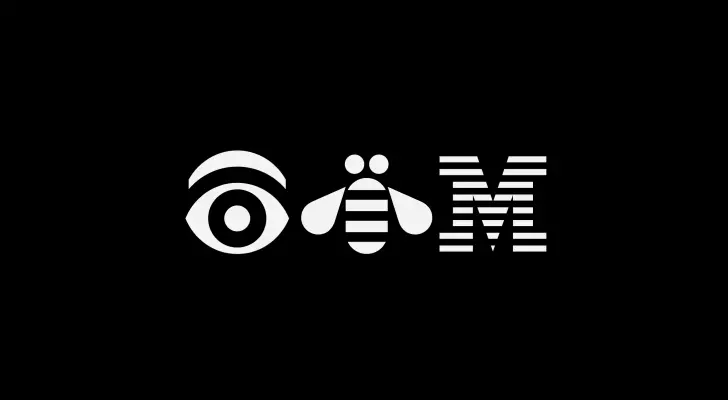
The eye-bee-M rebus belongs to IBM's design history. It is a separate identity treatment, not a substitute for the corporate wordmark.

IBM colors

  • Blue 60

    Core IBM blue

    HEX
    RGB
  • Gray 100

    Dark text and monochrome identity

    HEX
    RGB
  • White

    Light backgrounds and reversed artwork

    HEX
    RGB

IBM fonts

  • IBM Plex Sans

    Headings · 300, Body · 300

Font names only. The Brand Skill download doesn’t include font files.

IBM’s voice

Write with calm confidence and a clear sense of purpose. Lead with the idea or outcome, explain how the technology helps, and keep technical detail grounded in its practical value. Prefer direct, active phrasing and concrete language over hype. IBM’s product writing often frames complexity as something people can bring under control and connects innovation to useful outcomes.

Be precise when describing capabilities, results and claims. Where results depend on client conditions, IBM states that actual results vary; retain that qualification when making such claims.

  • “More agents shouldn't mean more chaos”
  • “Keep your stack. Add control”
  • “Run your entire system with clarity and control”
  • “Integration complexity limits AI”

Dos and don’ts

Do

  • Use the IBM wordmark as a clear, intact corporate signature.
  • Build a strong typographic hierarchy with IBM Plex Sans and clear, readable copy.
  • Use blue as a prominent accent and draw from the wider palette to add contrast.
  • Connect technical capabilities to the people, workflows or business outcomes they serve.
  • Write directly, with concrete language and a clear point of view.

Don’t

  • Distort the IBM wordmark or obscure its distinctive horizontal-bar construction.
  • Make claims of guaranteed customer results; qualify outcomes where they depend on circumstances.
  • Rely on vague claims where a specific capability, use case or outcome can be stated.

IBM imagery

140 images from ibm.com, in 5 files of the Brand Skill. Each file starts with its guidance, then shows the images it refers to.

Brand history

13 images

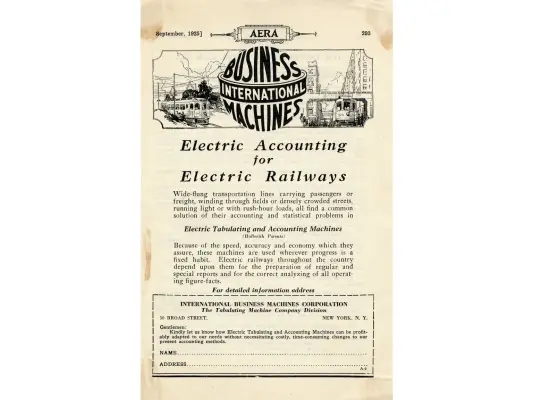
IBM’s visual identity is rooted in a long design history. Paul Rand’s 8-bar IBM logo, introduced in 1972, has remained the familiar corporate mark; IBM’s design history also includes earlier marks, printed advertisements and the rebus. Use this history as context for the enduring value IBM places on design, not as a direction to use obsolete marks in current work.
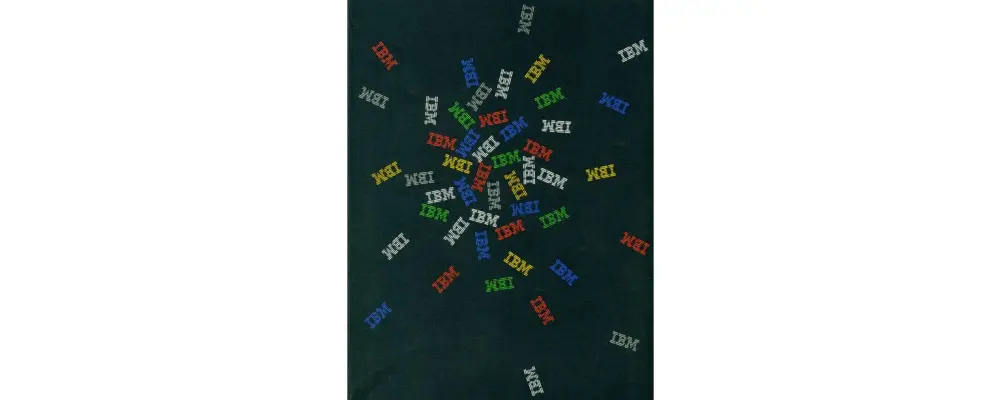

  • Dozens of small, multi-colored IBM logos are scattered across a deep black background, radiating outward from a central cluster.
  • A high-contrast black and white circular logo featuring a complex vintage monogram.
  • A vintage black-and-white globe logo composed entirely of stylized typography against a stark white background.
  • Brand image
  • Brand image
  • A black intertwined monogram logo centered on a stark white background.
  • An ornate, black vintage-style monogram logo featuring a large decorative letter 'S' and a smaller 'Co' intertwined within a calligraphic frame.
  • A minimalist graphic featuring the iconic IBM logo rendered in a high-contrast outline style.
  • A stark, monochromatic logo featuring the bold black text "IBM" centered on a plain white background.
  • The iconic IBM logo is centered on a plain white background, rendered in solid black.
  • Paul Rand's iconic 1981 Eye Bee M rebus poster features three colorful graphic symbols aligned horizontally against a solid black background.
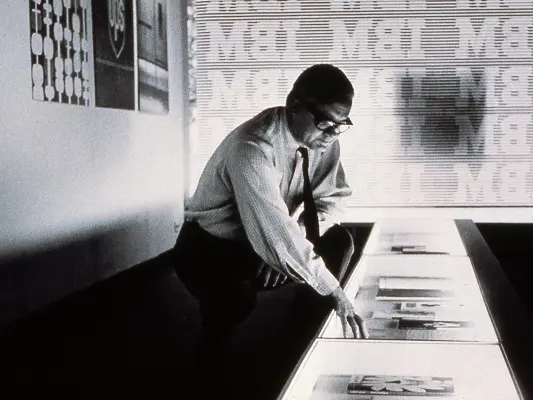
  • A grainy, black-and-white photograph captures a man in a button-down shirt and tie leaning over an illuminated display case filled with documents.
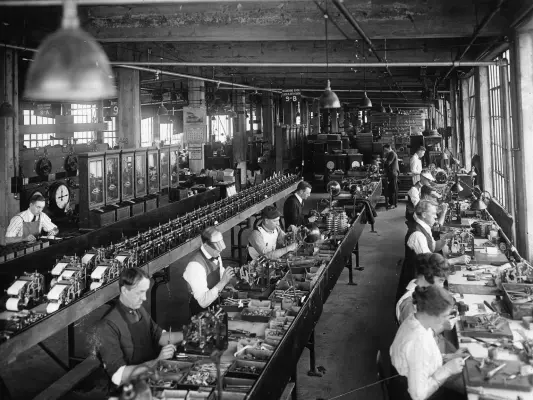
  • A wide-angle, black-and-white historical photograph depicts a bustling industrial workshop filled with men and women assembling intricate mechanical devices…

Illustration and abstract imagery

61 images

IBM’s marketing imagery includes geometric, abstract and dimensional artwork. Use shapes, lines, grids and digital motifs to make complex technology feel tangible; keep the message legible and the composition purposeful. Product and campaign artwork may use a more specific palette or visual theme, so keep those choices tied to their context rather than treating them as universal IBM rules.

IBM’s isometric illustrations create a dimensional view from orderly, rectilinear forms. Keep objects aligned to an isometric grid and use color and gradients to distinguish planes, volume and depth. The IBM Design Language production guide recommends avoiding Illustrator 3D effects in most cases because they can produce unexpected results or fail to align to the grid.

Use the following IBM marketing and product illustrations as examples of context-specific visual treatments.
  • The iconic IBM logo is presented as a clean graphic in a vibrant sky blue.
  • The iconic IBM logo is centered on a plain white background, rendered in a vibrant medium blue.
  • A square graphic divided into four quadrants on a black background, featuring a bold purple eye icon in the top left.
  • Brand image
  • A square graphic divided into four equal quadrants featuring bold geometric and financial motifs in a palette of cyan, purple, and black.
  • A bold geometric graphic is composed of four quadrants against a black background.
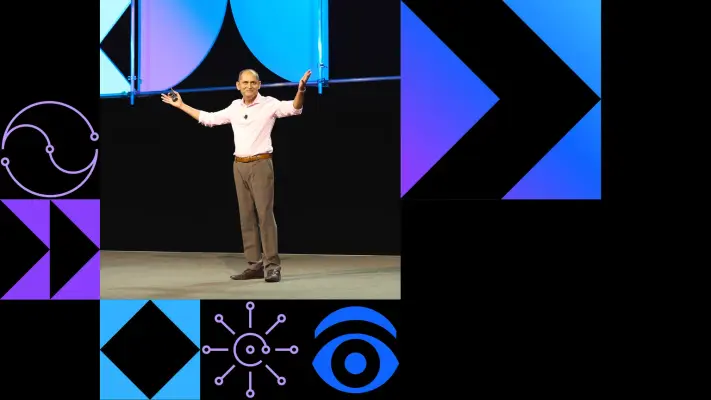
  • A man in a light pink dress shirt and brown trousers stands on a stage with his arms wide in a welcoming gesture.
  • A flat, geometric graphic depicts a computer monitor with three human silhouettes overlapping on the screen, rendered in a palette of vibrant blues and purples.
  • A vibrant flat graphic features a computer monitor containing silhouettes of three figures, with a bold white silhouette in the foreground and two blue-toned…
  • A vibrant blue and purple graphic features two overlapping user icons, one solid white and one a light blue silhouette, centered in front of a stylized…
  • A black prancing horse is the central focus of this iconic yellow shield logo, centered on a plain white background.
  • A black and white Skechers corporate logo featuring a large, stylized 'S' symbol inside a diamond shape on the left.
  • The CrushBank logo features a dark charcoal, hexagonal icon on the left containing a stylized 'B' with an open top.
  • The iconic IBM logo is rendered in a vibrant medium blue, featuring the three letters 'IBM' constructed from eight distinct horizontal stripes.
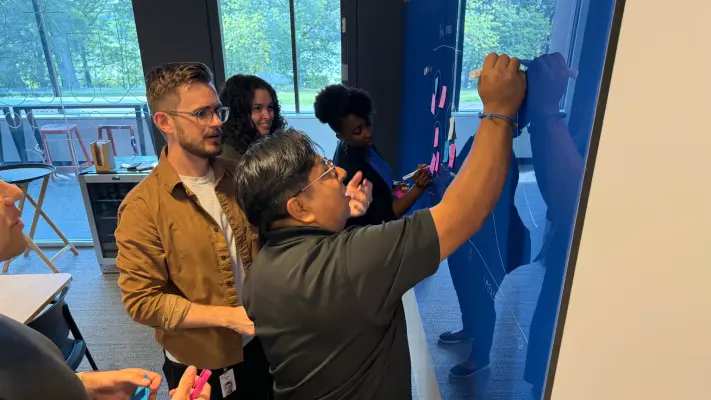
  • A collaborative office photo shows four diverse professionals brainstorm around a glass wall covered in colorful sticky notes and diagrams.
  • A focused young Black man in a dark blue hoodie works on a laptop at a high red-edged table within a server warehouse.
  • A medium wide shot captures three diverse young adults sitting on a low concrete wall outdoors under dappled sunlight.
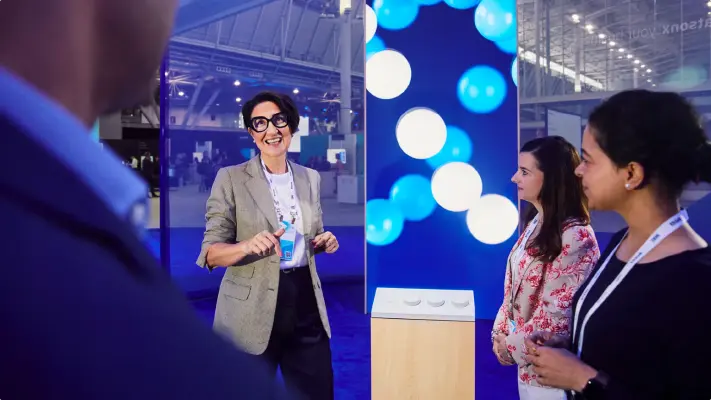
  • A woman in a grey checkered blazer and distinctive thick black glasses smiles warmly while gesturing toward a display at a professional conference.
  • A rhythmic series of vertical, metallic slats creates a sense of depth through light and shadow.
  • A striking panoramic graphic of a corrugated, three-dimensional surface featuring vertical ridges and deep grooves.
  • A digital graphic featuring a series of vertical, metallic-looking fins that create a rhythmic pattern of light and shadow across the frame.
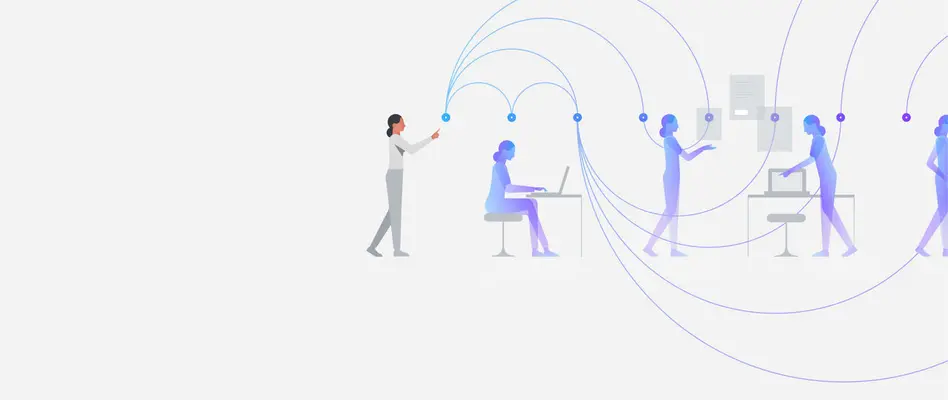
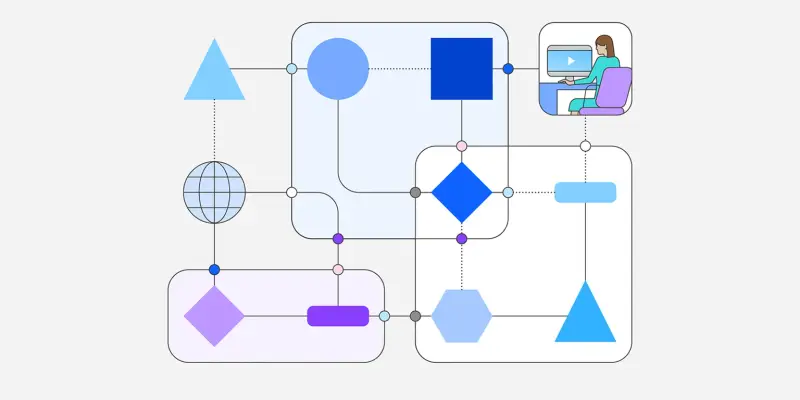
  • This flat, minimalist vector illustration features stylized purple and blue figures interacting across a workspace connected by swooping, arced lines.
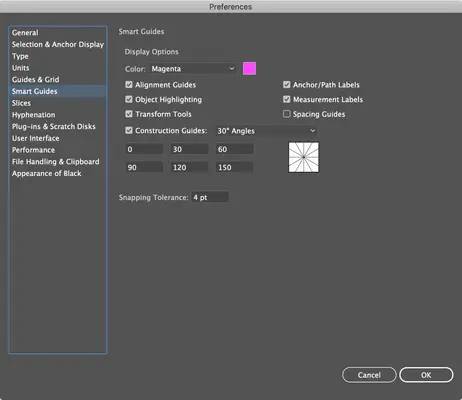
  • A screenshot of a software Preferences window with the Smart Guides category selected on the left sidebar.
  • A minimalist black circle icon containing white line-art illustrations of a king and a knight chess piece side-by-side.
  • A flat, isometric graphic features a black circle tilted into a vertical 3D plane outlined in magenta.
  • Brand image
  • A clean, isometric 3D graphic of a rounded blue square slab positioned at a diagonal angle.
  • A vibrant magenta geometric line drawing features a circle perfectly inscribed within a square, with two diagonal lines crossing through the center.
  • A minimalist geometric line drawing in magenta, depicting a rhombus with an inscribed oval and two internal intersecting diagonal lines.
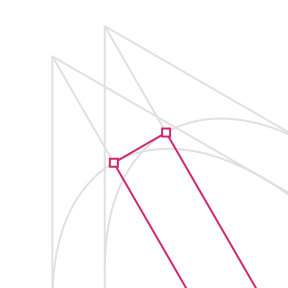
  • A magenta isometric line drawing features a complex geometric form constructed from two parallel squares joined with intersecting diagonal lines and…
  • A magenta line graph segment stands out against a backdrop of light gray geometric wireframes.
  • A magenta wireframe seed or almond shape floats centrally against a light gray isometric grid.
  • A single magenta, hand-drawn oval floats atop a light gray isometric grid pattern.
  • A magenta isometric outline of a thin, circular disk or coin floating against a light gray technical grid background.
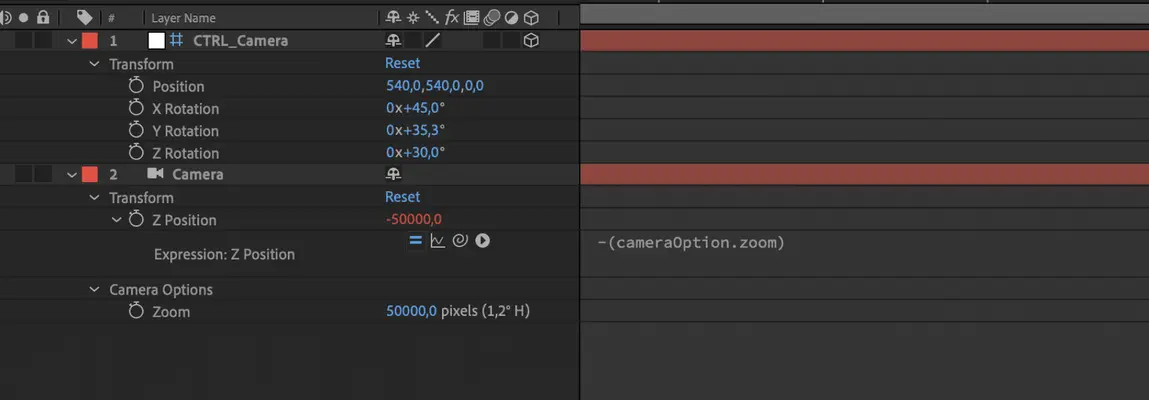
  • A close-up screenshot of an Adobe After Effects timeline panel displaying layer settings for a camera controller.
  • A digital interface mockup for 'IBM Bob' is presented at an isometric angle against a dark, gridded background.
  • Brand image
  • A stylized flat illustration features a stack of four documents cascading diagonally from the top right to the bottom left.
  • A wide, cinematic digital graphic featuring a dense grid of tiny, uniform dots against a deep black background.
  • A minimalist dark digital graphic featuring a dense grid of uniform dots that fade from vibrant cyan and deep blue on the right edge into total blackness…
  • A dynamic blue-themed digital interface illustration features various characters and UI elements scattered across a gridded background.
  • A minimalist, flat-style avatar graphic features a friendly white robot head wearing a blue and purple gradient hard hat.
  • A minimalist vector illustration features a bearded man in a white dress shirt and blue tie positioned on the right side against a gray background.
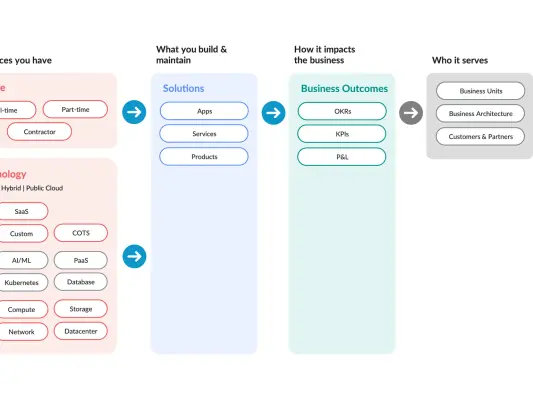
  • A clean business workflow graphic uses colorful vertical columns and pill-shaped tags to map organizational impact.
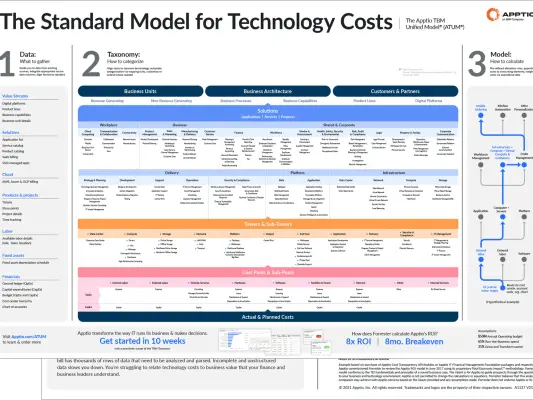
  • A detailed technical infographic titled "The Standard Model for Technology Costs," presenting the Apptio TBM Unified Model (ATUM) via a large, multi-layered…
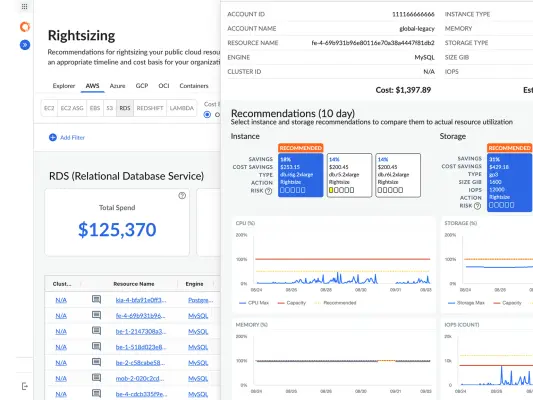
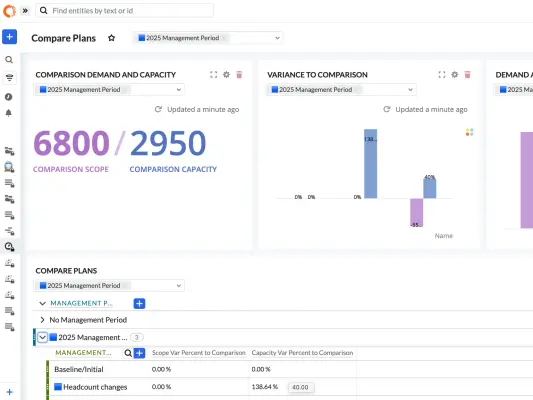
  • A clean screenshot of a cloud management dashboard titled 'Rightsizing' displays an RDS cost analysis interface.
  • Brand image
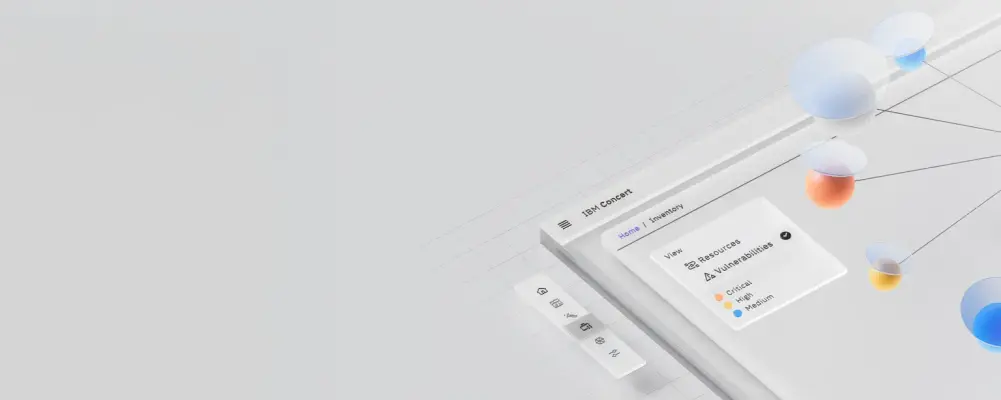
  • A high-angle, stylized software screenshot of 'IBM Concert' is rendered with 3D depth, featuring floating glass-like spheres in blue, orange, and yellow…
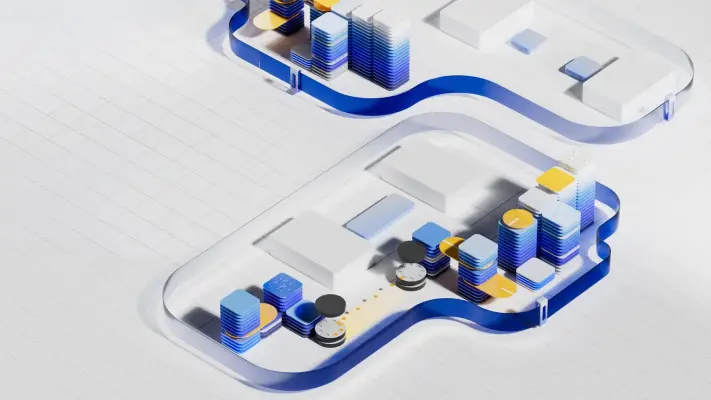
  • A clean, high-angle 3D digital illustration features two abstracted data center layouts contained within blue glass capsules on a white gridded surface.
  • A flat geometric graphic features a series of four overlapping squares that cascade diagonally from the bottom-left to the top-right.
  • A flat geometric graphic featuring two overlapping circular motifs in shades of teal, emerald, and blue.
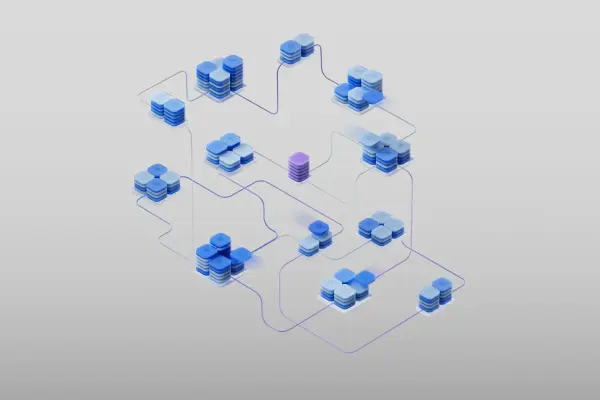
  • A complex 3D isometric network visualization features clusters of blue, rounded rectangular data blocks interconnected by a web of thin purple and blue lines.
  • A surreal 3D digital illustration features clusters of blue and white disc-shaped structures suspended in a pale blue atmospheric space.
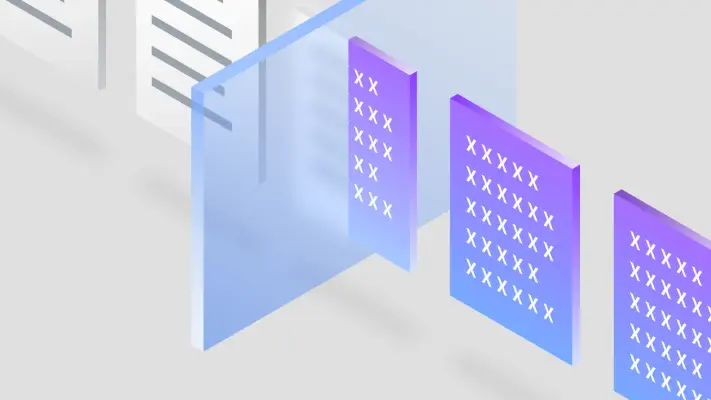
  • A row of floating isometric documents transitions from white, lined paper to purple and blue digital panes as they pass through a glass-like barrier.
  • A 3D isometric illustration features a stylized blue and white console resembling a specialized computer or music sequencer filled with glossy blue circular…
  • Brand image
  • A flat-style digital illustration showcases an office desk setup featuring a dark blue mug, a file folder, and a mesh pen cup holding blue pencils.
  • A woman with brown hair and bangs points at a laptop screen while standing between two seated men in a bright, modern office.
  • A wide, horizontal graphic banner features the white text "Let's create smarter business" centered against a deep blue gradient background.
  • A wide, horizontal banner graphic features a smooth gradient that transitions from a light sky blue on the left to a deep midnight blue on the right.
  • A wide, dark horizontal banner features the white horizontal-striped IBM logo centered over a multi-panel collage of various industries.

Photography

36 images

IBM’s public-facing imagery includes people in workplaces, collaborative settings, learning environments and technology contexts. Use candid, human-centered scenes to show expertise, participation and real-world work. Keep people and their activity relevant to the story; avoid making technology feel detached from the people who use it.

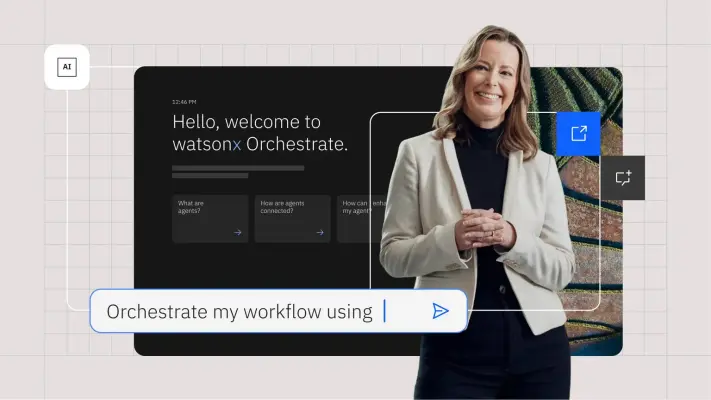
  • A woman with light hair and a white blazer stands smiling before a dark interface that reads 'Hello, welcome to watsonx Orchestrate.' The graphic composition…
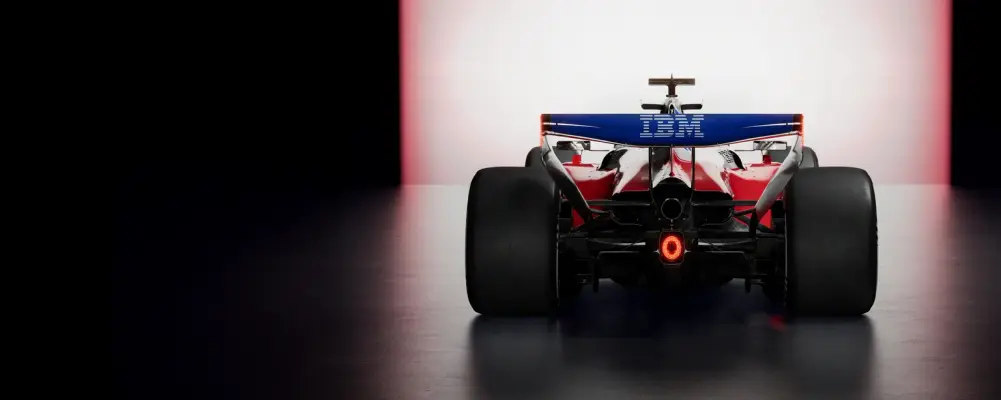
  • A sleek Formula 1 race car is captured from a direct rear-view studio shot, set against a dramatic backdrop of dark shadows and a glowing white and pink…
  • Brand image
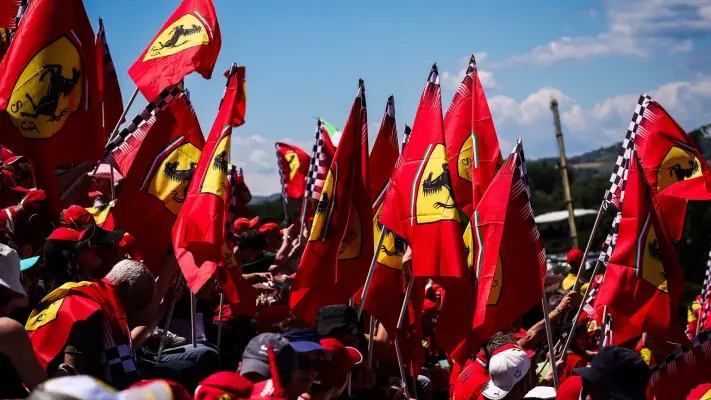
  • A sea of vibrant red Ferrari flags featuring the yellow prancing horse logo dominates this bright, outdoor crowd shot at a racetrack.
  • A field of glowing, translucent glass cubes sits atop a blue neon-grid floor, evoking a digital landscape or data server farm.
  • A woman with dark wavy hair kneels in a cool-toned data center, working on a laptop while flanked by massive black server racks with glowing green indicator…
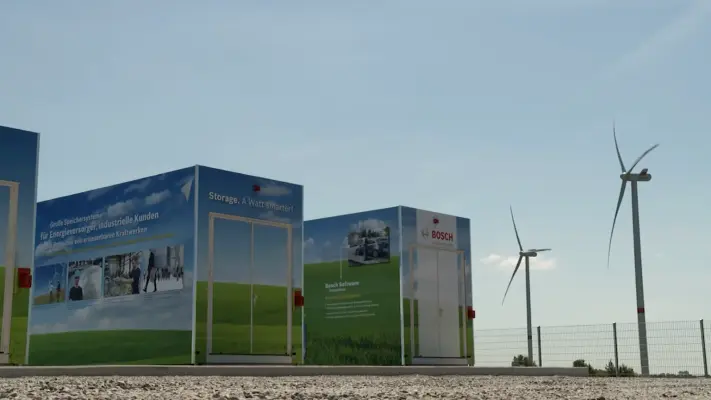
  • A wide-angle outdoor photograph features large, cubic energy storage units branded with Bosch logos and the slogan "Storage.
  • A white Coop delivery semi-truck with an attached trailer drives along a rural two-lane road at golden hour.
  • A top-down aerial photograph of a large industrial pier and loading terminal extending into deep teal water.
  • A woman with her hair in a high bun leans intently over a laptop, her focused gaze fixed on the screen while she types in a busy makerspace.
  • A high-angle bird's-eye view shows four colleagues—two men and two women—collaborating around a long, light-wood communal table.
  • A close-up shot focuses on a man with a beard and glasses wearing a headset, intensely focused on a computer monitor filled with lines of code.
  • Three colleagues in earth-toned sweaters and shirts work together in a sunlit, modern office.
  • Brand image
  • A diverse group of four colleagues brainstorms enthusiastically around a large, bright blue glass whiteboard in a modern office.
  • A close-up headshot of a fair-skinned man with short, spiked light-brown hair and a slight beard, wearing vibrant red-rimmed rectangular glasses.
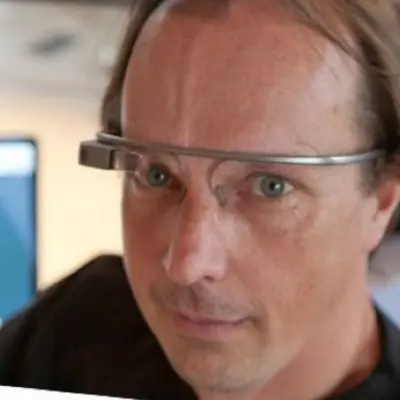
  • A tight close-up photograph features a man with blue eyes wearing a Google Glass smart headset.
  • A low-angle studio headshot features a middle-aged man with short dark hair and rectangular glasses, looking slightly off-camera with a neutral, confident…
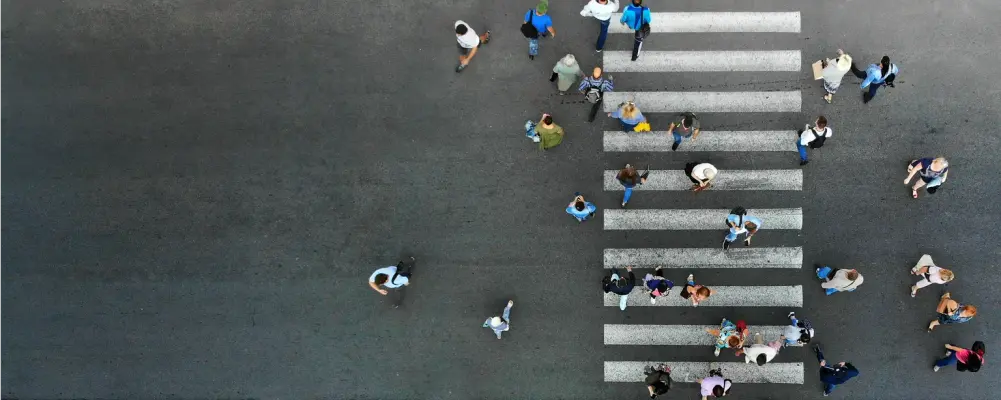
  • A high-angle bird's-eye view photograph captures a crowd of diverse pedestrians crossing a stark white-striped crosswalk on a dark grey asphalt road.
  • A medium close-up headshot of a Black man with short locs pulled back, smiling broadly into the camera.
  • A headshot-style photo of a man with dark, wavy hair and a well-groomed beard, smiling broadly and looking off-camera.
  • A professional portrait of a Black woman with a bright, warm smile, posed against a textured light-blue background.
  • A smiling woman with glasses and curly hair holds a tablet, positioned on the right side of a wide, minimalist white banner.
  • A blonde woman in a cream-colored textured blazer smiles warmly during a meeting, her face illuminated by soft natural light.
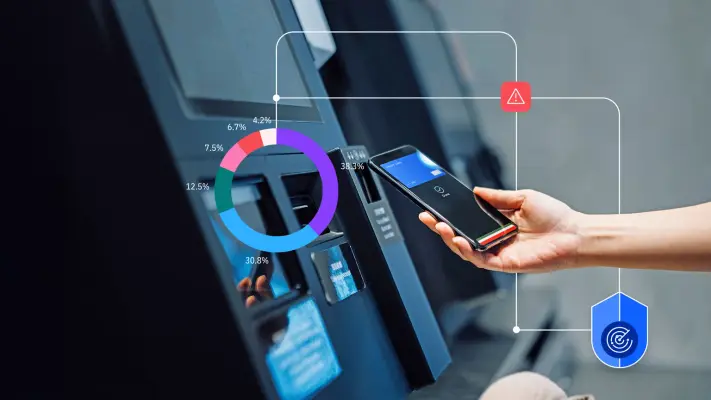
  • A close-up photograph of a hand holding a smartphone to a self-service payment kiosk, overlaid with vibrant data graphics.
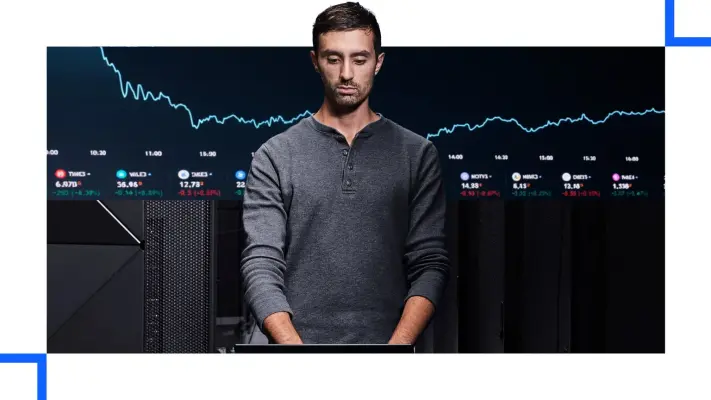
  • A man in a grey henley shirt stands focused in a data center, positioned in front of a wide digital screen displaying a glowing white stock market trend line…
  • A split-screen graphic features a bearded man in a blue patterned shirt diligently writing in a notebook at a bright office desk.
  • A minimalist graphic button featuring two thin, purple vertical rectangular outlines positioned side-by-side to form a pause symbol.
  • A minimalist graphic icon featuring two vertically oriented, navy blue rectangular outlines centered within a pale, cool-gray circular field.
  • A minimalist graphic icon featuring two medium-purple outlined rectangles arranged vertically side-by-side like a pause button.
  • The corporate logo for 'LearnQuest' features slanted, dark blue sans-serif typography.
  • This graphic logo features the word 'edX' in a clean, white, sans-serif typeface.
  • The Pluralsight corporate logo features a vibrant orange and pink gradient circle containing two interlocking white play button triangles.
  • A corporate logo features a bright blue diamond on the left containing a stylized white lowercase 'i' topped with a solid yellow dot.
  • The TD SYNNEX corporate logo features a bright turquoise circular emblem on the left containing two stylized, cresting wave-like shapes.
  • The Coursera logo is rendered as a bold, lowercase wordmark in a vibrant royal blue.

Hardware imagery

15 images

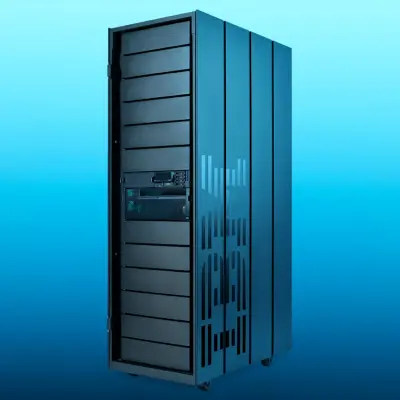
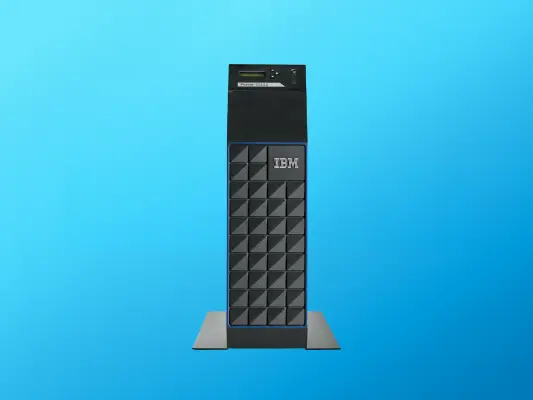
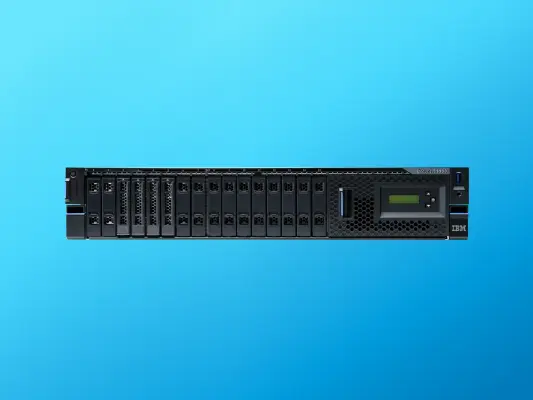
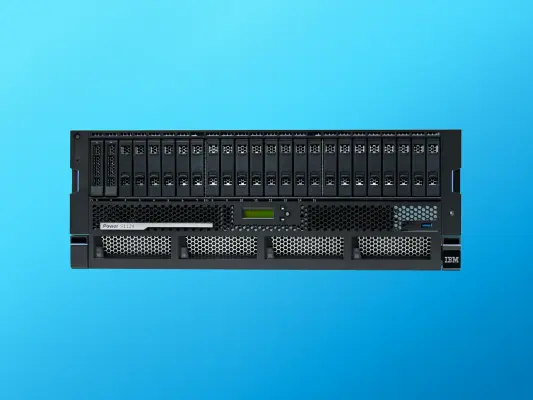
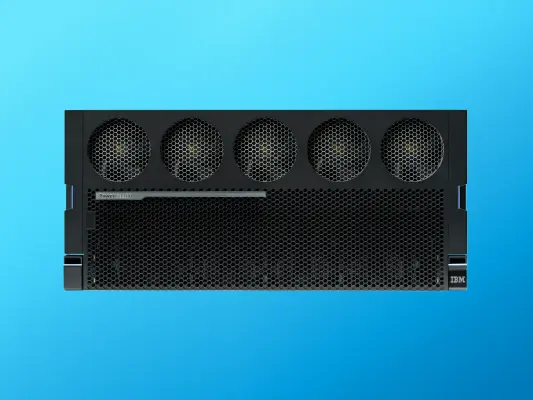
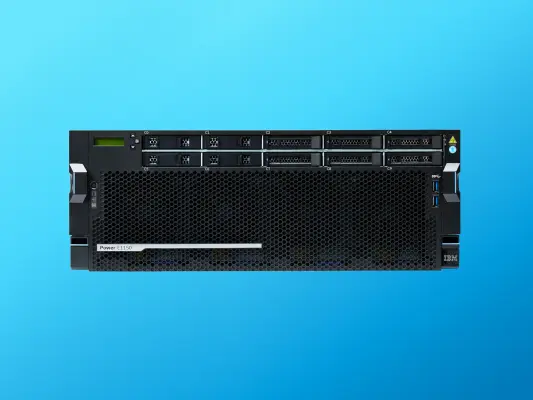
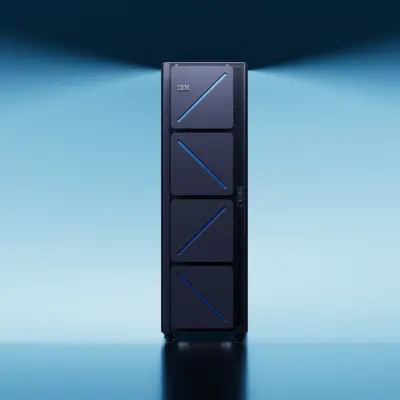
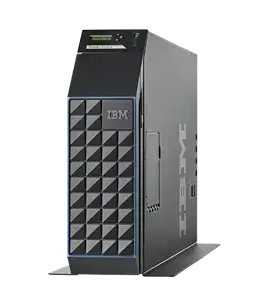
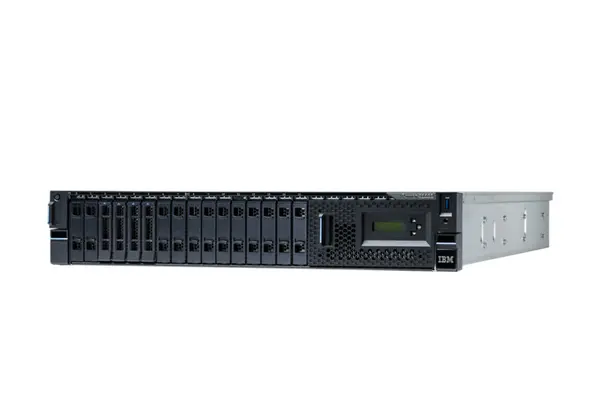
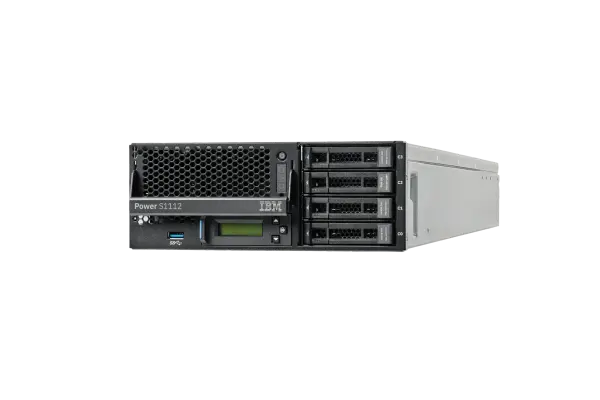
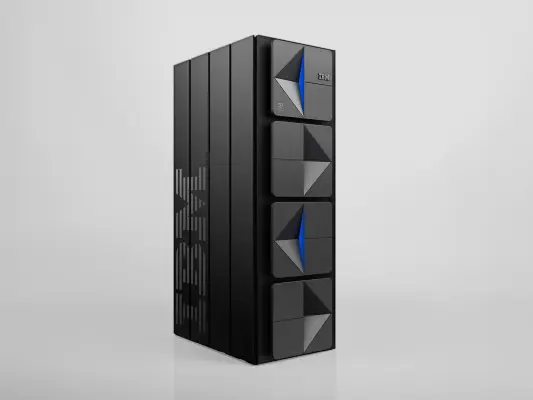
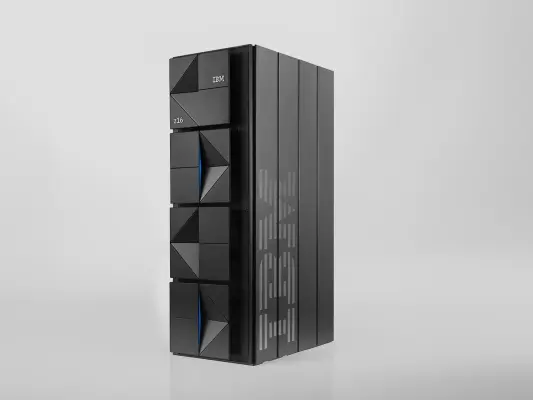
Show IBM hardware as purposeful, carefully presented technology. Use clear views that let the system’s form and scale read without distracting from the product. Hardware imagery may be paired with a restrained gradient or technical context when the product page calls for it.

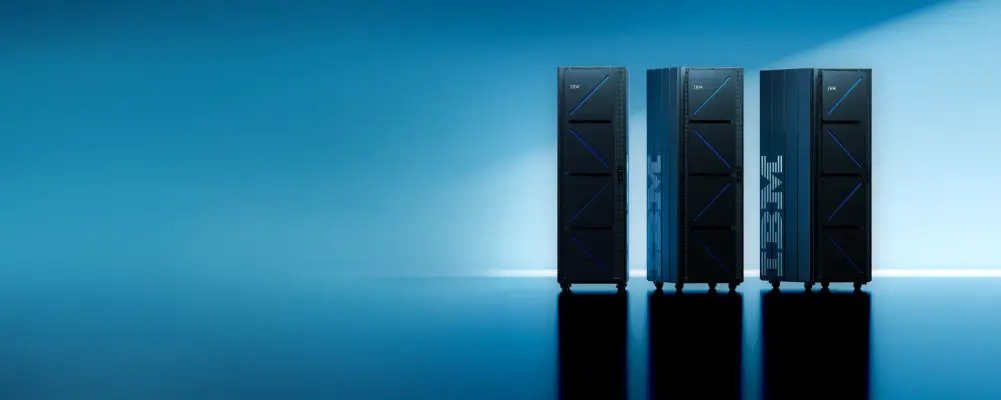
  • Three monolithic IBM z16 server racks stand in a cluster against a stark, high-contrast blue background.
  • A vertical black rectangular frame with two square panels is positioned centrally against a bright blue gradient sky.
  • A tall, black IBM mainframe server stands vertically in the center of a cool blue studio space.
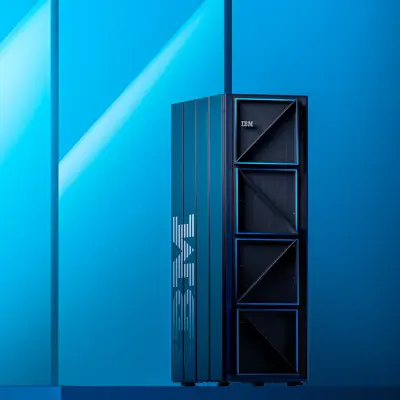
  • A tall, black IBM mainframe server stands prominently against a multi-tonal blue background with architectural diagonal shadows.
  • A tall, black industrial server rack stands angled against a vibrant blue-to-cyan gradient background.
  • A vertical IBM Power S1012 server stands centered against a vibrant cyan-to-blue gradient background.
  • A black IBM Power S1022 server hardware unit is centered horizontally against a vibrant cyan-to-blue gradient background.
  • A black rack-mounted IBM Power S1124 server is centered against a vibrant cyan-to-blue gradient background.
  • Brand image
  • A front-facing studio shot of a black IBM Power E1050 enterprise server positioned centrally against a solid cyan-blue background.
  • A vertical black rectangular frame with two square glass panes sits against a bright blue gradient background.
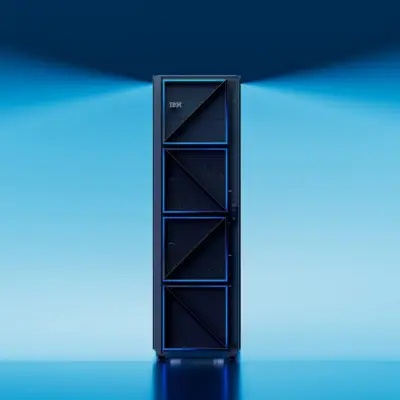
  • A tall, black IBM mainframe server rack stands centered against a gradient blue studio background, its four front panels featuring diagonal glowing blue…
  • A charcoal gray IBM Power S1014 server tower stands angled in a clean studio product shot.
  • A studio product shot of a black IBM rack-mounted server shown from a low, three-quarter angle against a plain white background.
  • A studio product shot of an IBM Power S1112 server unit angled to show its front face and metallic side.

Product interfaces

15 images

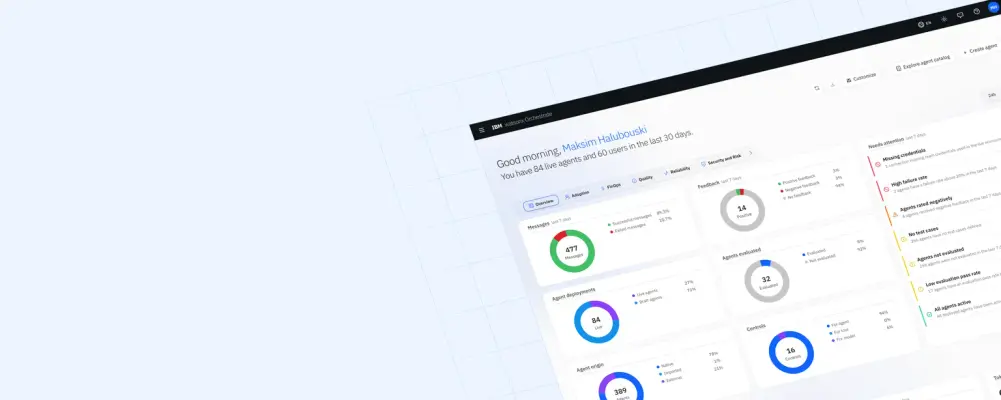
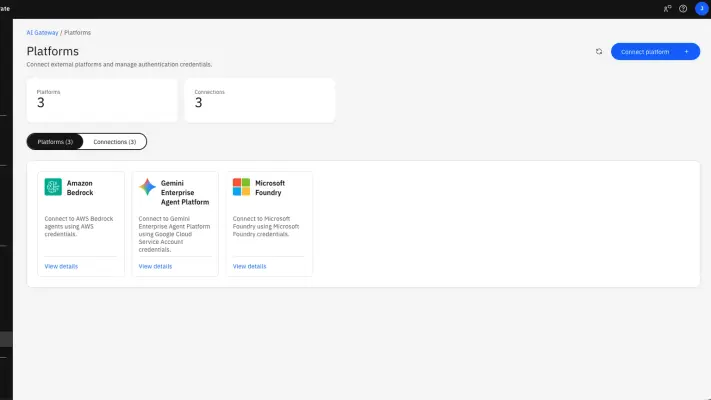
Preserve screenshots and product-experience visuals when showing IBM software. Keep interface details legible and represent the product accurately; do not replace product screens with generic interface decoration. Product demonstrations and dashboards can help make abstract capabilities concrete.

  • A slanted, high-angle screenshot of the IBM watsonx Orchestrate dashboard is set against a light blue background featuring a subtle grid pattern.
  • A screenshot of an 'AI Gateway / Platforms' software dashboard on a clean white background.
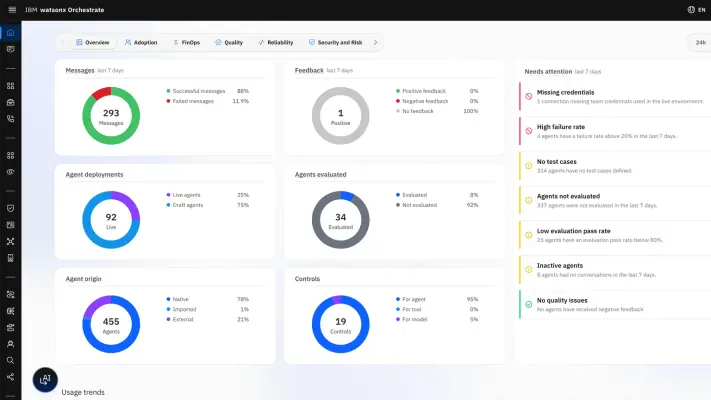
  • A high-fidelity screenshot of the IBM watsonx Orchestrate dashboard showing six colorful donut charts tracking metrics like Messages, Agent deployments, and…
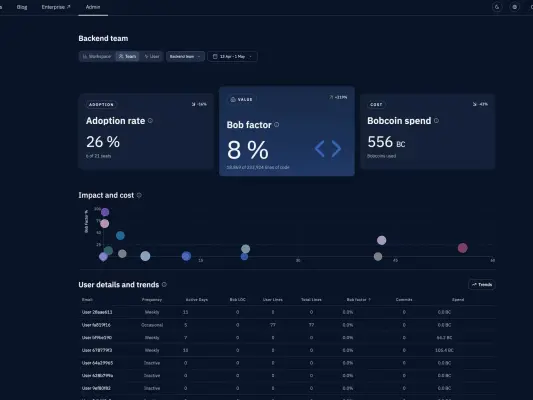
  • This dark-themed dashboard screenshot features analytics for a 'Backend team' with three key metric cards: 'Adoption rate' at 26%, 'Bob factor' at 8%, and…
  • A stark white graphic rebus of the IBM logo centered on a solid black background.
  • A vibrant digital illustration features a central violet X-shape that curves in the middle to form an eye-like symbol over a light blue rectangular core.
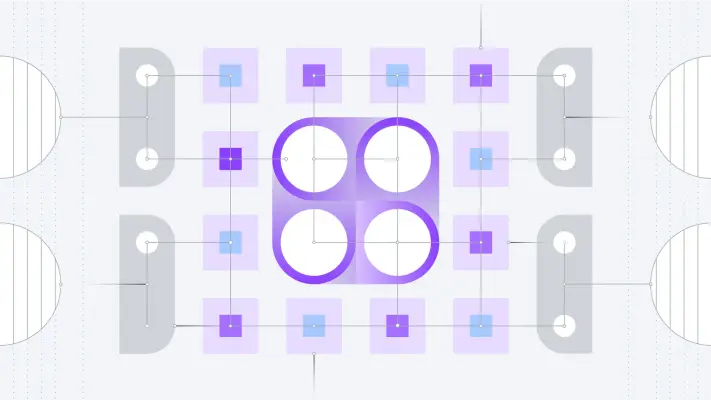
  • A complex technical diagram featuring a central cluster of four large white circles within a glowing purple square.
  • A sleek, black IBM zSeries mainframe server stands tall in a studio shot against a minimalist light gray background.
  • A sleek, charcoal-gray IBM z16 mainframe tower stands at a three-quarter angle against a clean, neutral gray background.
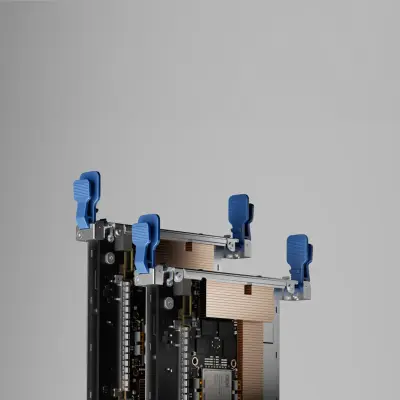
  • A close-up studio shot of complex computer hardware components, featuring metallic server blades with large copper heat sinks and prominent bright blue…
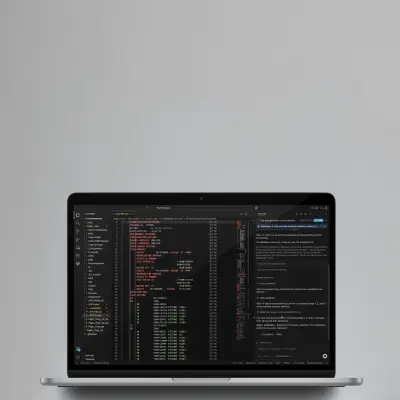
  • A close-up product shot of an open laptop displays a dark-themed integrated development environment (IDE) filled with COBOL code.
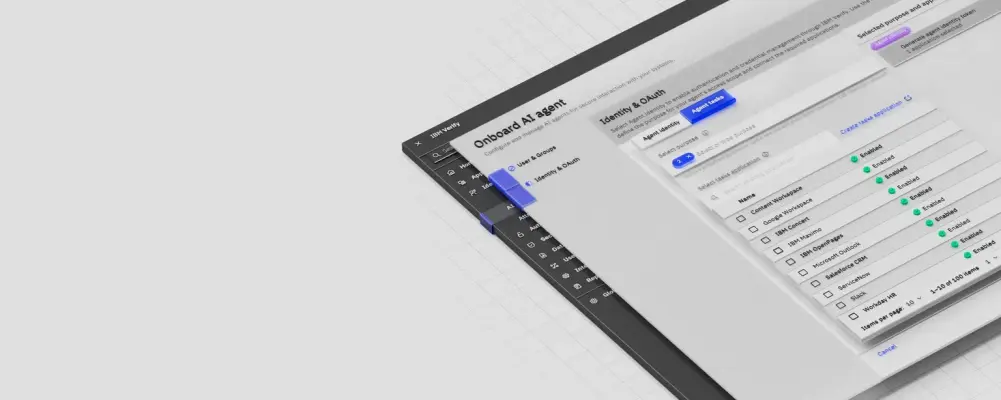
  • A high-angle, isometric screenshot of an IBM Verify dashboard interface titled "Onboard AI agent," floating over a light gray grid pattern.
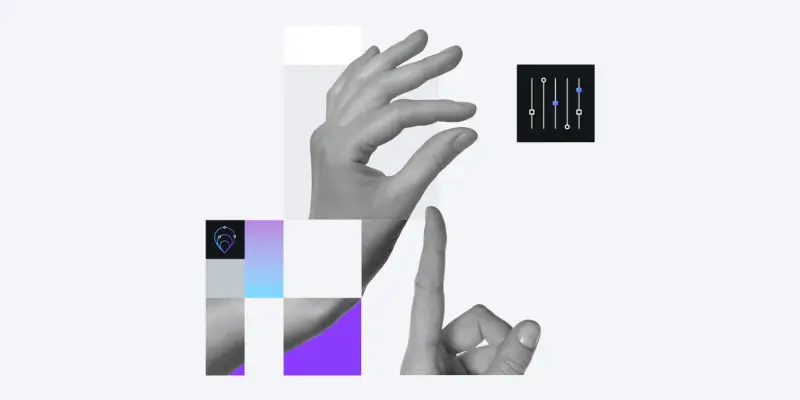
  • A grayscale collage features a human hand in a pinch gesture and a pointing index finger, overlaid with a grid of purple and teal accent blocks on a white…
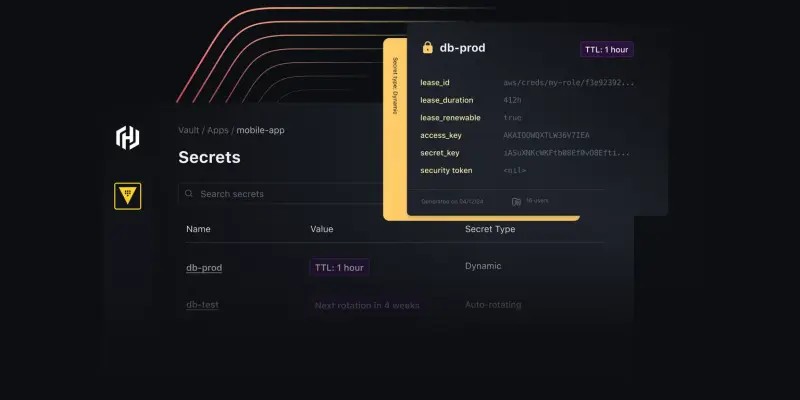
  • A dark-themed software dashboard graphic showcases a 'Secrets' management interface with a prominent pop-over window for 'db-prod'.
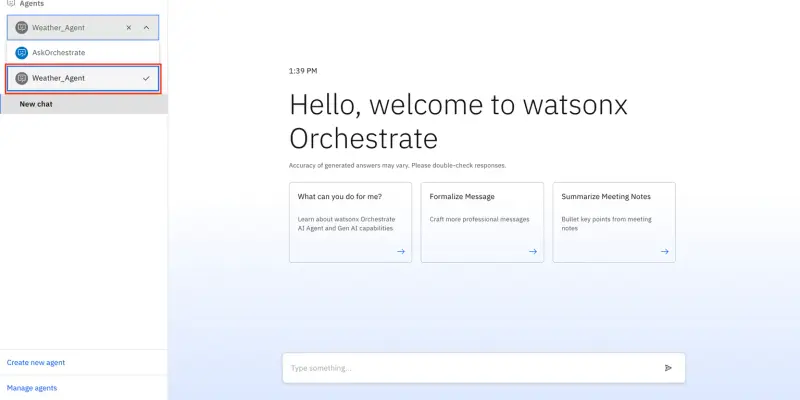
  • A clean screenshot of the IBM watsonx Orchestrate interface on a light blue gradient background.

Download IBM’s Brand Skill

A Brand Skill is a folder of brand guidance written for agents. Give it to Claude, ChatGPT, Cursor or another agent and ask it to follow IBM’s guidelines. It starts at SKILL.md, which points to the right file for each task.


It has the guidance, 140 images and the logos. The font files belong to International Business Machines Corporation, so they’re left out.

ibm-brand-skill/

├ SKILL.md

├ README.md

├ references/

│ ├ colors.md

│ ├ dos-and-donts.md

│ ├ logo.md

│ ├ typography.md

│ ├ brand-history.md

│ ├ imagery-illustration.md

│ ├ imagery-photography.md

│ ├ imagery-hardware.md

│ ├ imagery-product-interfaces.md

│ └ voice.md

└ assets/

├ images/

└ logos/

Rainbrand’s Brand Agent built this Brand Skill from ibm.com on 3 Nov 2026. It isn’t IBM’s official guide. Reviewed by Siddharth Borderwala, Founding Engineer at Rainbrand.

IBM and its logos are trademarks of International Business Machines Corporation. Rainbrand isn’t affiliated with or endorsed by International Business Machines Corporation.

Make one for
your brand.

Add Rainbrand to your agent and give it your website, brand guide or files. Rainbrand builds a Brand Skill like this one and keeps it up to date.

  1. Open the Rainbrand plugin and add it.

    Open Rainbrand plugin (opens in a new tab)
  2. Connect your Rainbrand account when asked. It works in ChatGPT and in Codex.

See all brands