(Brand guidelines) // Media and entertainment
YouTube brand
guidelines
YouTube’s logo, colors, fonts, voice, and dos and don’ts, from the Brand Skill Rainbrand built from about.youtube.
Download the Brand Skill
- YouTube Red#FF0033
- Almost Black#212121
- White#FFFFFF
- Black#000000
About YouTube
YouTube is a global video platform built around giving everyone a voice and helping people discover the world through stories, shared interests and community. Its identity pairs the play-button symbol and wordmark with red, clear typography and approachable communication.
YouTube logo

Use the YouTube wordmark with its play symbol as a complete lockup. Keep the artwork's proportions and spacing intact. Use the full-color mark on a light background; the monochrome version is suitable when a single-color treatment is needed.
Keep YouTube for Education artwork within education communications. It is a separate lockup and does not replace the general YouTube identity.
YouTube colors
YouTube Red
Official logo and icon color
HEXRGBAlmost Black
Wordmark and dark text
HEXRGBWhite
Light backgrounds and reversed artwork
HEXRGBBlack
Monochrome artwork
HEXRGB
YouTube fonts
YouTube Sans
Brand headlines
YouTube Display
Display headline · 800
Google Sans Text
Section heading · 700
Roboto
Supporting heading · 500, Body · 400
Font names only. The Brand Skill download doesn’t include font files.
YouTube’s voice
Write with warmth, optimism, and an inclusive point of view. Emphasize voice, listening, sharing, and community. For education communications, be practical and supportive: explain what a tool helps people do, then make the next step clear.
- “Our mission is to give everyone a voice and show them the world”
- “We believe that everyone deserves to have a voice, and that the world is a better place when we listen, share and build community through our stories”
- “YouTube can be a powerful education tool. Access curriculum-aligned video resources, simple how-to guides, and FAQs built to support educators who choose to use YouTube videos in their lessons”
Dos and don’ts
Do
- Use the YouTube play symbol and wordmark in their approved proportions.
- Keep YouTube Red within official logo and icon artwork; use supporting colors for other accents.
- Use YouTube Sans for brand headlines and Roboto for clear supporting copy.
- Write inclusively, with concrete language about sharing, listening and community.
Don’t
- Distort the play symbol or change the spacing within the wordmark lockup.
- Use YouTube for Education artwork as the general YouTube logo.
- Let decorative treatments obscure the play symbol or wordmark.
- Make education guidance needlessly technical or promise features that school settings may restrict.
YouTube imagery
16 images from about.youtube, in 2 files of the Brand Skill. Each file starts with its guidance, then shows the images it refers to.
Marketing imagery
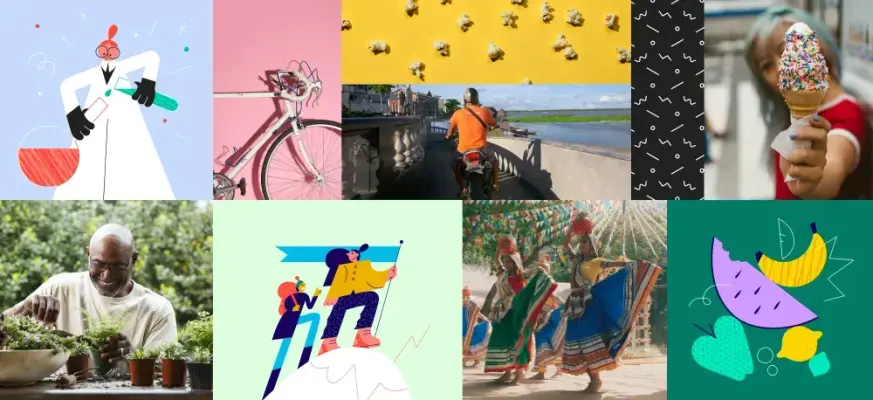
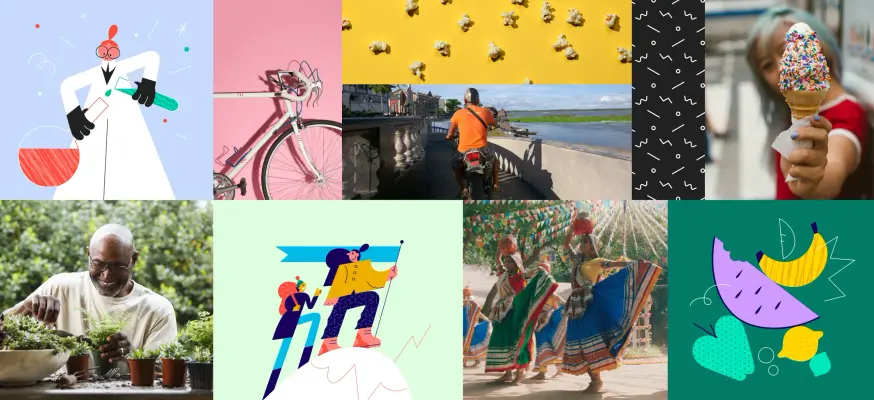
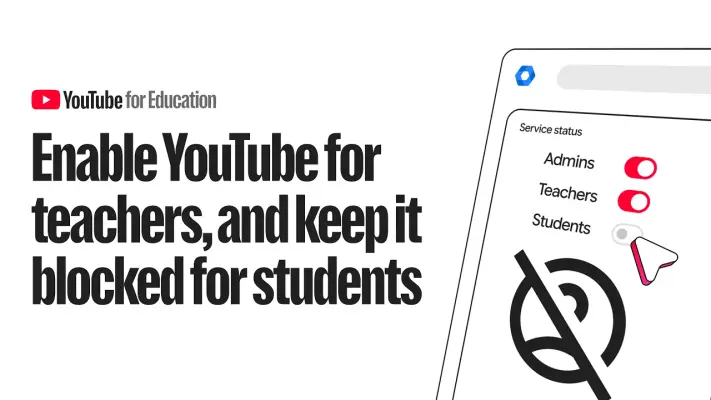
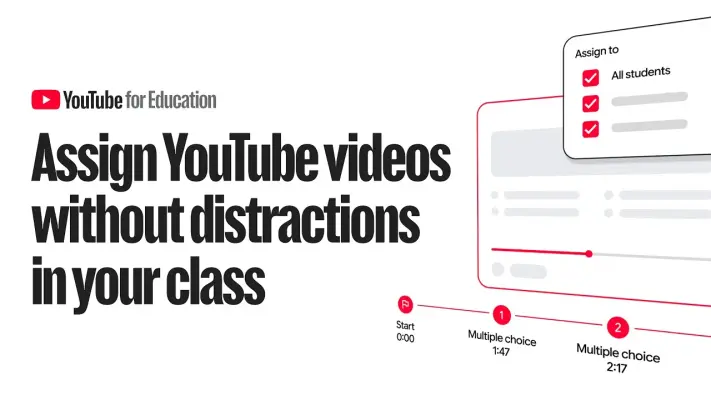
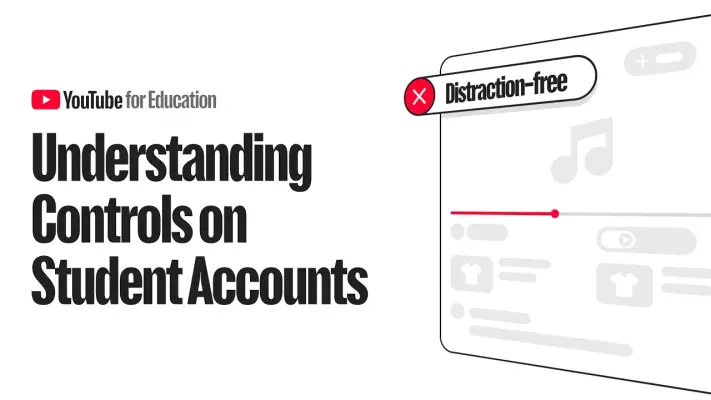
6 imagesYouTube’s public-facing imagery includes broad, human-centered brand storytelling as well as education-specific banners. Use these examples as references for hero and campaign imagery; preserve the distinction between general YouTube communication and YouTube for Education materials.
Additional captured education-page imagery can inform banner and page treatments.


Product interface
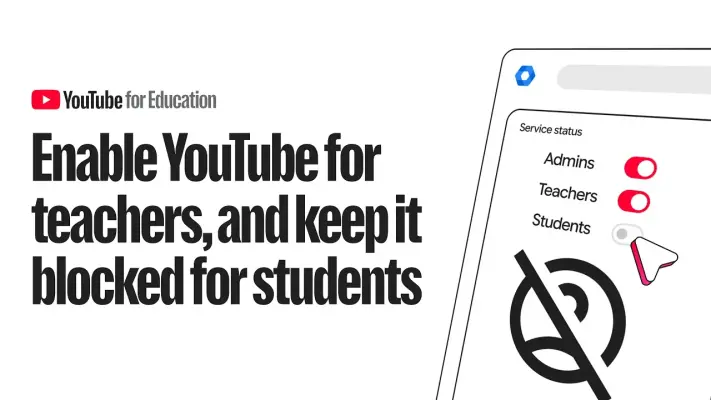
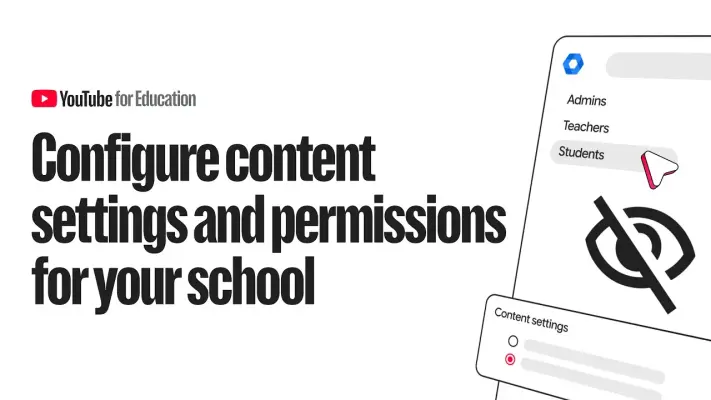
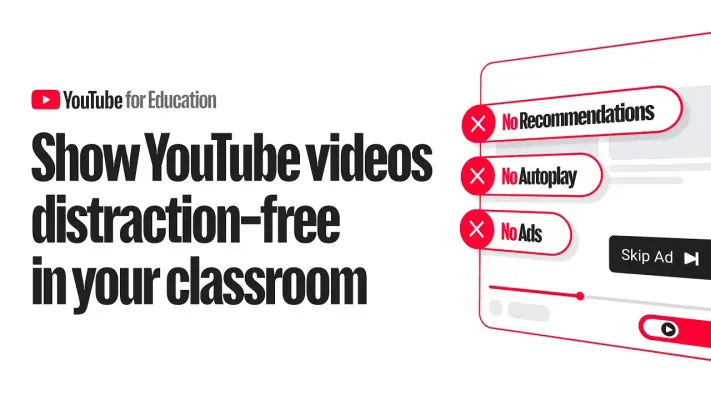
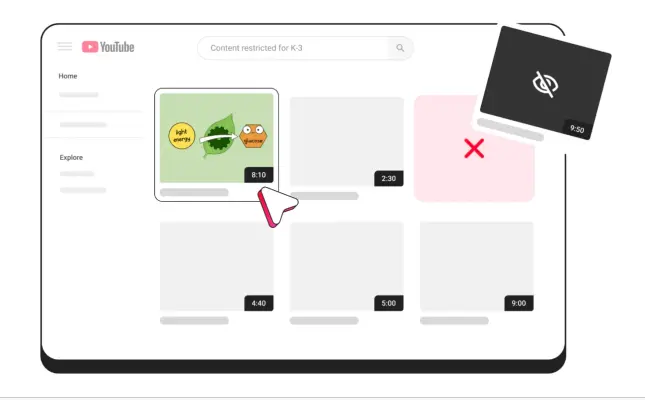
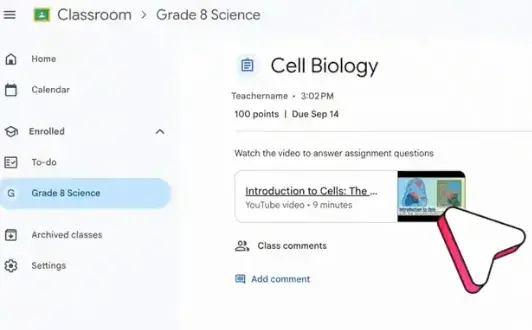
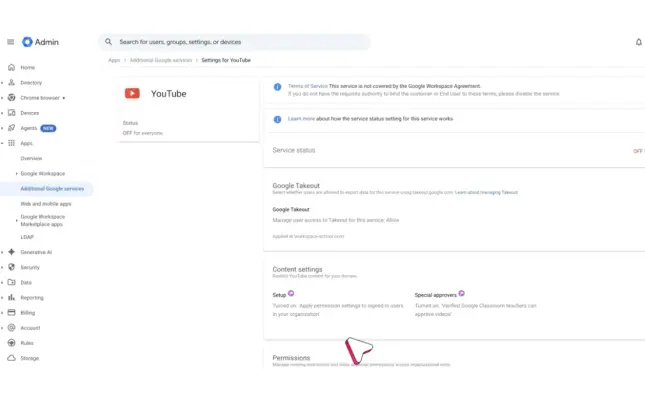
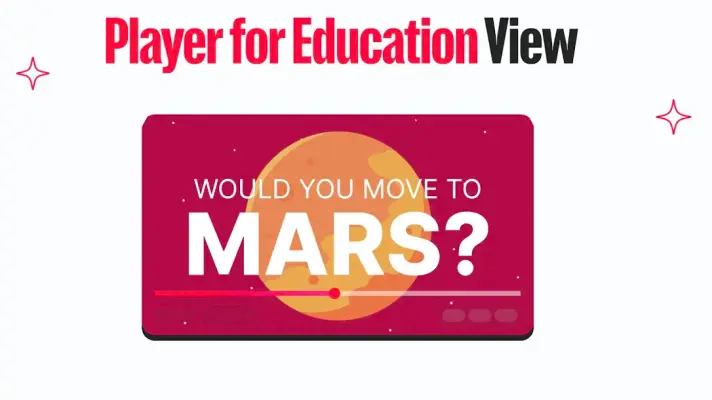
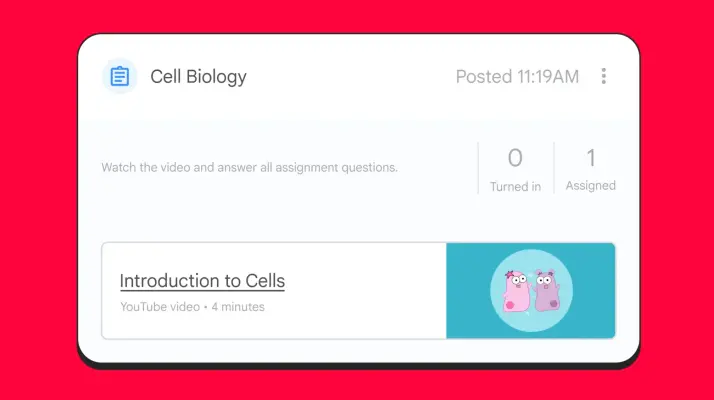
10 imagesWhen showing YouTube’s education tools, use product imagery that makes the learning task and focused viewing experience understandable. The examples include Player for Education demonstrations, teacher workflows, and administrator controls. Preserve the source product context when adapting interface imagery.
The teacher and classroom examples show how the player supports presenting, assigning, and previewing educational videos.
Use the education resource thumbnails as references for clear, practical downloadable-guide presentation.
Download YouTube’s Brand Skill
A Brand Skill is a folder of brand guidance written for agents. Give it to Claude, ChatGPT, Cursor or another agent and ask it to follow YouTube’s guidelines. It starts at SKILL.md, which points to the right file for each task.
It has the guidance, 16 images and the logos. The font files belong to Google LLC, so they’re left out.
youtube-brand-skill/
├ SKILL.md
├ README.md
├ references/
│ ├ dos-and-donts.md
│ ├ voice-and-tone.md
│ ├ colors.md
│ ├ logos.md
│ ├ marketing-imagery.md
│ ├ typography.md
│ └ product-interface.md
└ assets/
├ images/
└ logos/
Rainbrand’s Brand Agent built this Brand Skill from about.youtube on 3 Nov 2026. It isn’t YouTube’s official guide. Reviewed by Siddharth Borderwala, Founding Engineer at Rainbrand.
YouTube and its logos are trademarks of Google LLC. Rainbrand isn’t affiliated with or endorsed by Google LLC.

Make one for
your brand.
Add Rainbrand to your agent and give it your website, brand guide or files. Rainbrand builds a Brand Skill like this one and keeps it up to date.

Open the Rainbrand plugin and add it.
Open Rainbrand plugin (opens in a new tab)Connect your Rainbrand account when asked. It works in ChatGPT and in Codex.
More brand guidelines
See all brands BioMed Central brand guidelinesMedia and entertainment
 Disney brand guidelinesMedia and entertainment
 Disney+ brand guidelinesMedia and entertainment

Rainbrand builds and maintains shared brand context for your agents and products.