(Brand guidelines) // Consumer technology
Windows brand
guidelines
Windows’s logo, colors, fonts, voice, and dos and don’ts, from the Brand Skill Rainbrand built from microsoft.com.
Download the Brand Skill
- Windows blue#0078D4
- White#FFFFFF
- Black#000000
- Charcoal#262626
About Windows
Windows is Microsoft’s personal-computing operating system. Its four-pane blue symbol identifies the product, while a clear interface, familiar typography and practical messaging connect the brand to work, learning, creativity and everyday use.
Windows logo
- Lockup · PNGDownload Windows blue four-pane symbol and name
Use the blue Windows symbol-and-name lockup for the overall product family. Use edition-specific artwork for that edition, and name older versions in text rather than adding numbers to the current lockup. Preserve its proportions and keep it separate from Microsoft’s four-color corporate mark.
Windows colors
Windows blue
Product identity and interface emphasis
HEXRGBWhite
Light backgrounds
HEXRGBBlack
Text and contrast
HEXRGBCharcoal
Supporting dark tone
HEXRGB
Windows fonts
Segoe UI Variable Text
Primary heading · 500, Body · 400
Segoe UI Variable Display
Section heading · 500
Font names only. The Brand Skill download doesn’t include font files.
Windows’s voice
Write in a clear, useful and encouraging voice. Explain what Windows helps people do in familiar language, with concrete tasks and benefits. Keep feature availability and device requirements accurate.
- “Make the everyday easier”
Dos and don’ts
Do
- Use Windows’ own four-pane mark for the operating system.
- Use Segoe UI Variable with a clear interface hierarchy.
- Connect product features with useful everyday tasks.
- Keep feature, security and device-compatibility claims specific.
Don’t
- Do not substitute the Microsoft corporate mark for Windows.
- Do not redraw, distort or crowd the Windows symbol.
- Do not imply that a feature works on every device or edition without checking.
Windows imagery
34 images from microsoft.com, in 2 files of the Brand Skill. Each file starts with its guidance, then shows the images it refers to.
Imagery brand and campaigns
33 imagesWindows imagery should center on the operating system, compatible devices and people using them for everyday tasks. Preserve the source composition and its relationship to the surrounding message when adapting a visual.


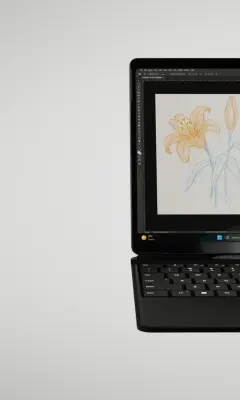
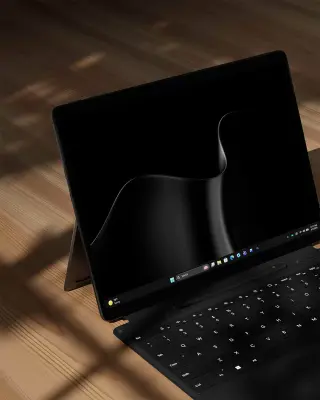
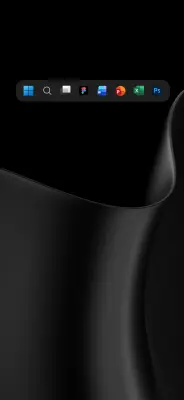
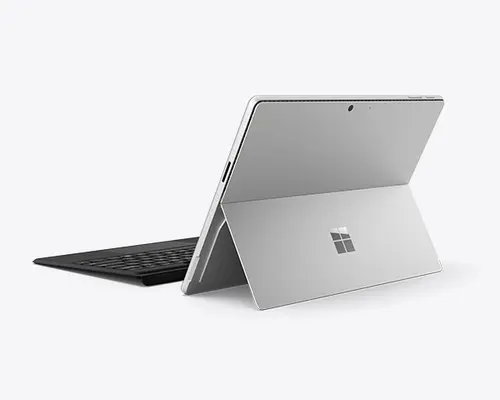





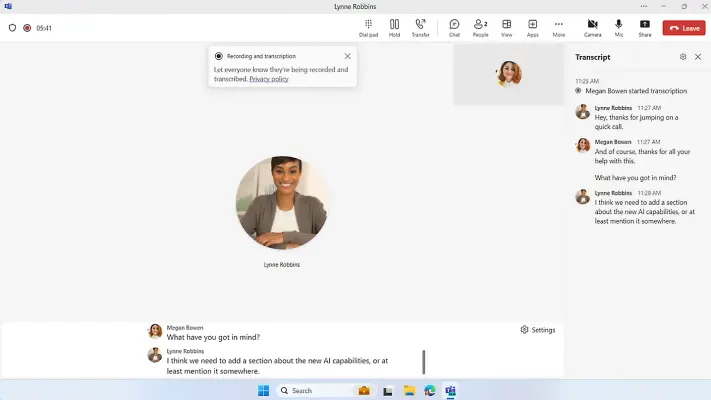
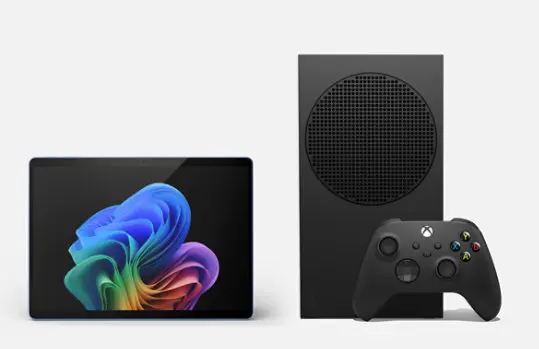

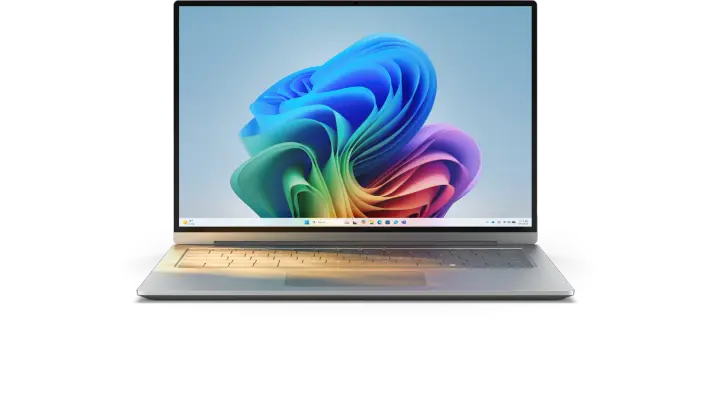

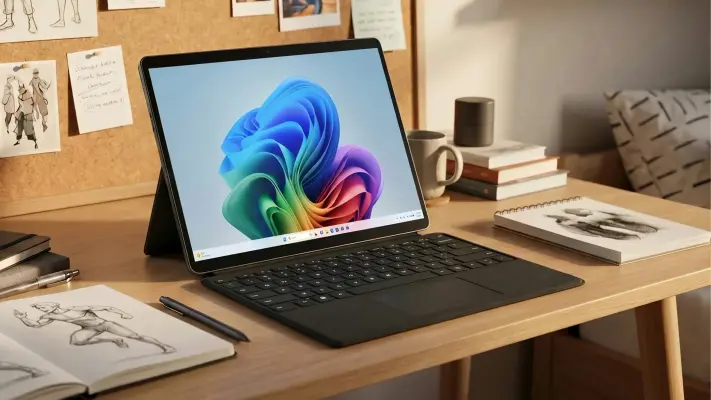
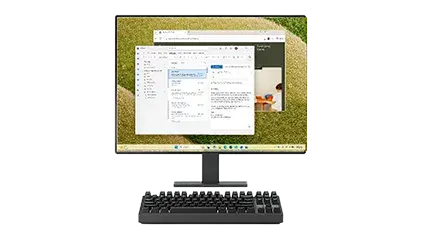






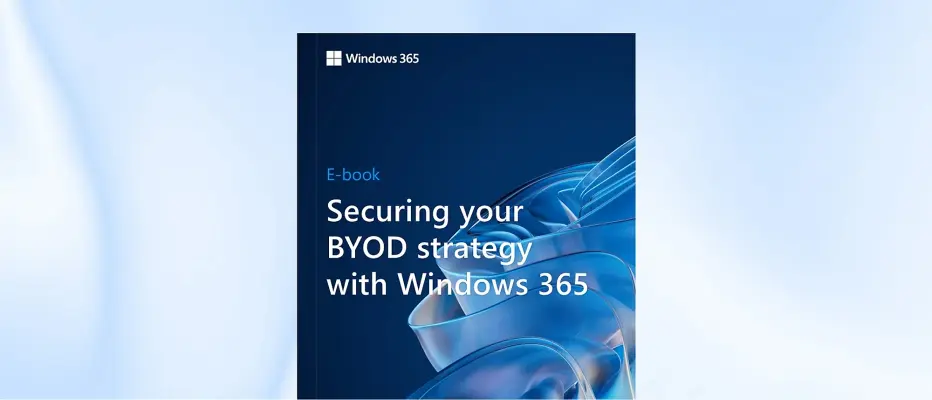
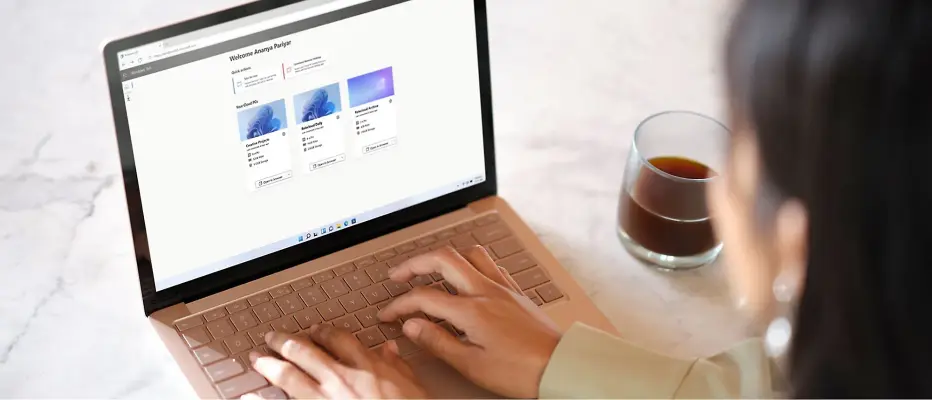
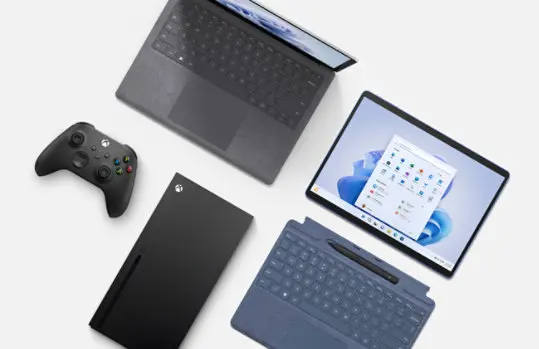
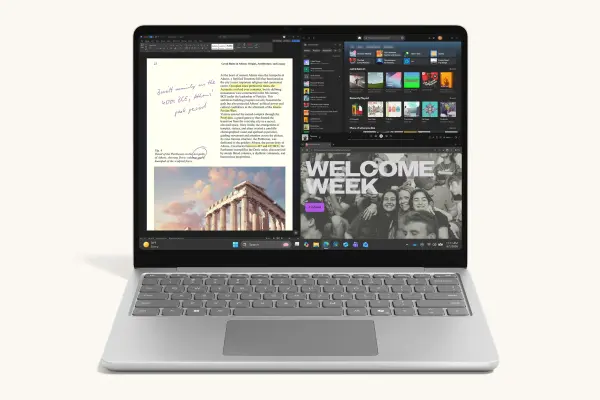
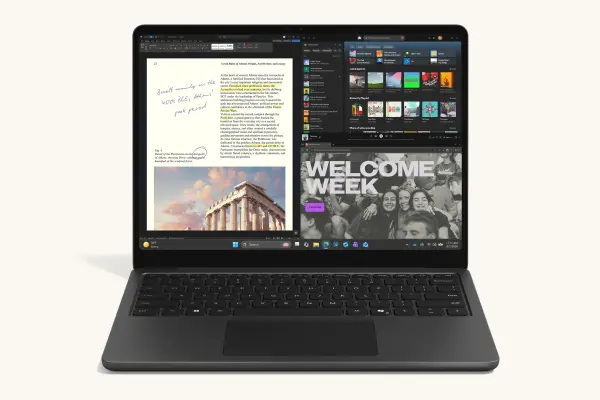



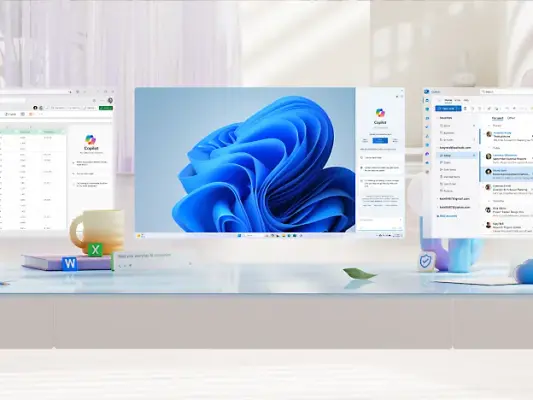
Imagery product experience
1 imageWindows imagery includes compatible devices, operating-system screens and demonstrations of product capabilities. Preserve Microsoft’s own product experiences and interface screenshots when creating work about those products. Use product imagery in the context of the product it represents.
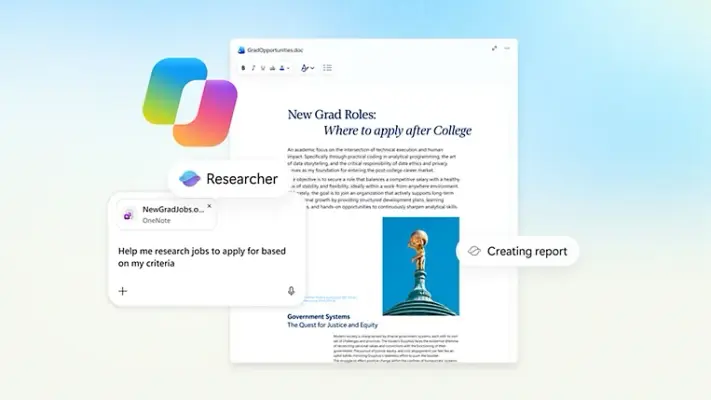
More from the Brand Skill
Windows identity
Windows is Microsoft’s personal-computing operating system. Use the product’s blue four-pane symbol when identifying Windows, and keep it separate from Microsoft’s four-color corporate identity. Explain work, learning, creativity and everyday tasks in clear language, with accurate feature and device requirements.
Download Windows’s Brand Skill
A Brand Skill is a folder of brand guidance written for agents. Give it to Claude, ChatGPT, Cursor or another agent and ask it to follow Windows’s guidelines. It starts at SKILL.md, which points to the right file for each task.
It has the guidance, 34 images and the logos. The font files belong to Microsoft Corporation, so they’re left out.
windows-brand-skill/
├ SKILL.md
├ README.md
├ references/
│ ├ imagery-brand-and-campaigns.md
│ ├ imagery-product-experience.md
│ ├ dos-and-donts.md
│ ├ brand-foundation.md
│ ├ colors.md
│ ├ logo.md
│ ├ typography.md
│ └ voice.md
└ assets/
├ images/
└ logos/
Rainbrand’s Brand Agent built this Brand Skill from microsoft.com on 3 Nov 2026. It isn’t Windows’s official guide. Reviewed by Siddharth Borderwala, Founding Engineer at Rainbrand.
Windows and its logos are trademarks of Microsoft Corporation. Rainbrand isn’t affiliated with or endorsed by Microsoft Corporation.

Make one for
your brand.
Add Rainbrand to your agent and give it your website, brand guide or files. Rainbrand builds a Brand Skill like this one and keeps it up to date.

Open the Rainbrand plugin and add it.
Open Rainbrand plugin (opens in a new tab)Connect your Rainbrand account when asked. It works in ChatGPT and in Codex.
More brand guidelines
See all brands Apple brand guidelinesConsumer technology
 Daylight brand guidelinesConsumer technology
 Google brand guidelinesConsumer technology

Rainbrand builds and maintains shared brand context for your agents and products.