Bloom is now Rainbrand

(Brand guidelines) // Social media

LinkedIn brand
guidelines

LinkedIn’s logo, colors, fonts, voice, and dos and don’ts, from the Brand Skill Rainbrand built from linkedin.com.

Download the Brand Skill

About LinkedIn

LinkedIn is a professional community built to connect people with opportunity, learning, and productive relationships. Its identity pairs a confident blue accent and clear typography with an optimistic, professional, inclusive voice.

Use LinkedIn’s own identity marks in the forms shown here. The brand uses both its standalone mark and LinkedIn logo artwork; keep the mark distinct from product imagery, decorative graphics, and interface icons.

LinkedIn colors

  • LinkedIn blue

    Accent, primary actions, and links

    HEX
    RGB
  • White

    Backgrounds and light surfaces

    HEX
    RGB
  • Black

    Text and dark elements

    HEX
    RGB

LinkedIn fonts

  • Source Sans Pro

    Brand-site headings and body · 400

  • Community

    Brand display typography

Font names only. The Brand Skill download doesn’t include font files.

LinkedIn’s voice

Write with professional warmth: optimistic about what people can achieve, direct about how LinkedIn helps, and grounded in trust, learning, and real opportunity. Keep language clear, inclusive, and respectful. Address the reader as a capable professional; make the value of connecting, learning, or taking a next step easy to understand.

  • “Our mission is to connect the world’s professionals to allow them to be more productive and successful”
  • “No two LinkedIn members are the same—and it’s that diversity which makes our community so great”
  • “This is a community where we treat each other with respect and help each other succeed”
  • “Anyone looking to navigate their professional life”

Dos and don’ts

Do

  • Use LinkedIn’s own mark and logo artwork consistently with the examples shown in the brand-mark guidance.
  • Lead with clear, professional language about connecting, learning, and finding opportunity.
  • Represent a diverse professional community with inclusive, accessible design.
  • Make information easy to scan, with readable type and a clear heading-to-body hierarchy.
  • Use LinkedIn blue as the signature accent and keep supporting colors restrained.
  • Keep claims accurate, authentic, and respectful.

Don’t

  • Don’t make the brand voice sound boastful, exclusionary, misleading, or unprofessional.
  • Don’t use visual or written choices that undermine accessibility or exclude people from the experience.
  • Don’t let decoration, dense copy, or weak hierarchy make the message difficult to understand.
  • Don’t present false, manipulated, or unsupported claims as fact.

LinkedIn imagery

47 images from linkedin.com, in 4 files of the Brand Skill. Each file starts with its guidance, then shows the images it refers to.

Brand illustrations and icons

5 images

Use LinkedIn’s own illustrative graphics and icons as purposeful support for the content. Keep them simple and legible, and let them clarify a feature or message rather than compete with it. Accessibility-related visuals should reinforce inclusive, usable experiences.
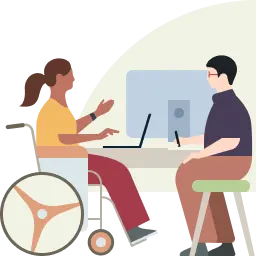
  • A flat, 2D vector illustration features a woman in a wheelchair and a man in glasses collaborating at a shared desk.
  • A minimalist flat graphic depicting two overlapping chat bubbles.
  • A minimalist flat illustration of a target with a single dart striking the bullseye.
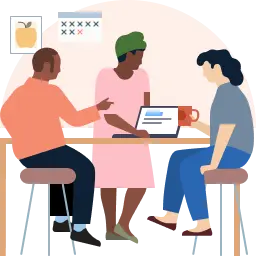
  • A flat, minimalist vector illustration shows three diverse colleagues collaborating at a high-top table against a pale pink circular backdrop.
  • A minimalist orange alert icon featuring a centered exclamation mark inside a solid circle, which is itself encased in a thick, concentric circular border.

Marketing imagery

4 images

Use people-focused imagery to make professional opportunity feel tangible and approachable. Show people at work, learning, or building something together; favor natural, credible scenes over staged corporate formality. Keep the imagery supportive of a clear, concise message.
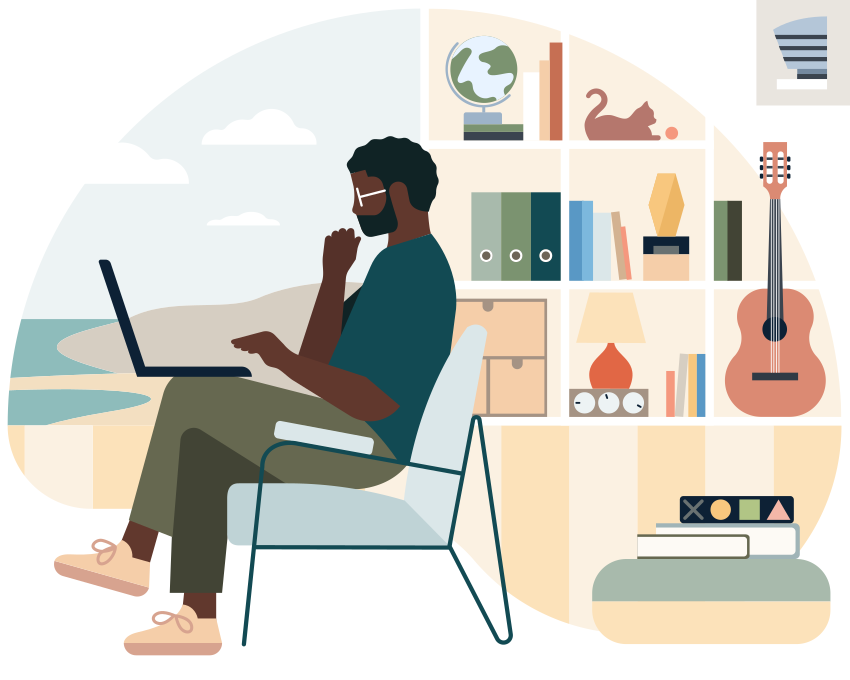

  • A flat, stylized illustration shows a Black man with a beard and glasses sitting in a light blue armchair while working on a laptop.
  • This flat vector illustration features two people on a video call, appearing to sit back-to-back at the same long desk but separated by a split-screen visual.
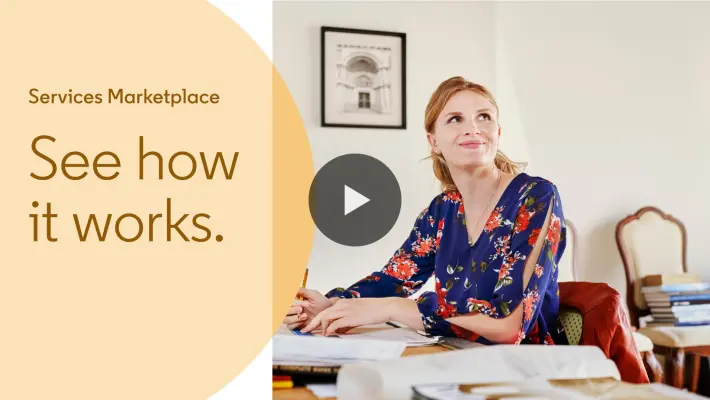
  • A woman with strawberry-blonde hair wearing a floral blue blouse looks thoughtfully upward while sitting at a desk with papers and a pencil.
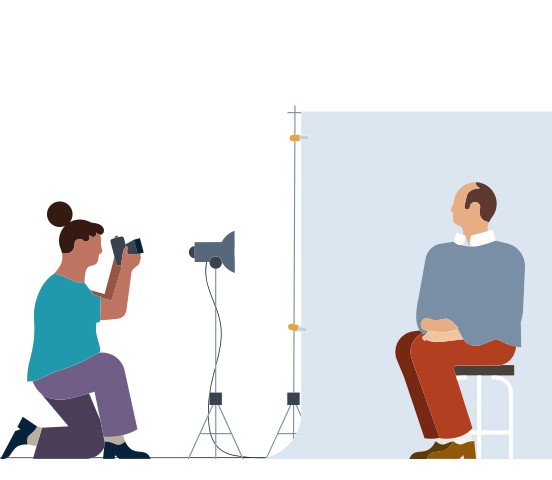
  • This flat, minimalist illustration shows a photo shoot in progress with a kneeling photographer capturing a man's portrait.

LinkedIn Games imagery

7 images

LinkedIn Games uses distinct game artwork to make each daily puzzle recognizable at a glance. Preserve the individual game identity and keep game imagery within the playful, focused product context.
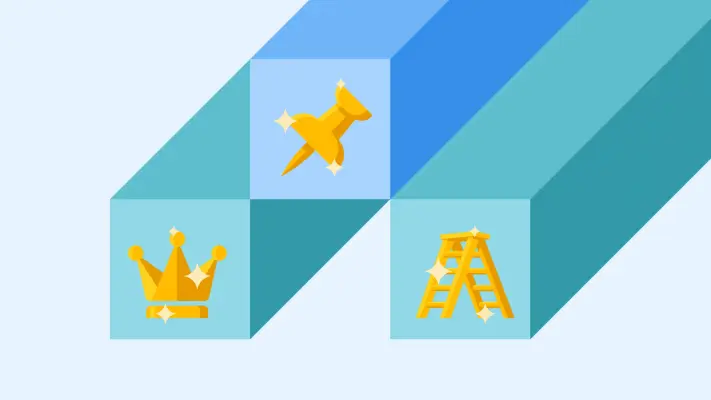
  • A vibrant 2D isometric illustration featuring three elongated blocks in shades of blue and teal that create a tiered, stair-like effect.
  • A square graphic icon with rounded corners features four interlocking quadrant blocks in a alternating pattern of golden yellow and off-white.
  • A rounded-square graphic features a grid of six rectangles arranged in two columns and three rows.
  • A square icon with thick, rounded black borders contains a four-quadrant grid.
  • A flat, 3x3 grid graphic with rounded corners and thick black outlines, resembling a tile-based app icon or calendar.
  • A square icon with rounded corners features four stacked horizontal bands of blue, creating a monochromatic gradient effect.
  • A flat, stylized graphic of a gantt chart or task scheduler set within a rounded turquoise square with a thick black border.

LinkedIn Learning imagery

31 images

For LinkedIn Learning work, retain the service’s course-card language: clear subject-led thumbnails arranged for browsing, with course titles and learning context doing the explanatory work. The examples below show the range of course and video imagery used in the learning experience.

  • In a circular frame, a smiling woman with long dark hair sits on a wooden ledge in a bright rooftop garden, balancing a notebook on her knee to take notes.
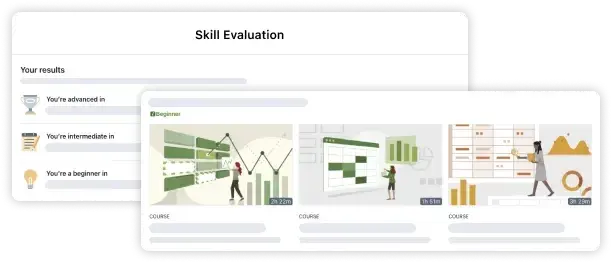
  • A digital interface mockup displays 'Skill Evaluation' results with three levels: advanced, intermediate, and beginner, shown as a layered set of clean,…
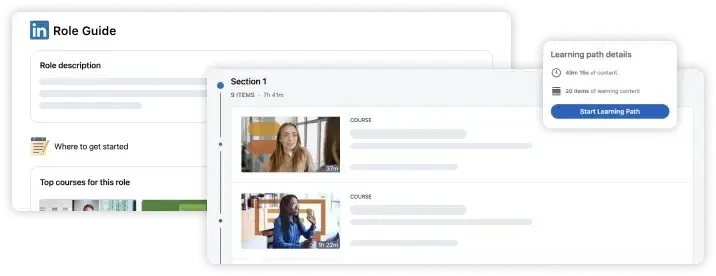
  • A clean UI graphic features layered LinkedIn interface windows displaying a 'Role Guide' and 'Learning path details'.
  • A medium-shot portrait of a blonde woman in a blazer and collared shirt, appearing in a black-and-white cutout style against a textured collage background.
  • A brown-haired woman in a black blazer and red top speaks with animated hand gestures in a modern office lobby.
  • A focused young man with dark hair and glasses sits at a desk, looking down while writing in a notebook and holding a document.
  • A medium shot of three diverse colleagues engaged in a meeting around a white table strewn with documents and sticky notes.
  • A professional studio portrait of a man with short dark hair and glasses, wearing a dark denim button-down shirt paired with a maroon tie.
  • A flat, hand-drawn illustration featuring a stack of blue and teal books next to a large open book that acts as a doorway for a small female figure.
  • A professional portrait of a woman with short, pink-tinted hair and black-rimmed glasses, smiling while leaning her forearms on a light wood table.
  • A professional woman with brown wavy hair and a purple blazer gestures with open palms while smiling during a video call on a silver MacBook.
  • A medium shot of a diverse group of four young professionals smiling and collaborating around a rustic wooden table in a bright office.
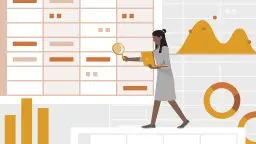
  • A flat vector illustration depicts a professional woman with dark skin and hair in a bun, walking across a white ledge while holding a laptop and looking…
  • A side profile shot of a man in a blue plaid shirt drawing an electronic circuit diagram onto a dark chalkboard.
  • A medium shot of a man in a dark suit and white collared shirt speaking with animation, his hands raised in gesture.
  • A medium shot of a smiling man with a beard and short dark hair, wearing a white button-down shirt over a black t-shirt, set against a textured beige…
  • A close-up photograph shows a person's hands using red and black probes to test the voltage of two 9V batteries on a dark workbench.
  • A vibrant studio portrait features a Black woman with dark locs swept to one side, smiling warmly with her arms crossed.
  • A digital graphic featuring a large window of Python code for a 'factorial(num)' function, styled with a green title bar on a light gray background.
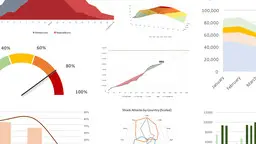
  • A collage of diverse data visualizations and infographics is arranged on a clean white background.
  • A flat-style illustration features two brown-skinned hands holding an orange clipboard with a metallic clip against a neutral gray background.
  • Two construction workers in high-visibility orange vests and hard hats work on a massive steel girder framework against a bright, hazy sky.
  • A minimalist flat illustration featuring a person's profile where the top of the head is replaced by a large, reddish-brown gear containing a glowing white…
  • A man in a grey t-shirt leans over a wooden workbench in a workshop, marking up technical diagrams with a pencil.
  • A woman with short grey hair and a warm smile sits in a modern, sunlit living room, wearing a black leather jacket and a patterned polka-dot scarf.
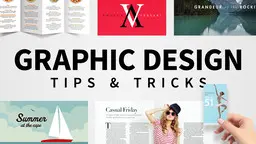
  • Bold black sans-serif text reading "GRAPHIC DESIGN TIPS & TRICKS" anchors this collage of design samples on a light gray background.
  • A close-up photograph features a person's hands holding a smartphone horizontally against a blurred, warmly lit indoor background.
  • A man with a goatee in a dark button-down shirt looks down thoughtfully at a set of large architectural blueprints on a desk next to a silver laptop.
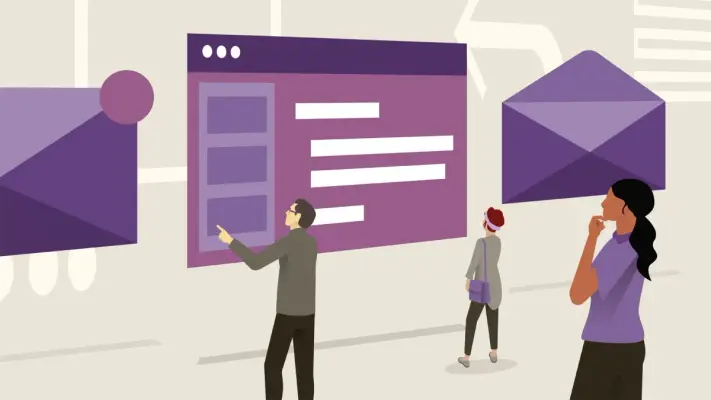
  • A clean 2D vector illustration features three small figures interacting with oversized purple UI elements in an abstract light beige space.
  • Brand image
  • The bold navy blue text "PROFESSIONAL NETWORKING" spans the top of this graphic, overlaying a high-contrast blue-toned cityscape.

Download LinkedIn’s Brand Skill

A Brand Skill is a folder of brand guidance written for agents. Give it to Claude, ChatGPT, Cursor or another agent and ask it to follow LinkedIn’s guidelines. It starts at SKILL.md, which points to the right file for each task.

It has the guidance, 49 images and the logos. The font files belong to LinkedIn Corporation, so they’re left out.

linkedin-brand-skill/

├ SKILL.md

├ README.md

├ references/

│ ├ dos-and-donts.md

│ ├ brand-marks.md

│ ├ color.md

│ ├ typography.md

│ ├ voice.md

│ ├ imagery-illustration.md

│ ├ imagery-marketing.md

│ ├ imagery-games.md

│ └ imagery-learning.md

└ assets/

├ images/

└ logos/

Rainbrand’s Brand Agent built this Brand Skill from linkedin.com on 3 Nov 2026. It isn’t LinkedIn’s official guide. Reviewed by Siddharth Borderwala, Founding Engineer at Rainbrand.

LinkedIn and its logos are trademarks of LinkedIn Corporation. Rainbrand isn’t affiliated with or endorsed by LinkedIn Corporation.

Make one for
your brand.

Add Rainbrand to your agent and give it your website, brand guide or files. Rainbrand builds a Brand Skill like this one and keeps it up to date.

  1. Open the Rainbrand plugin and add it.

    Open Rainbrand plugin (opens in a new tab)
  2. Connect your Rainbrand account when asked. It works in ChatGPT and in Codex.

See all brands