(Brand guidelines) // AI
Google Gemini brand
guidelines
Google Gemini’s logo, colors, fonts, voice, and dos and don’ts, from the Brand Skill Rainbrand built from gemini.google.
Download the Brand Skill
- Light blue#9DD2FF
- Blue#4792DB
- Warm near-white#FAF9F9
- Near-black#1F1F1F
About Google Gemini
Gemini is Google’s multimodal AI assistant for writing, planning, learning, research, and creative work. Its identity pairs direct, warm, energetic communication with flexible, expressive visuals and a clear, approachable product experience.
Google Gemini logo
Use Gemini’s standalone spark mark as its primary logo. Keep the mark clear and recognizable; use an alternate supplied version when its shape or treatment better suits the application. Do not treat campaign backdrops, social images, product imagery, or interface icons as logos.
The brand backdrop and share image are useful visual references, not logo artwork.
Google Gemini colors
Light blue
Signature accent and primary button background
HEXRGBBlue
Signature blue
HEXRGBWarm near-white
Page and card background
HEXRGBNear-black
Primary text
HEXRGBBlack
Primary button text
HEXRGBGoogle blue
Secondary button treatment
HEXRGBMuted charcoal
Text links
HEXRGB
Google Gemini fonts
Google Sans Flex
Primary display heading · 300, Body · 300
Font names only. The Brand Skill download doesn’t include font files.
Google Gemini’s voice
Gemini sounds warm, curious, helpful, and vibrant. Write with the reader, not at them: make the benefit clear, invite exploration, and keep the language natural and easy to act on. Prefer short, direct sentences and vivid verbs. A light, playful turn of phrase can make technical capabilities feel approachable.
Use conversational lines such as “Speak it. See it. Share it.”, “Your world, connected.”, and “Less prompting, more doing.” These pair compact rhythm with a clear user benefit.
For complex capabilities, explain what they help someone accomplish rather than relying on technical language. When accuracy, differing viewpoints, or limitations matter, be clear and balanced; never imply that Gemini is infallible or has personal beliefs.
- “Speak it. See it. Share it”
- “Your world, connected”
- “Less prompting, more doing”
Dos and don’ts
Do
- Use Gemini’s spark mark as the brand identifier and keep it distinct from supporting campaign imagery.
- Use the signature palette and maintain clear text contrast.
- Lead with a human benefit and an active verb. “From concept to clip.” is a concise example of turning a capability into an invitation.
- Write warmly and directly, with room for curiosity and play. “Don't wait for a spark. Jump into curated styles” shows the brand’s encouraging, conversational energy.
- Make claims specific and balanced. Explain relevant limits or variability when they matter.
Don’t
- Don’t substitute decorative or product imagery for the Gemini mark.
- Don’t make copy sound judgmental, cold, or needlessly technical; center the reader’s request.
- Don’t suggest that every output is accurate, uniform, or guaranteed. State material qualifications clearly.
- Don’t present Gemini as having personal opinions or feelings.
- Don’t use fixed availability or feature claims without checking that they fit the particular product, region, and time.
Google Gemini imagery
134 images from gemini.google, in 4 files of the Brand Skill. Each file starts with its guidance, then shows the images it refers to.
Campaign and product imagery
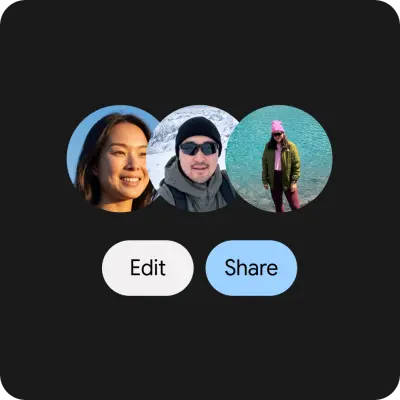
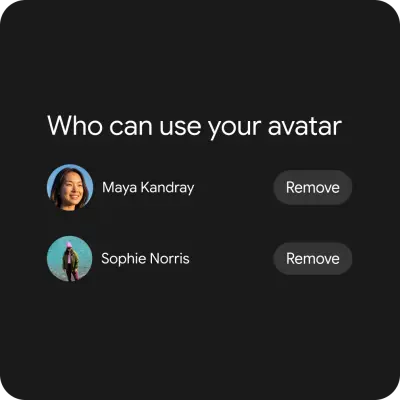
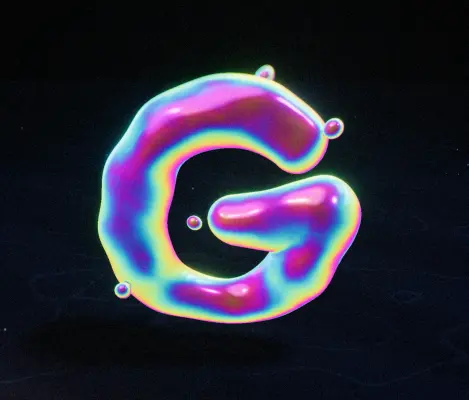
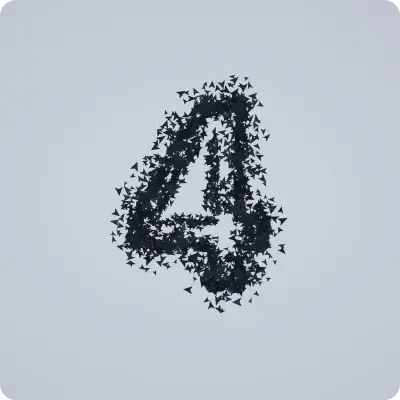
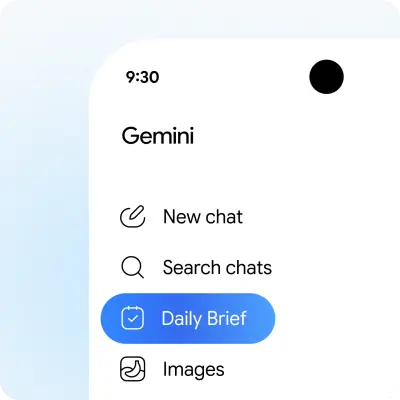
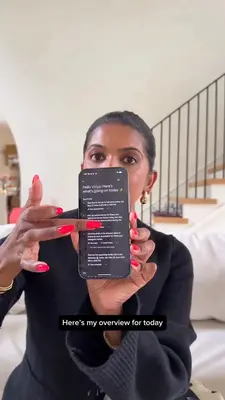
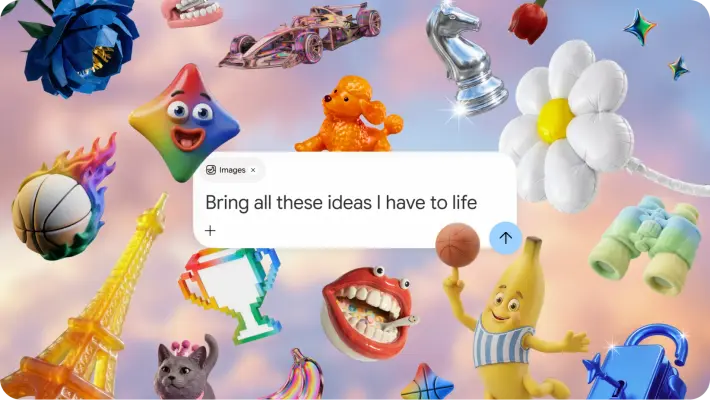
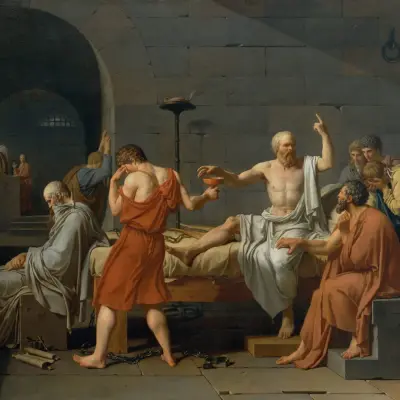
40 imagesGemini’s product storytelling connects everyday creative intent to tangible outcomes. Use friendly, expressive scenes and vivid visual ideas to make multimodal creation feel approachable. Show the person, subject, or idea as the focus; supporting details should clarify the feature or story.
Campaign imagery also presents Gemini as a creative assistant for imaginative projects and everyday tasks. Keep an inviting, contemporary feel, and let examples demonstrate variety rather than prescribe one fixed illustration style.
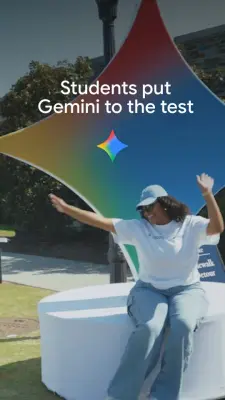
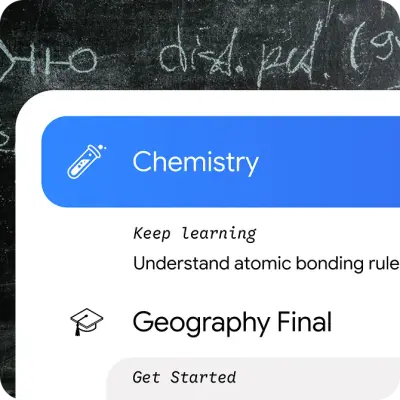
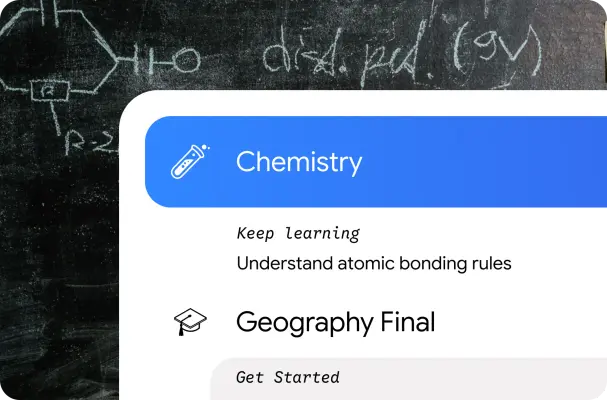
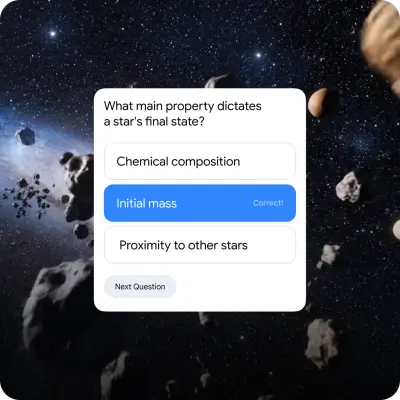
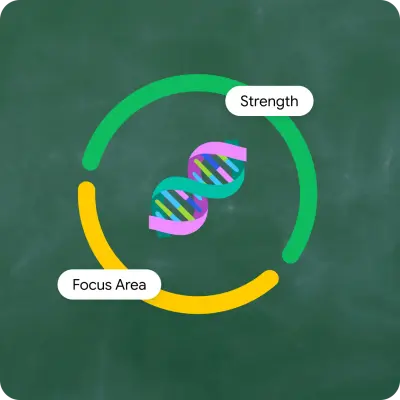
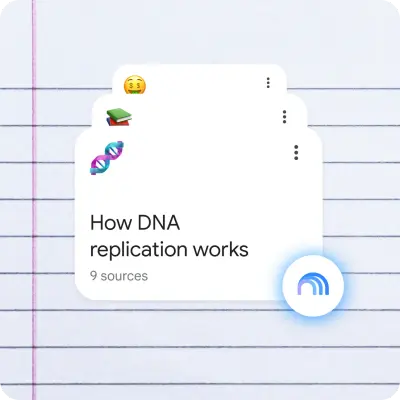
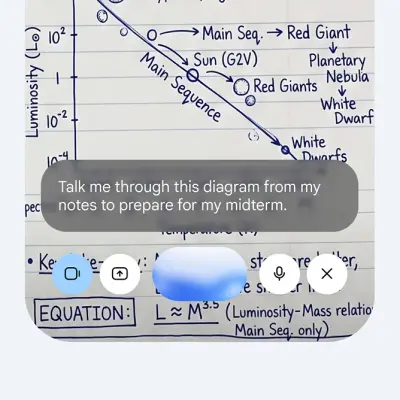
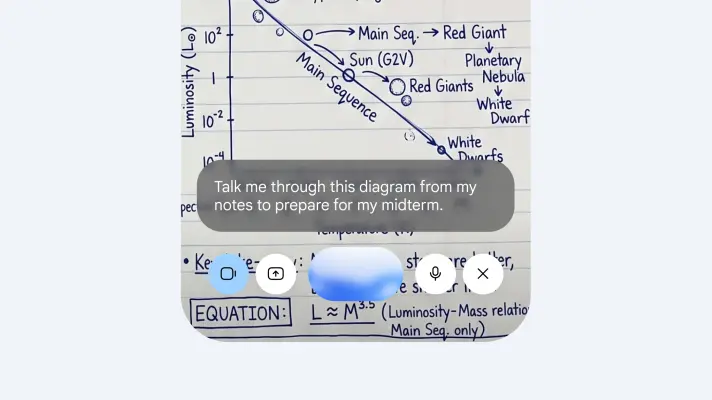
Gemini’s student-facing creative direction is energetic and playful, with colorful learning scenes and approachable dimensional objects. Use these as inspiration for educational work while keeping any task-specific visuals relevant to the subject.

















Creative examples
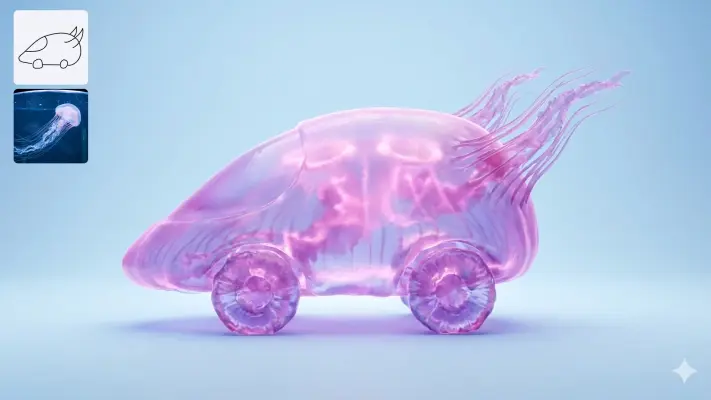
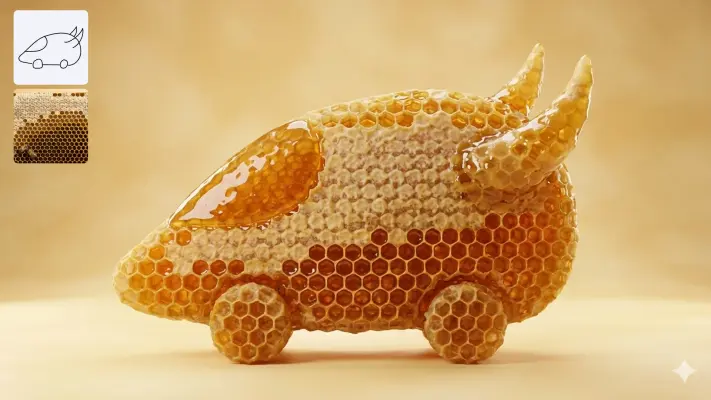
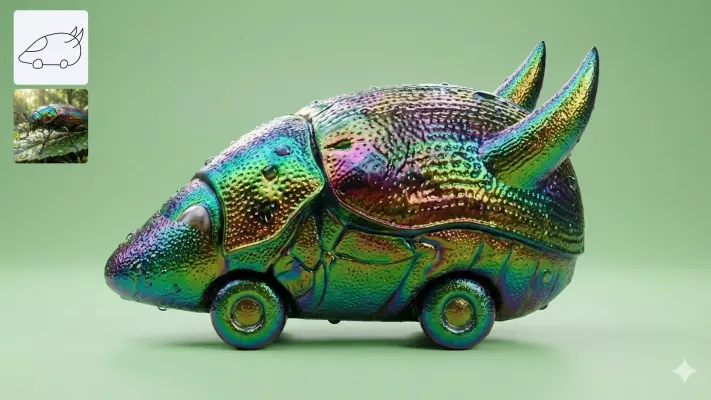
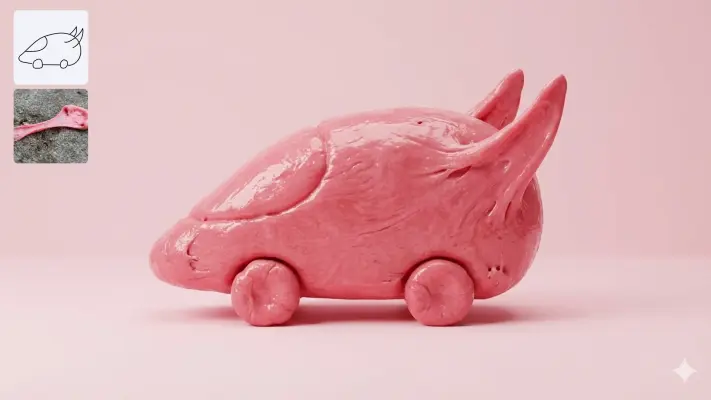
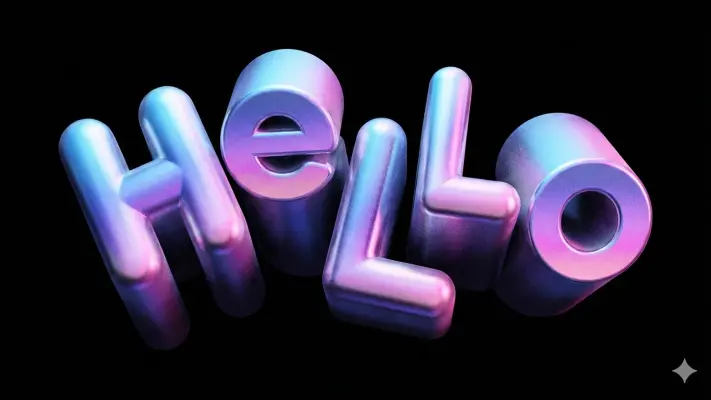
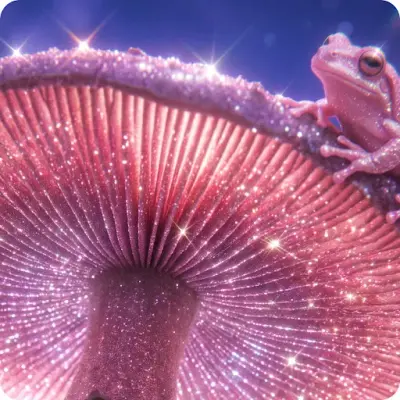
41 imagesGemini’s public-facing examples make creative possibility concrete: bold color, tactile materials, playful objects, imaginative scenarios, and varied art directions. Use them as examples of creative range, not as a single mandatory style. For generated-image work, specific composition, style, and subject details help steer the result.
The following examples range from colorful editorial-style objects to dimensional, playful renders. Use their variety to support creative exploration, and keep each image appropriate to its audience and purpose.




































Product experience imagery
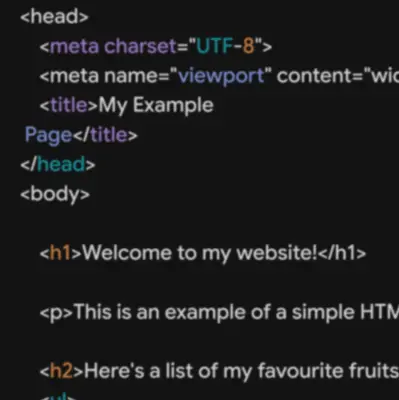
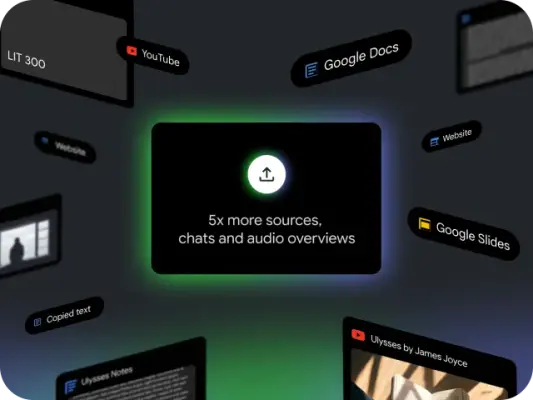
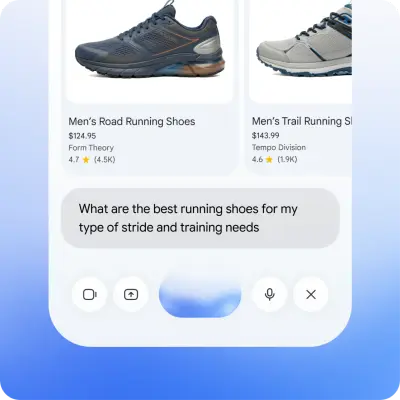
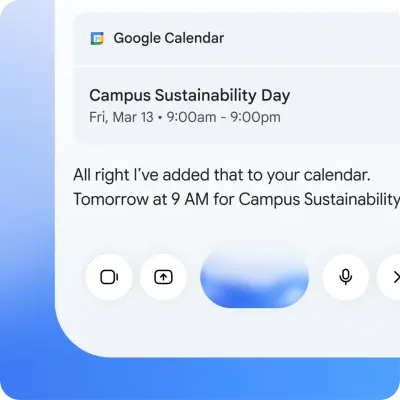
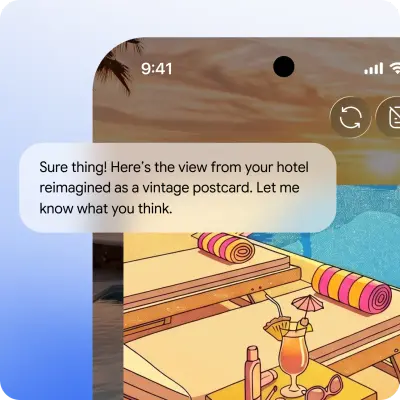
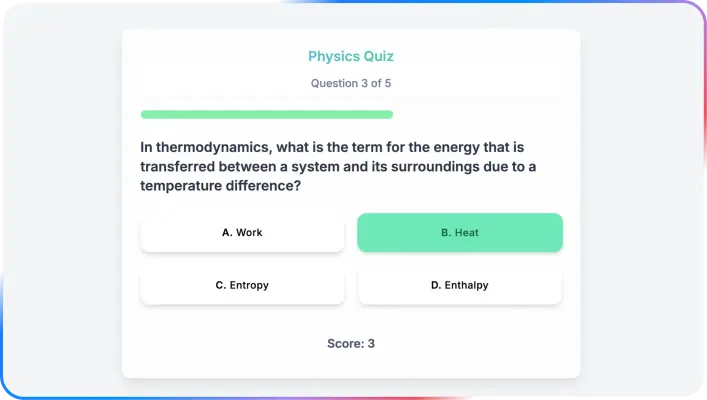
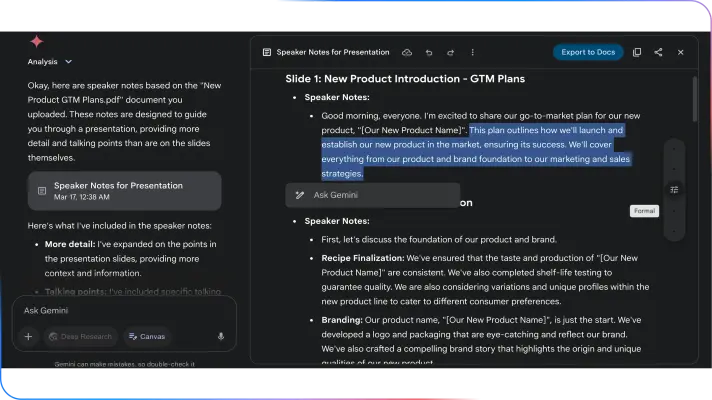
33 imagesPreserve Gemini’s own product experience in interface work: show the real interaction, feature, or workflow that the communication describes. Product screenshots and interface examples should clarify the task at hand, not serve as generic decoration.
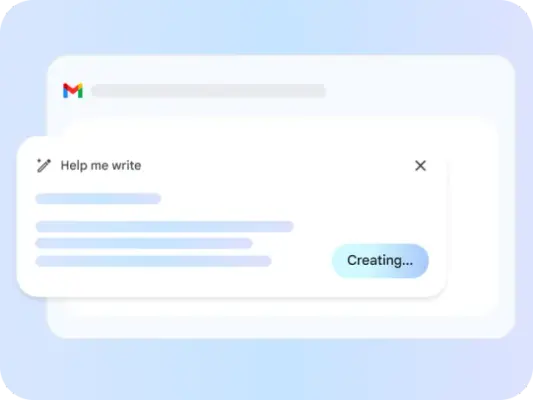
For conversational features, show the interaction in context: a user speaks, types, shares what they see, or connects an app, and Gemini responds in the same flow.
Research and other multi-step experiences can be represented as a sequence of reasoning and work: planning, searching, reasoning, and reporting. Maintain a clear visual connection between steps and the resulting usable output.
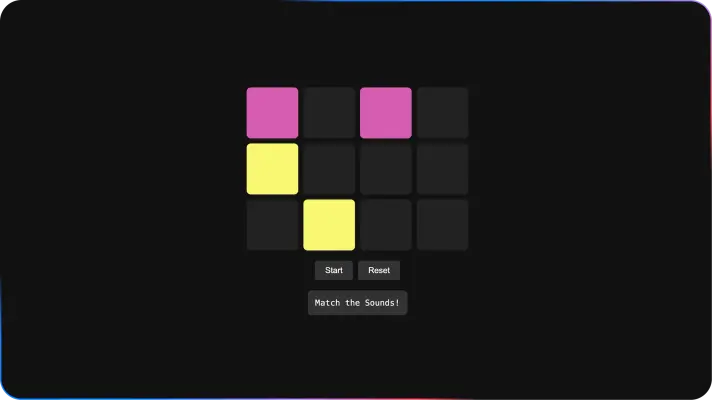
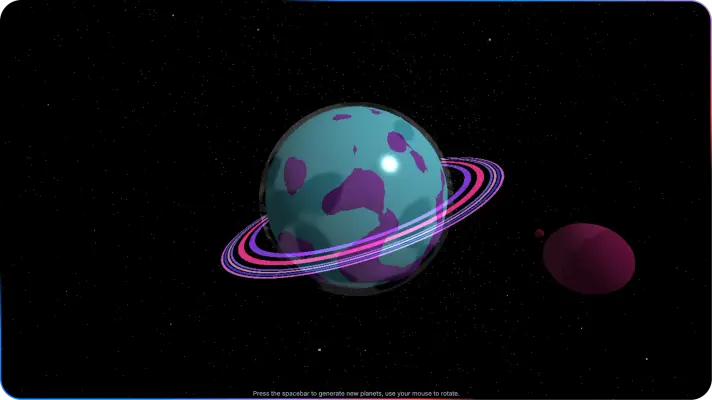
Canvas imagery shows ideas becoming interactive, shareable things. Make the result legible as an app, game, visualization, or draft rather than an abstract promise.
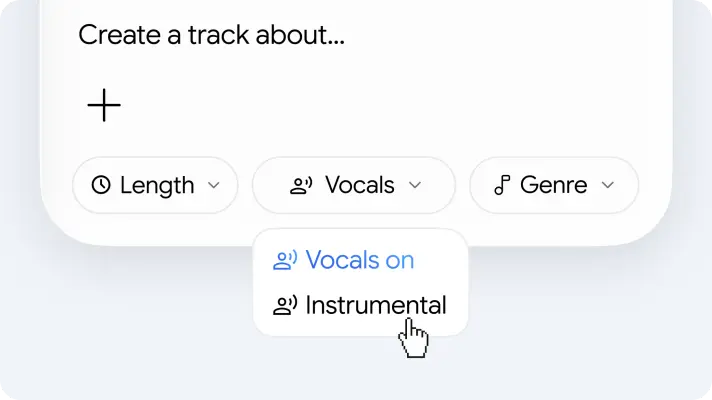
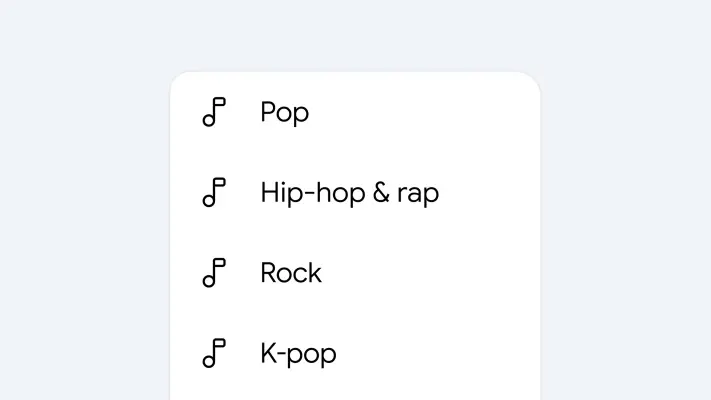
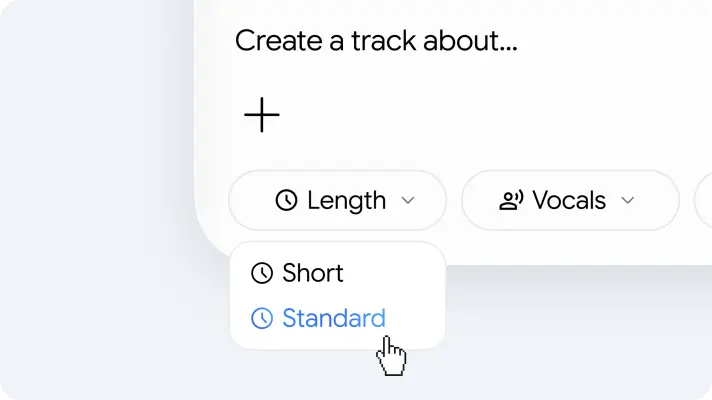
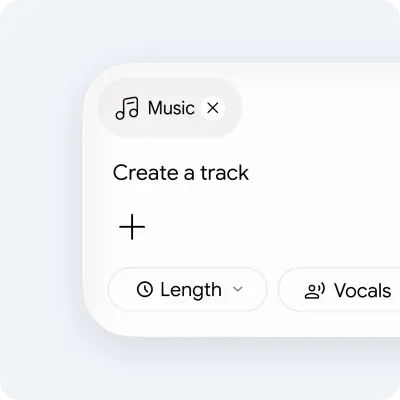
Gemini’s music-generation experience uses cover art, track examples, and clear creation controls. Show the creative range while keeping the interface and controls easy to understand.
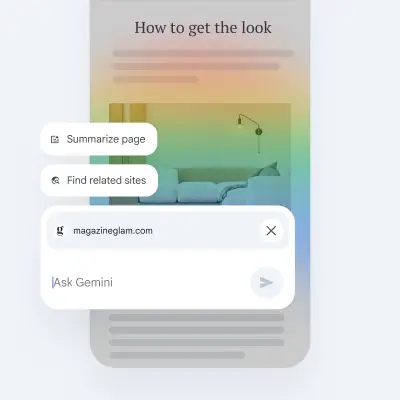
Show product imagery for Gemini in Chrome in its browsing context, where page content, questions, and assistance appear connected.













Skills and personalization imagery
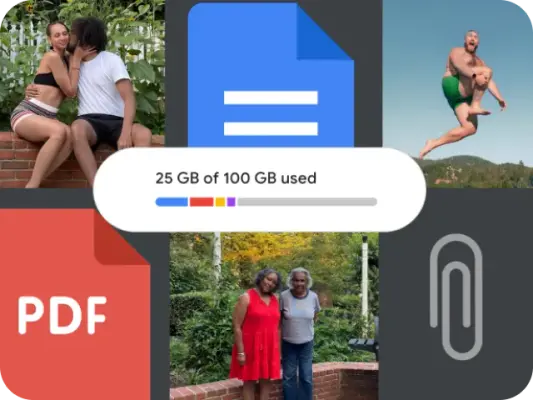
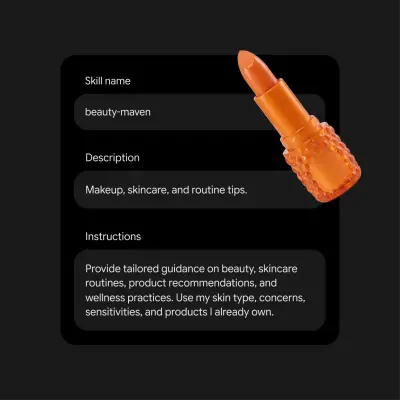
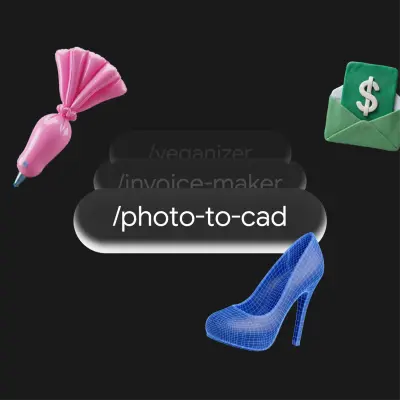
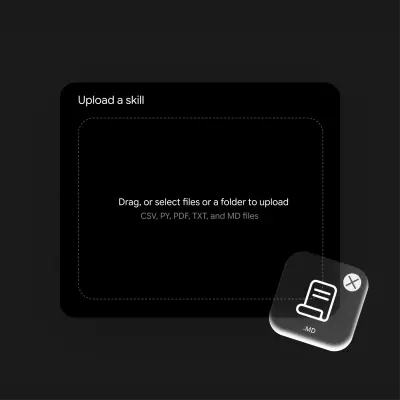
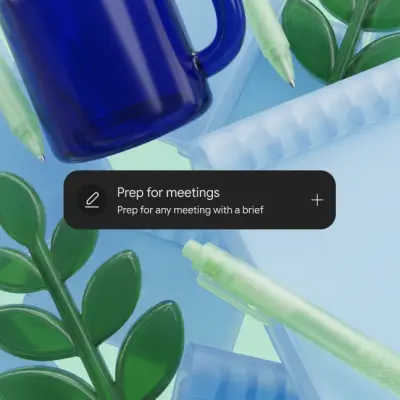
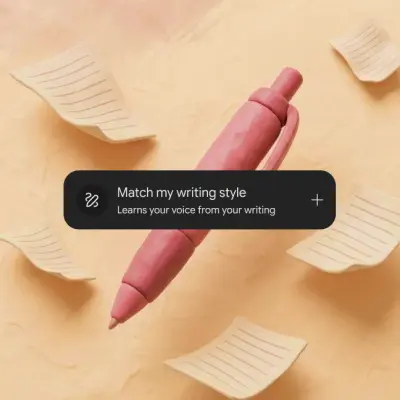
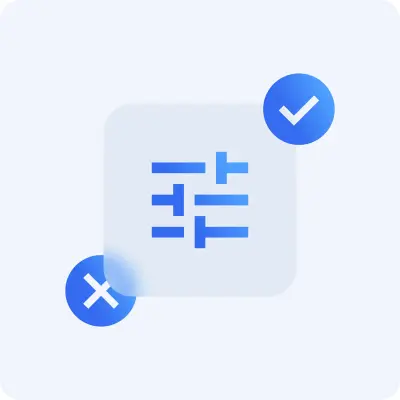
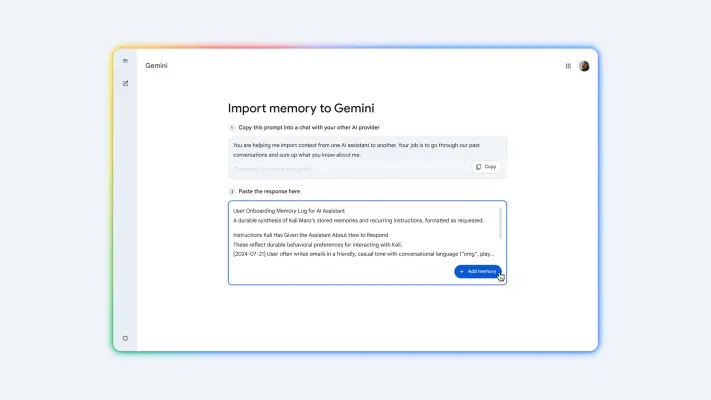
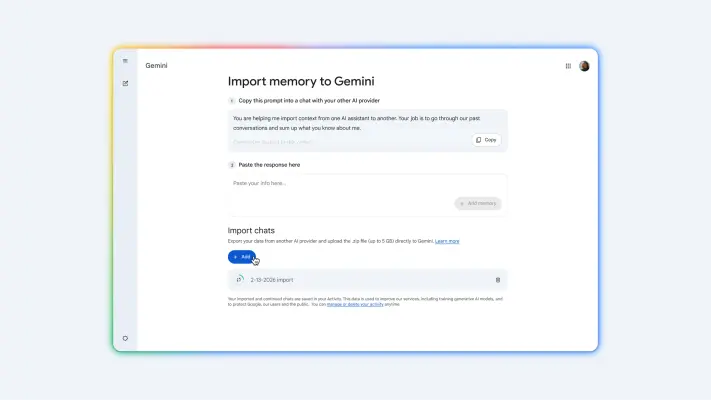
20 imagesWhen showing Gemini customization, make user choice and usable context visible. Skills can be combined to support a workflow; personalization and history-transfer experiences should feel clear, controlled, and easy to follow.









More from the Brand Skill
Claims and responsibility
Keep product descriptions accurate, specific, and appropriately qualified. Features, limits, access, and availability can depend on plan, region, platform, age, and rollout; verify those details for the deliverable rather than presenting them as universal.
Describe Gemini as helpful and capable, not infallible. For informational work, favor clear, relevant information; for subjective or divisive topics, present a balanced range unless the user requests a particular perspective. Do not insert unsupported assumptions or judgments.
When relevant to content about AI-generated media, state that Gemini-generated images, videos, and tracks may include SynthID watermarking; avoid implying that a watermark alone guarantees accuracy or authorship verification.
Make user agency clear when describing connected apps, personalization, or AI avatars: explain meaningful opt-in, settings, or sharing controls when they apply to the feature.
Download Google Gemini’s Brand Skill
A Brand Skill is a folder of brand guidance written for agents. Give it to Claude, ChatGPT, Cursor or another agent and ask it to follow Google Gemini’s guidelines. It starts at SKILL.md, which points to the right file for each task.
It has the guidance, 139 images and the logos. The font files belong to Google LLC, so they’re left out.
google-gemini-brand-skill/
├ SKILL.md
├ README.md
├ references/
│ ├ dos-and-donts.md
│ ├ claims-and-responsibility.md
│ ├ colors.md
│ ├ logo.md
│ ├ typography.md
│ ├ voice.md
│ ├ imagery-campaigns.md
│ ├ imagery-creative-examples.md
│ ├ imagery-product-experiences.md
│ └ imagery-skills-and-personalization.md
└ assets/
├ images/
└ logos/
Rainbrand’s Brand Agent built this Brand Skill from gemini.google on 3 Nov 2026. It isn’t Google Gemini’s official guide. Reviewed by Siddharth Borderwala, Founding Engineer at Rainbrand.
Google Gemini and its logos are trademarks of Google LLC. Rainbrand isn’t affiliated with or endorsed by Google LLC.

Make one for
your brand.
Add Rainbrand to your agent and give it your website, brand guide or files. Rainbrand builds a Brand Skill like this one and keeps it up to date.

Open the Rainbrand plugin and add it.
Open Rainbrand plugin (opens in a new tab)Connect your Rainbrand account when asked. It works in ChatGPT and in Codex.
More brand guidelines
See all brands



Rainbrand builds and maintains shared brand context for your agents and products.


