Bloom is now Rainbrand

(Brand guidelines) // AI

ChatGPT brand
guidelines

ChatGPT’s logo, colors, fonts, voice, and dos and don’ts, from the Brand Skill Rainbrand built from chatgpt.com.

Download the Brand Skill

About ChatGPT

ChatGPT is a conversational AI platform for everyday questions, learning, creative work, and getting things done. Its identity pairs a restrained, clear interface with capable tools for chat, work, coding, research, and image creation.

Use ChatGPT’s own wordmark as the default standalone logo. The brand also uses standalone symbol variants; select the symbol or wordmark to suit the available space, and preserve the artwork’s proportions and integrity.

ChatGPT colors

  • Black

    Accent

    HEX
    RGB
  • Near-white

    Background

    HEX
    RGB
  • Gray

    Text

    HEX
    RGB
  • White

    Primary button background

    HEX
    RGB
  • Near-black

    Secondary button background and text

    HEX
    RGB

ChatGPT fonts

  • OpenAI Sans

    Brand typography

Font names only. The Brand Skill download doesn’t include font files.

ChatGPT’s voice

Write in a clear, helpful, direct voice. Make the benefit concrete, keep sentences accessible, and lead with what a person can do. The tone is confident and optimistic without sounding grandiose; it makes complex capabilities feel approachable.

  • “A new way to study in ChatGPT with step-by-step guidance instead of quick answers, helping you learn and retain knowledge better”
  • “ChatGPT Work brings together context from your team’s tools to turn scattered notes, drafts, and ideas into finished work — and keeps projects moving while you stay in control”
  • “Talk to ChatGPT, hands-free. Learn something new, talk through your thoughts, brainstorm ideas, get how-to advice, or practice languages”

Dos and don’ts

Do

  • Keep the visual identity clean, high-contrast, and easy to scan.
  • Use OpenAI Sans for brand typography, with a clear hierarchy across headings, body text and controls.
  • Write with direct, concrete language that helps people understand what they can do.
  • Show product experiences in a way that makes their purpose and workflow easy to understand.
  • Keep the tone confident, useful, and approachable.

Don’t

  • Don’t clutter layouts with competing decoration or low-contrast text.
  • Don’t make the voice sound inflated, overly technical, or impersonal.
  • Don’t make claims about product capabilities or availability without clear support in the intended context.

ChatGPT imagery

70 images from chatgpt.com, in 2 files of the Brand Skill. Each file starts with its guidance, then shows the images it refers to.

Campaign and illustrative imagery

19 images

Use the brand’s own visual assets to add warmth, energy, or atmosphere around product stories. Abstract color fields, simple illustrative motifs, editorial photography, and campaign covers can complement the interface; keep them in service of the message rather than competing with it.


  • A digital graphic featuring the white ChatGPT logo and wordmark centered against a vibrant, blurred background.
  • A white ChatGPT logotype and swirling floral icon are centered against a vibrant, blurred gradient background.
  • A soft, dreamy abstract background featuring a vibrant orange center that bleeds into shades of lavender, pink, and cornflower blue.
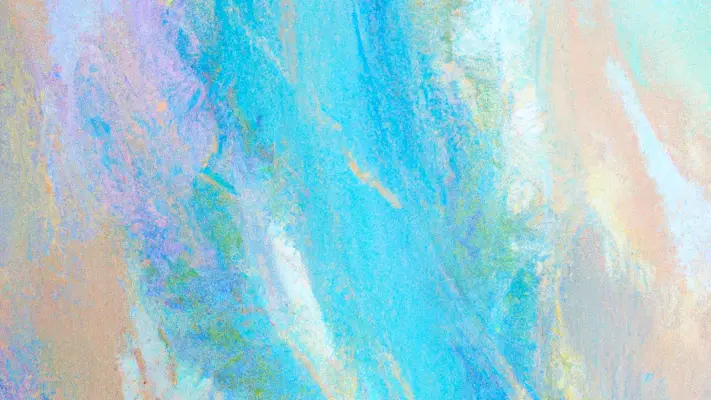
  • A dreamlike abstract digital painting features a central vertical sweep of vibrant cyan and sky blue.
  • An overhead, high-angle photo captures four colleagues sitting around a large rustic wooden table in a brightly lit, industrial office space.
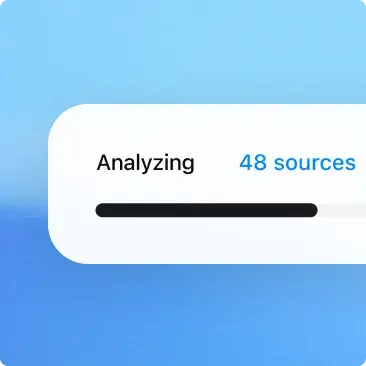
  • A close-up screenshot of a digital interface element against a soft, blurred light blue background.
  • A close-up UI graphic shows a GitHub integration dropdown menu over a soft blue gradient background.
  • A vibrant blue, hand-drawn squiggle graphic resembling a simplified mountain range or a cursive letter 'm'.
  • A bold black asterisk graphic with six arms radiating from a central point.
  • A solid black, six-pointed asterisk graphic features thick lines with rounded ends that intersect at a central point.
  • A single, solid bright blue cloud icon with a soft, scalloped silhouette.
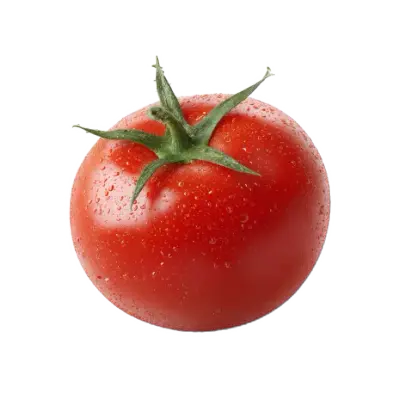
  • A vibrant, round red tomato is covered in fine droplets of water, giving it a fresh, dewy appearance.
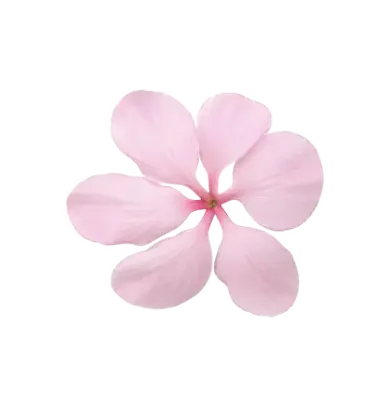
  • A single, soft pink five-petaled flower bloom is shown in a top-down, isolated view.
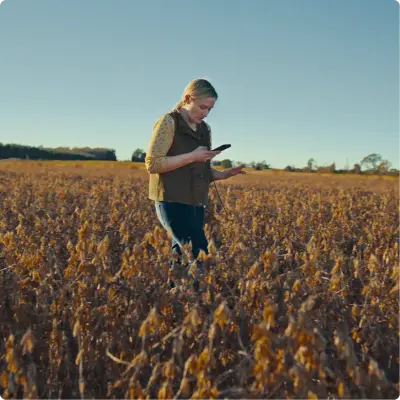
  • A woman stands in the middle of a vast, golden field of dried crops, focusing intently on a smartphone in her hand.
  • A person in a bright red snowsuit and white helmet rides a fat-tire bike across a vast, snow-covered landscape, towing a yellow pulk sled loaded with gear.
  • A low-angle, wide-shot photograph of an East Asian man in a black puffer jacket and glasses looking upward with a thoughtful expression.
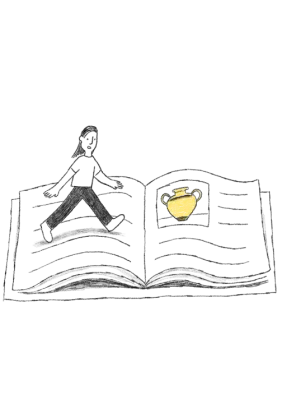
  • A simple black and white line drawing depicts a small person walking across the pages of a giant open textbook.
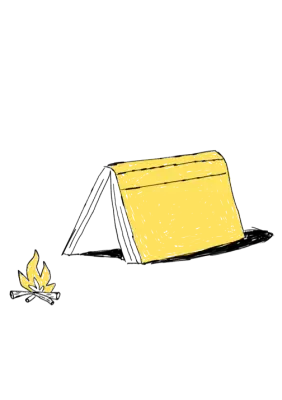
  • A whimsical, hand-drawn illustration depicts a yellow hardcover book propped open face-down to resemble a classic A-frame tent.
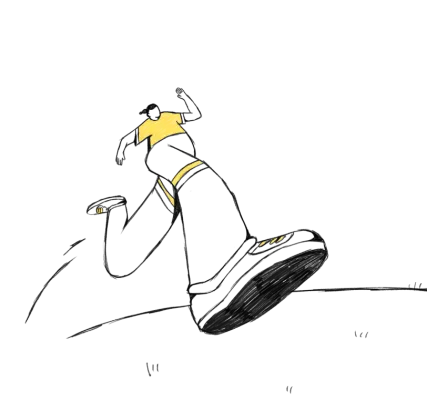
  • A hand-drawn charcoal illustration of a runner in mid-stride, emphasizing motion through a dramatic fish-eye perspective.

Product imagery

51 images

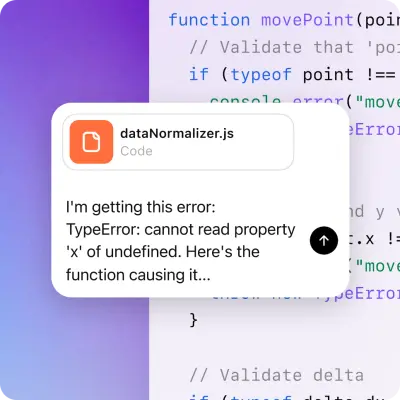
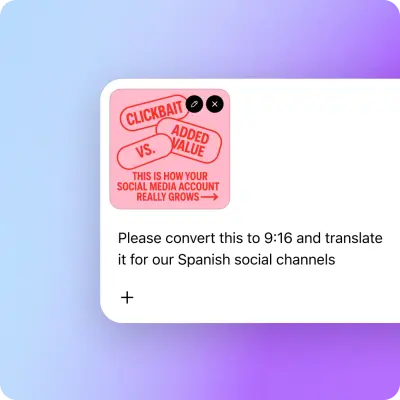
Show ChatGPT through its own product experience: real interface views, recognizable workflows, and clear examples of people using its tools. Keep interface imagery legible and grounded in the task being described. Use these product and feature visuals as source references.
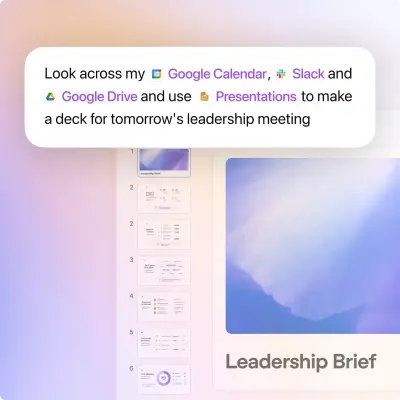
  • A floating white chat bubble with rounded corners contains a command requesting a deck for a 'leadership meeting' using Google Calendar, Slack, Google Drive,…
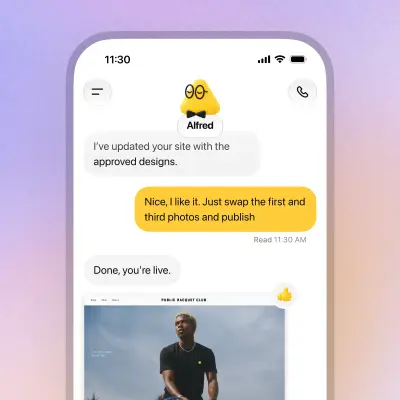
  • A smartphone screen UI graphic shows a chat thread between a user and an AI assistant named Alfred, depicted as a yellow triangle icon with glasses and a…
  • A horizontal row of five app icons sits centered on a soft, grainy gradient background that transitions from pale pink to light purple.
  • A white rounded-corner UI card floats against a soft, gradient blue backdrop.
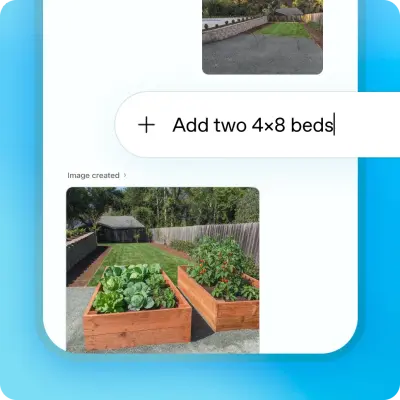
  • A UI graphic demonstrating AI photo editing with a text prompt field reading 'Add two 4!8 beds'.
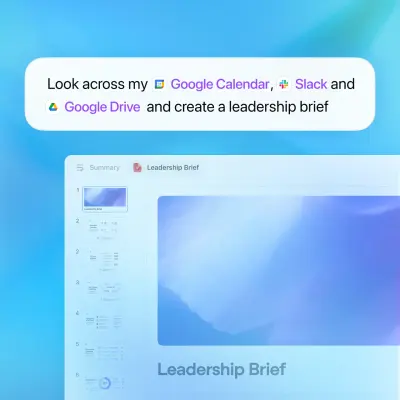
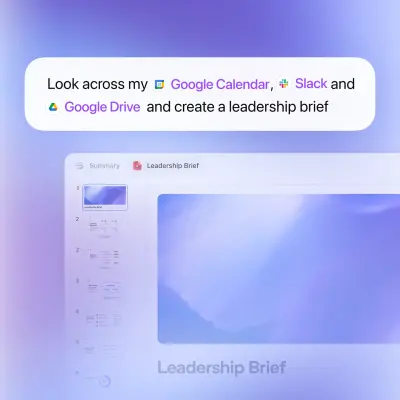
  • A digital graphic features a white floating chat bubble containing the prompt "Look across my Google Calendar, Slack and Google Drive and create a leadership…
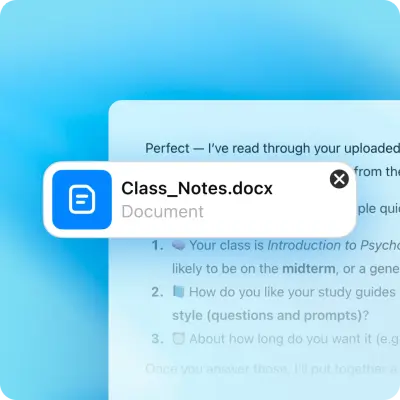
  • A floating software interface notification for a file named "Class Notes.docx" is centered against a soft blue gradient background.
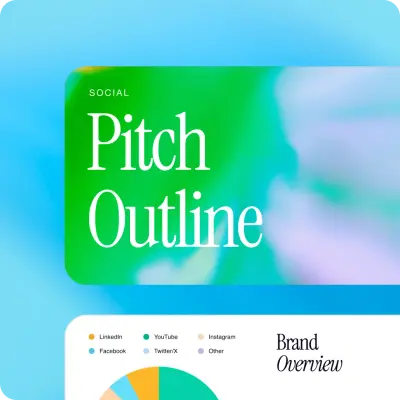
  • A vibrant graphic layout features a top card with the text "Pitch Outline" in large white serif font and "SOCIAL" in small block letters, set against a…
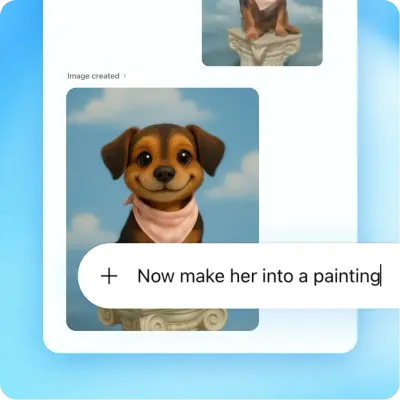
  • A digital interface mockup displays a smiling, brown puppy wearing a pink bandana in a painted style against a blue sky background.
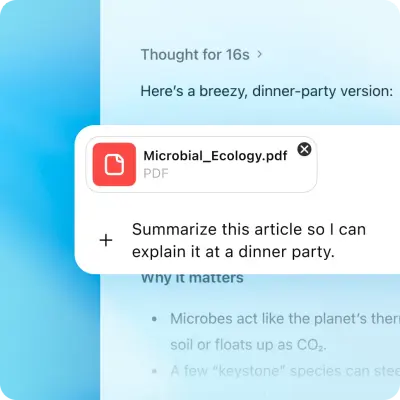
  • A close-up UI screenshot showcases an AI interaction on a soft blue gradient background.
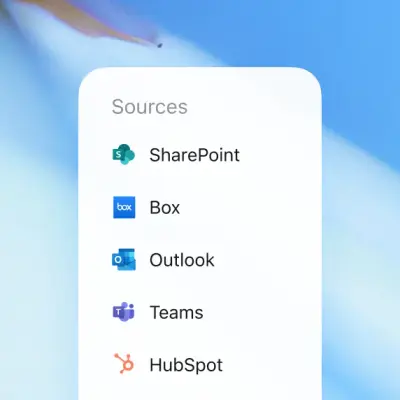
  • A vertical white menu titled "Sources" lists software integrations for SharePoint, Box, Outlook, Teams, and HubSpot, each accompanied by its official colored…
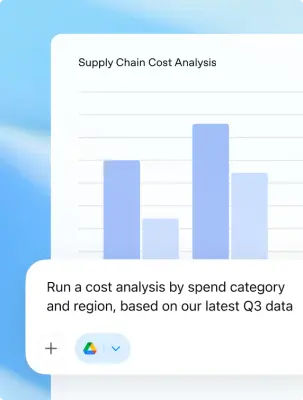
  • A clean digital graphic featuring a white interface card titled "Supply Chain Cost Analysis" with four light blue vertical bar charts.
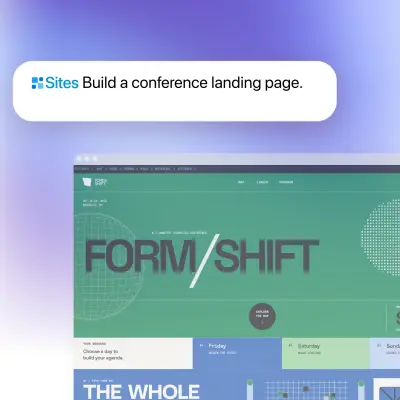
  • A digital layout features a conference landing page for "FORM/SHIFT" with a grid-based, modernist aesthetic in shades of teal, blue, and lime green.
  • A UI graphic shows a conversational AI interface set against a soft purple and blue gradient.
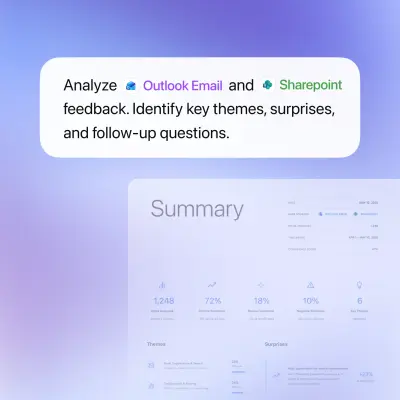
  • A floating white chat bubble displays the prompt, "Analyze Outlook Email and Sharepoint feedback.
  • A three-dimensional digital app icon featuring a dark gray, interlocking geometric floral motif centered on a soft white square with rounded corners.
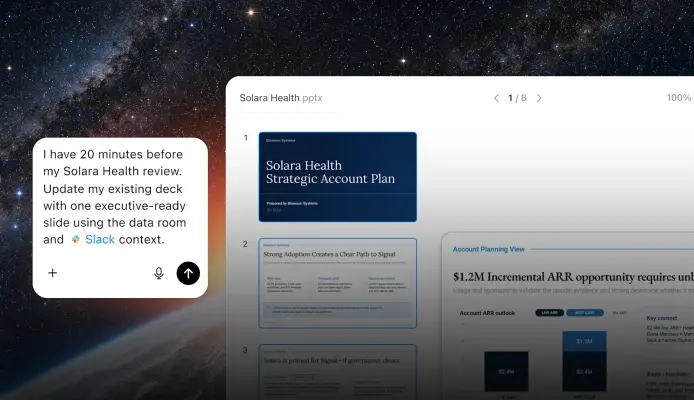
  • A digital graphic overlays a white software interface onto a starry galaxy background.
  • A pill-shaped button with the text "Deep research" and a telescope icon sits centered on a luminous gradient background.
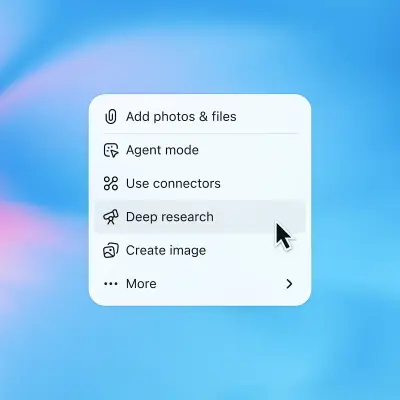
  • A close-up software screenshot displays a white, rounded pop-over menu centered against a soft, blurred blue and pink gradient background.
  • An interface mockup demonstrates AI integration by showing a speech bubble command: "Look across my Google Calendar, Slack and Google Drive and create a…
  • A classic, high-contrast black and white QR code graphic presented on a plain white background.
  • A classic black-and-white QR code displayed in a square format.
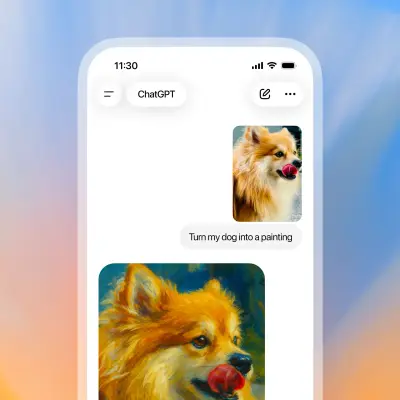
  • A close-up graphic of a smartphone screen shows a ChatGPT conversation where a user has uploaded a photo of a fluffy tan Pomeranian-style dog with its tongue…
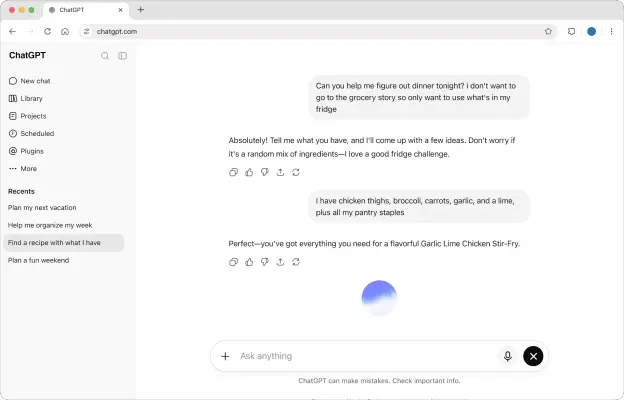
  • A desktop browser screenshot of a ChatGPT conversation where a user asks for dinner help using only ingredients in their fridge.
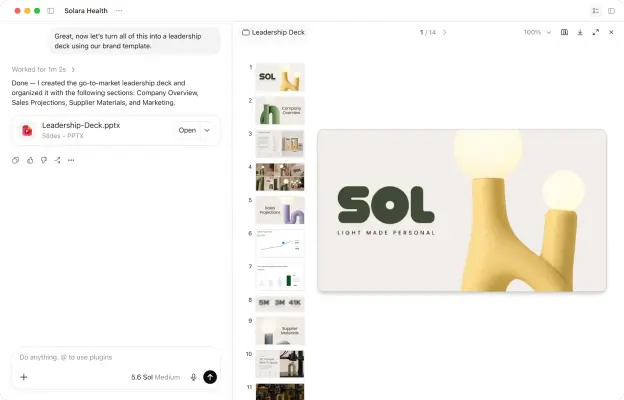
  • A split-screen software interface shows an AI chatbot on the left and a presentation deck editor titled 'Leadership Deck' on the right.
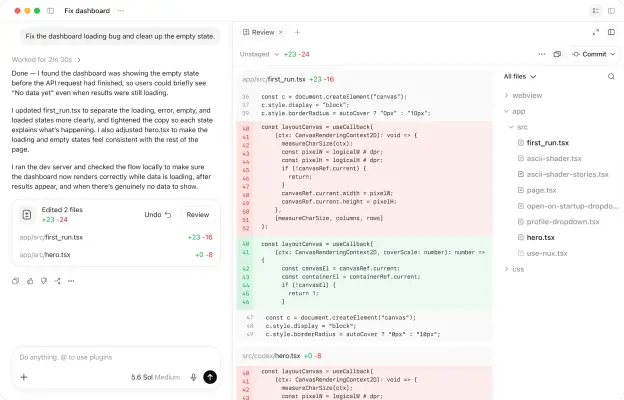
  • A screenshot of a software development interface titled 'Fix dashboard' featuring a code review panel and a chat sidebar.
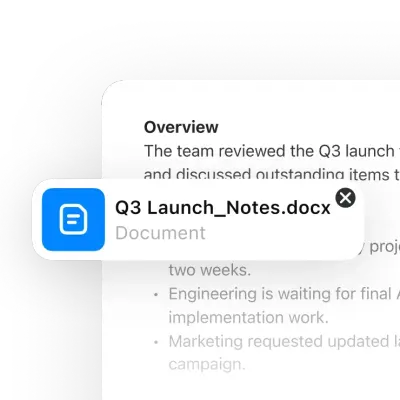
  • A close-up UI graphic features a rounded white file notification overlaying a document titled "Overview." The notification box contains a bright blue…
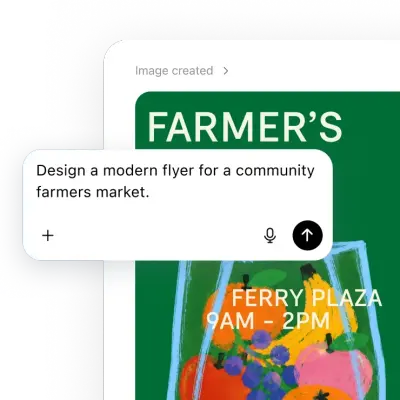
  • A close-up software screenshot shows a floating white prompt bubble with the text, "Design a modern flyer for a community farmers market." Behind it, a…
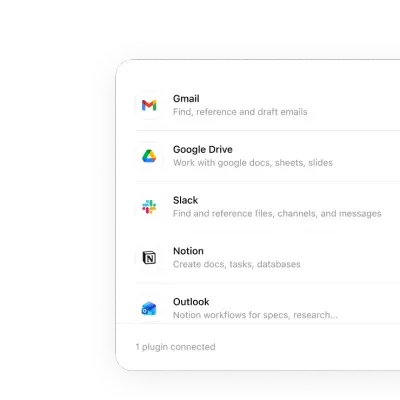
  • A close-up UI graphic shows a clean white vertical list of integrated software plugins on a rounded card.
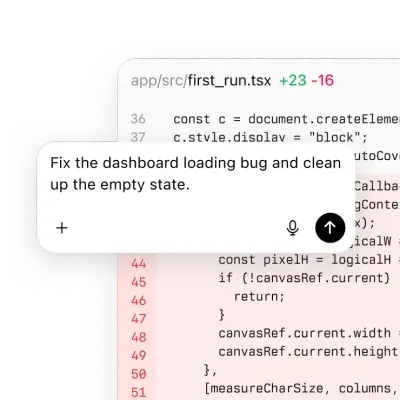
  • A floating software dialogue box overlays a blurred code snippet from a file named first run.tsx, featuring line diff indicators in green and red.
  • A digital UI graphic depicts a simplified white browser window with rounded corners.
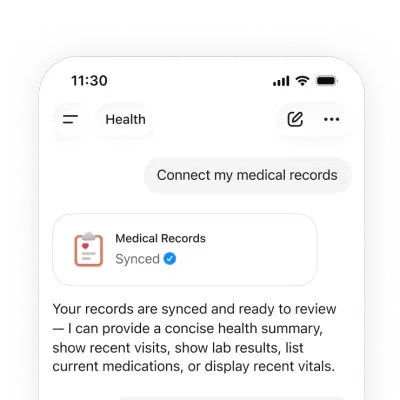
  • A close-up UI screenshot of a mobile health app's conversational interface shows a request to "Connect my medical records." Below, a status card featuring a…
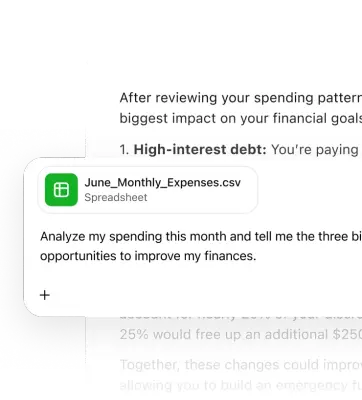
  • A close-up UI graphic features a white floating window overlaying a financial report about spending patterns and high-interest debt.
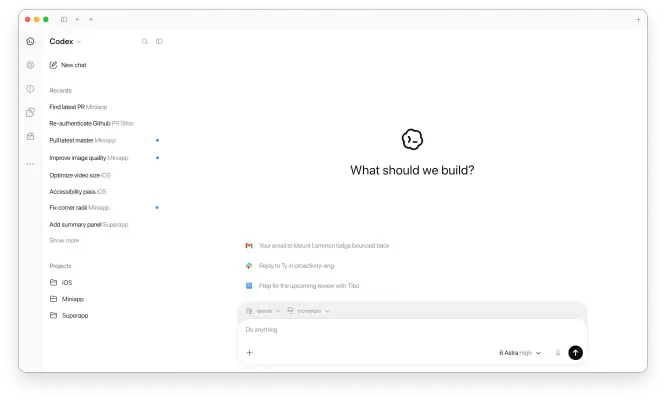
  • A clean software interface screenshot for a workspace called Codex features the central prompt "What should we build?" above a white text entry field.
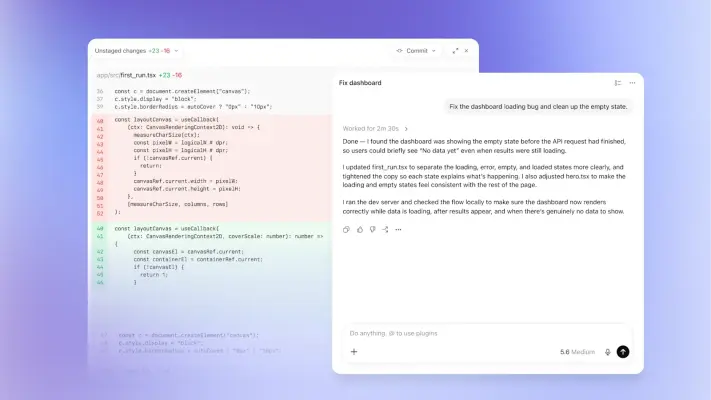
  • An interface screenshot shows a software development tool with a side-by-side code diff on the left and an AI chat window titled 'Fix dashboard' on the right.
  • A close-up software screenshot shows the Codex application interface with a clean, light mode design.
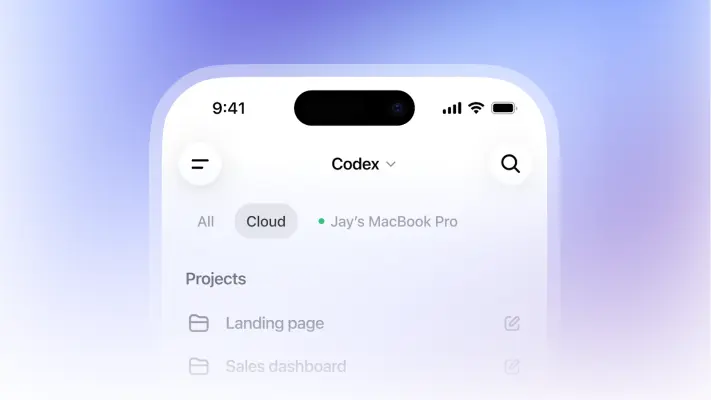
  • A close-up UI screenshot of an app named 'Codex' displayed on a smartphone with a dynamic island notch against a soft purple and blue gradient background.
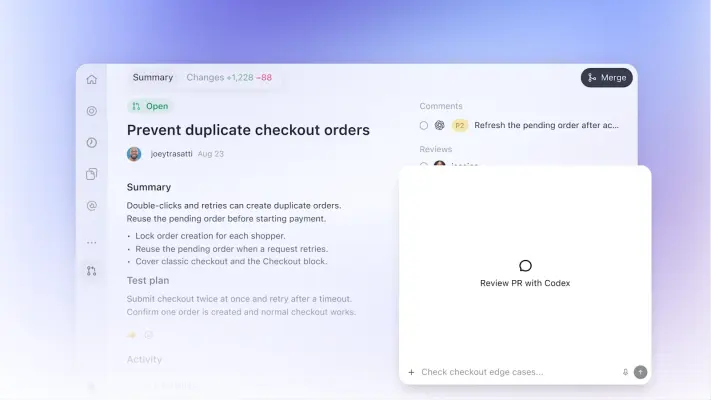
  • A clean software interface screenshot showcases a pull request titled "Prevent duplicate checkout orders" against a soft lavender gradient background.
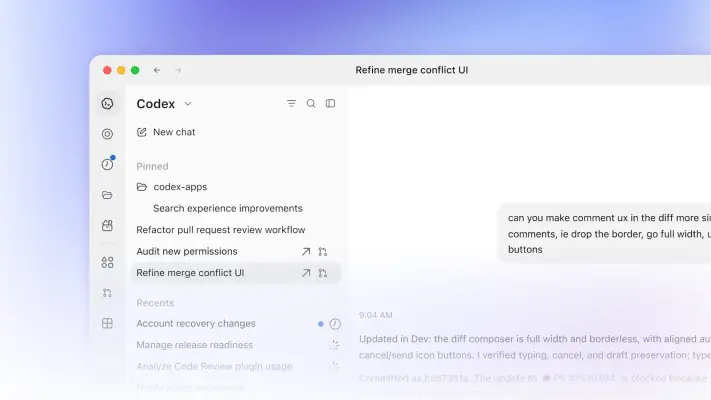
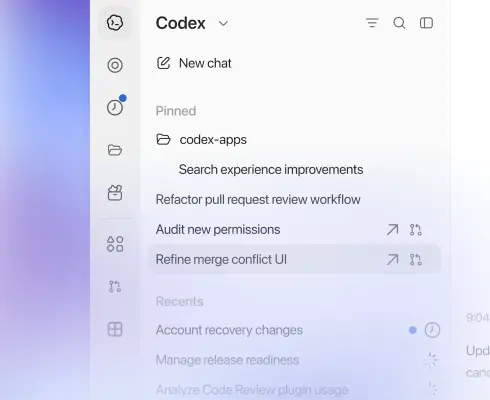
  • This UI screenshot shows a sleek, white sidebar for a development tool named Codex, featuring categories for Pinned and Recents.
  • A clean, white user interface popup window with rounded corners floats against a soft, blurred gradient background of lavender and sky blue.
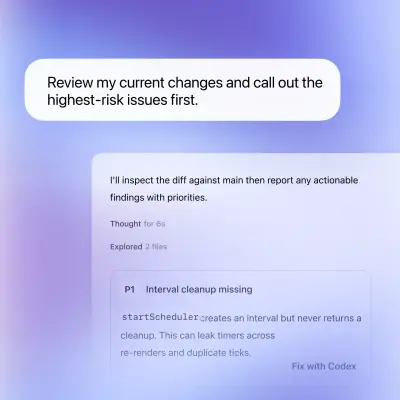
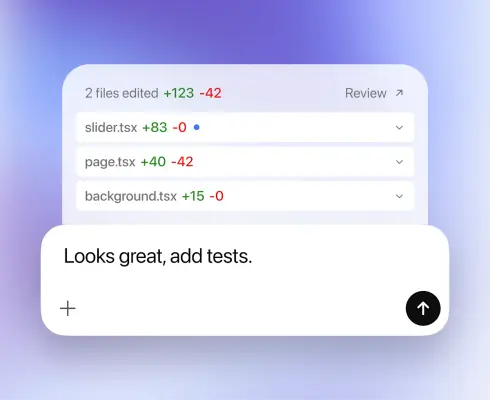
  • A digital UI graphic displays a code review interface with rounded white cards against a soft purple and blue gradient.
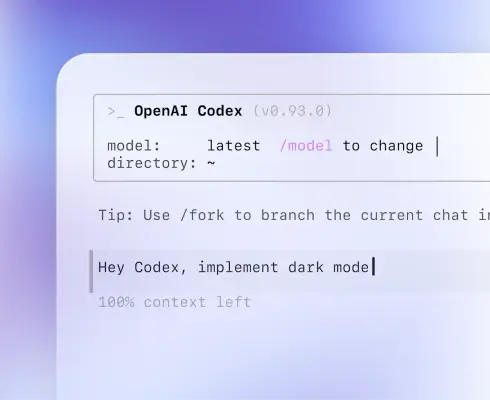
  • A close-up UI screenshot depicts a terminal-style interface for 'OpenAI Codex (v0.93.0)' against a soft, out-of-focus purple and blue gradient background.
  • A floating ChatGPT search bar graphic is centered against a soft periwinkle and white gradient sky.
  • A row of five minimalist black line icons is centered within a horizontal white pill-shaped container.
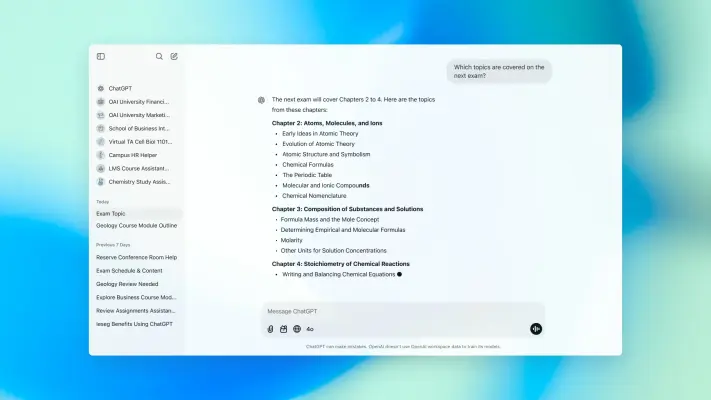
  • A clean screenshot of the ChatGPT interface for a desktop browser displays a chat about university exam prep over a soft, out-of-focus teal and blue gradient…
  • A minimalist user interface card floats centrally against a vibrant, soft-focus purple and blue gradient background with rounded corners.
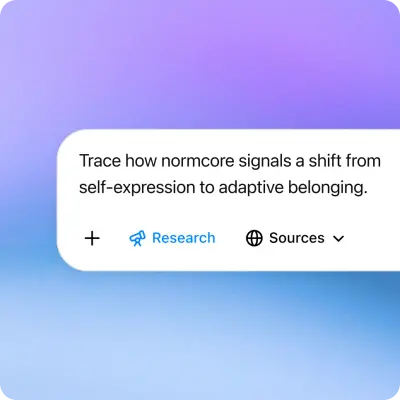
  • A digital graphic features a rounded white text bubble overlaying a soft gradient of lavender, lilac, and sky blue.
  • A close-up graphic features a floating white chat bubble overlaying a snippet of JavaScript code on a soft purple and blue gradient background.
  • A floating white notification card sits over a soft blue and purple gradient background, illustrating a social media editing workflow.
  • A vibrant cyan-to-blue gradient background is layered with soft-focus orange and yellow floral shapes and delicate white geometric lines, including degree…
  • A 3D graphic features a winking smiley face inside a blue shield icon, centered on a white rounded-square badge.

Download ChatGPT’s Brand Skill

A Brand Skill is a folder of brand guidance written for agents. Give it to Claude, ChatGPT, Cursor or another agent and ask it to follow ChatGPT’s guidelines. It starts at SKILL.md, which points to the right file for each task.
It has the guidance, 71 images and the logos. The font files belong to OpenAI OpCo, LLC, so they’re left out.
chatgpt-brand-skill/

├ SKILL.md

├ README.md

├ references/

│ ├ colors.md

│ ├ dos-and-donts.md

│ ├ logo.md

│ ├ typography.md

│ ├ imagery-campaign-and-illustration.md

│ ├ voice-and-copy.md

│ └ imagery-product.md

└ assets/

├ images/

└ logos/

Rainbrand’s Brand Agent built this Brand Skill from chatgpt.com on 3 Nov 2026. It isn’t ChatGPT’s official guide. Reviewed by Siddharth Borderwala, Founding Engineer at Rainbrand.

ChatGPT and its logos are trademarks of OpenAI OpCo, LLC. Rainbrand isn’t affiliated with or endorsed by OpenAI OpCo, LLC.

Make one for
your brand.

Add Rainbrand to your agent and give it your website, brand guide or files. Rainbrand builds a Brand Skill like this one and keeps it up to date.

  1. Open the Rainbrand plugin and add it.

    Open Rainbrand plugin (opens in a new tab)
  2. Connect your Rainbrand account when asked. It works in ChatGPT and in Codex.

See all brands