(Brand guidelines) // Toys and games
Xbox brand
guidelines
Xbox’s logo, colors, fonts, voice, and dos and don’ts, from the Brand Skill Rainbrand built from xbox.com.
Download the Brand Skill
- Xbox Green#9BF00B
- White#FFFFFF
- Black#000000
About Xbox
Xbox is a gaming brand built around consoles, games, services, and play across devices. Its identity pairs energetic green accents and bold, clear typography with a welcoming promise: gaming is for everyone.
Xbox logo
- Lockup · PNGDownload Xbox white sphere and wordmark lockup
Use the Xbox sphere and wordmark together as the main brand lockup. Preserve the proportions and use the white artwork on a dark background.
The glossy green sphere belongs to an earlier Xbox treatment. Use the current flat identity for general Xbox communications.
Xbox colors
Xbox Green
Signature accent
HEXRGBWhite
Light background and contrast
HEXRGBBlack
Text on light surfaces
HEXRGB
Xbox fonts
Segoe UI
Headings · 700, Body · 400
Segoe Pro Black
Primary buttons · 900
Font names only. The Brand Skill download doesn’t include font files.
Xbox’s voice
Write with energy, clarity, and an inviting sense of possibility. Xbox copy makes play feel immediate and shared, while explaining benefits in plain, direct language. Keep headlines short and active; use conversational detail to show what players can do. Speak inclusively and make room for different people, play styles, and devices.
- “when everyone plays, we all win”
- “Nothing should come between you and the games you love”
- “At home or on the go, Xbox is there”
- “Play, earn, spend, and repeat – it all adds up to getting more with Rewards”
Dos and don’ts
Do
- Use Xbox’s wordmark or sphere mark as supplied, and keep the identity recognizable.
- Use Xbox Green as the signature accent; balance it with clear light or dark surfaces.
- Write directly and energetically, inviting players to explore, connect, and play across devices.
- Represent a welcoming community and a variety of ways to play, including accessible play.
- Show Xbox products and product interfaces accurately.
Don’t
- Don’t redraw, distort, or treat the Xbox mark as ordinary text.
- Don’t let decorative styling undermine clarity or contrast in text and interface imagery.
- Don’t suggest that one play style, device, or kind of player defines the Xbox community.
- Don’t invent product details, feature behavior, or interface elements.
Xbox imagery
66 images from xbox.com, in 4 files of the Brand Skill. Each file starts with its guidance, then shows the images it refers to.
Brand imagery
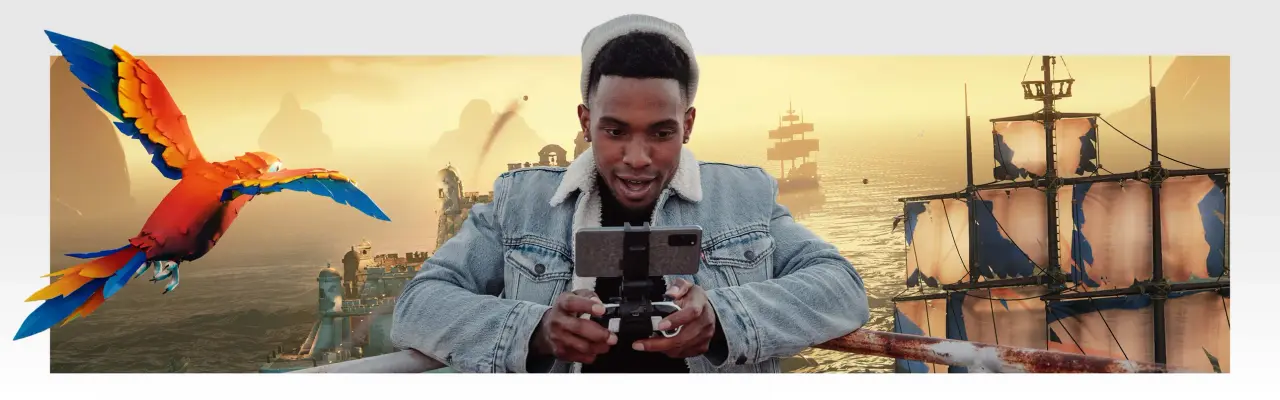
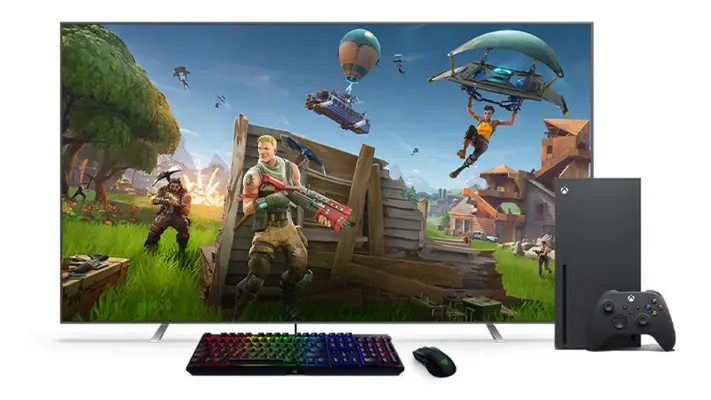
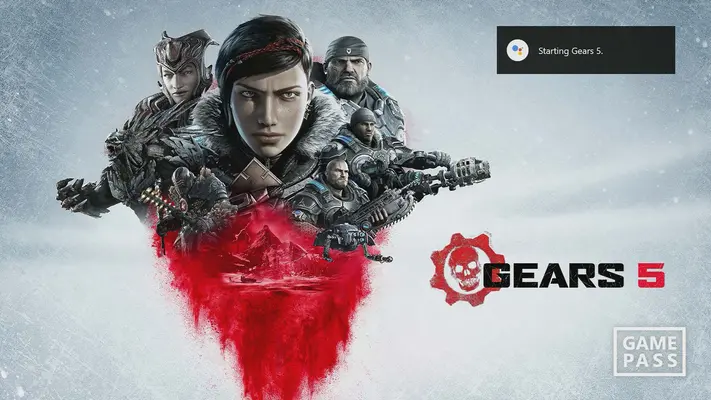
12 imagesXbox imagery conveys play as immersive, social, and open to everyone. Show people playing and connecting across different devices and settings; represent accessibility as part of the gaming experience. Pair lifestyle imagery with the products and play contexts it supports. Xbox campaign imagery can feel cinematic and high-energy, while community imagery should feel warm, genuine, and welcoming.












Accessibility and inclusion
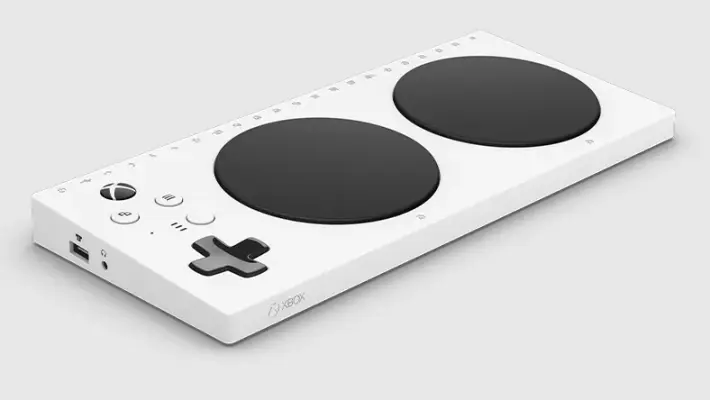
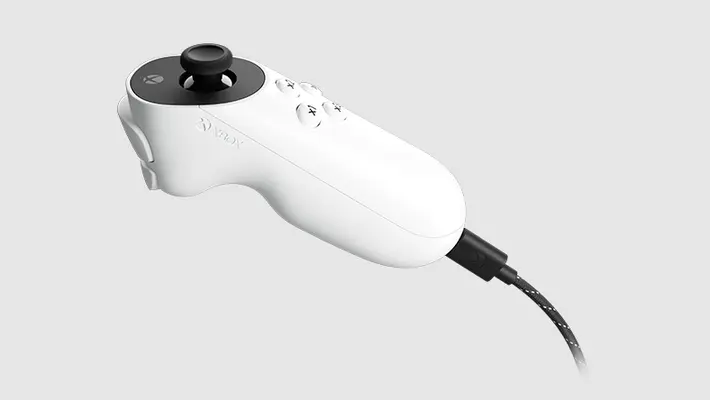
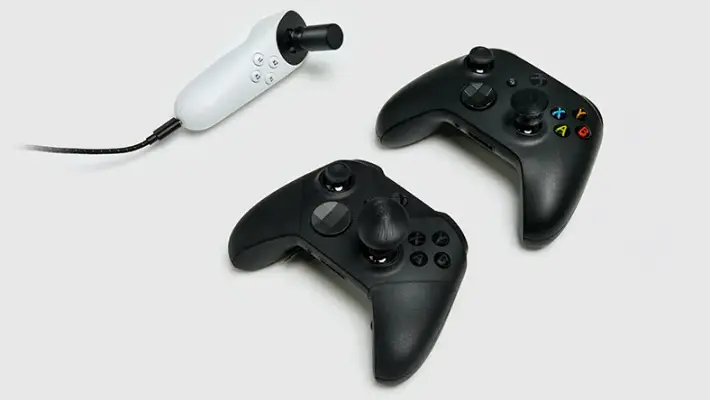
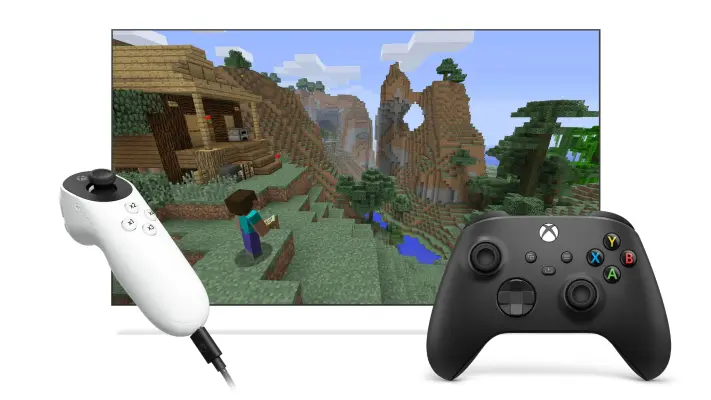
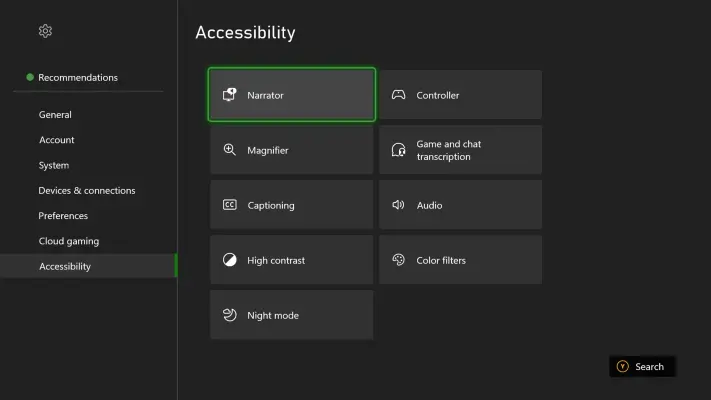
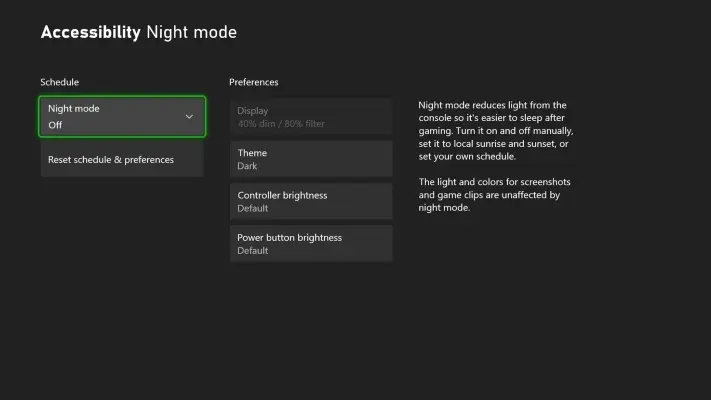
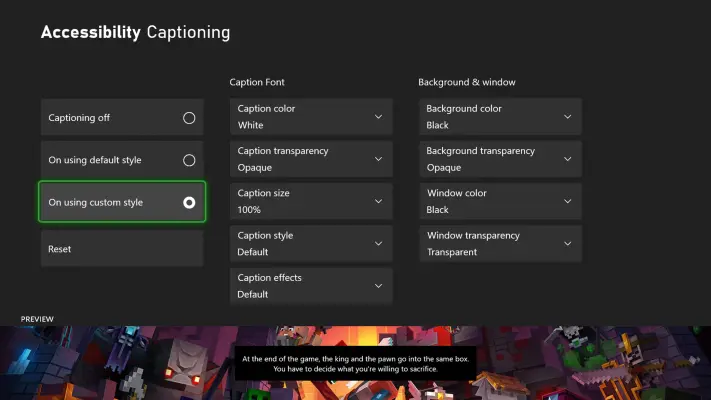
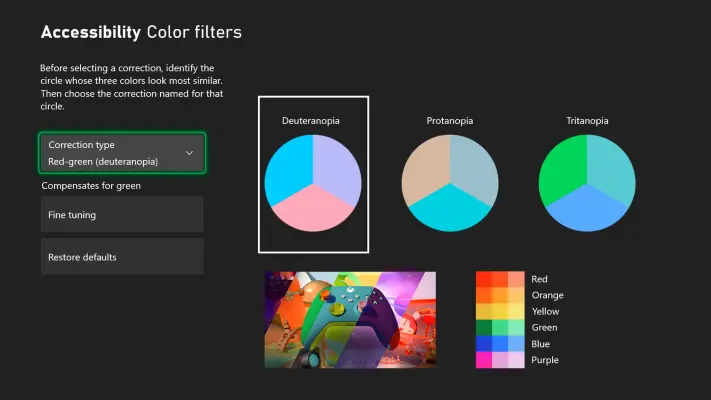
6 imagesPresent accessibility as an integral part of play. Xbox describes gaming as inclusive, accessible, and safe for all, and emphasizes that people should be able to customize how they play. Show a range of players and adaptive equipment with dignity; focus on the player’s agency and the experience rather than defining someone by a disability.
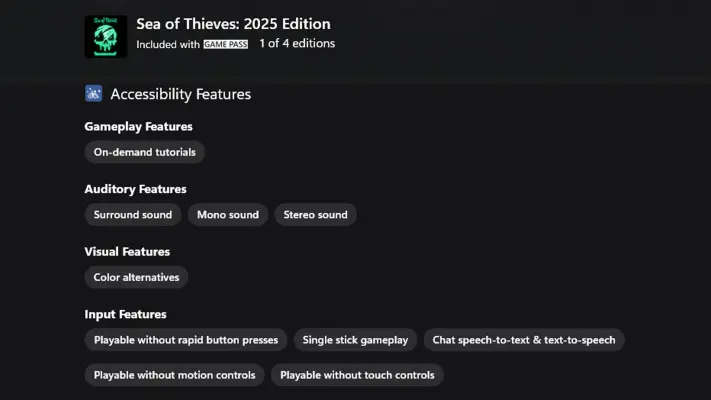
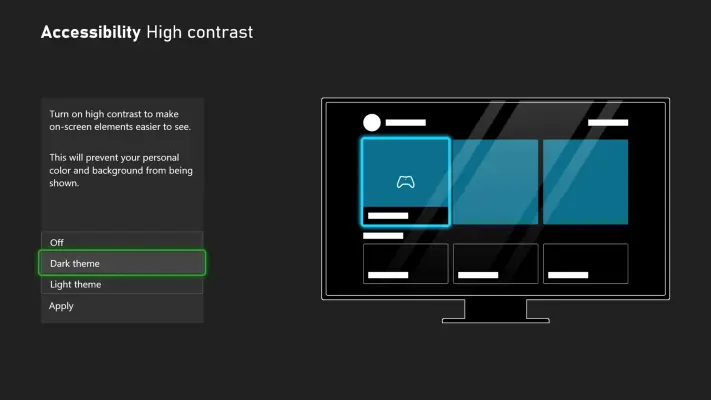
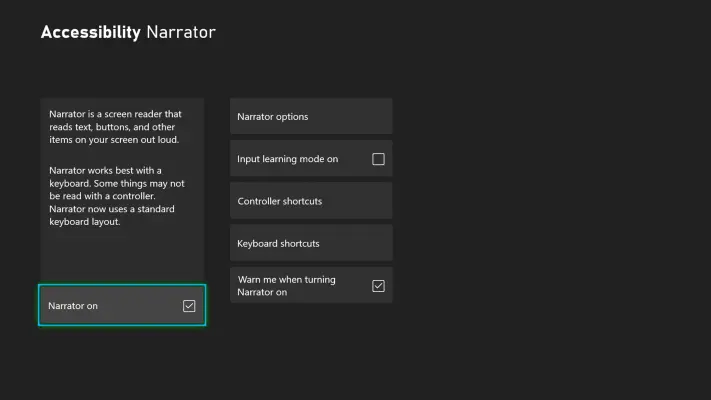
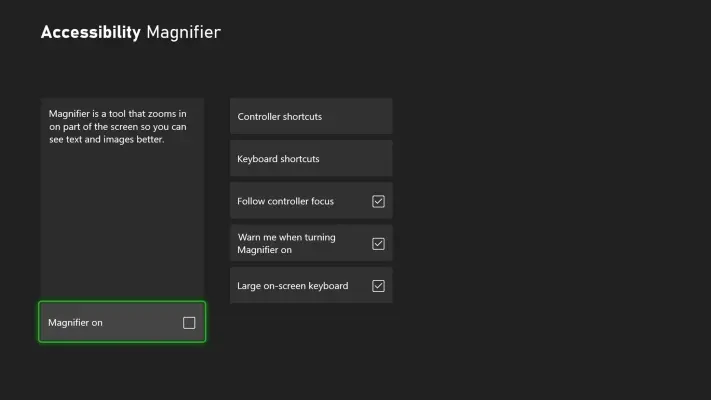
When depicting or describing accessibility features, be accurate and specific. Xbox examples include adaptive controllers and joysticks, configurable button mapping, controller assist, captions, Narrator, Magnifier, color filters, speech transcription, and voice commands.

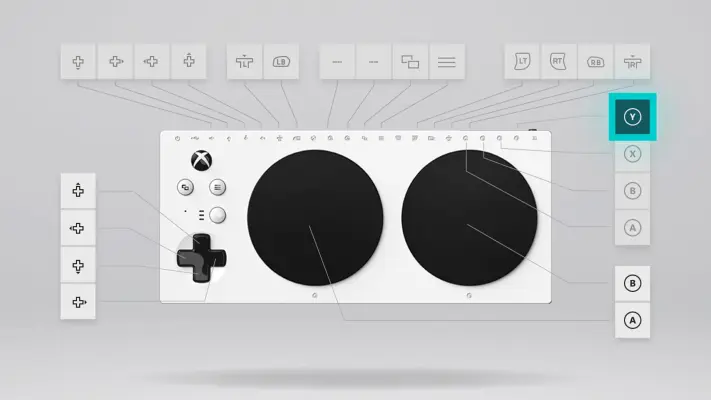
Product imagery
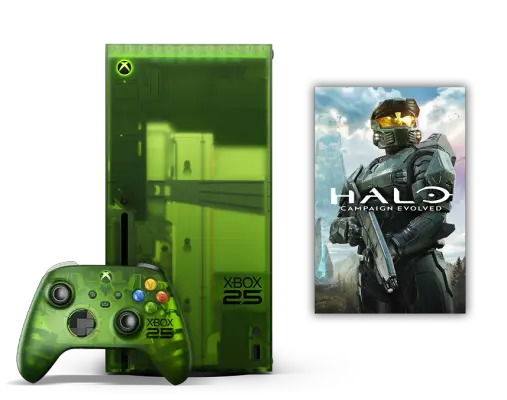
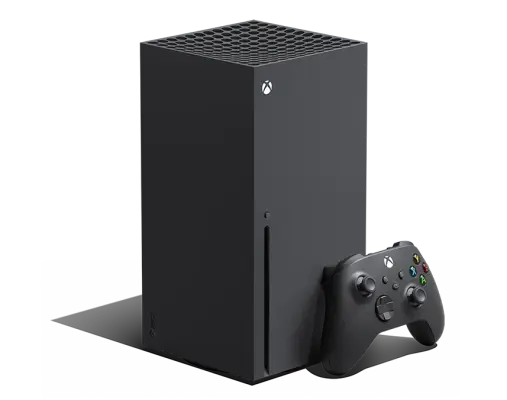
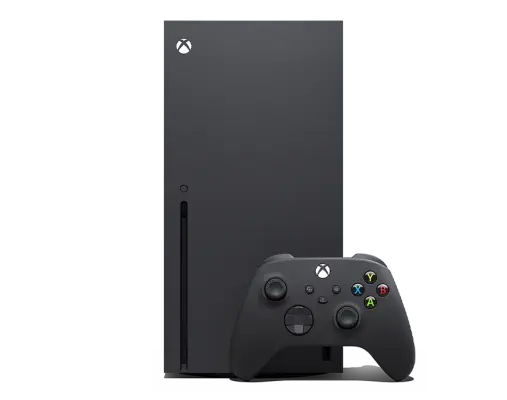
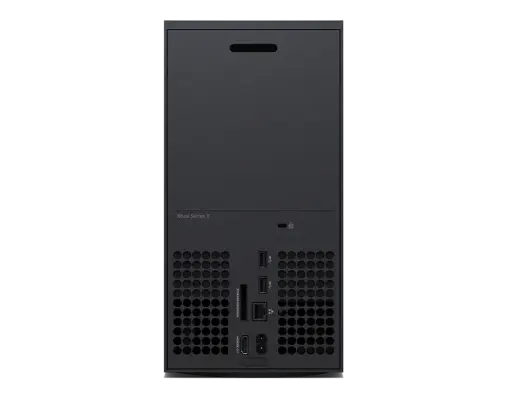
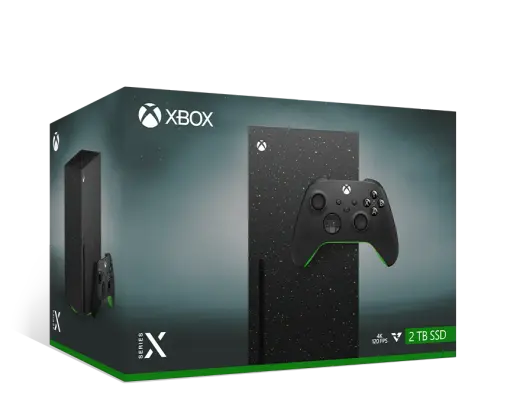
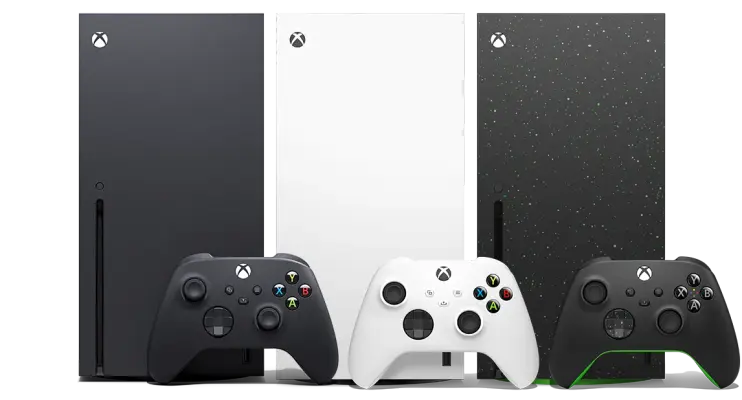
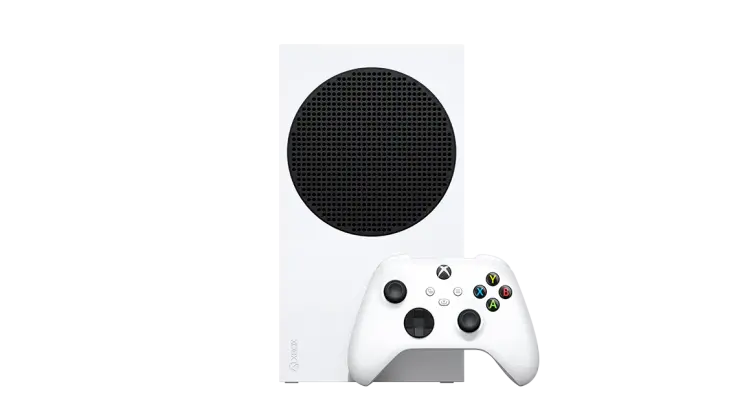
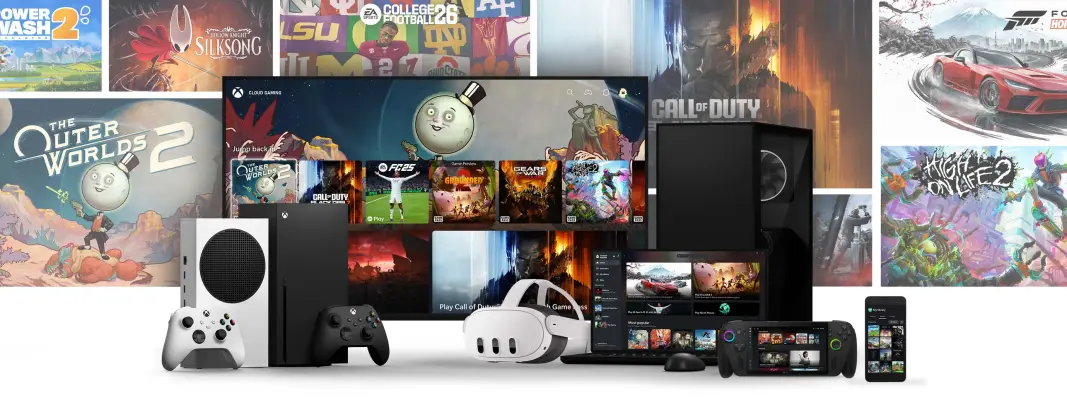
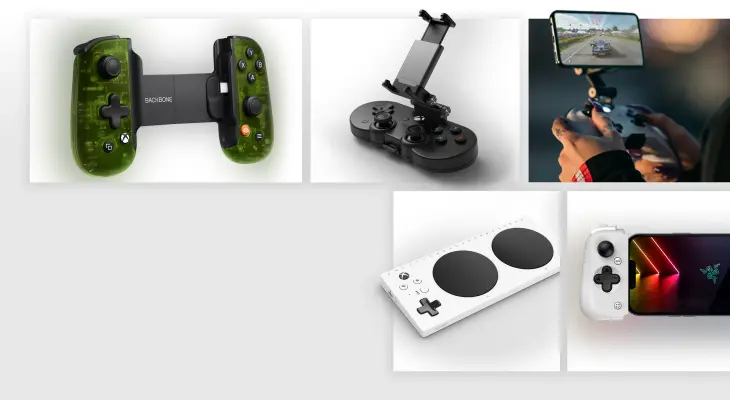
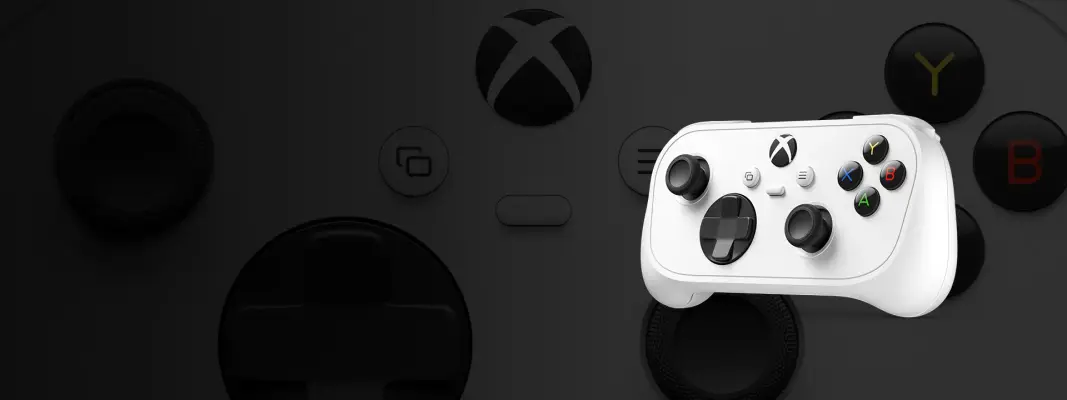
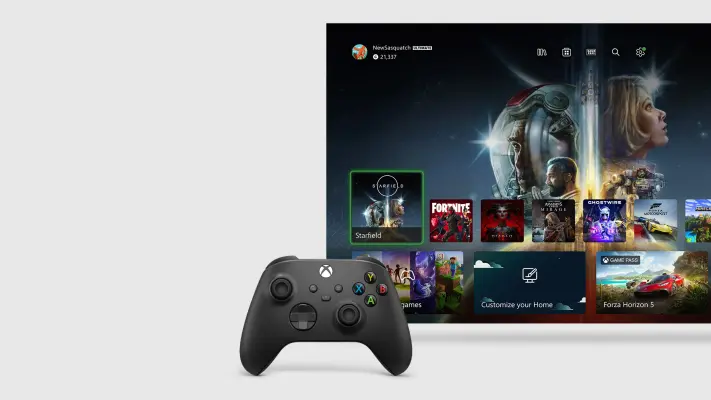
27 imagesPresent Xbox consoles and accessories clearly, with accurate silhouettes, finishes, and product details. Product images can use clean product views, multiple angles, packaging, or lifestyle arrangements. Use the actual product variant shown rather than implying that finishes or components are interchangeable. Broader device imagery can communicate play across console, PC, handheld, mobile, television, and VR.

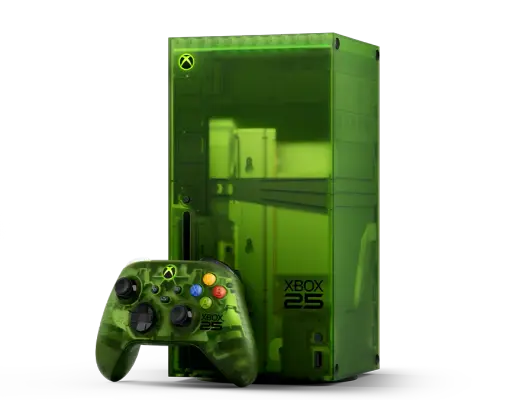
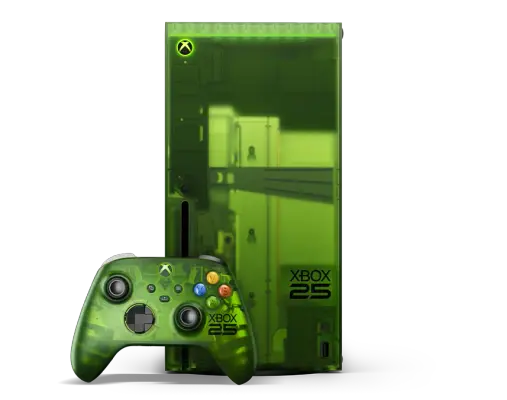
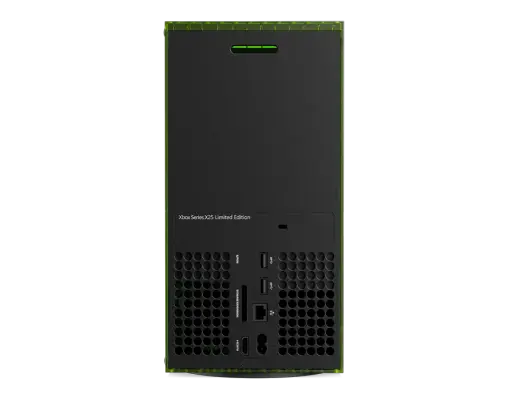
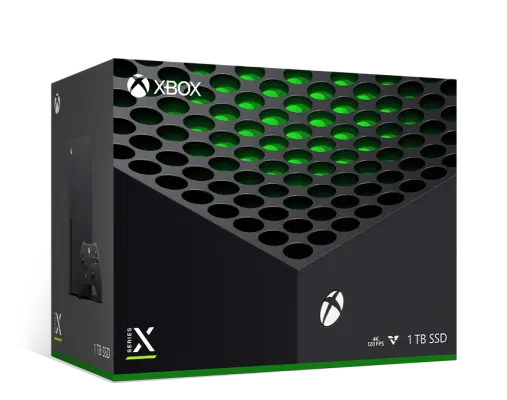
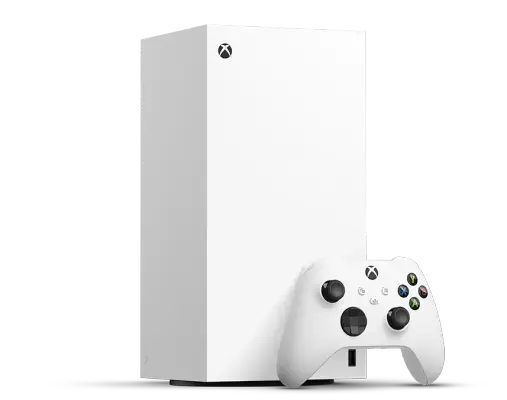
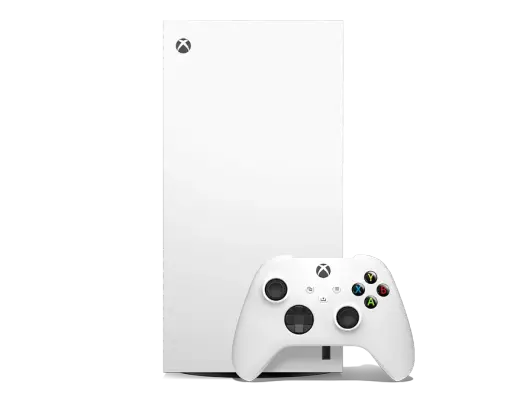
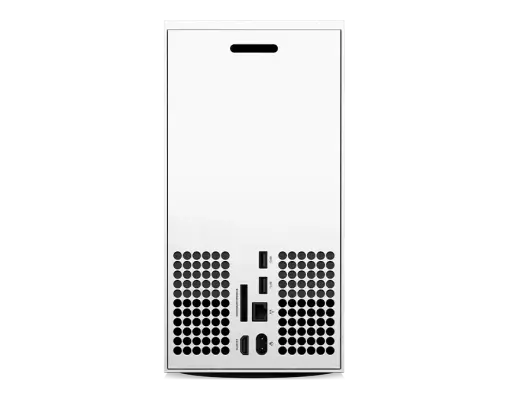
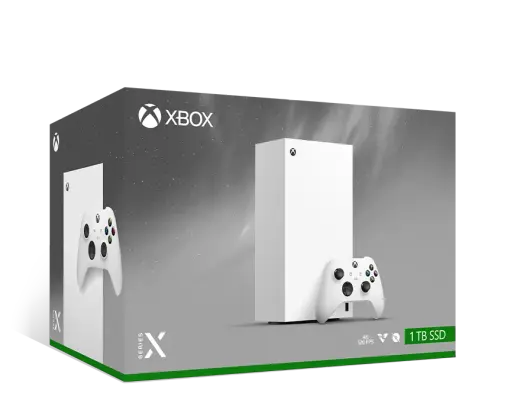
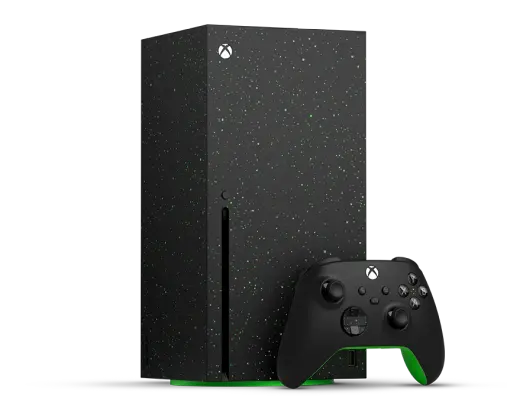
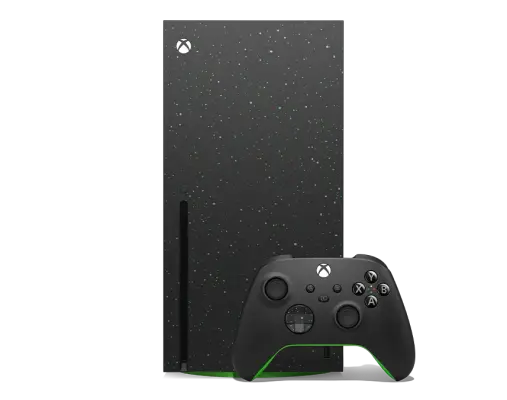
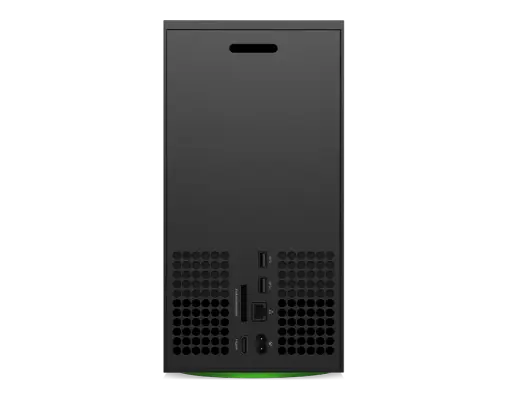




Product interface imagery
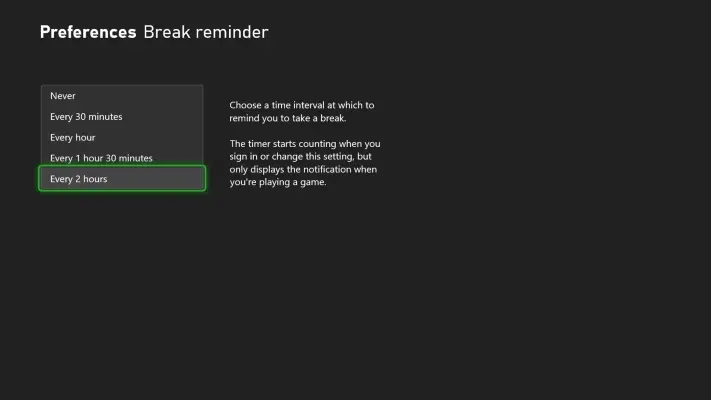
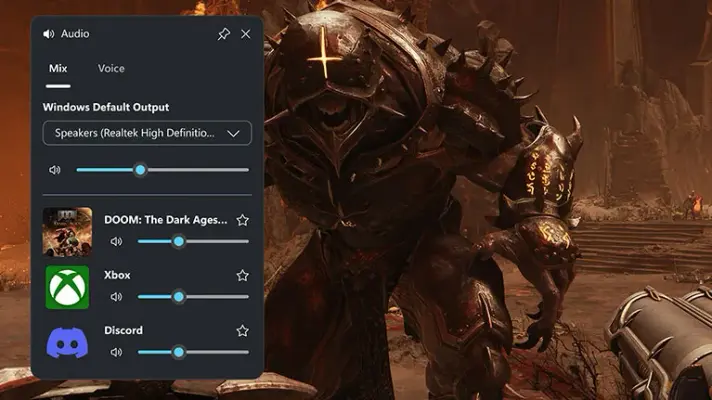
21 imagesShow Xbox interfaces as they appear in the product. Use screenshots to represent real settings, features, and flows; do not invent or mislabel interface elements. Accessibility and family-safety settings are part of the Xbox experience and can be shown directly.



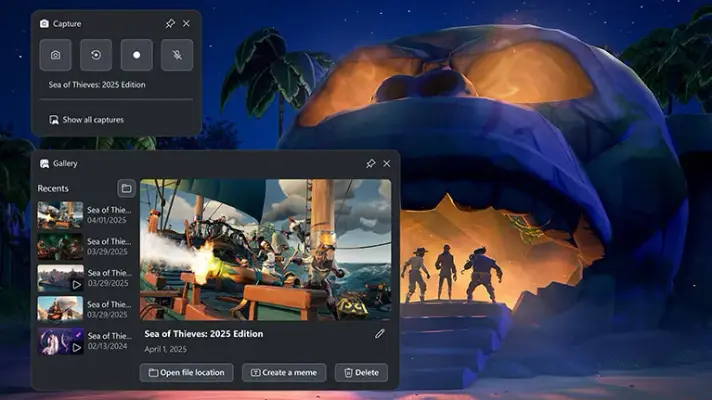
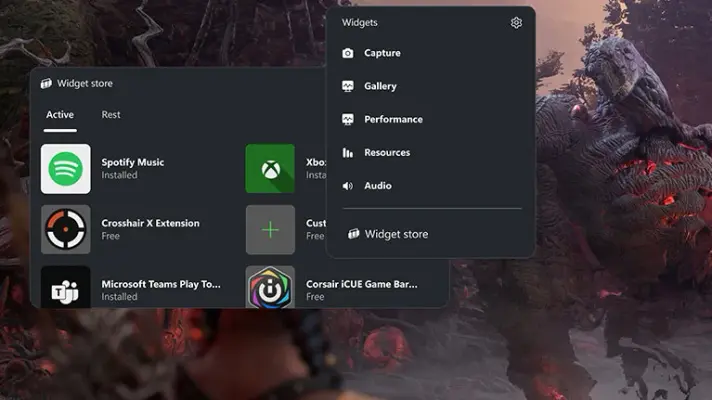
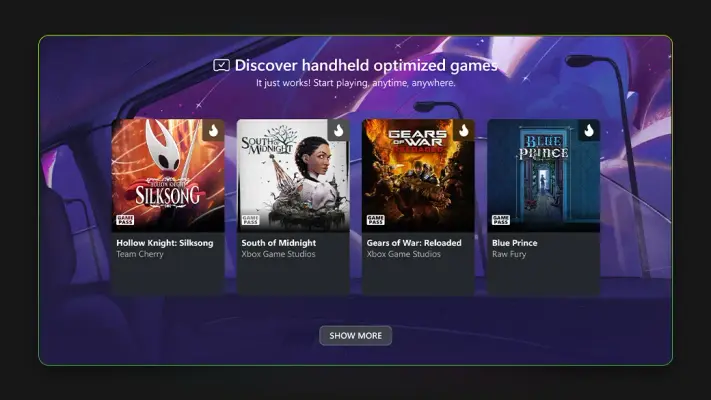
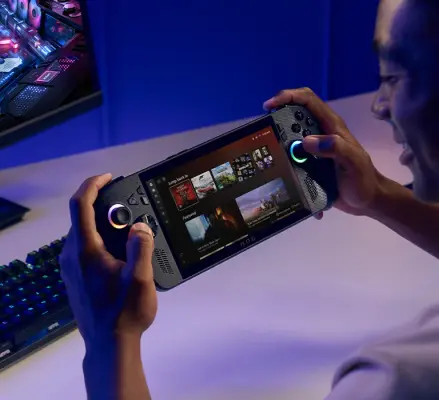

Download Xbox’s Brand Skill
A Brand Skill is a folder of brand guidance written for agents. Give it to Claude, ChatGPT, Cursor or another agent and ask it to follow Xbox’s guidelines. It starts at SKILL.md, which points to the right file for each task.
It has the guidance, 66 images and the logos. The font files belong to Microsoft Corporation, so they’re left out.
xbox-brand-skill/
├ SKILL.md
├ README.md
├ references/
│ ├ dos-and-donts.md
│ ├ colors.md
│ ├ logo.md
│ ├ typography.md
│ ├ voice.md
│ ├ brand-imagery.md
│ ├ accessibility.md
│ ├ product-imagery.md
│ └ product-interface-imagery.md
└ assets/
├ images/
└ logos/
Rainbrand’s Brand Agent built this Brand Skill from xbox.com on 3 Nov 2026. It isn’t Xbox’s official guide. Reviewed by Siddharth Borderwala, Founding Engineer at Rainbrand.
Xbox and its logos are trademarks of Microsoft Corporation. Rainbrand isn’t affiliated with or endorsed by Microsoft Corporation.

Make one for
your brand.
Add Rainbrand to your agent and give it your website, brand guide or files. Rainbrand builds a Brand Skill like this one and keeps it up to date.

Open the Rainbrand plugin and add it.
Open Rainbrand plugin (opens in a new tab)Connect your Rainbrand account when asked. It works in ChatGPT and in Codex.
More brand guidelines
See all brands Hot Wheels brand guidelinesToys and games
 LEGO brand guidelinesToys and games
 MapleStory brand guidelinesToys and games

Rainbrand builds and maintains shared brand context for your agents and products.