(Brand guidelines) // Design tools
CapCut brand
guidelines
CapCut’s logo, colors, fonts, voice, and dos and don’ts, from the Brand Skill Rainbrand built from capcut.com.
Download the Brand Skill
- Cyan#01E0F8
- Deep charcoal#121217
- Gray#848C8C
- Light gray#D0D0D2
About CapCut
CapCut helps people create and edit video, images, and other social content across web, desktop, and mobile. Its identity pairs an energetic cyan accent and dark, clean interface with approachable creative tools and an encouraging, creator-first voice.
CapCut logo
Use CapCut's symbol and wordmark lockup as the main brand signature. Preserve its proportions, lettering and clear space.
Use the black lockup on a light ground. Keep the rounded app tile, product-interface icons and campaign images separate from the standalone identity.
CapCut colors
Cyan
Signature accent and primary-action color
HEXRGBDeep charcoal
Dark neutral in the general palette
HEXRGBGray
Supporting neutral
HEXRGBLight gray
Supporting neutral
HEXRGBWhite
Website background and card fill
HEXRGBWebsite ink
Website text
HEXRGBButton ink
Primary-button text
HEXRGBLink blue-gray
Link text
HEXRGB
CapCut fonts
Inter
Heading · 600, Body · 300, Button · 500
Font names only. The Brand Skill download doesn’t include font files.
CapCut’s voice
Write with approachable confidence. Make creative tools feel useful and within reach, whether the reader is a beginner or an experienced creator. Lead with the benefit, use direct verbs, and keep instructions easy to scan. Favor warm encouragement over technical bravado, and avoid promises that overstate what a tool can deliver.
- “CapCut has everything you need to create trending content for YouTube, Instagram, and beyond”
- “The reliable and essential AI editing features from CapCut for text, audio, and video”
- “From edits to effects, take your videos to the next level and tell your story in your own style”
Dos and don’ts
Do
- Use CapCut's symbol and wordmark lockup as the brand signature, distinct from product-interface icons.
- Use the cyan accent to call attention to key actions, with dark text for contrast.
- Keep layouts and copy clear, accessible, and easy for creators of varied experience levels to use.
- Lead with practical creative benefits and encourage people to shape generated work to their own direction.
- Write concise, direct instructions and invite people to review and refine creative results.
Don’t
- Don’t substitute a favicon, app icon, product shot, backdrop, social image, or partner mark for the brand logo.
- Don’t sacrifice legibility by placing text and action labels without sufficient contrast.
- Don’t present generated output as guaranteed, finished, or suitable for every use; encourage review and refinement.
- Don’t write in a dense, intimidating, or needlessly technical voice when a simple instruction will do.
CapCut imagery
272 images from capcut.com, in 6 files of the Brand Skill. Each file starts with its guidance, then shows the images it refers to.
Video Editing
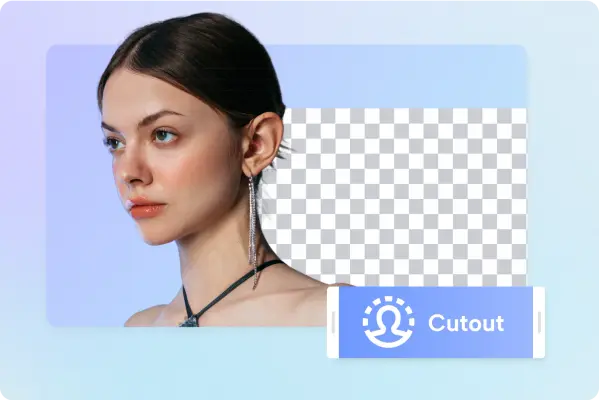
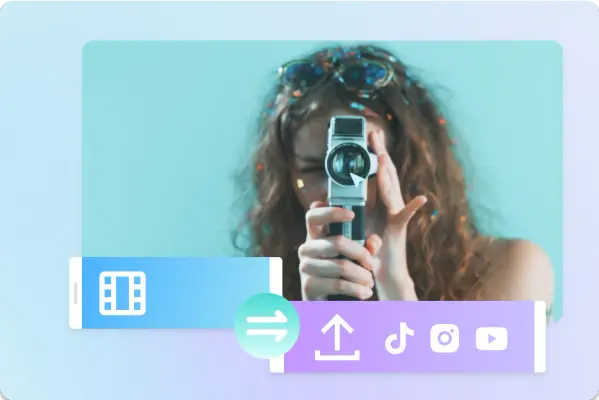
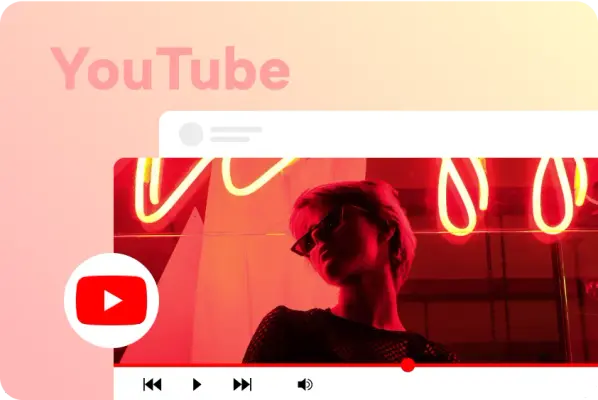
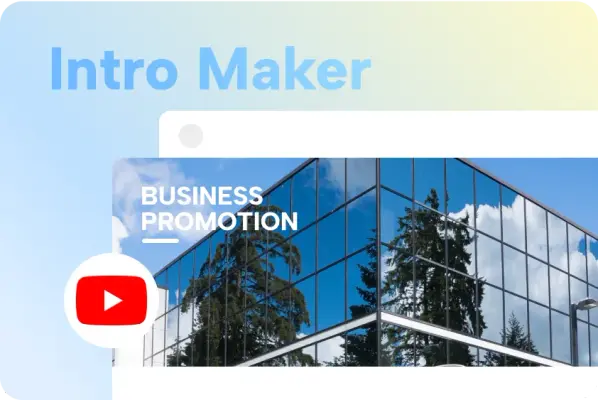
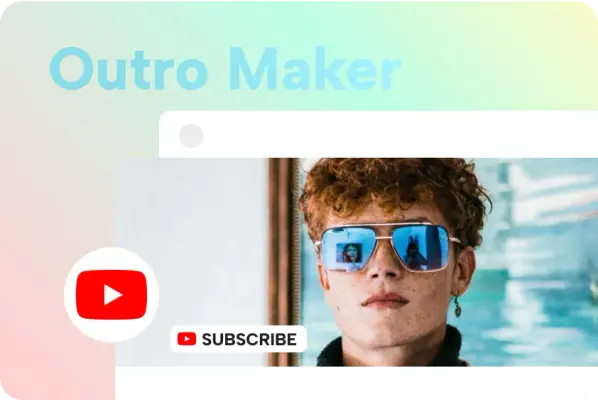
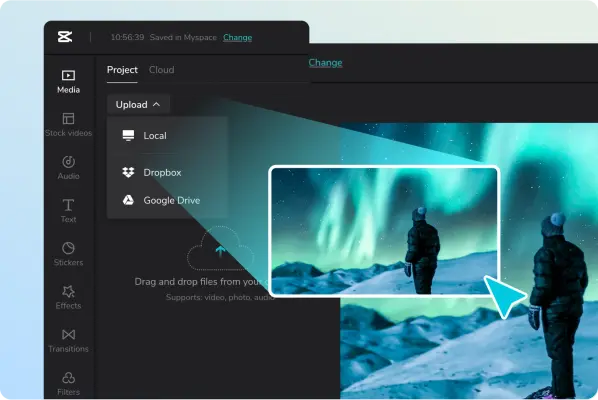
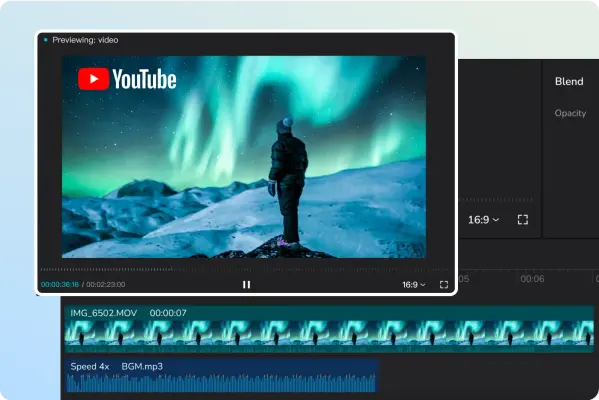
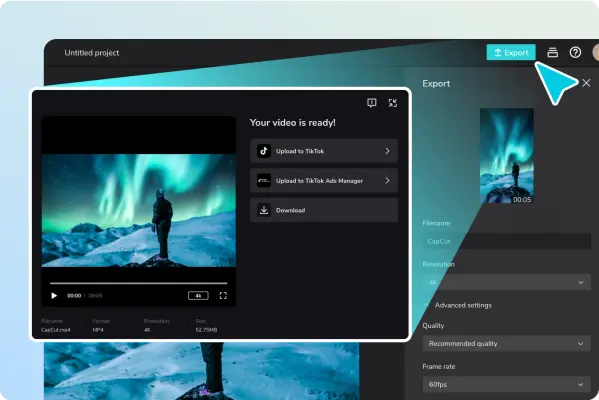
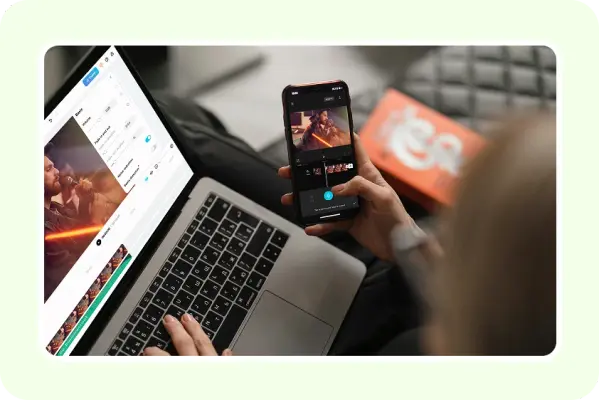
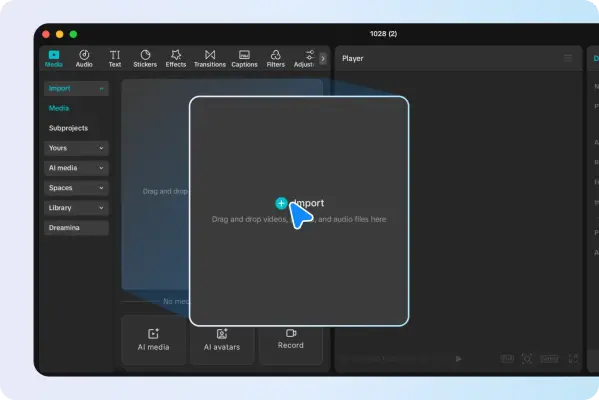
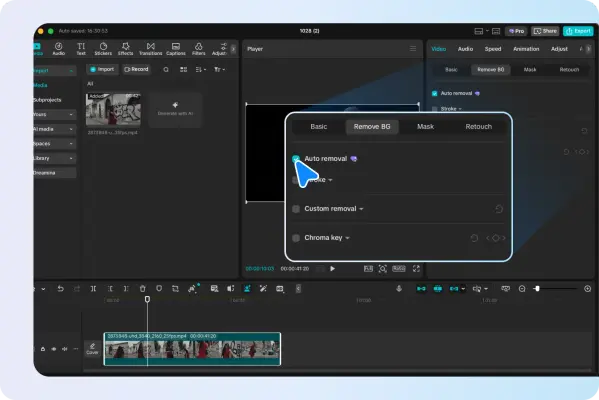
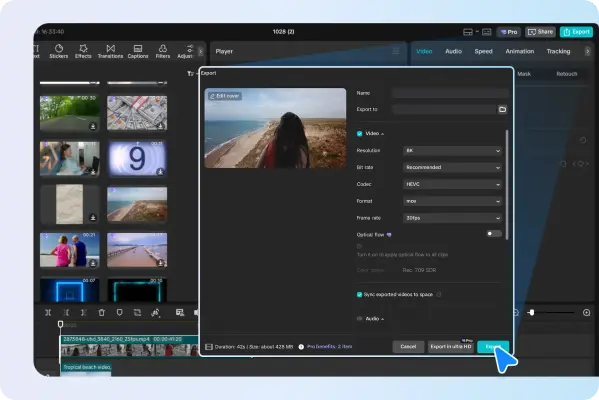
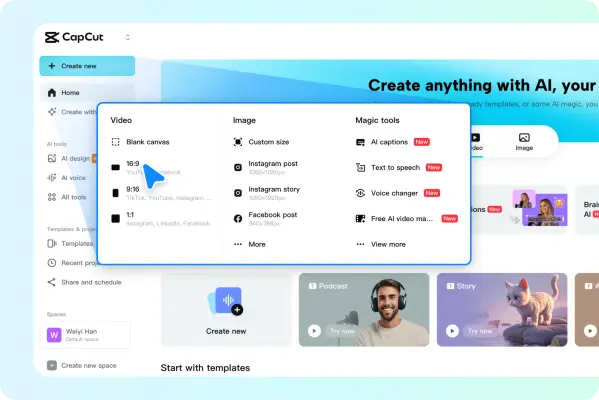
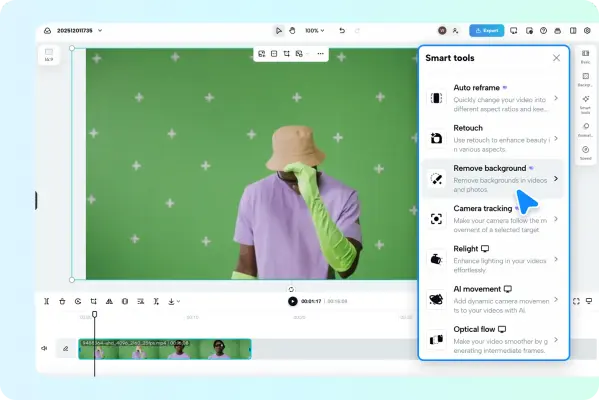
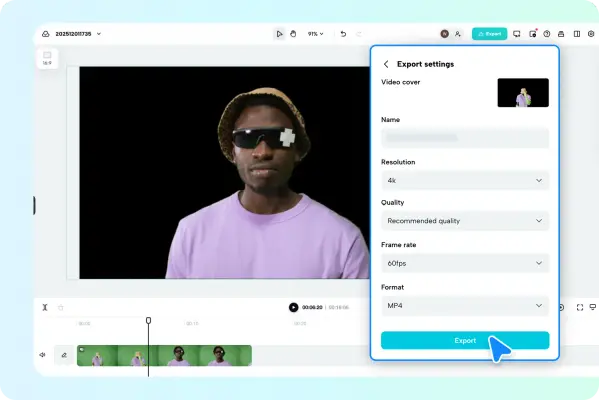
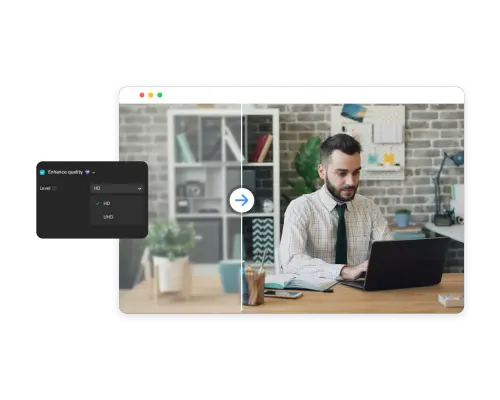
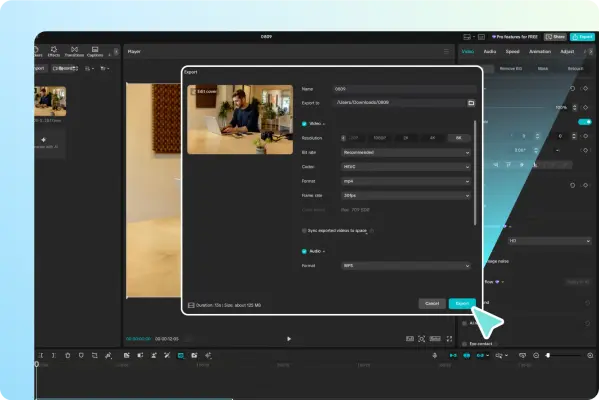
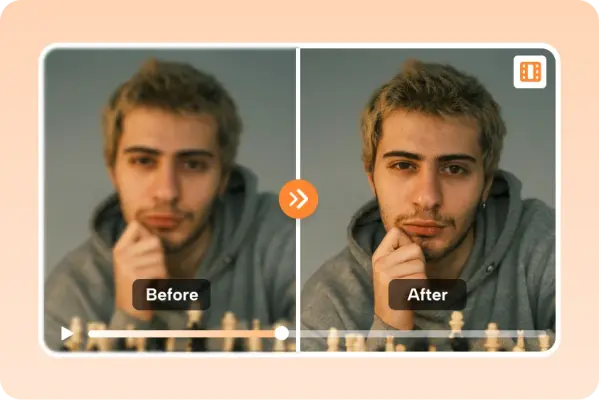
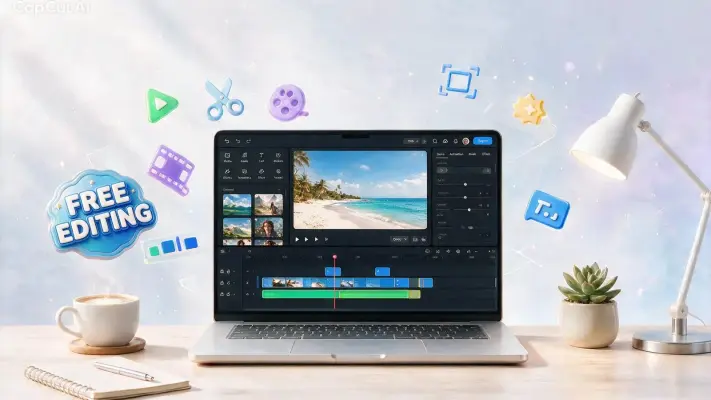
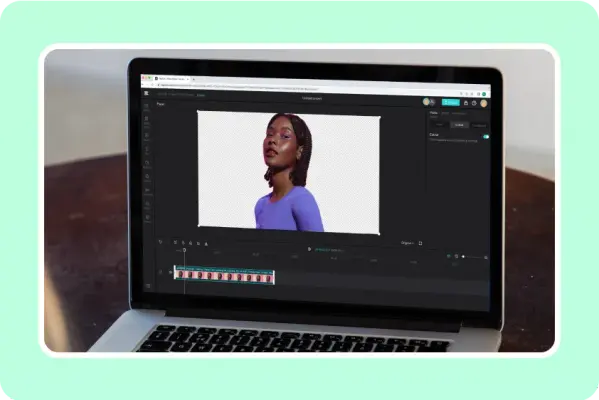
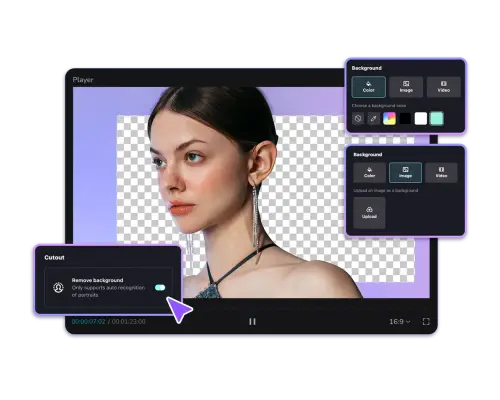
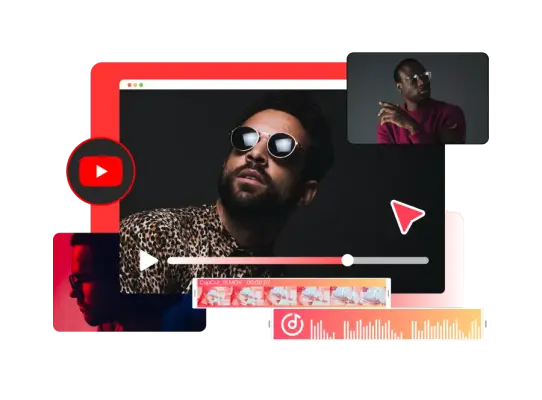
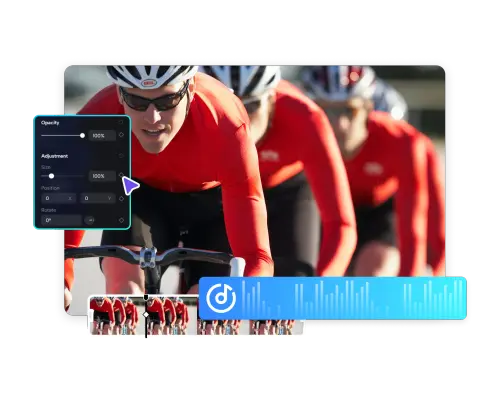
62 imagesCapCut’s editing demonstrations foreground recognizable timelines, media bins, controls, and export panels. Show the editor as a practical creative workspace, and keep the project’s media and edits visible enough to communicate the workflow.






















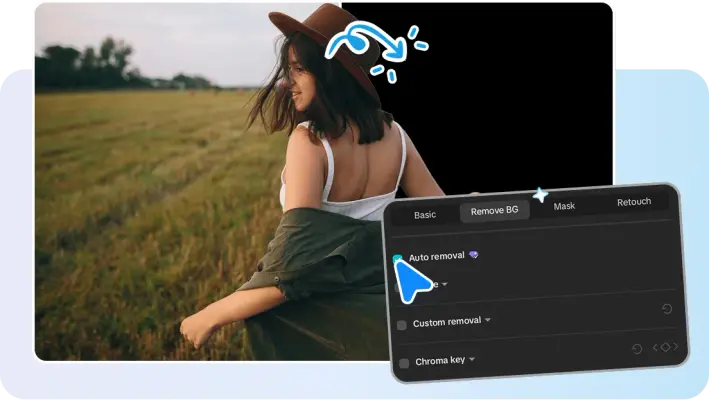
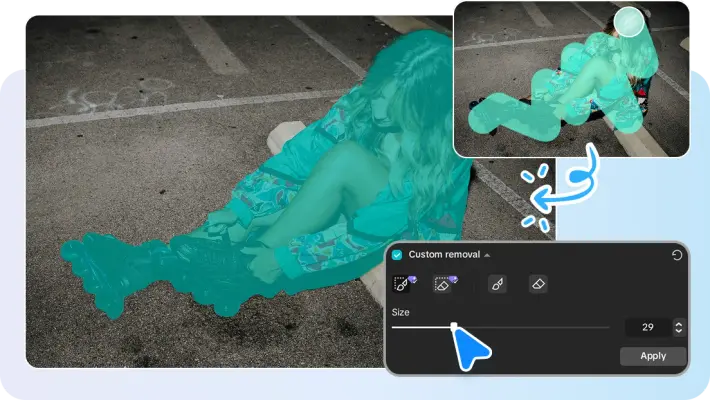
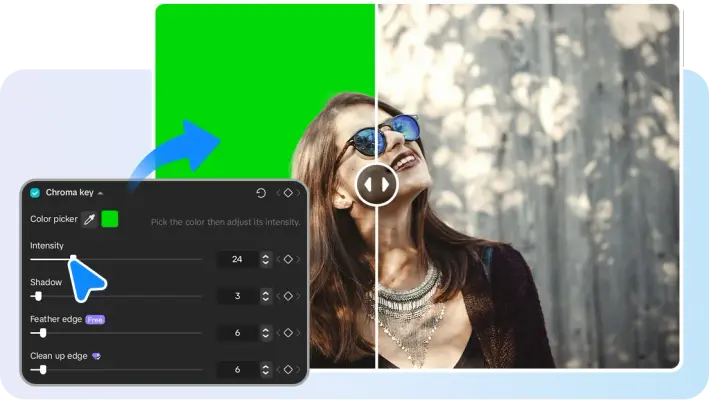
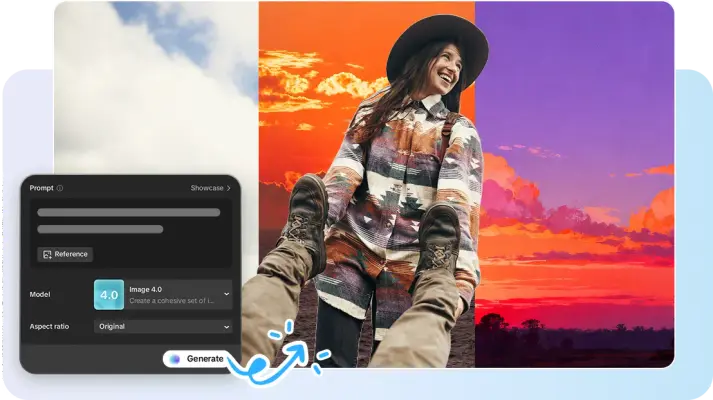






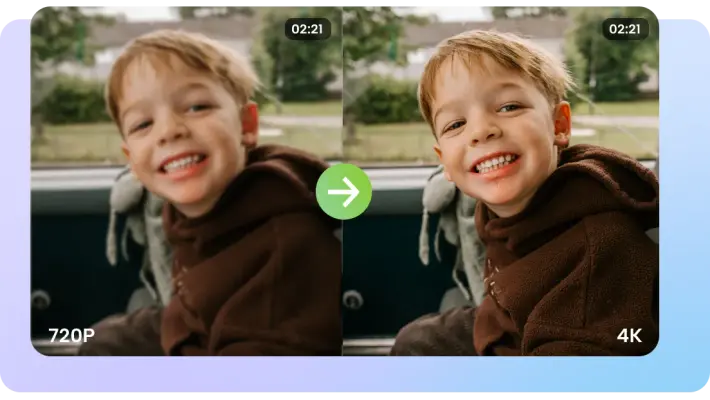


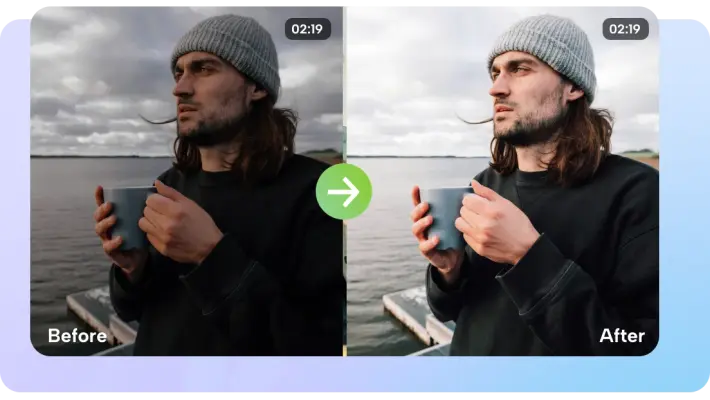
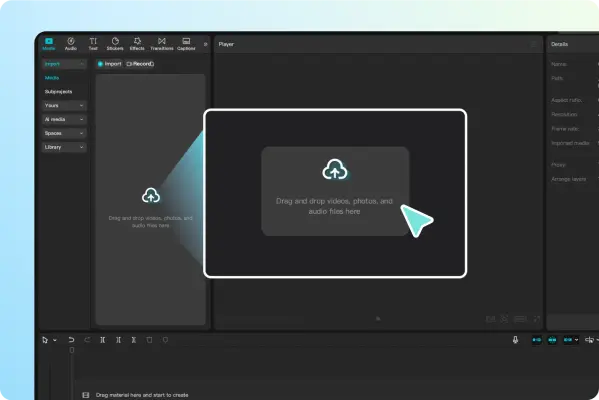
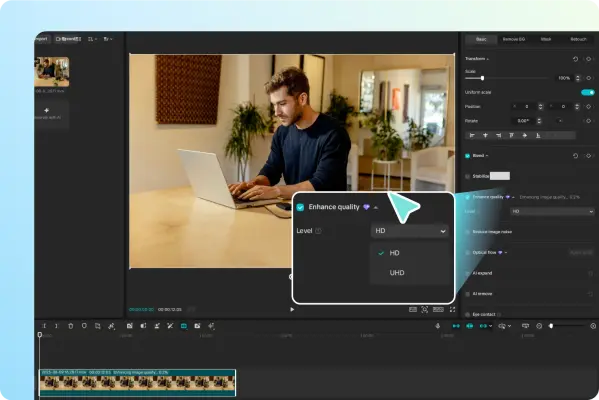






AI Video Creation
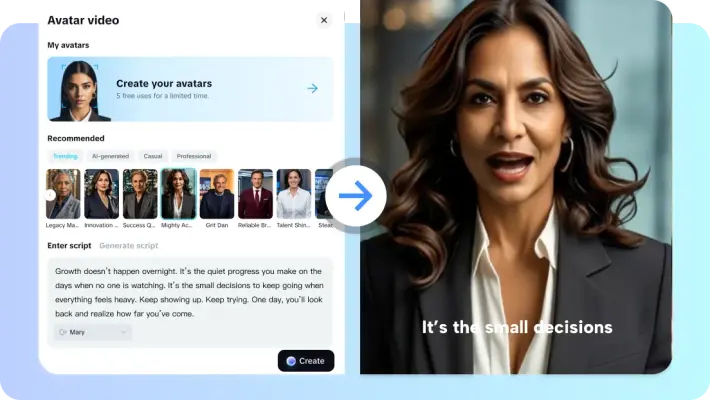
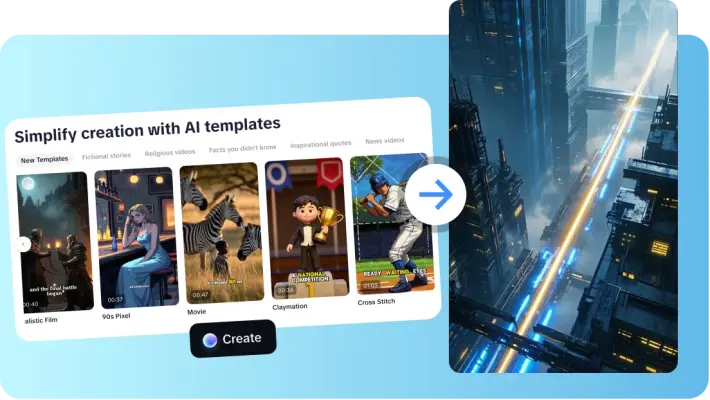
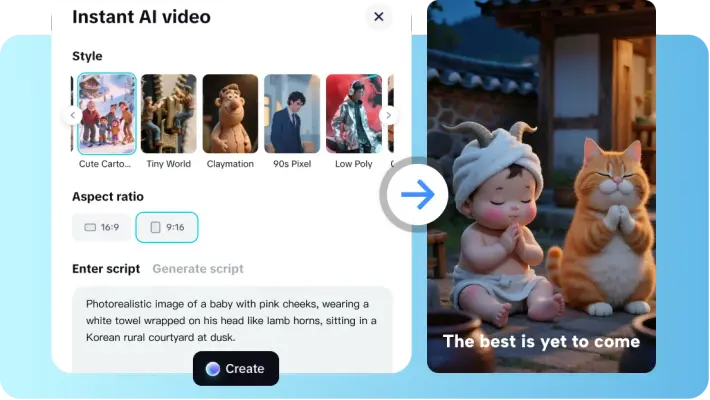
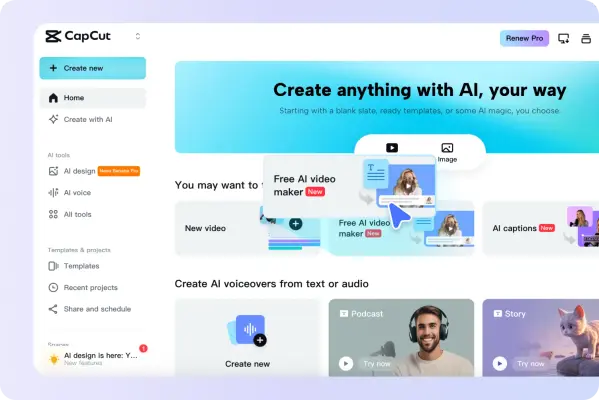
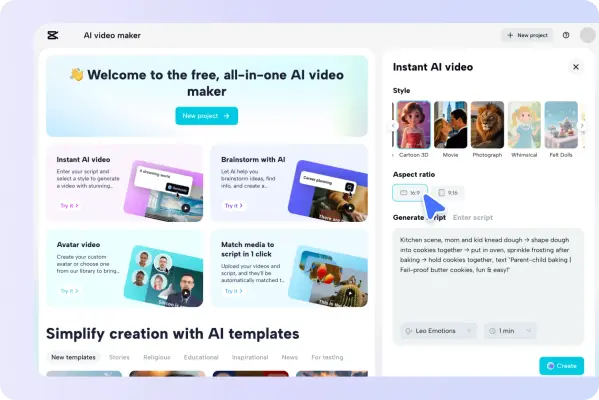
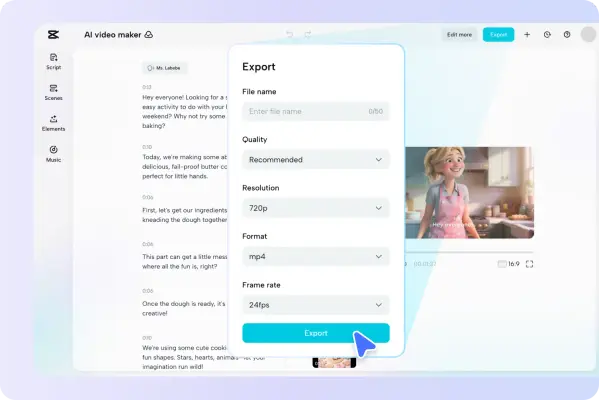
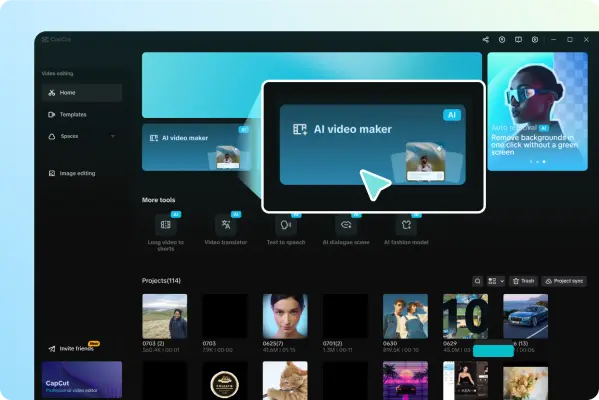
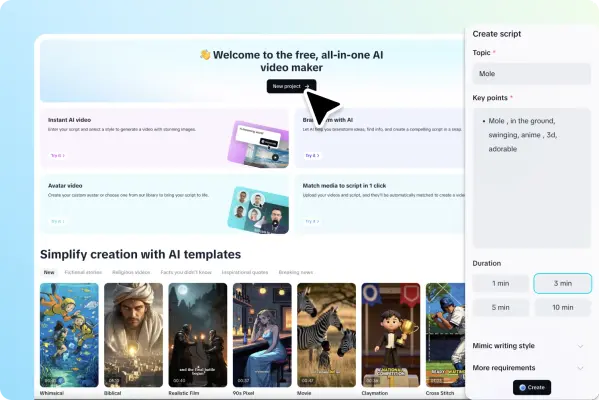
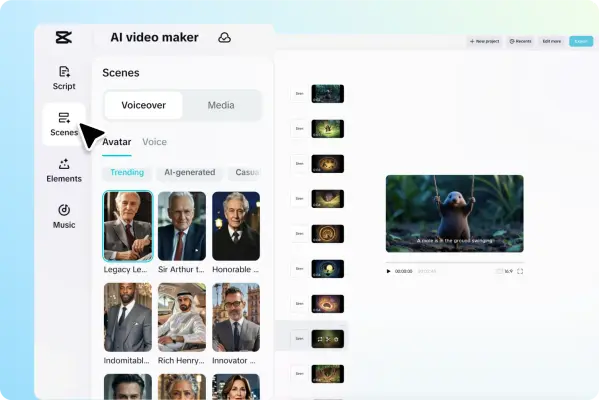
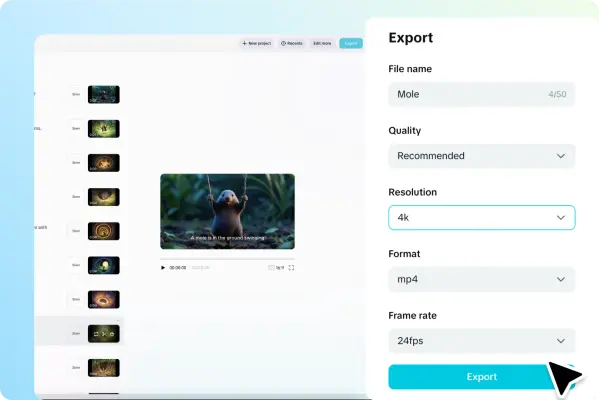
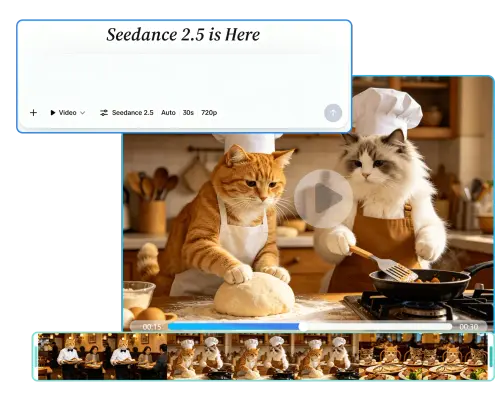
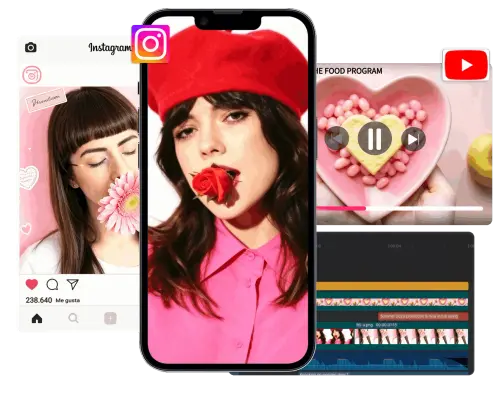
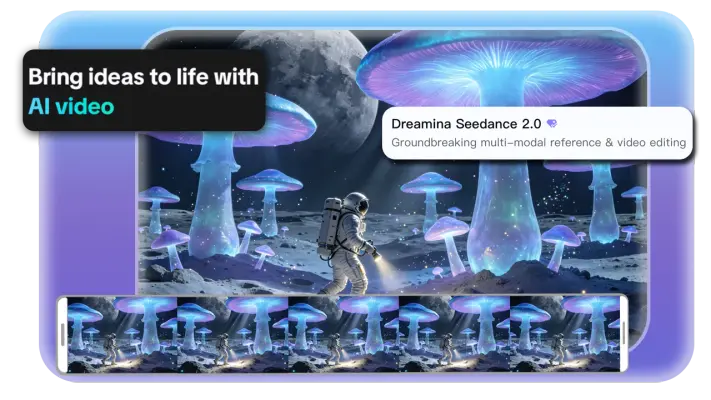
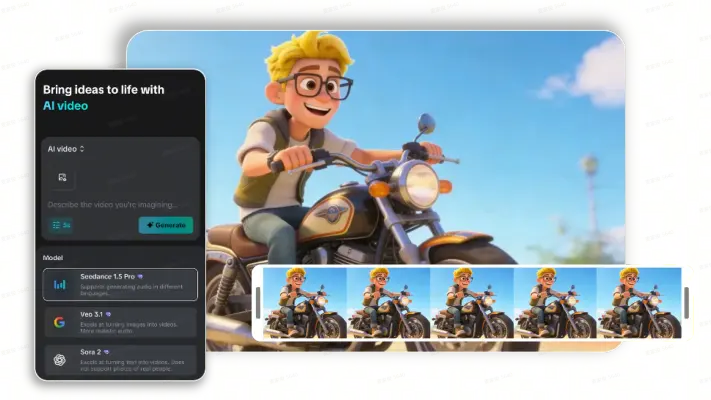
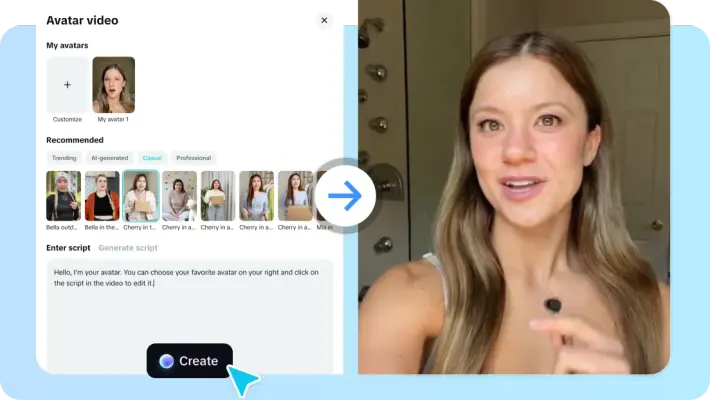
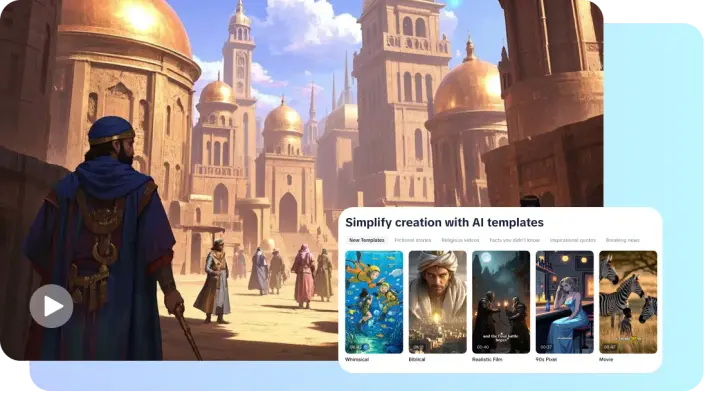
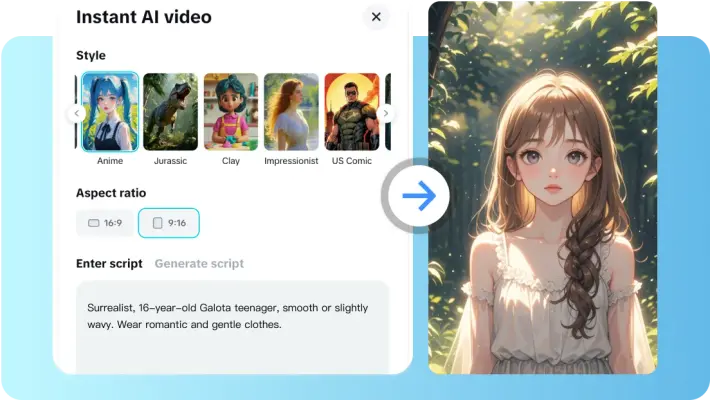
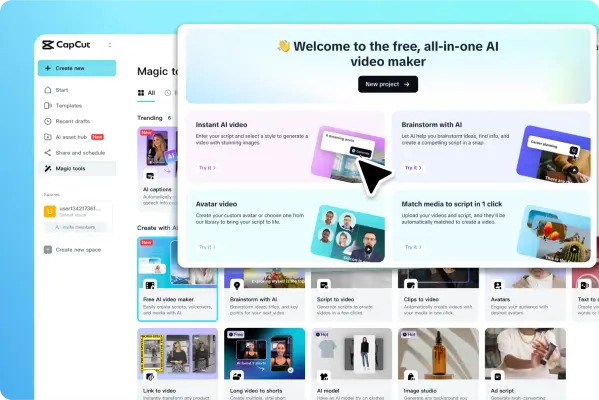
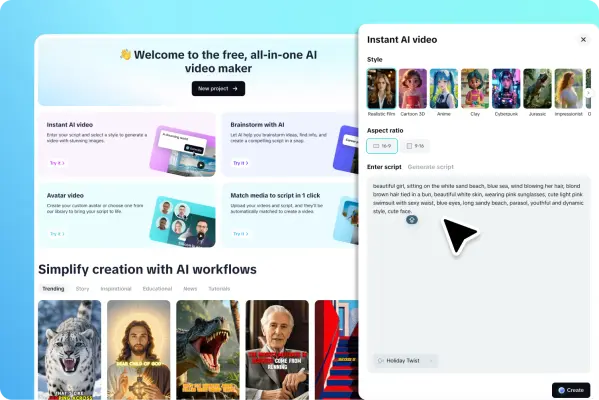
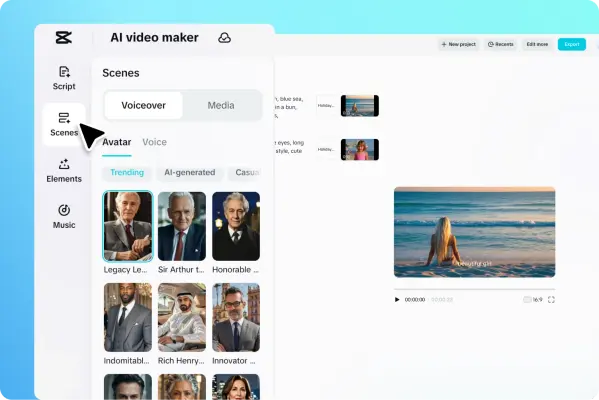
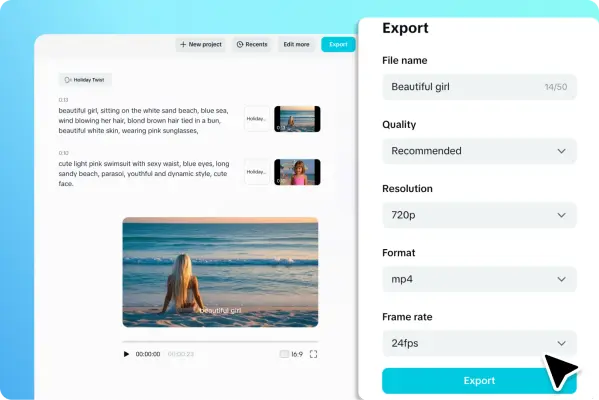
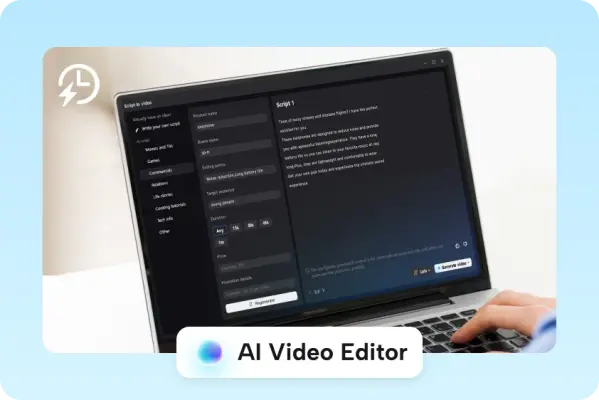
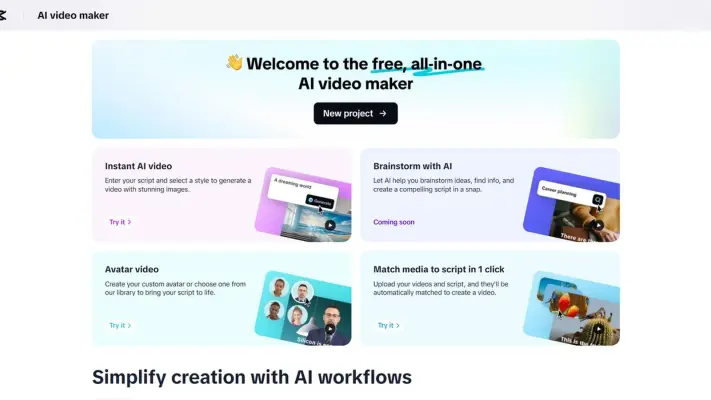
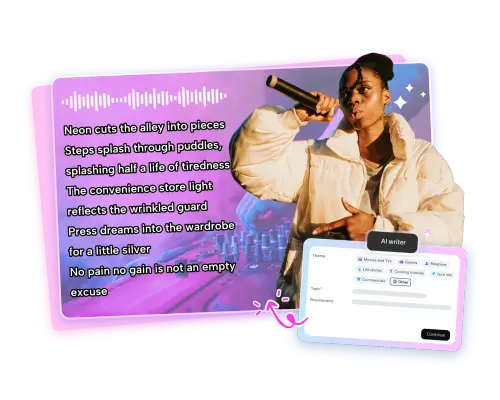
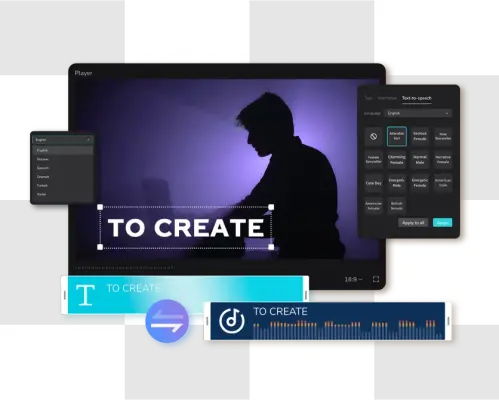
54 imagesCapCut’s AI video pages pair imaginative video examples with product panels for scripts, templates, avatars, scene planning, and export. The interfaces are product references; the scene imagery demonstrates possible outputs rather than a single mandated visual style.






























Captions and Accessibility
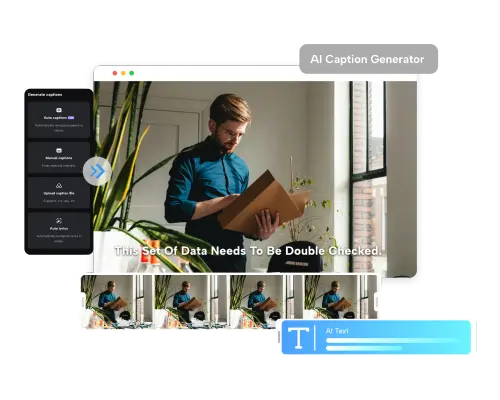
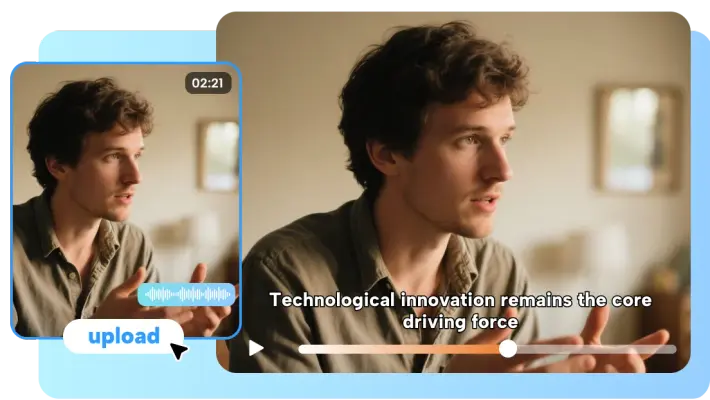
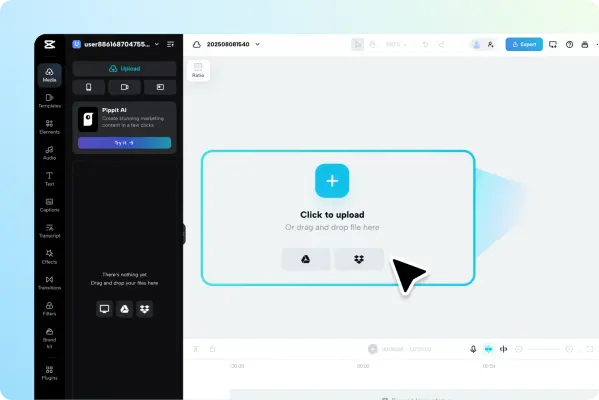
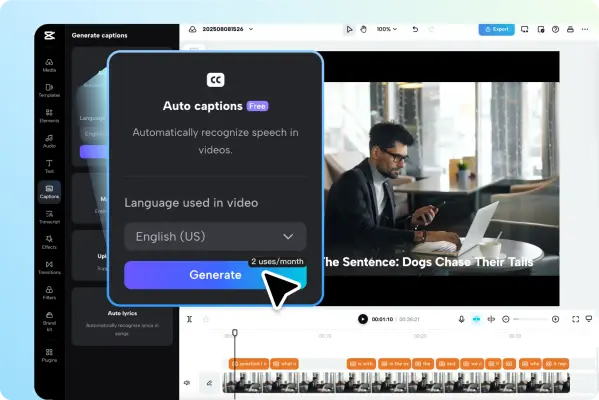
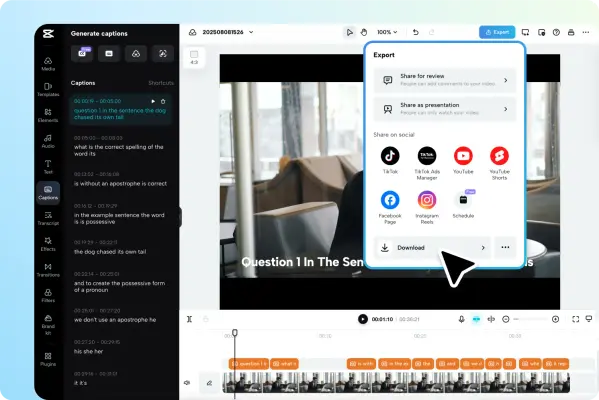
24 imagesCapCut’s captioning examples show speech transcription, language selection, caption styling, and export within the editor. Captions serve both comprehension and accessibility; keep text legible and synchronized to the spoken content.















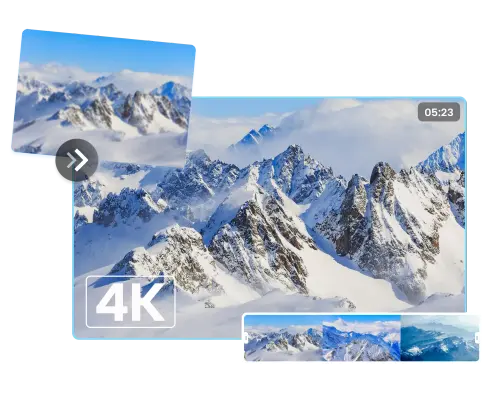
AI Image and Design
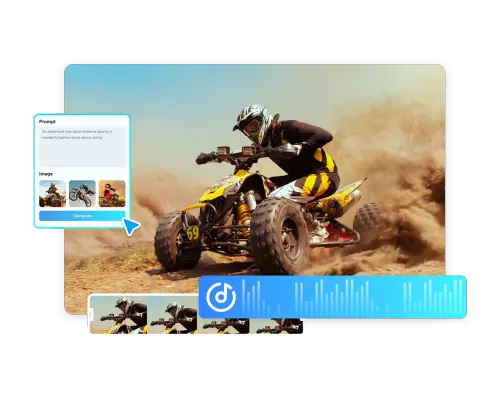
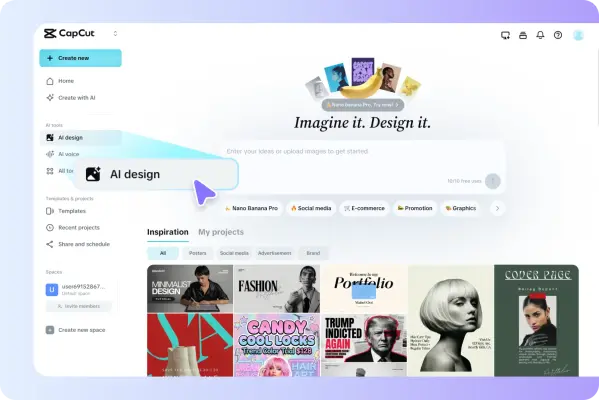
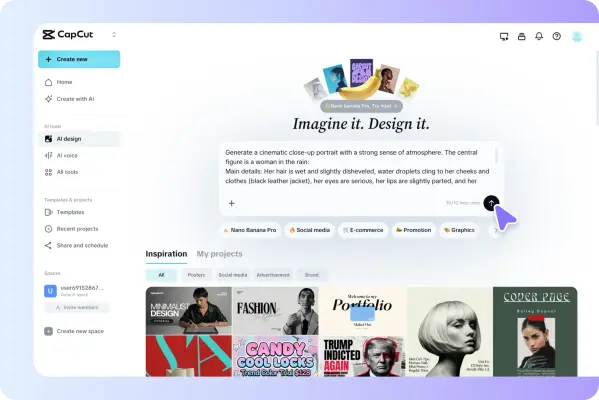
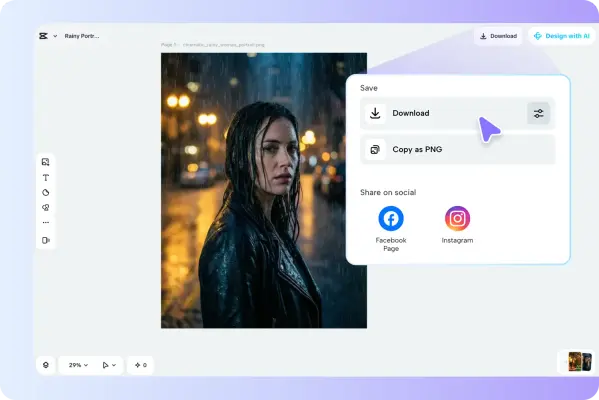
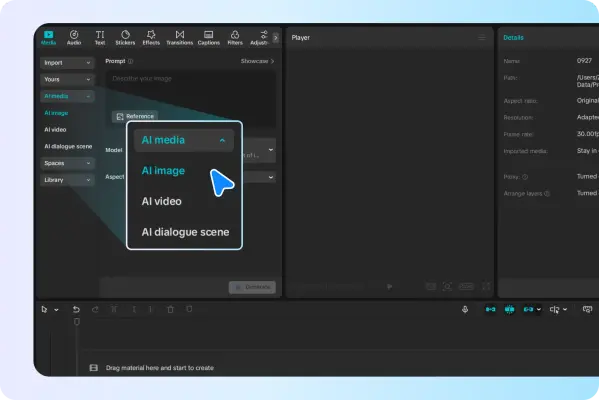
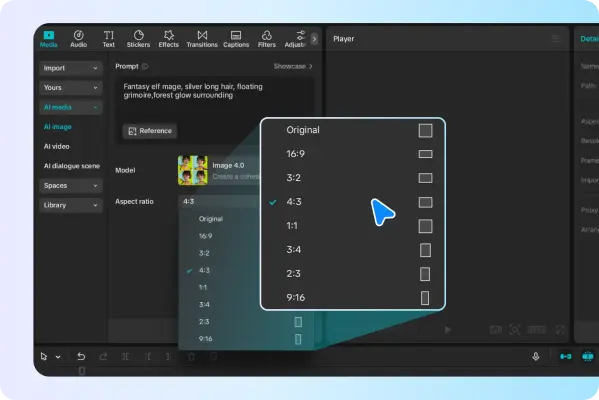
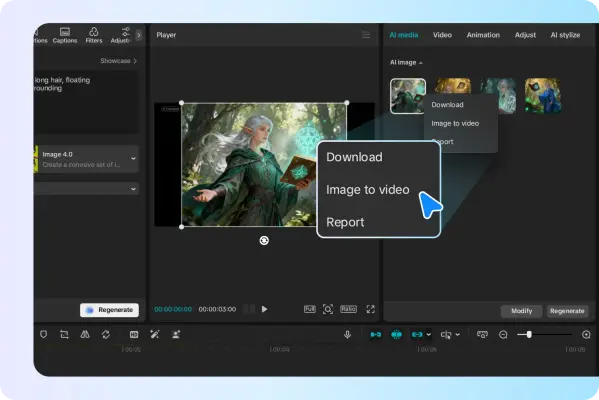
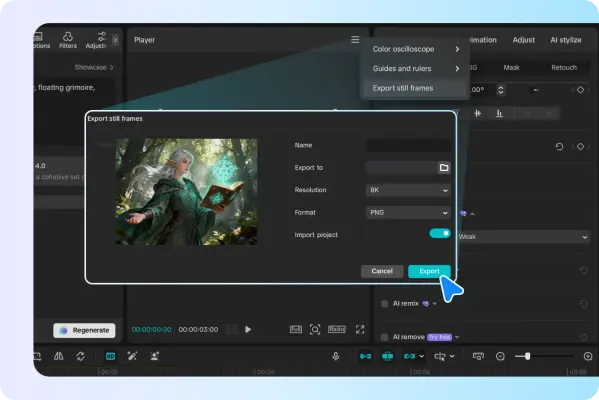
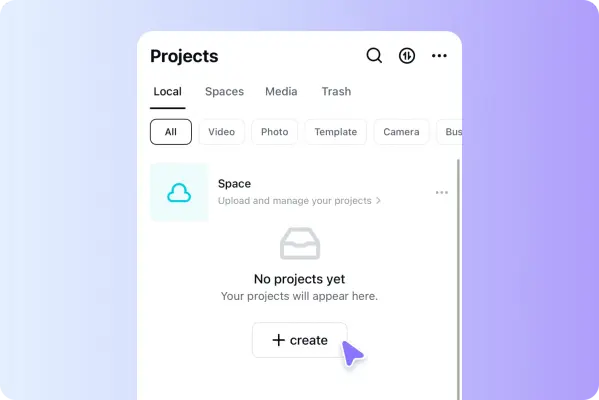
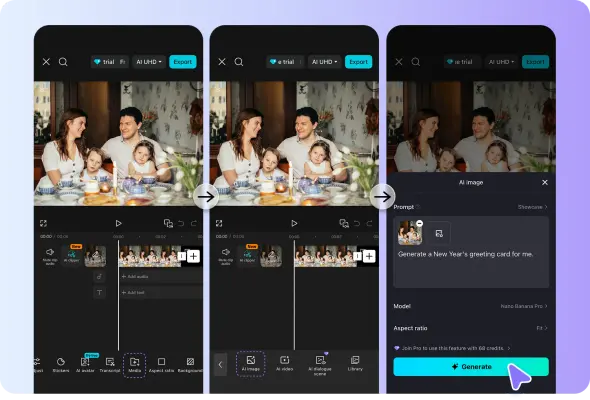
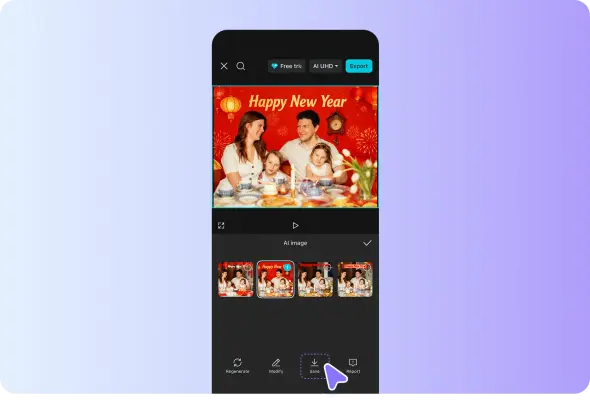
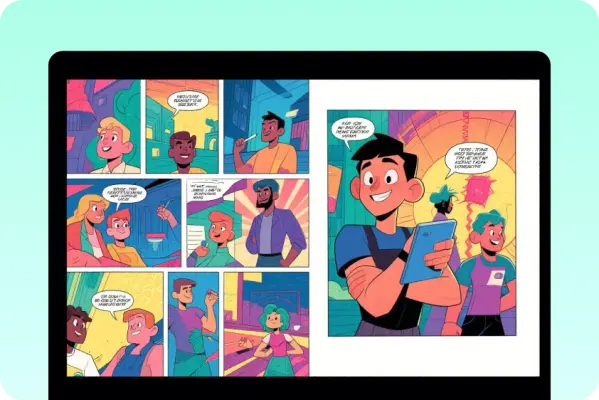
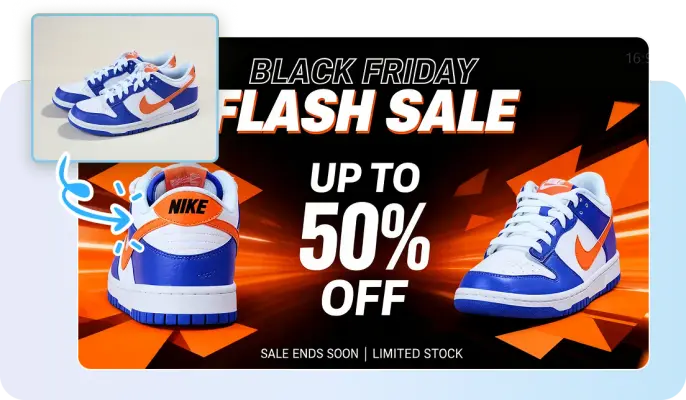
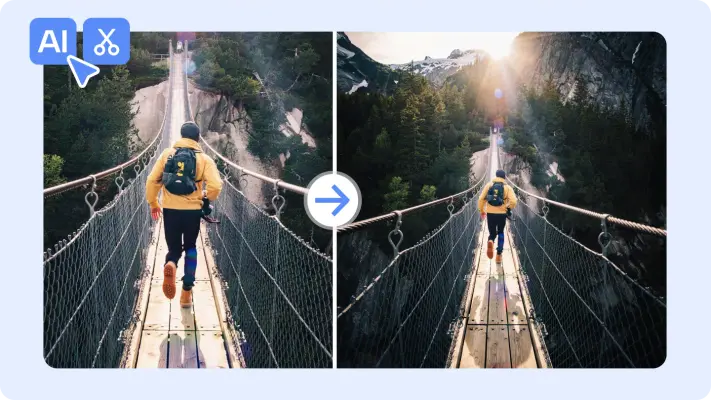
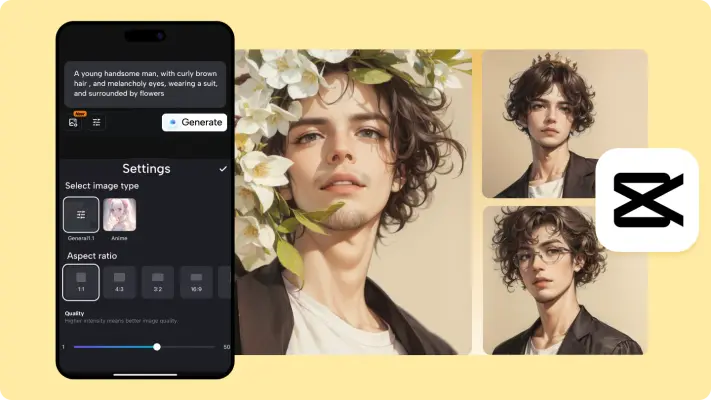
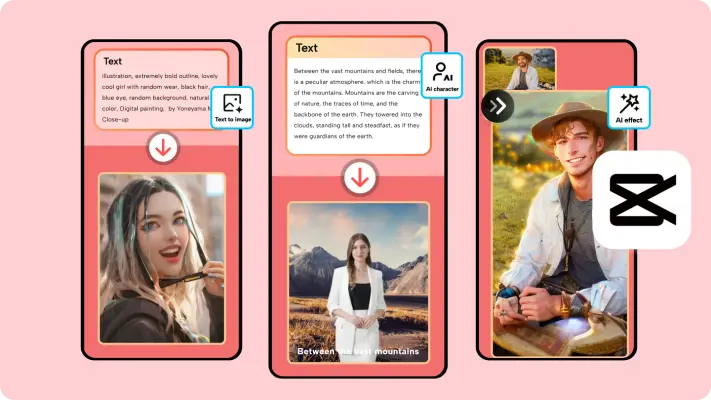
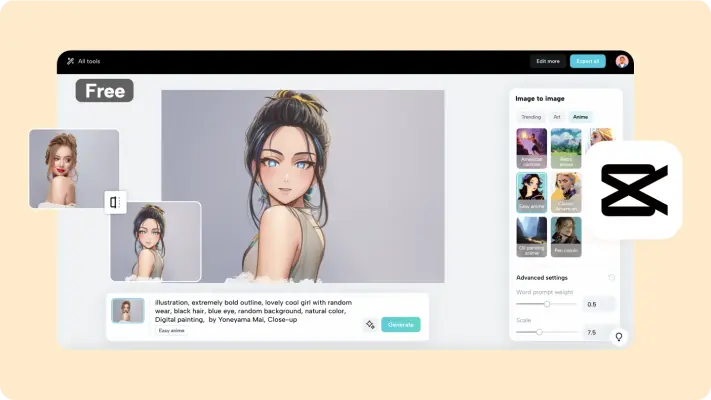
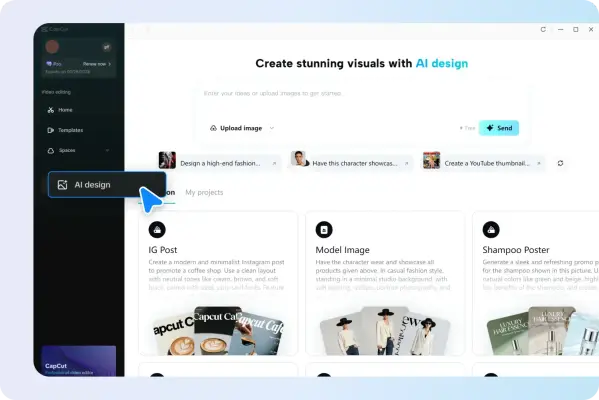
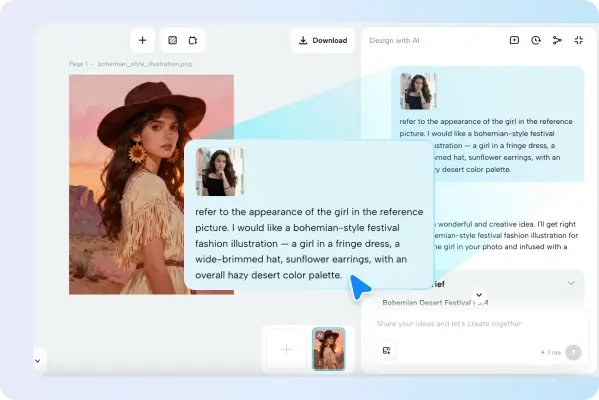
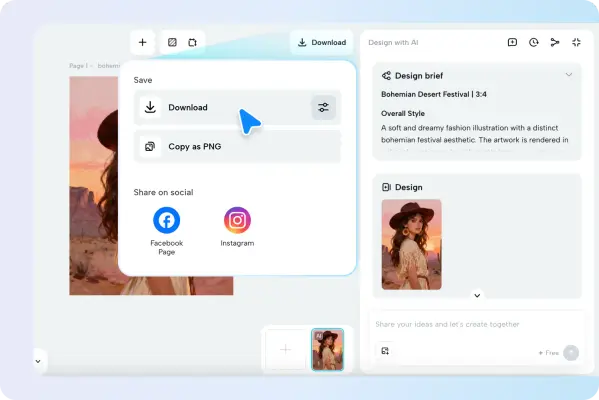
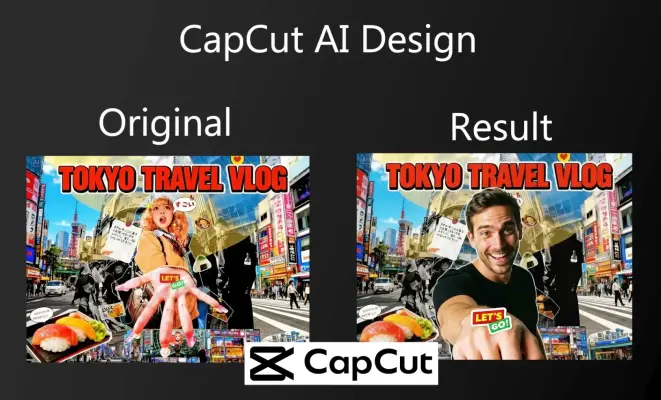
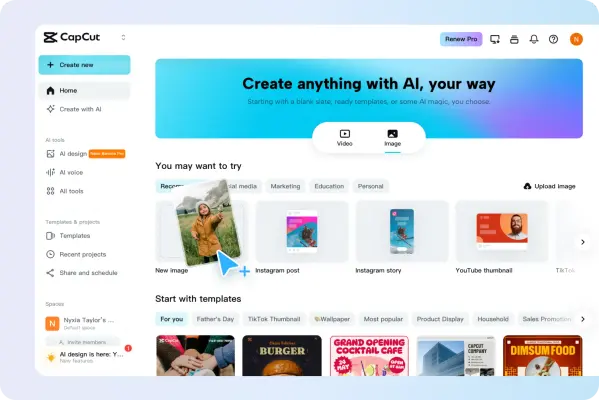
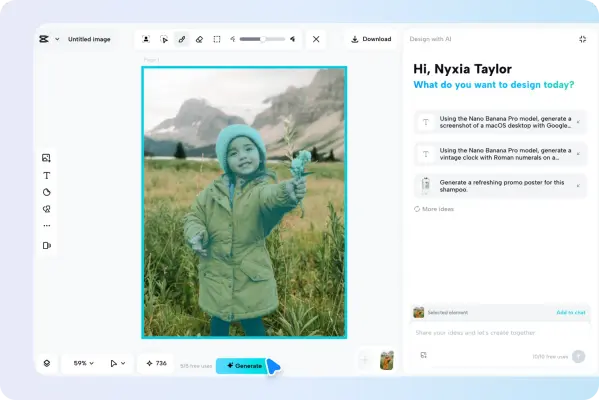
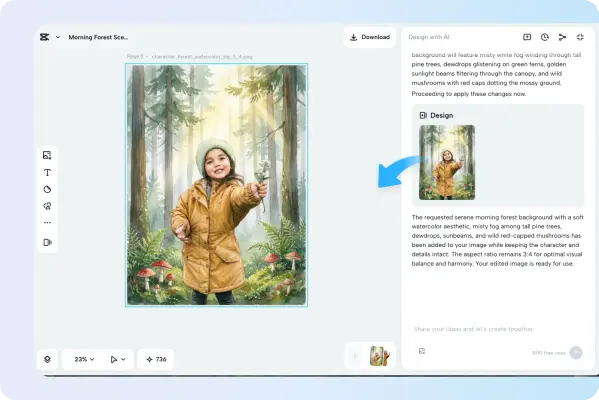
92 imagesCapCut’s image and design pages show creative outputs beside prompt panels, model selectors, and editing controls. Use these examples to understand the product’s visual context; treat the generated artwork as demonstrations, not as fixed CapCut identity imagery.
















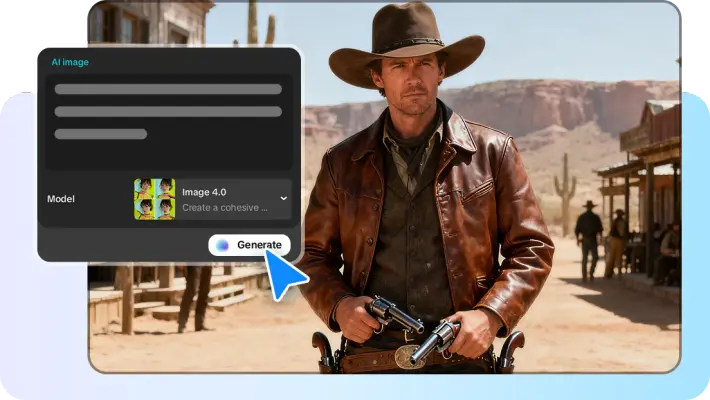
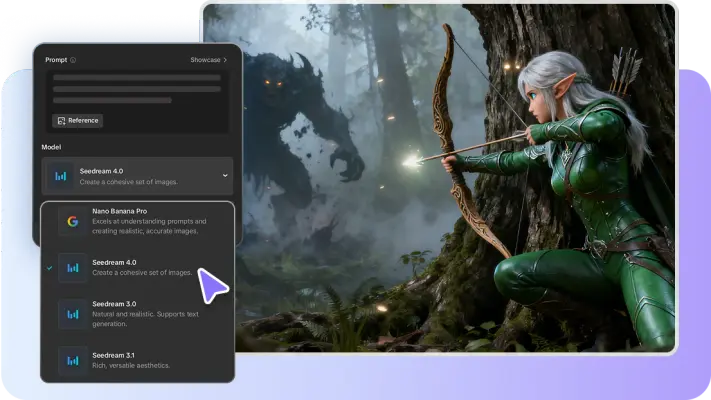

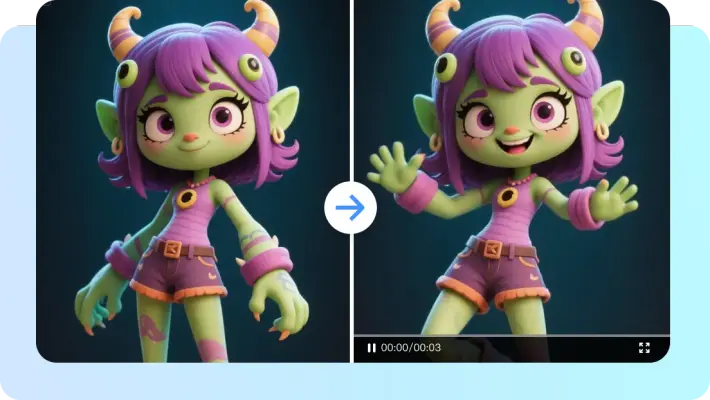
















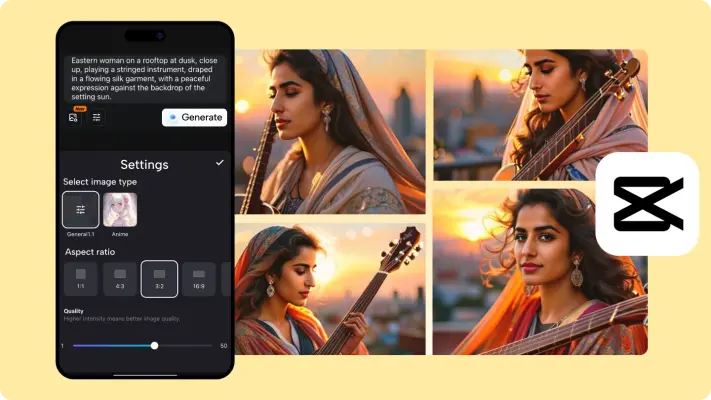
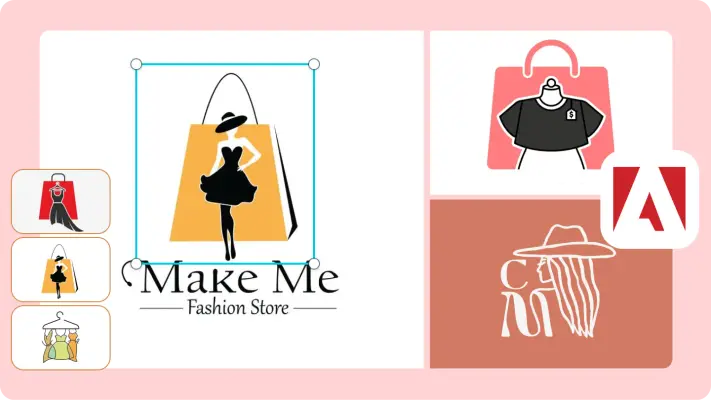

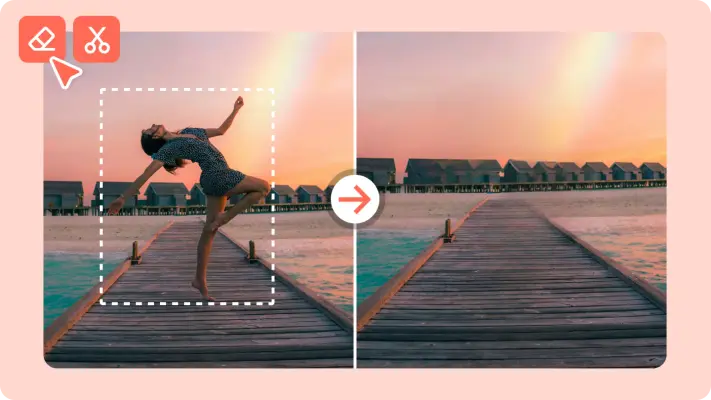
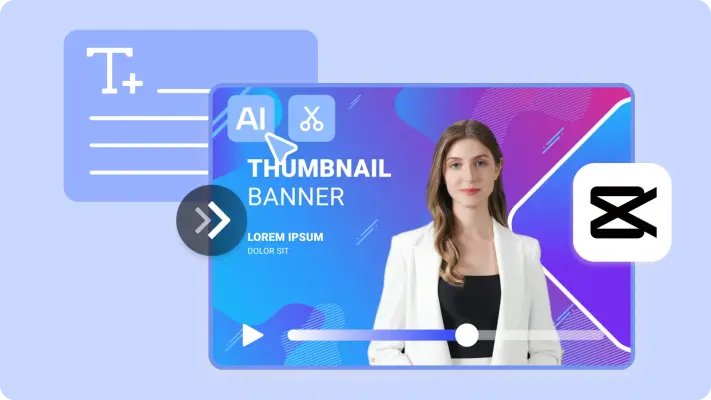
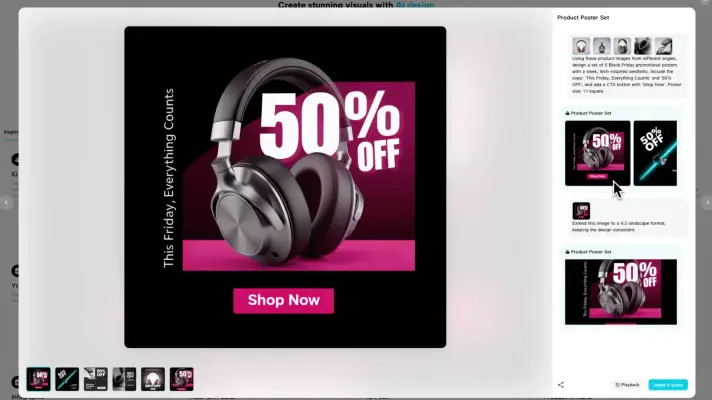
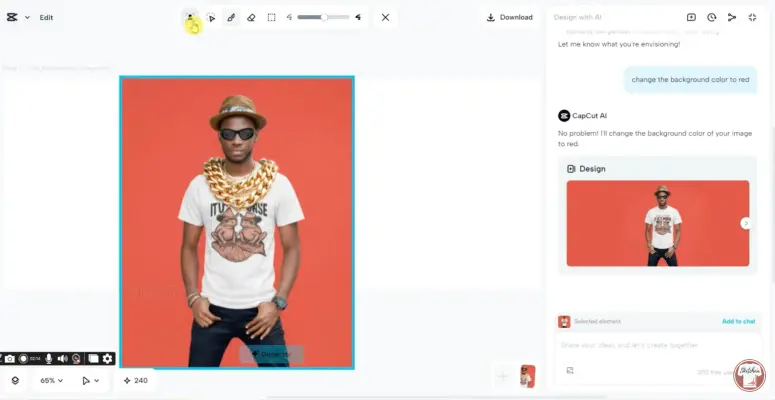
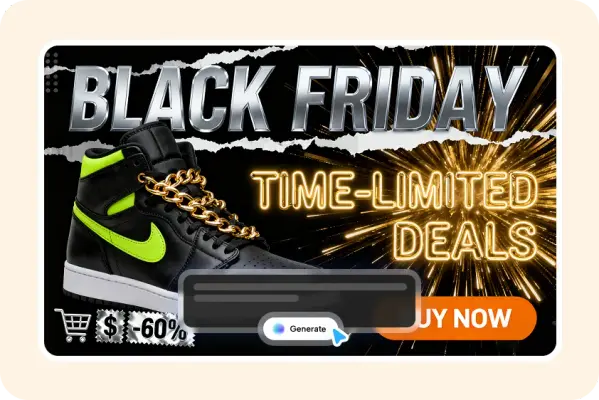
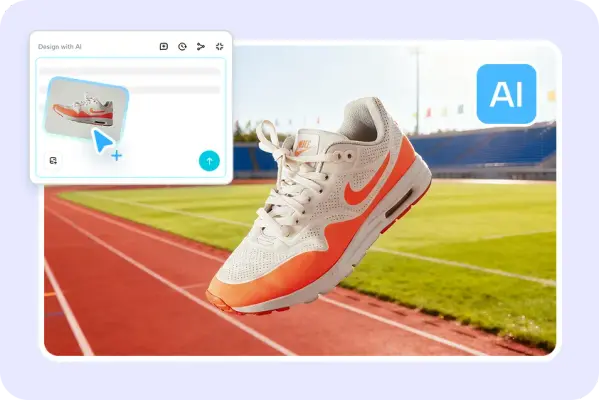












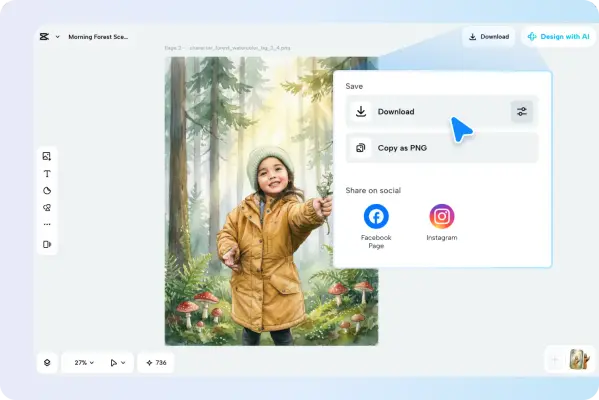






Brand and Website Imagery
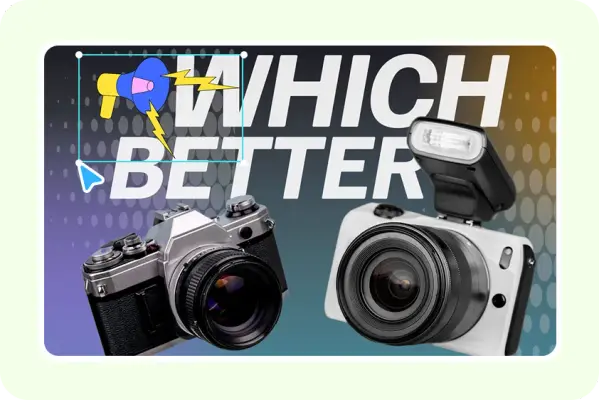
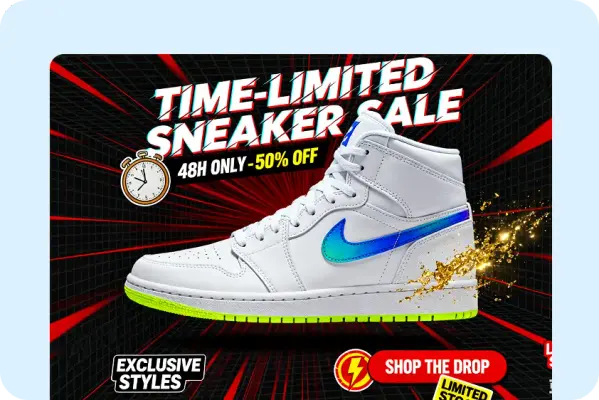
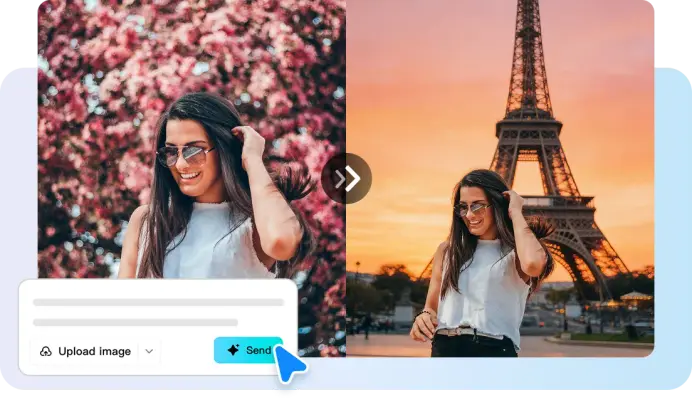
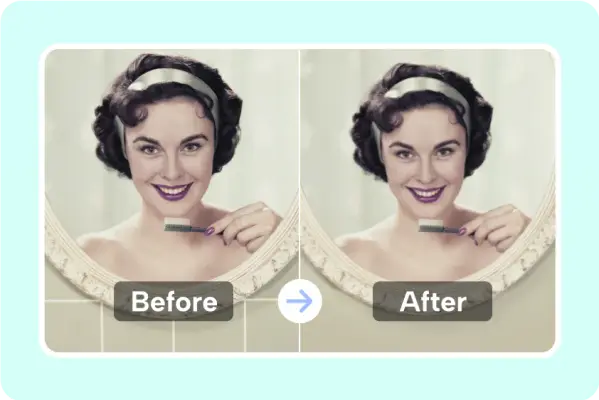
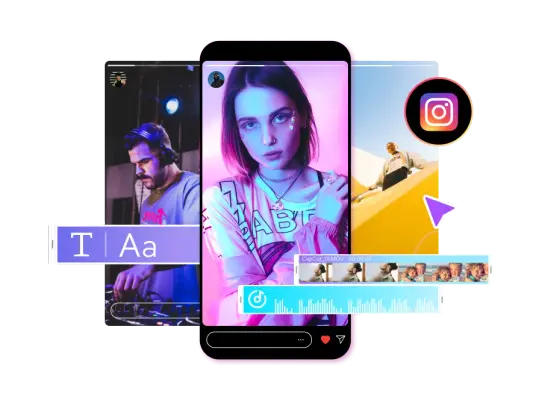
14 imagesCapCut’s site uses clean, high-contrast creative imagery alongside dark editor interfaces and bright cyan accents. Use the brand mark as identity artwork; treat backgrounds and promotional visuals as contextual image references, not logo variants.














Trust and Campaign Imagery
26 imagesCapCut’s trust-center imagery presents the brand around creativity, privacy, safety, and responsible AI. These page graphics are supporting campaign and editorial visuals, not logo assets.
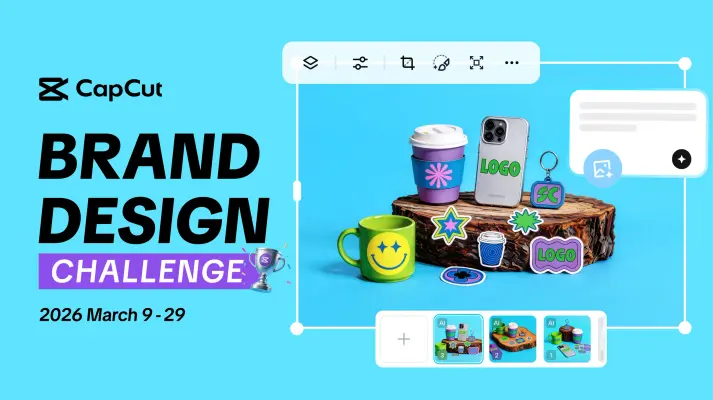
CapCut’s blog and creator pages use feature graphics and editorial thumbnails to introduce tools, stories, and challenges. Keep any event or co-brand context scoped to that creative; these examples do not define general identity rules.
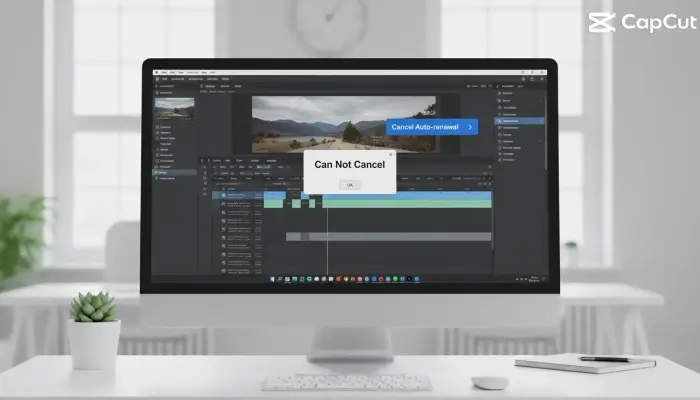
CapCut’s help and billing pages use practical illustrations and product context for support content.







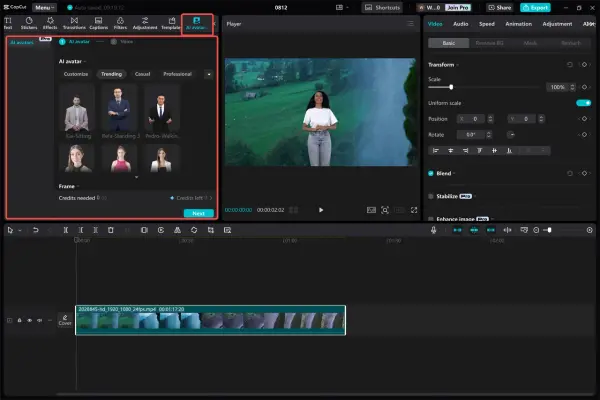
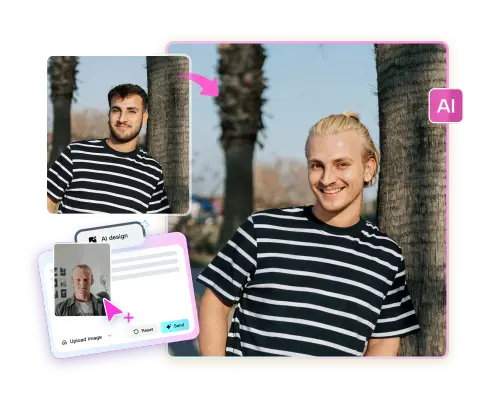
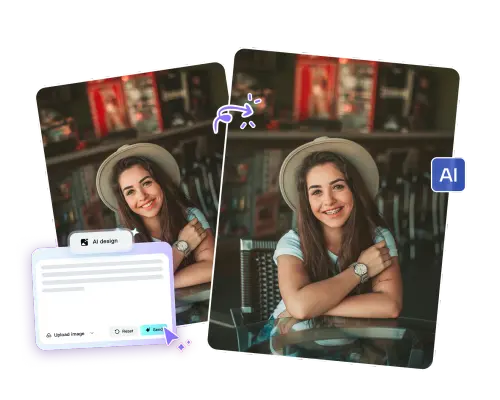







Download CapCut’s Brand Skill
A Brand Skill is a folder of brand guidance written for agents. Give it to Claude, ChatGPT, Cursor or another agent and ask it to follow CapCut’s guidelines. It starts at SKILL.md, which points to the right file for each task.
It has the guidance, 273 images and the logos. The font files belong to Bytedance Pte. Ltd, so they’re left out.
capcut-brand-skill/
├ SKILL.md
├ README.md
├ references/
│ ├ dos-and-donts.md
│ ├ colors.md
│ ├ logo.md
│ ├ typography.md
│ ├ voice.md
│ ├ video-editing.md
│ ├ ai-video-creation.md
│ ├ captions.md
│ ├ ai-image-and-design.md
│ ├ brand-imagery.md
│ └ trust-and-campaign-imagery.md
└ assets/
├ images/
└ logos/
Rainbrand’s Brand Agent built this Brand Skill from capcut.com on 3 Nov 2026. It isn’t CapCut’s official guide. Reviewed by Siddharth Borderwala, Founding Engineer at Rainbrand.
CapCut and its logos are trademarks of Bytedance Pte. Ltd. Rainbrand isn’t affiliated with or endorsed by Bytedance Pte. Ltd.

Make one for
your brand.
Add Rainbrand to your agent and give it your website, brand guide or files. Rainbrand builds a Brand Skill like this one and keeps it up to date.

Open the Rainbrand plugin and add it.
Open Rainbrand plugin (opens in a new tab)Connect your Rainbrand account when asked. It works in ChatGPT and in Codex.
More brand guidelines
See all brands Adobe brand guidelinesDesign tools
 Canva brand guidelinesDesign tools
 Figma brand guidelinesDesign tools

Rainbrand builds and maintains shared brand context for your agents and products.


