(Brand guidelines) // Automotive
Ford brand
guidelines
Ford’s logo, colors, fonts, voice, and dos and don’ts, from the Brand Skill Rainbrand built from ford.com.
Download the Brand Skill
- Ford Blue#00095B
- White#FFFFFF
- Website blue#066FEF
- Black#000000
About Ford
Ford is an automotive brand spanning trucks, SUVs, cars, commercial vehicles, and electrified models. Its public-facing identity pairs confident, practical language with vehicles shown in real-world settings—from work and travel to outdoor adventure.
Ford logo
Use the Ford Blue Oval as the main Ford identity. Preserve the oval, script lettering, colors and proportions. Keep it clear of competing vehicle badges, product names and partner marks.
Ford colors
Ford Blue
Blue Oval identity
HEXRGBWhite
Script wordmark and light surfaces
HEXRGBWebsite blue
Digital accent
HEXRGBBlack
Text
HEXRGB
Ford fonts
Ford F-1
Brand and vehicle-interface typography · 400
Font names only. The Brand Skill download doesn’t include font files.
Ford’s voice
Write with direct confidence and a conversational, energetic feel. Ford’s copy balances practical capability with a sense of discovery; it can be playful, but keeps the benefit clear. Prefer active verbs, concise statements, and vivid phrasing tied to what people do with their vehicles.
Keep product claims and qualifiers accurate to the specific model, feature, and context. Describe driver-assistance technology as assistance, not autonomous driving; state that drivers remain responsible for attention and control.
- “Kick gas. Take names”
- “Whether hauling tools and equipment to a job site or the family to a weekend getaway, this lineup of versatile, hardworking trucks and vans gets the job done”
Dos and don’ts
Do
- Pair confident copy with clear, practical benefits: capability, utility, comfort, or ease of use.
- Use vivid, conversational language and occasional wordplay when it supports the message.
- Keep product claims precise to the vehicle, model year, equipment, and availability described.
- Show Ford vehicles in believable settings that connect to their use: work, travel, daily life, or outdoor pursuits.
- Use Ford F-1 for headings and body copy.
- Keep Ford’s wordmark and icon recognizable and separate from decorative or interface artwork.
Don’t
- Don’t imply that a driver-assistance feature makes a vehicle autonomous or removes the driver’s responsibility.
- Don’t present changing prices, incentives, specifications, or availability as universal or guaranteed; use the right qualification for the specific message.
- Don’t let punchy copy obscure the useful point or exaggerate a product claim.
- Don’t substitute a campaign graphic, app icon, or backdrop for Ford’s standalone logo.
Ford imagery
119 images from ford.com, in 3 files of the Brand Skill. Each file starts with its guidance, then shows the images it refers to.
Ford brand and campaign imagery
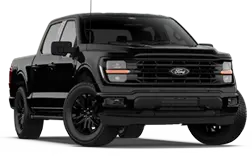
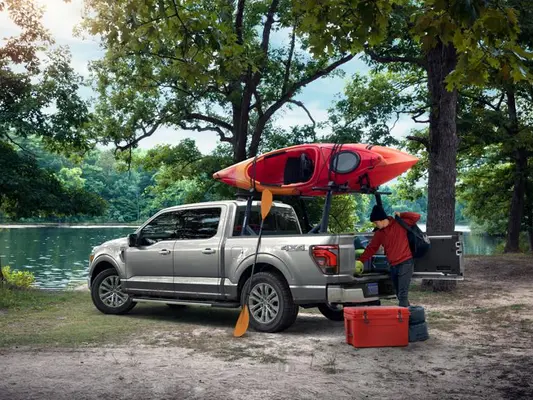
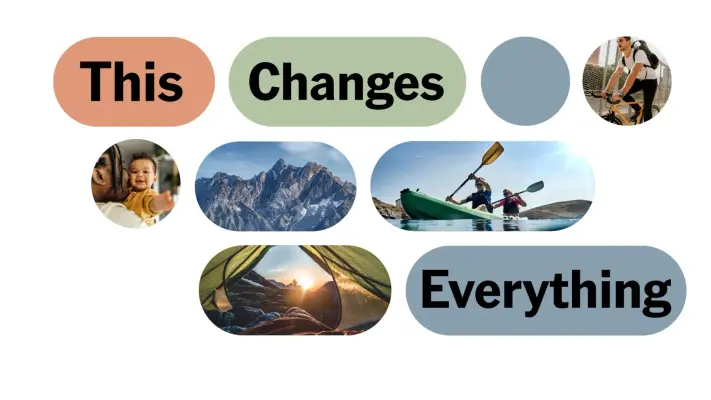
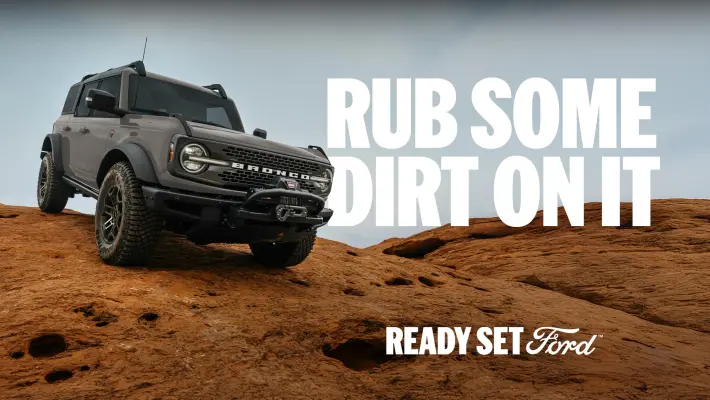
13 imagesFord’s campaigns mix vehicle imagery with people, activities, and strong headline-led ideas. Keep the vehicle and the human story connected; use campaign artwork as a visual reference for that specific kind of brand storytelling.





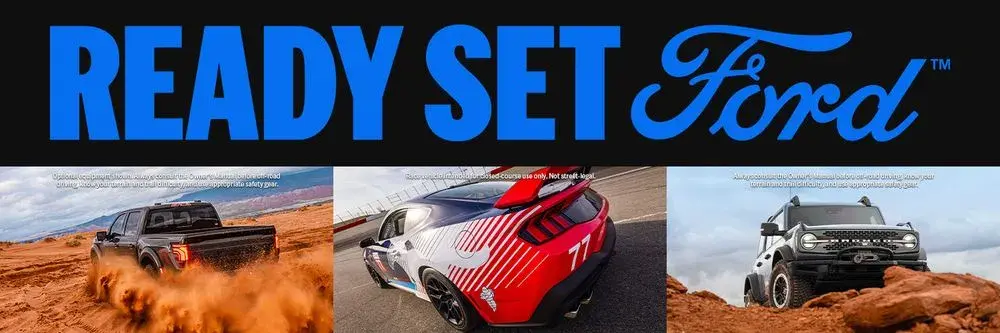



Vehicle and lifestyle imagery
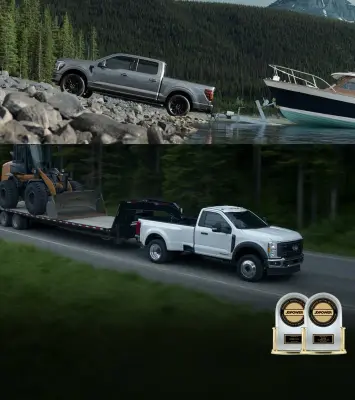
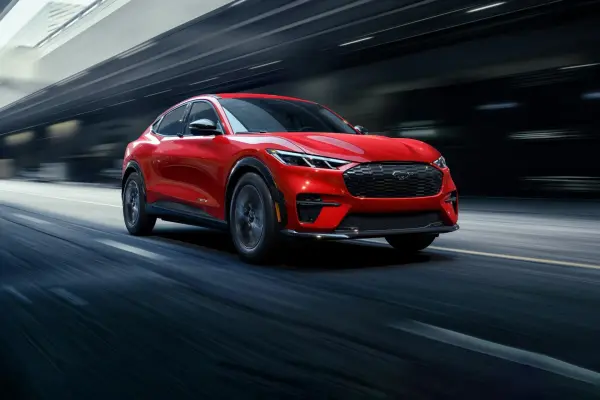
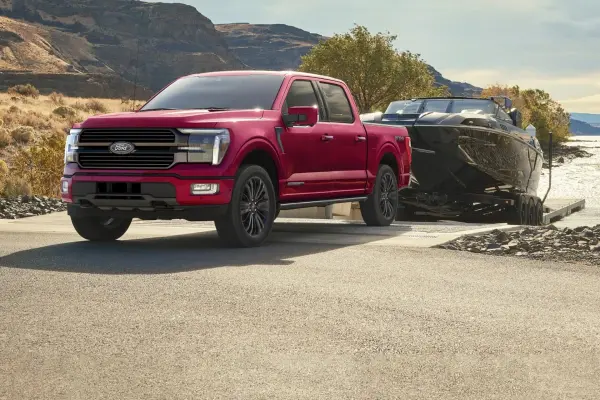
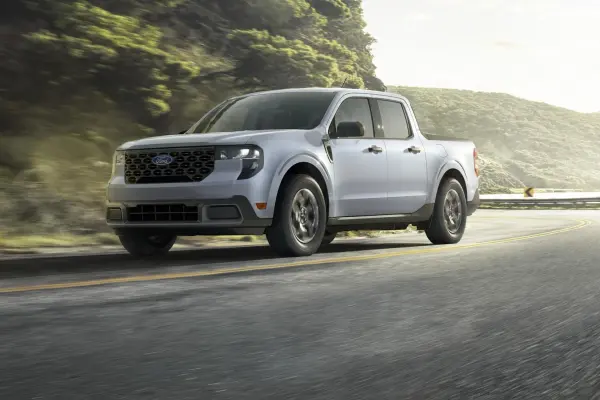
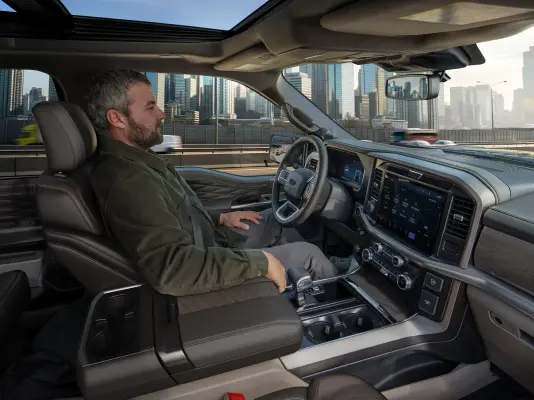
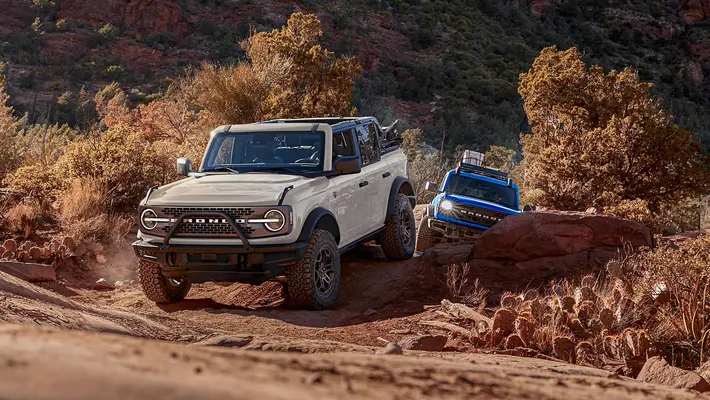
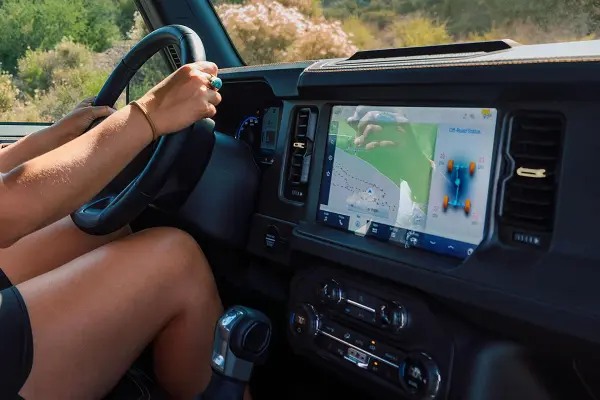
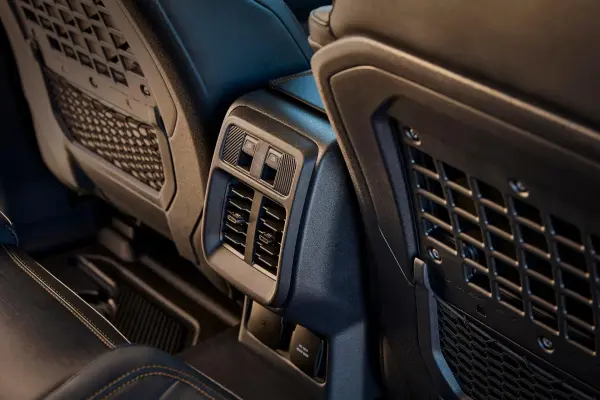
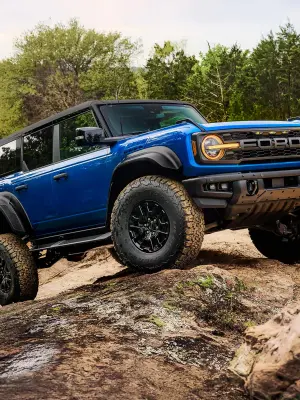
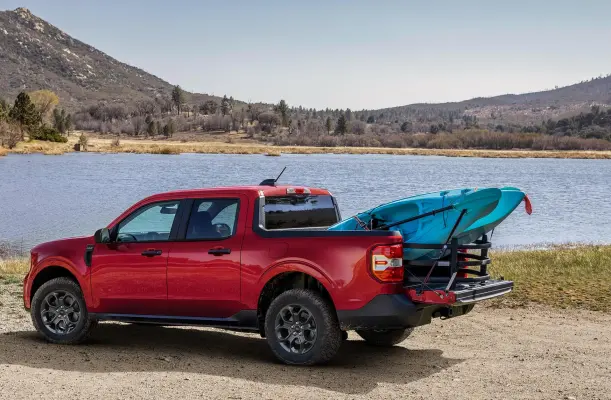
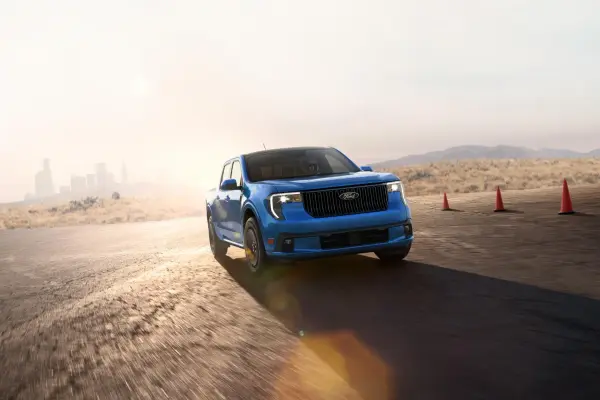
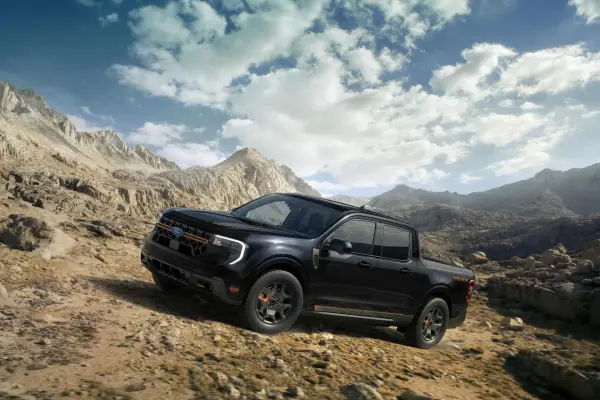
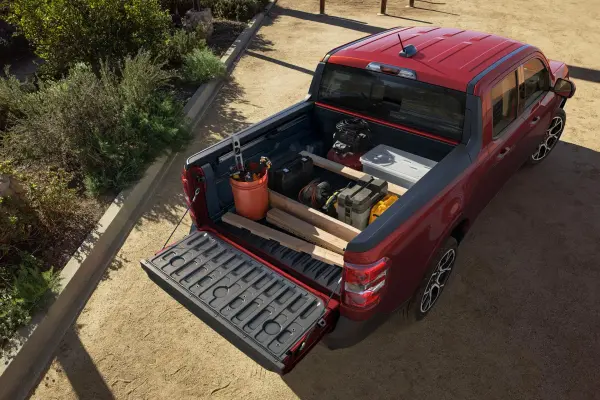
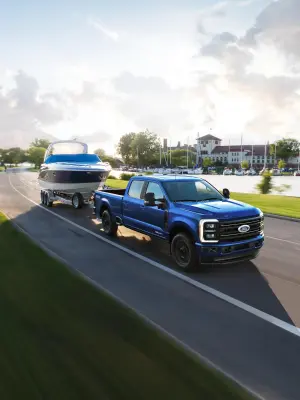
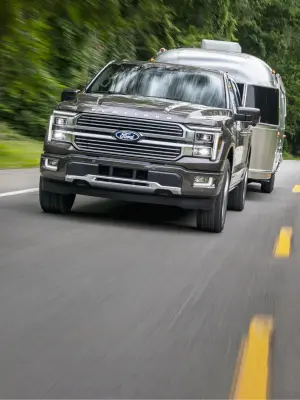
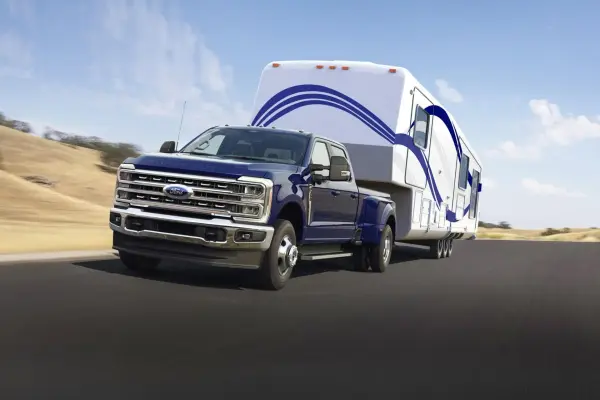
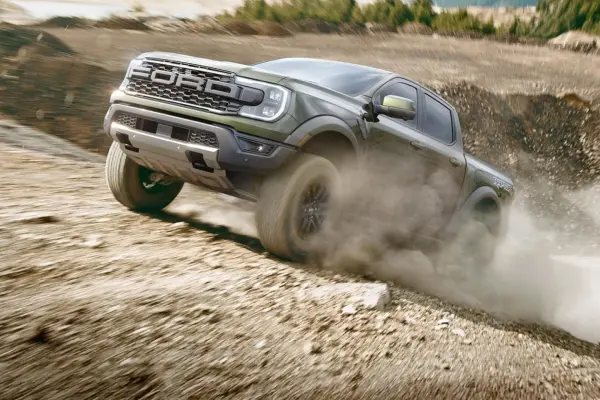
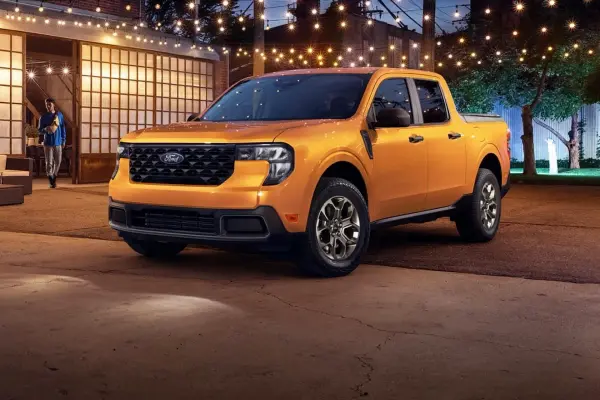
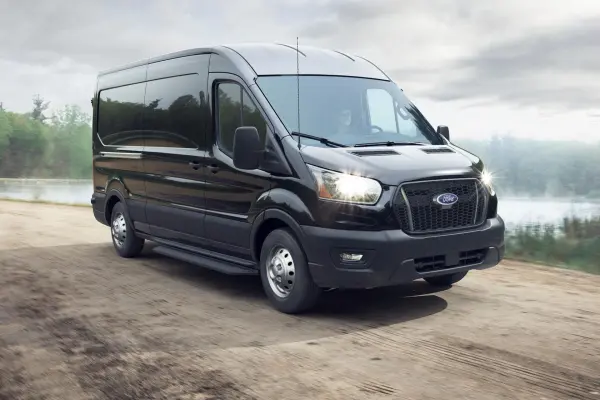
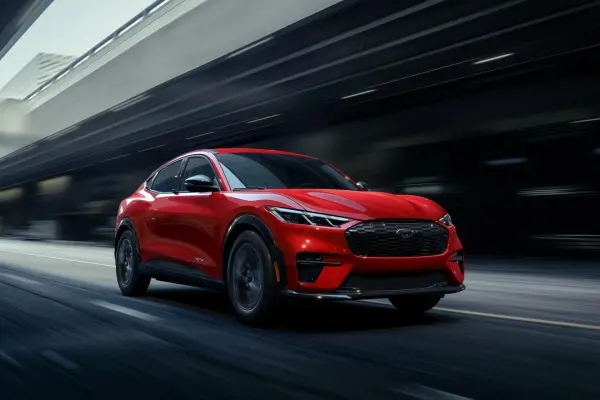
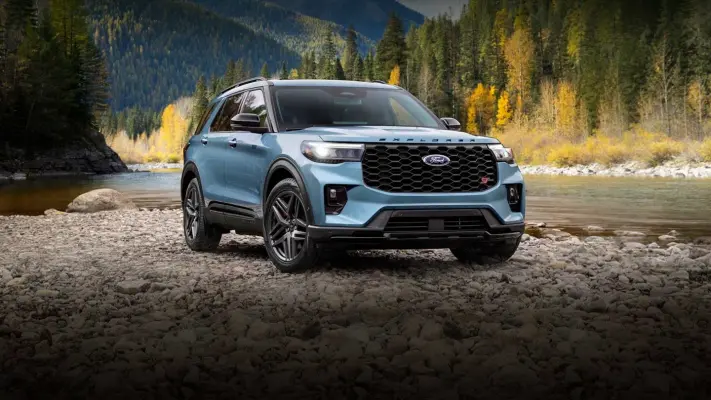
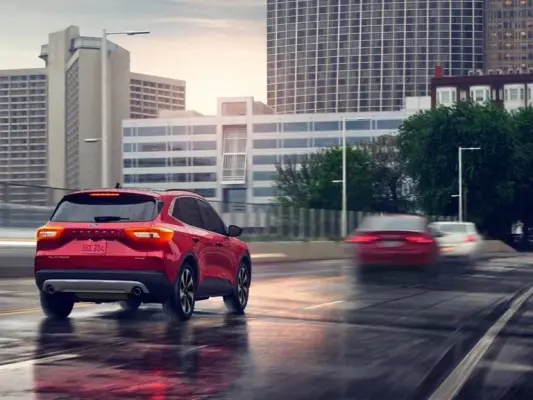
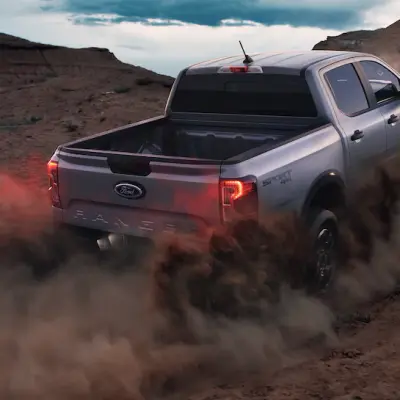
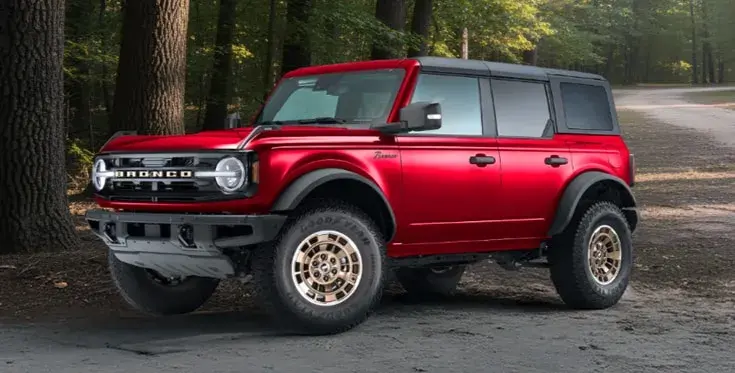
86 imagesShow Ford vehicles as tangible products in active, lived-in settings. The brand’s imagery connects a vehicle to the way it is used: work and towing, commuting and travel, charging at home, driving through city streets, and exploring rugged terrain. Use convincing environments and natural moments with people when they help tell the story.
Use model-relevant environments: open roads, job sites, mountains, trails, water, and home settings. Off-road imagery should communicate terrain and capability; electric-vehicle imagery can make charging and home energy part of the ownership story. Show the vehicle clearly enough to read its form and design.
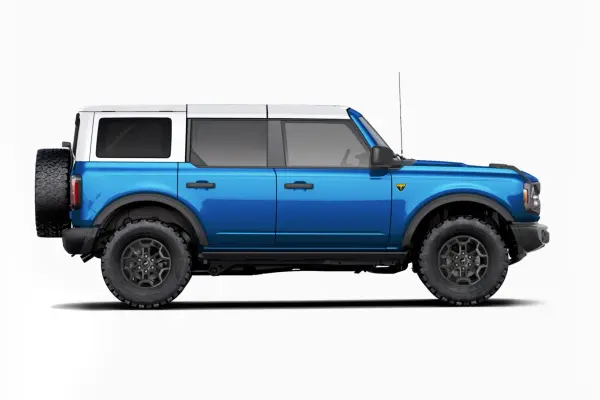
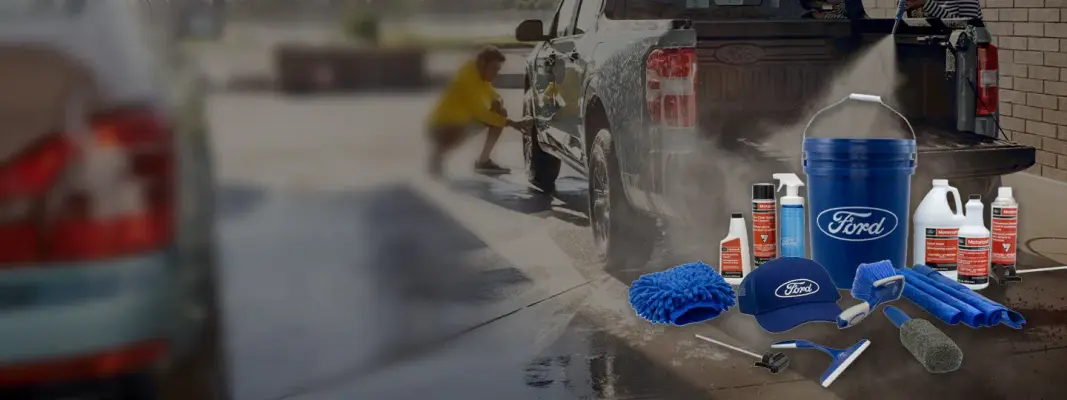
Preserve the following Ford vehicle and lifestyle imagery as useful visual references:
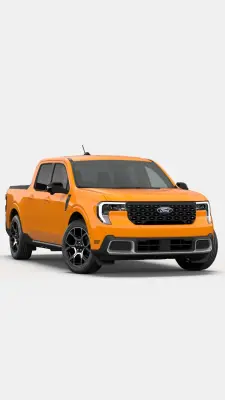
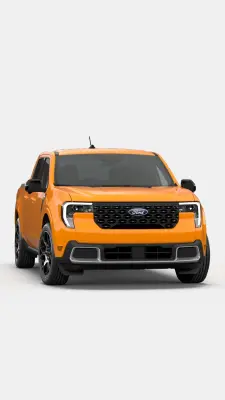
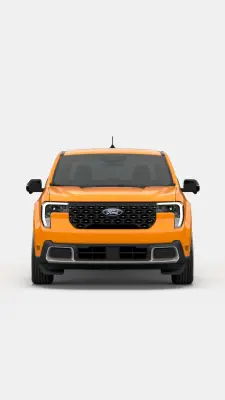
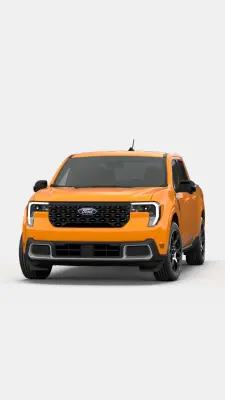
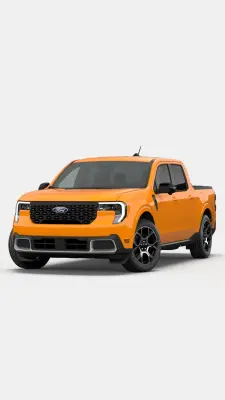
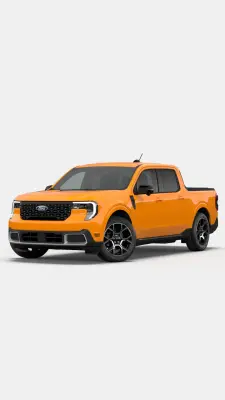
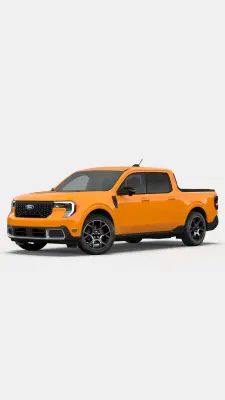
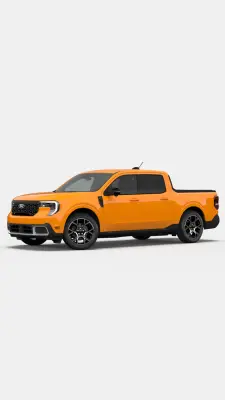
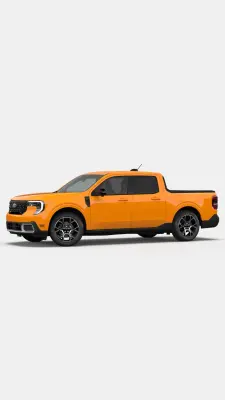
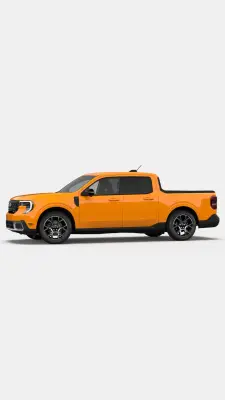
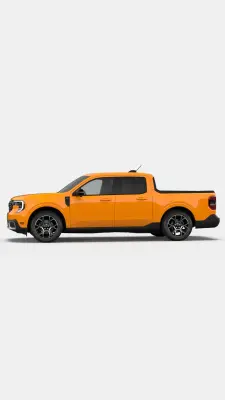
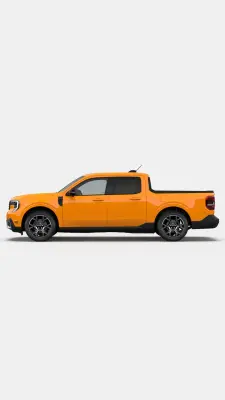
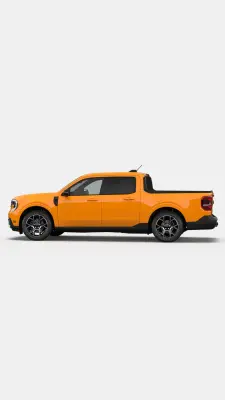
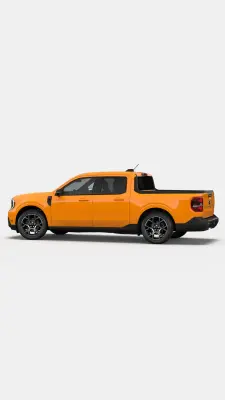
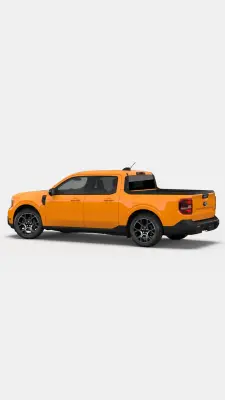
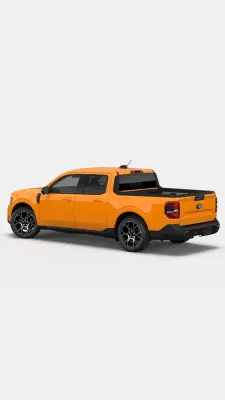
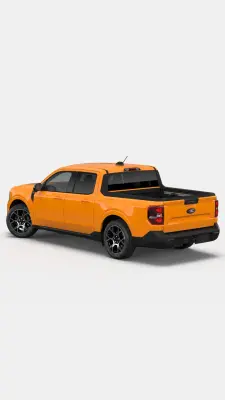
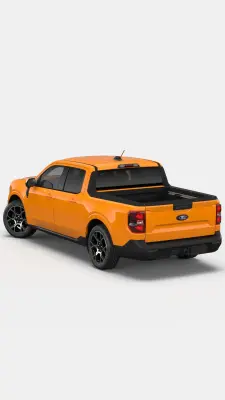
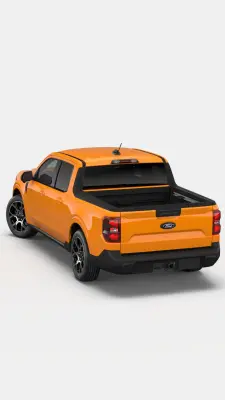
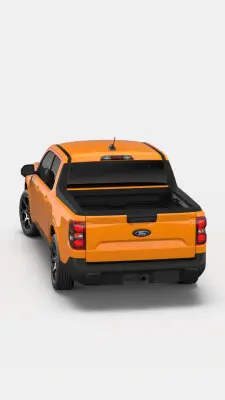
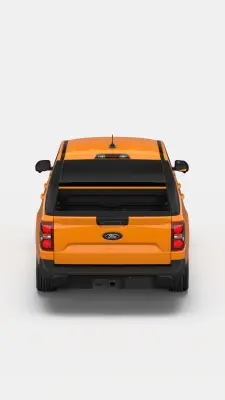
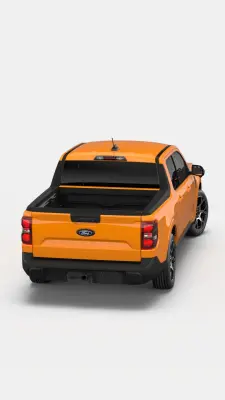
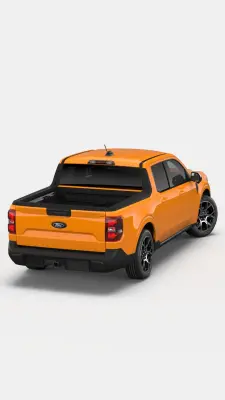
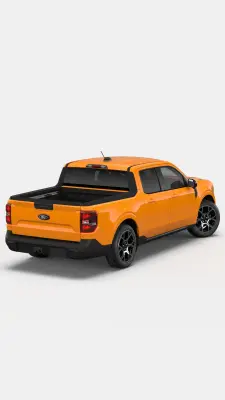
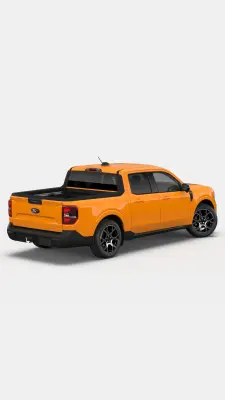
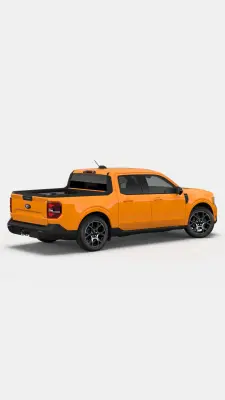
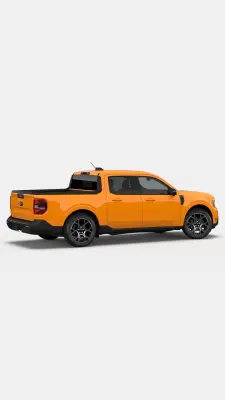
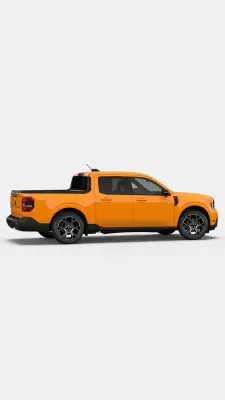
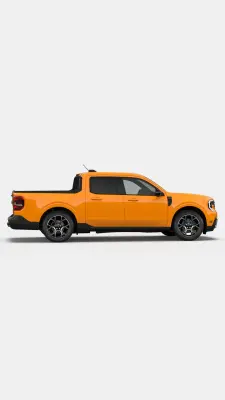
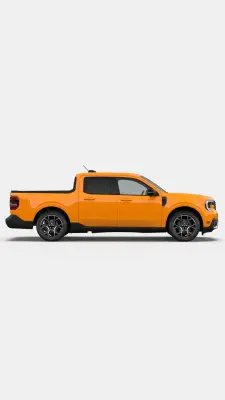
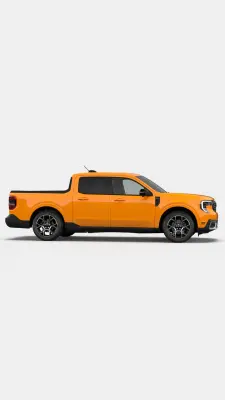
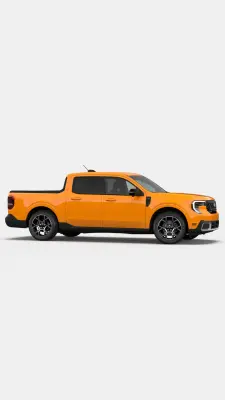
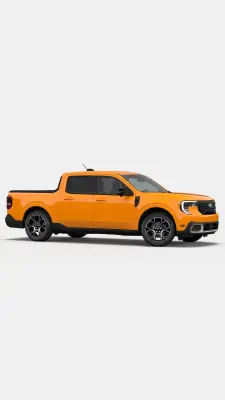
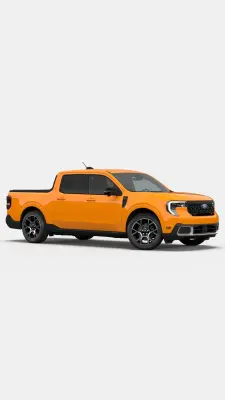
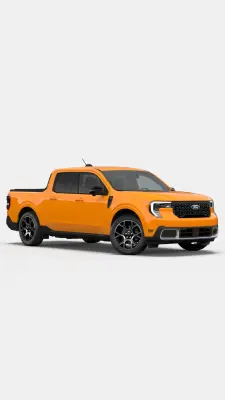
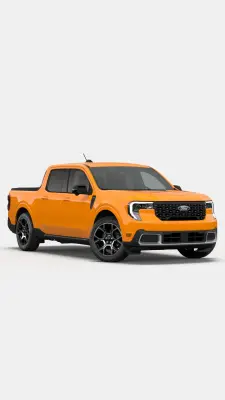
The repeated Orange Fury configurator imagery is part of a vehicle-color and trim experience. Keep the set together when a task concerns product configuration or color selection.





















Product and website interface
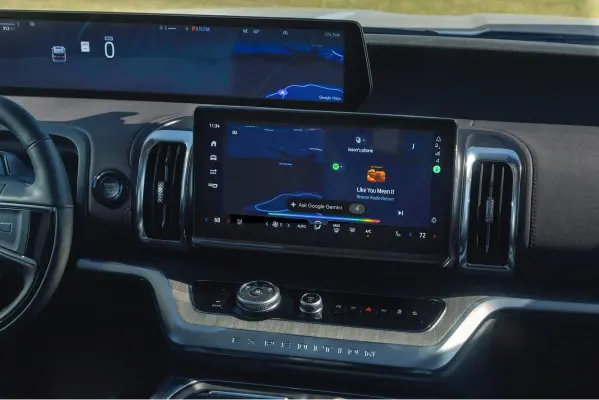
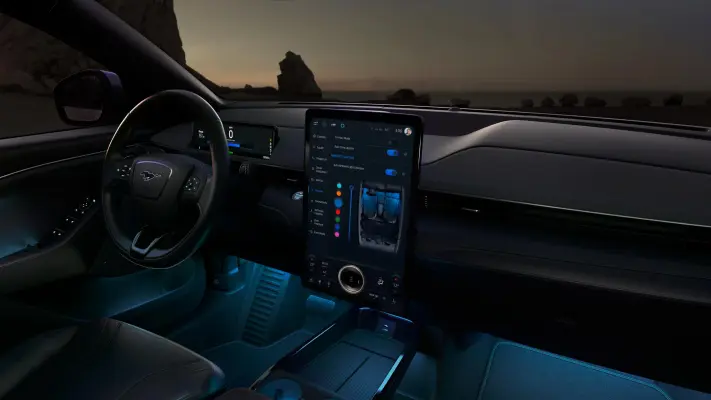
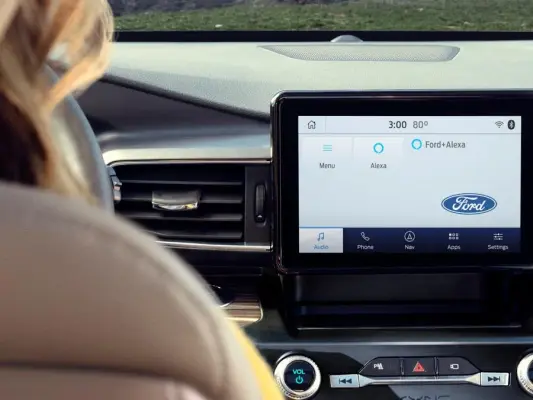
20 imagesFord’s product pages combine clear feature descriptions with vehicle photography, specification and configuration tools, and straightforward next steps. Keep the relevant model or feature in view, and make shopping or support actions easy to scan. Vehicle interfaces should remain product-specific and legible; use genuine product screens as references rather than inventing Ford interface states.








Download Ford’s Brand Skill
A Brand Skill is a folder of brand guidance written for agents. Give it to Claude, ChatGPT, Cursor or another agent and ask it to follow Ford’s guidelines. It starts at SKILL.md, which points to the right file for each task.
It has the guidance, 121 images and the logos. The font files belong to Ford Motor Company, so they’re left out.
ford-brand-skill/
├ SKILL.md
├ README.md
├ references/
│ ├ voice.md
│ ├ dos-and-donts.md
│ ├ brand-imagery.md
│ ├ vehicle-imagery.md
│ ├ colors.md
│ ├ logo.md
│ ├ product-interface.md
│ └ typography.md
└ assets/
├ images/
└ logos/
Rainbrand’s Brand Agent built this Brand Skill from ford.com on 3 Nov 2026. It isn’t Ford’s official guide. Reviewed by Siddharth Borderwala, Founding Engineer at Rainbrand.
Ford and its logos are trademarks of Ford Motor Company. Rainbrand isn’t affiliated with or endorsed by Ford Motor Company.

Make one for
your brand.
Add Rainbrand to your agent and give it your website, brand guide or files. Rainbrand builds a Brand Skill like this one and keeps it up to date.

Open the Rainbrand plugin and add it.
Open Rainbrand plugin (opens in a new tab)Connect your Rainbrand account when asked. It works in ChatGPT and in Codex.
More brand guidelines
See all brands Audi brand guidelinesAutomotive
 BMW brand guidelinesAutomotive
 Cadillac brand guidelinesAutomotive

Rainbrand builds and maintains shared brand context for your agents and products.


