(Brand guidelines) // Retail
7-Eleven brand
guidelines
7-Eleven’s logo, colors, fonts, voice, and dos and don’ts, from the Brand Skill Rainbrand built from 7-eleven.com.
Download the Brand Skill
- Deep green#14734F
- White#FFFFFF
- Black#000000
About 7-Eleven
7-Eleven is a convenience retailer built around quick, on-the-go food, drinks, fuel, and digital services. Its public-facing brand pairs a recognizable identity with energetic product storytelling and a casual, playful voice.
7-Eleven logo
- LockupDownloadSVG of 7-Eleven logoPNG of 7-Eleven logo
Use 7-Eleven’s own logo as the brand signature. Keep it recognizable and clear; use the official artwork rather than recreating or altering the mark. The website also uses a logo in its footer.
7-Eleven colors
Deep green
Signature accent, primary buttons, and links
HEXRGBWhite
Main light background and primary button text
HEXRGBBlack
Text and secondary-button border
HEXRGB
7-Eleven fonts
Right Grotesk Compact Dark
Headings · 800
Roboto
Body · 400
Right Grotesk
Primary buttons · 700
Font names only. The Brand Skill download doesn’t include font files.
7-Eleven’s voice
Write with upbeat, informal energy. Make the copy direct and easy to scan, with a light touch of wordplay and sensory language that makes food and drinks sound tempting. Keep the convenience benefit clear: products are ready for a busy day, a quick stop, or a craving.
Examples of the voice include “Crunch on this – we’ve got snacks for any occasion, or no occasion at all,” “Tap into your thirsty side,” and “Serenade your sweet tooth to the scrumptious song of flavor.”
For product descriptions, pair playful phrasing with concrete details about the item or flavor. Coffee storytelling can be warmer and more descriptive, while still emphasizing freshness, customization, and on-the-go convenience.
- “Crunch on this – we’ve got snacks for any occasion, or no occasion at all”
- “Tap into your thirsty side”
- “Serenade your sweet tooth to the scrumptious song of flavor”
Dos and don’ts
Do
- Use the official 7-Eleven logo artwork and keep it clear and recognizable.
- Use deep green as the accent, white as the primary light background, and black for text.
- Use Right Grotesk Compact Dark for major headings and Roboto for body copy and supporting text.
- Write direct, lively copy that makes products sound inviting and convenient.
- Add playful wordplay where it suits the message, and support it with useful product or flavor details.
Don’t
- Don’t redraw, distort, or obscure the 7-Eleven logo.
- Don’t substitute other colors for the established green accent or use the light background palette in a way that undermines text clarity.
- Don’t make every message a pun; keep practical product information clear and prominent.
- Don’t let playful phrasing make product or offer details vague.
7-Eleven imagery
160 images from 7-eleven.com, in 4 files of the Brand Skill. Each file starts with its guidance, then shows the images it refers to.
Digital experience imagery
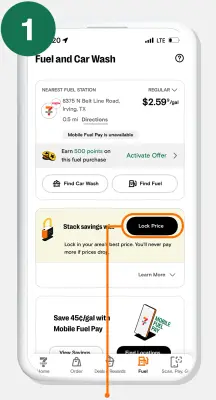
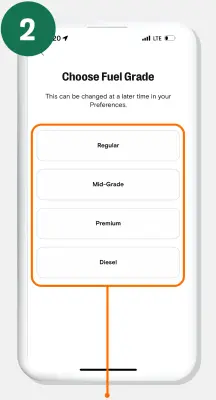
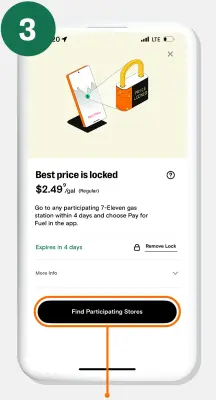
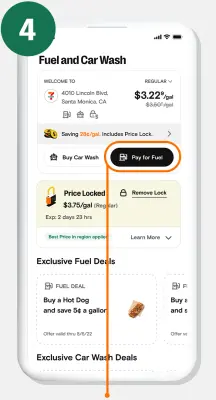
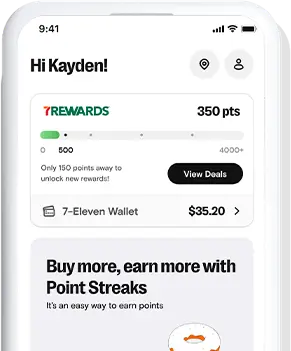
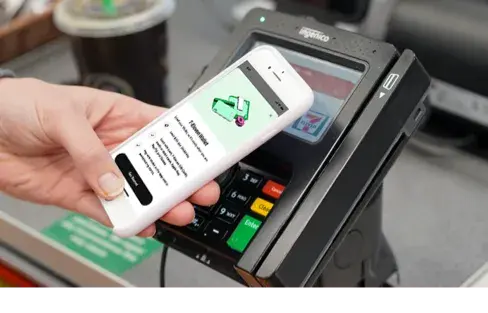
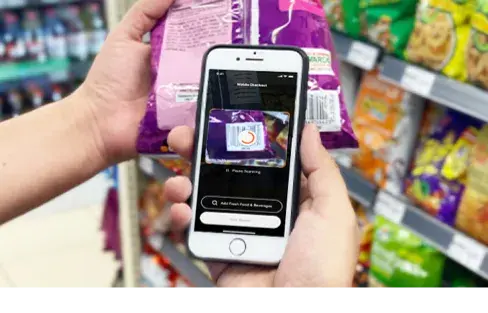
9 imagesPreserve 7-Eleven’s own app and service experience imagery when designing related digital work. The fuel-savings page uses promotional steps and instructional visuals to explain enrollment, price locking, and redemption.





Brand and site imagery
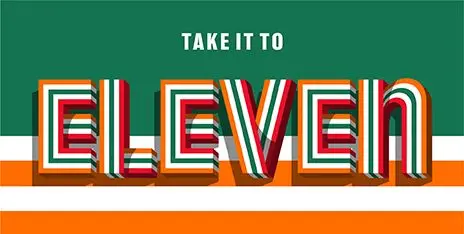
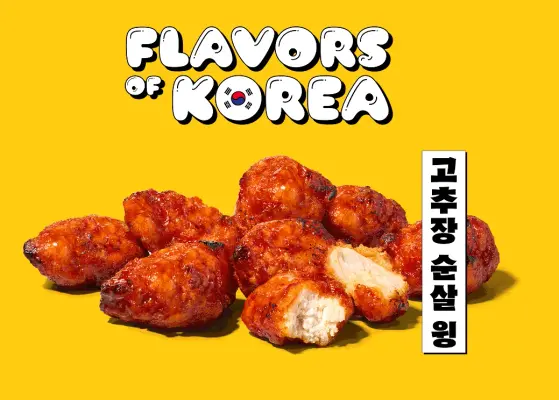
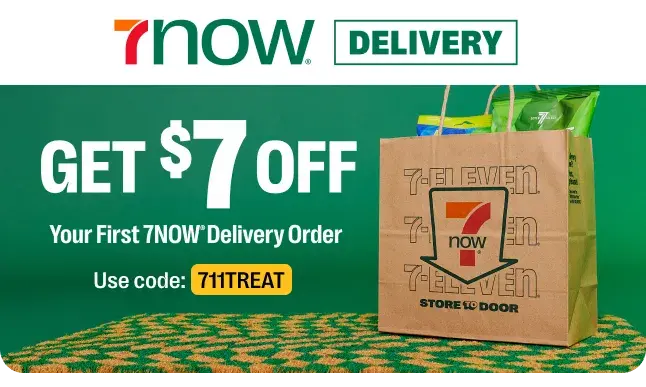
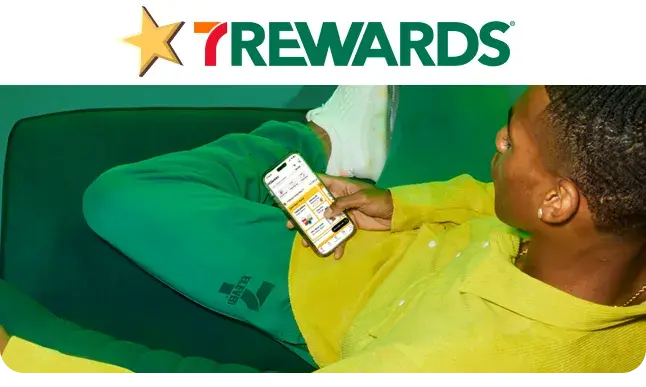
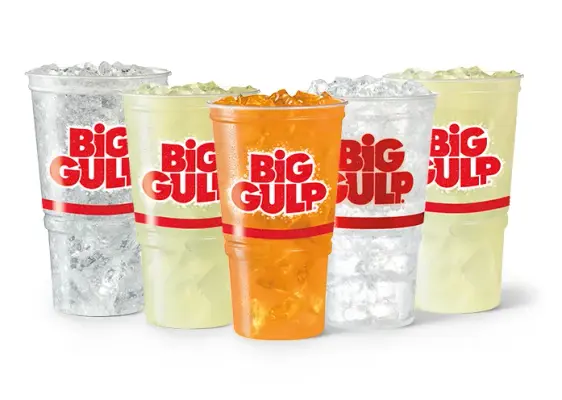
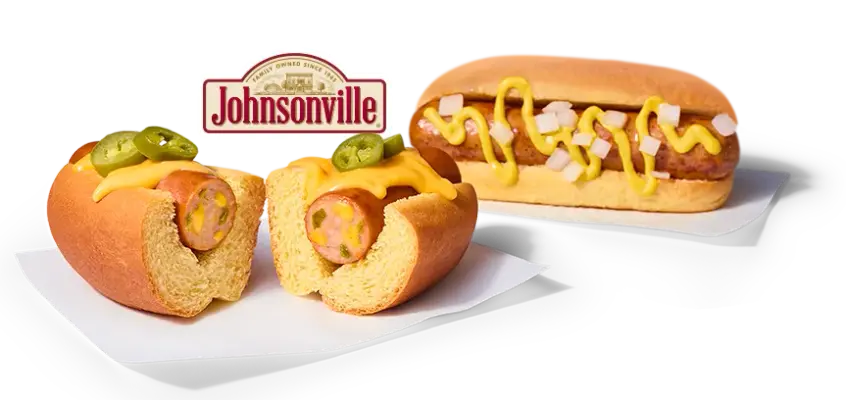
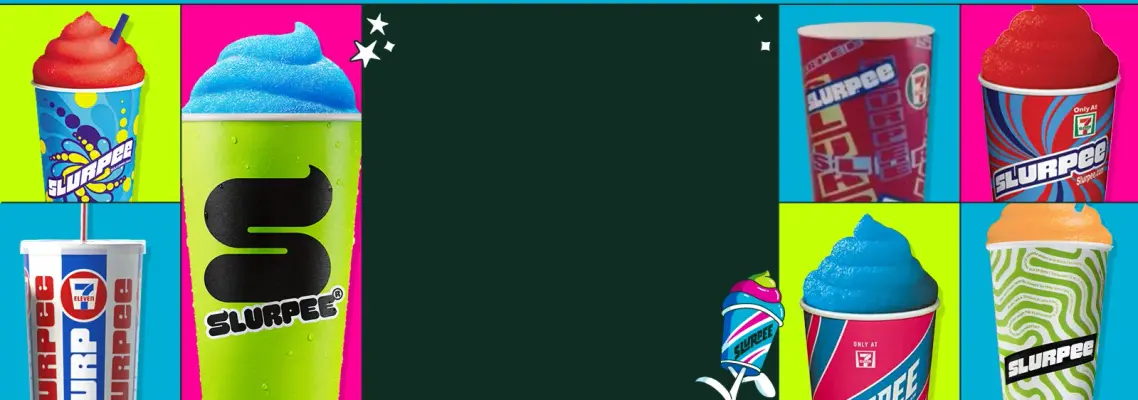
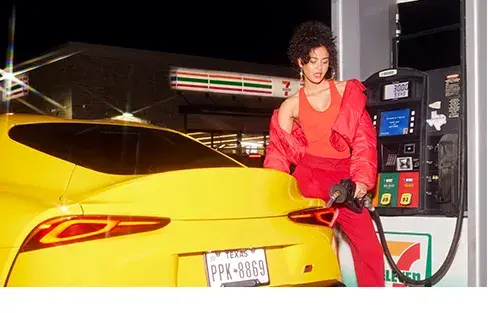
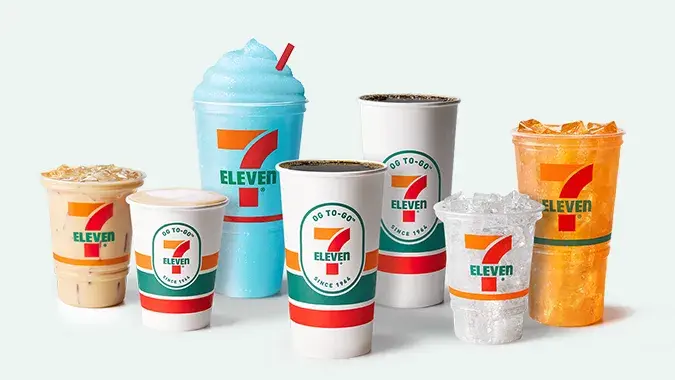
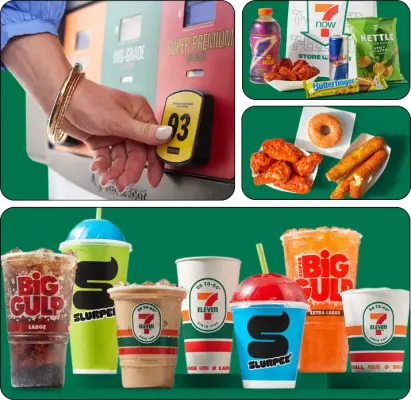
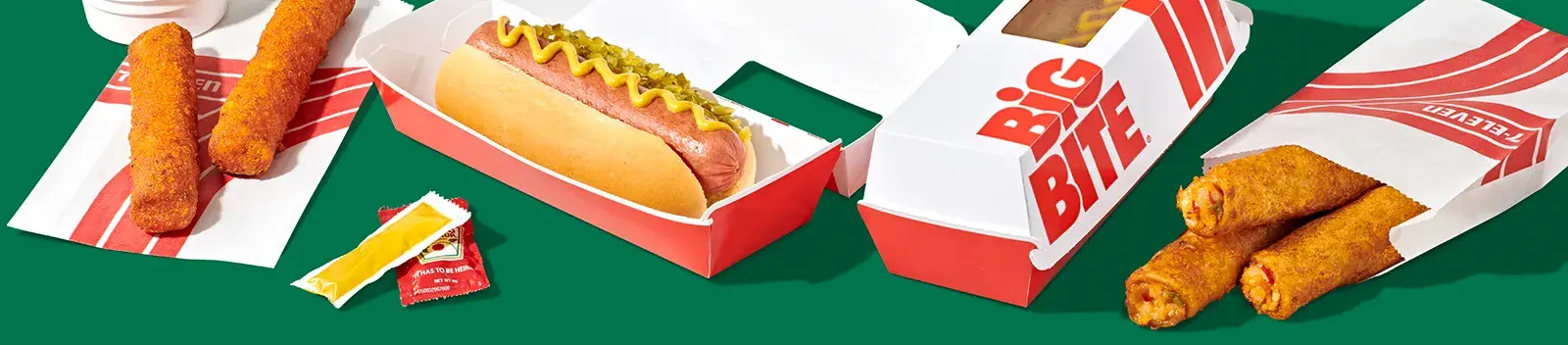
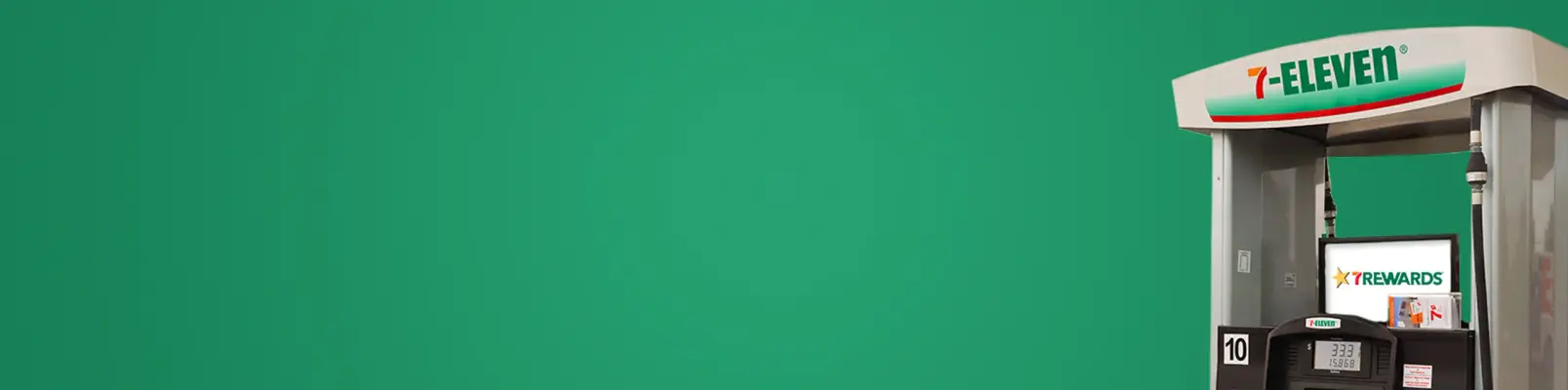
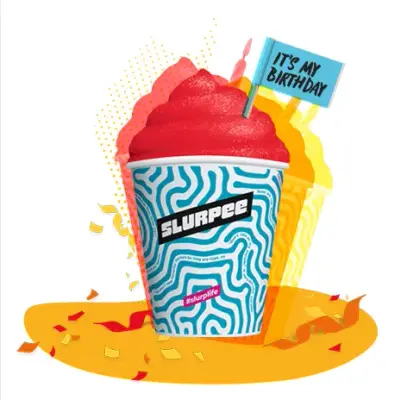
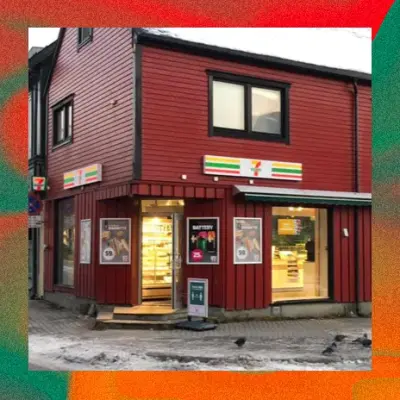
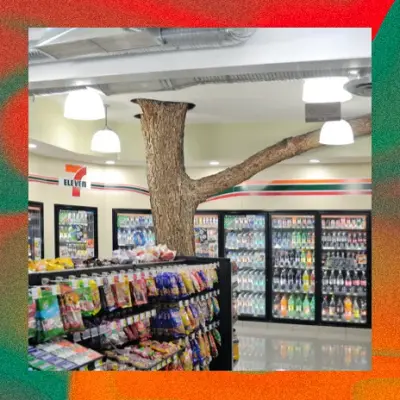
55 imagesThe website uses its own logo, brand backdrop, error-page artwork, and promotional imagery. Retain these brand-owned assets as visual references for work that needs to match the 7-Eleven site and campaigns.



































Editorial imagery
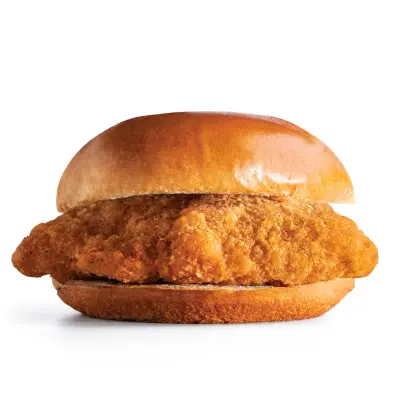
25 imagesUse these 7-Eleven editorial and blog images as references for the brand’s article thumbnails, editorial features, and lifestyle storytelling.





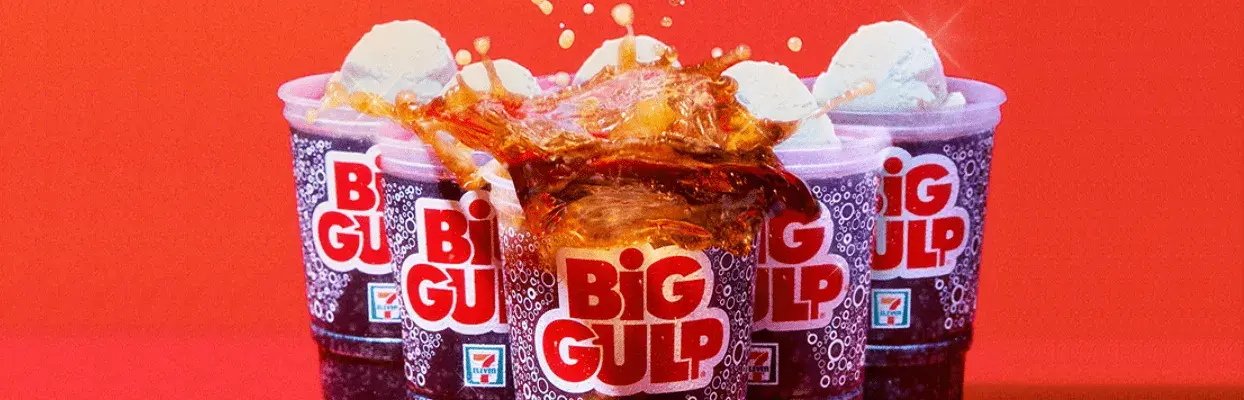

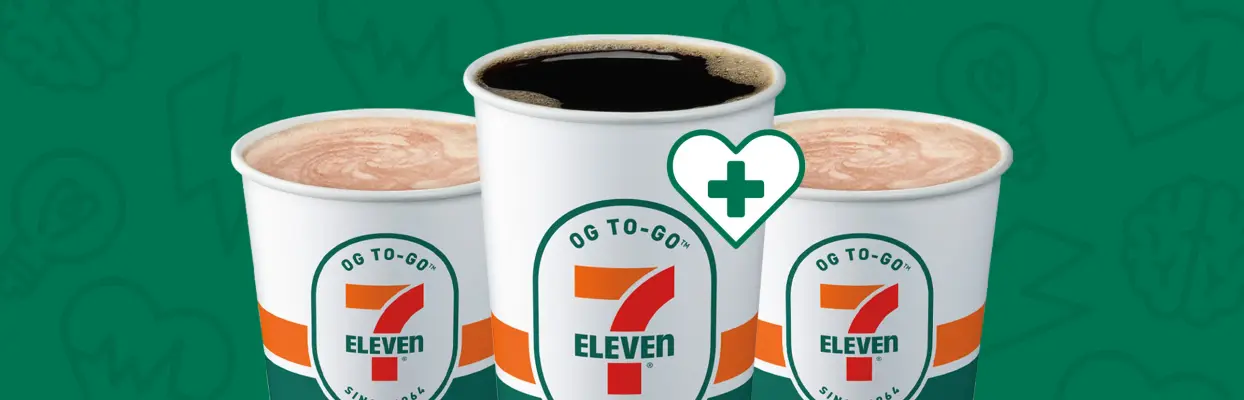




Product imagery
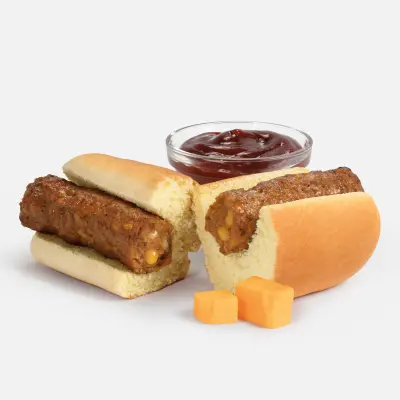
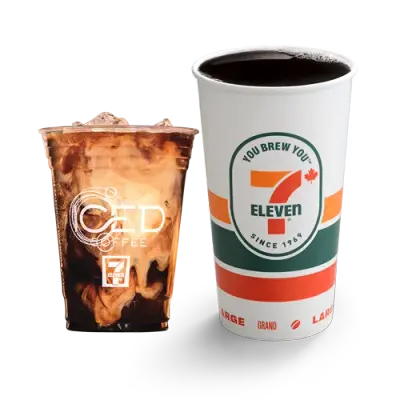
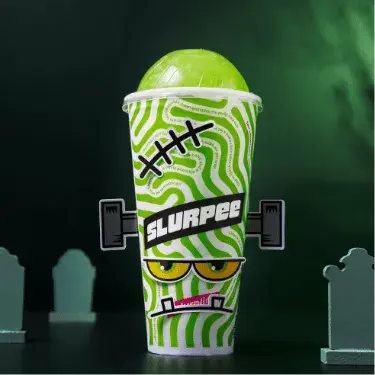
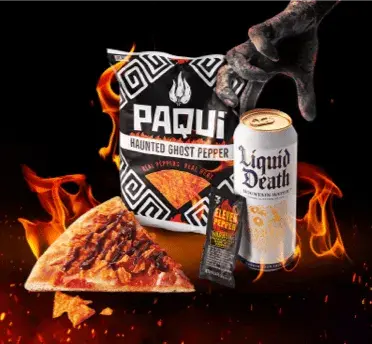
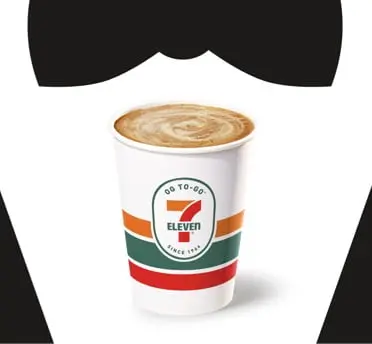
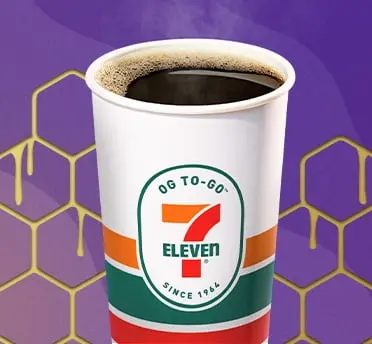
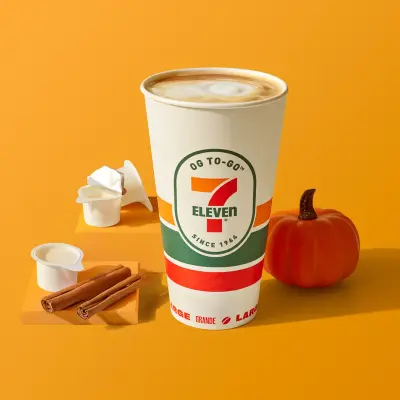
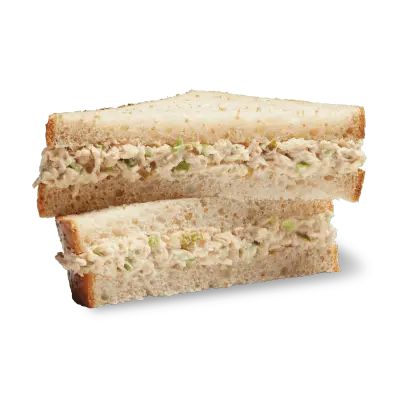
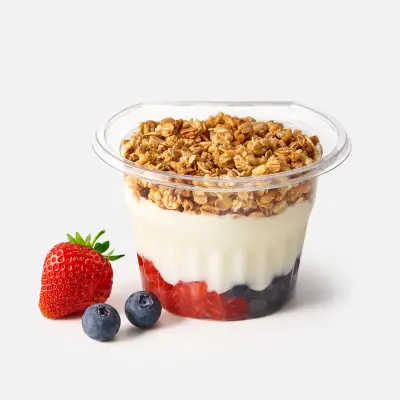
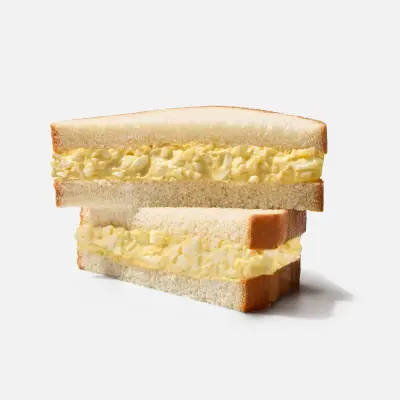
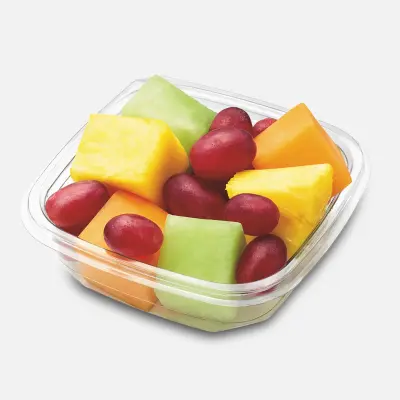
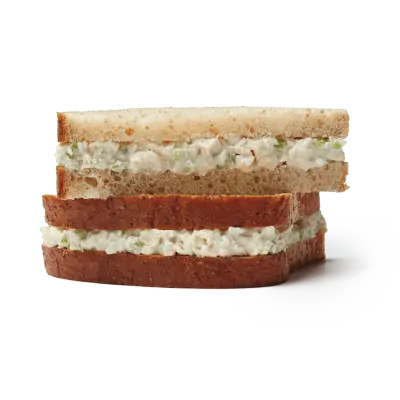
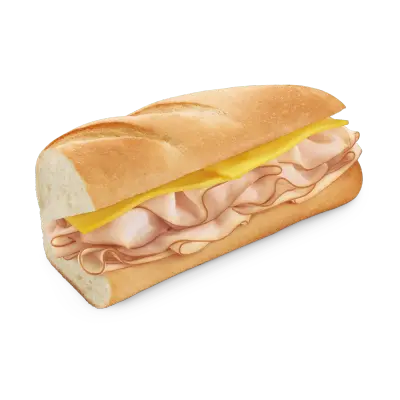
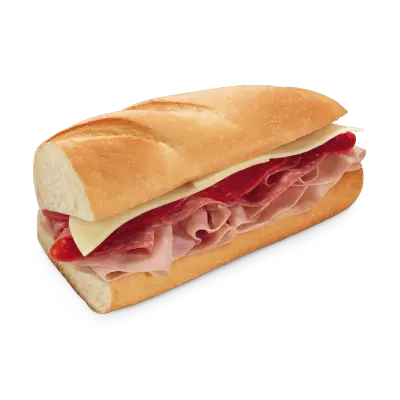
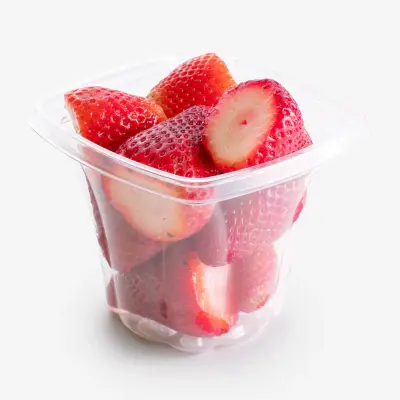
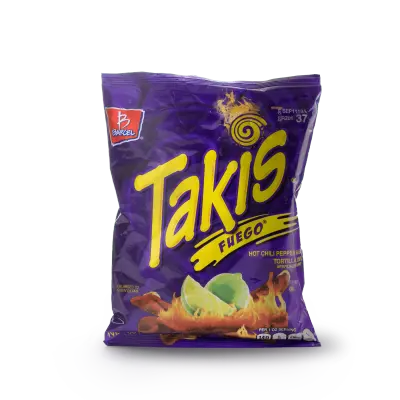
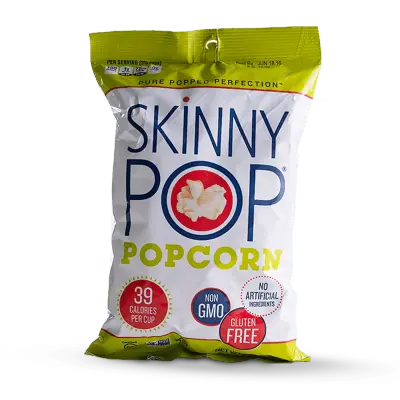
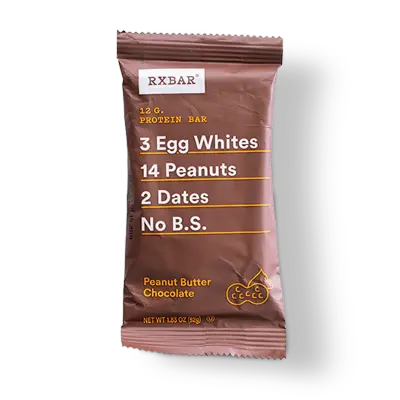
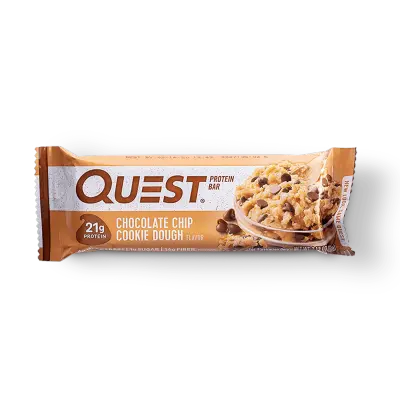
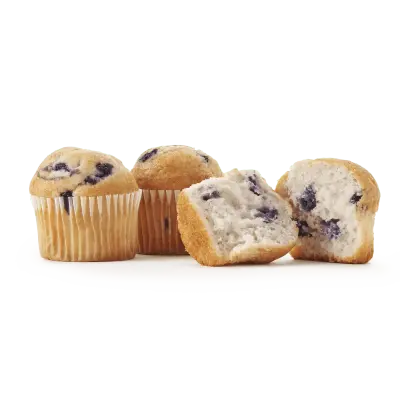
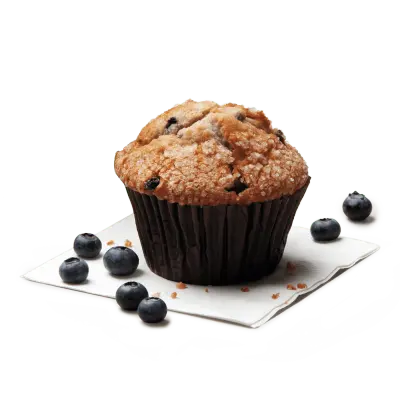
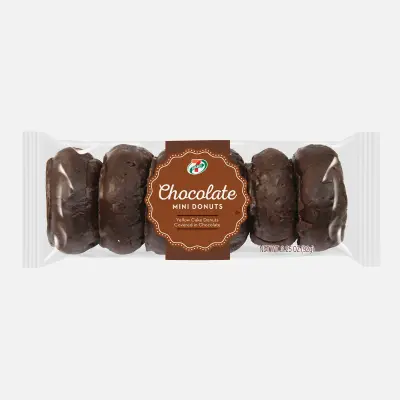
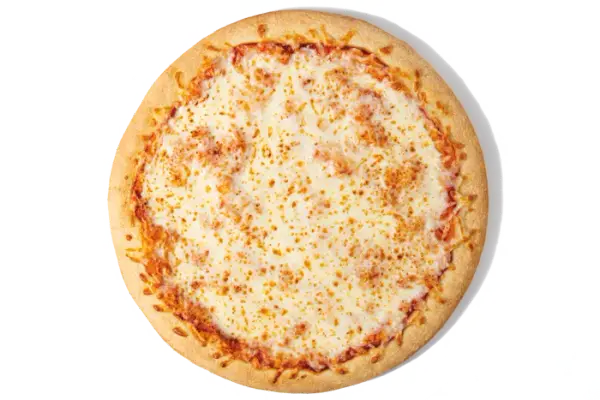
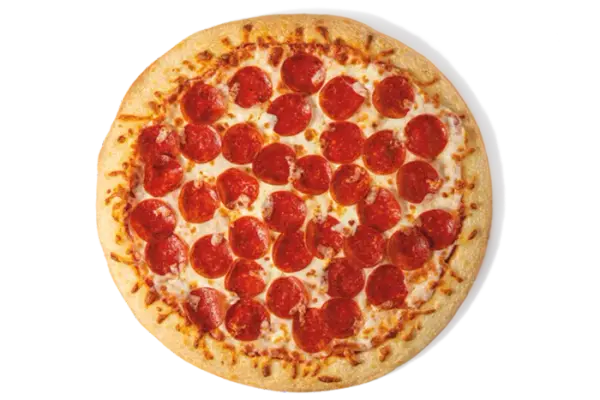
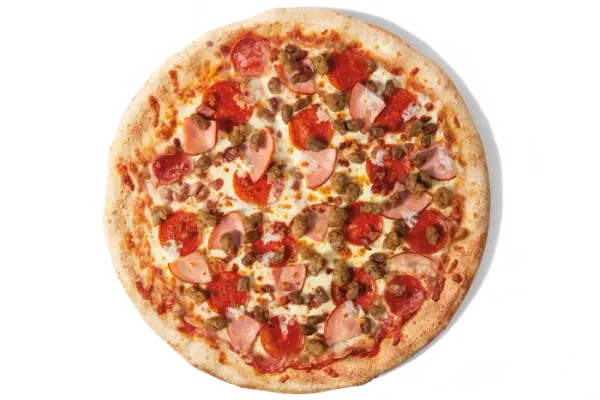
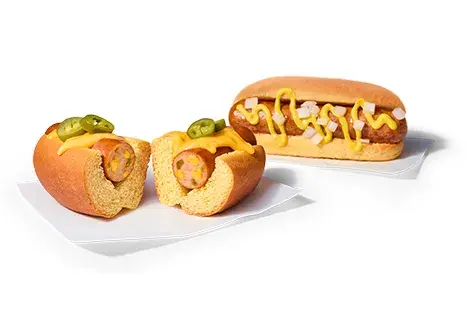
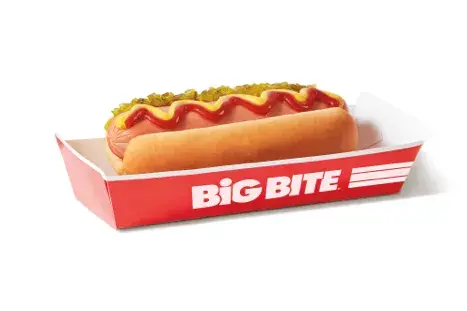
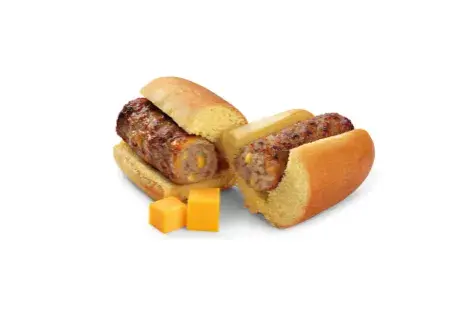
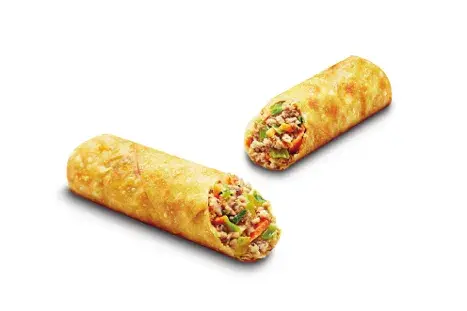
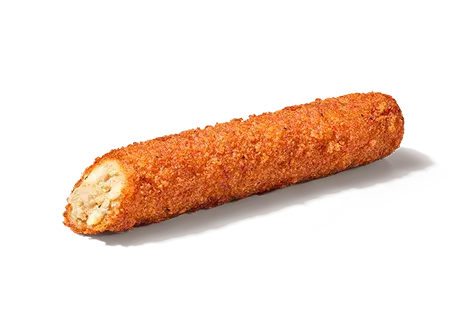
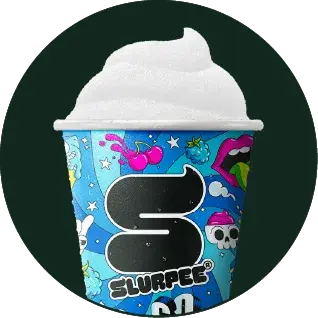
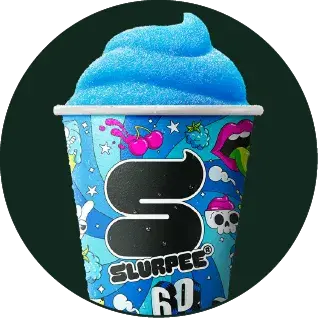
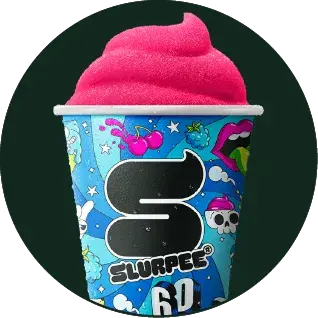
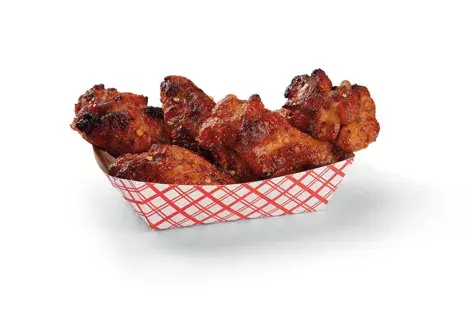
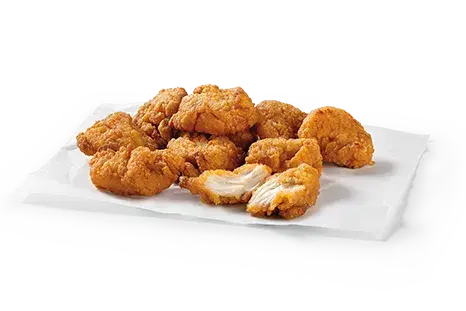
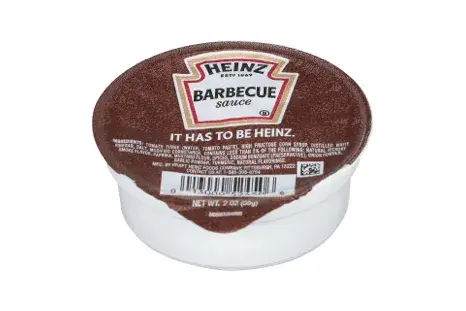
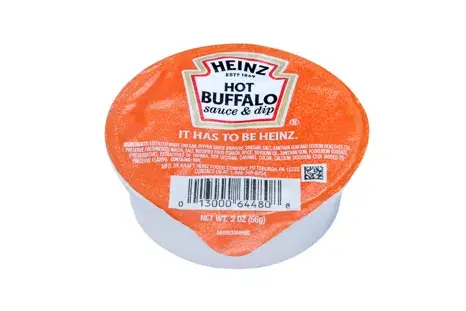
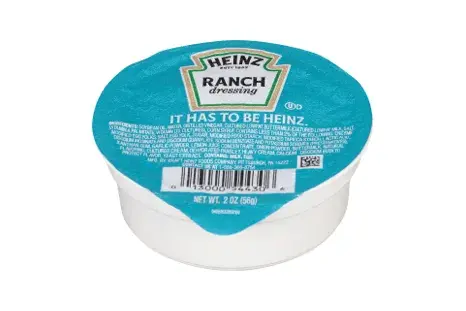
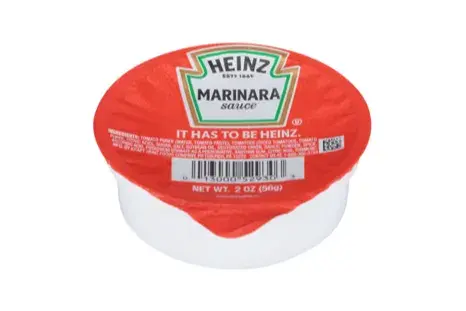
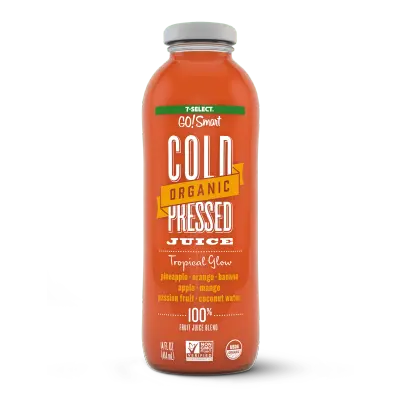
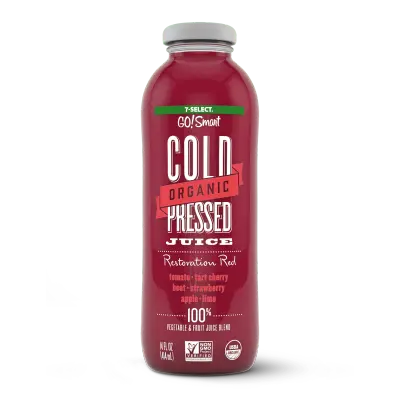
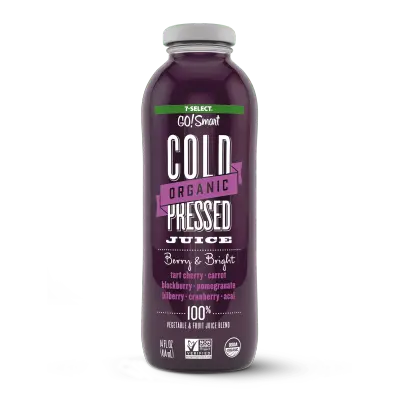
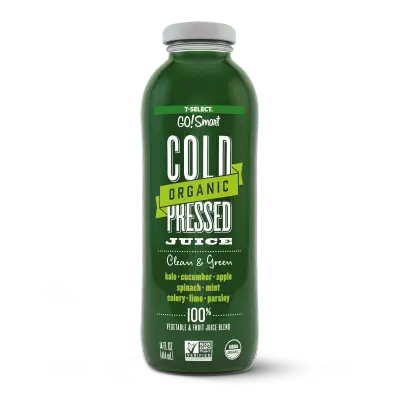
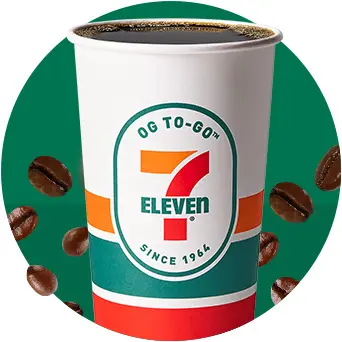
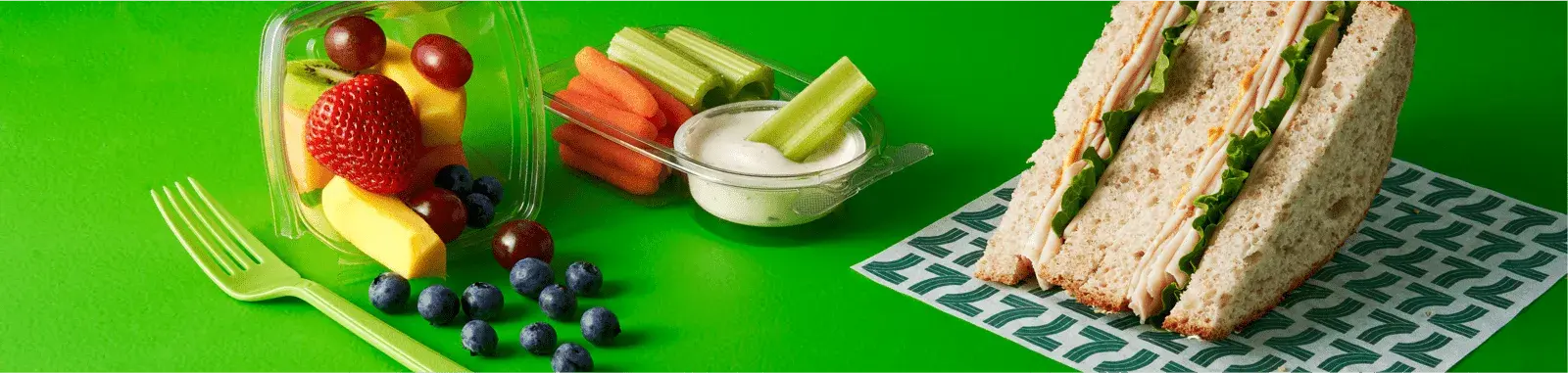
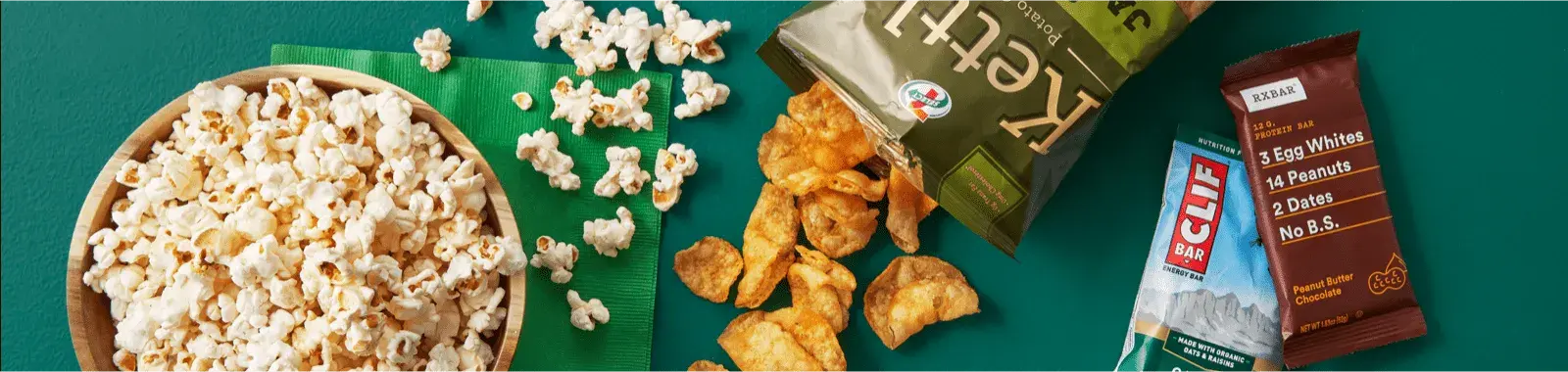
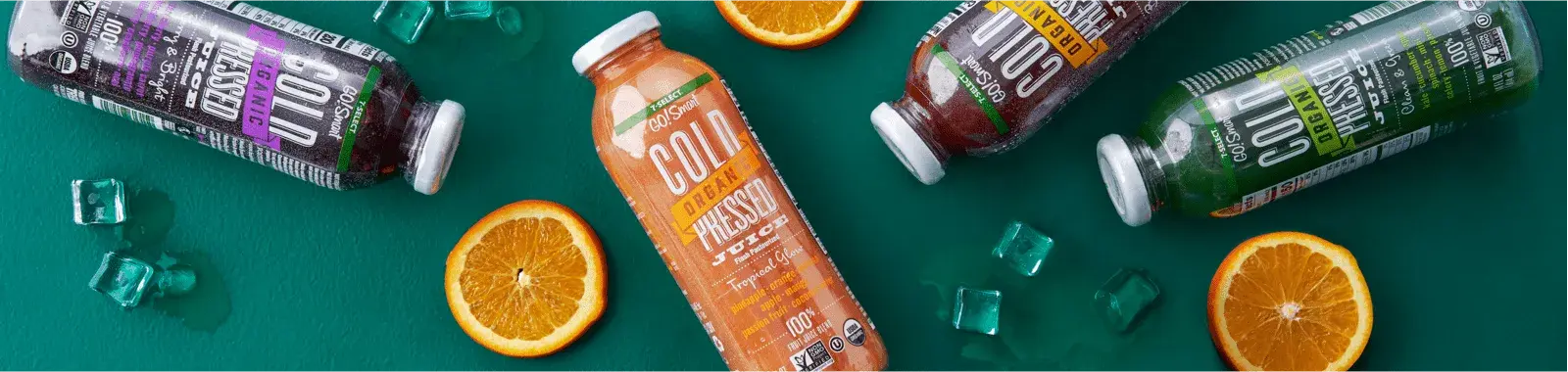
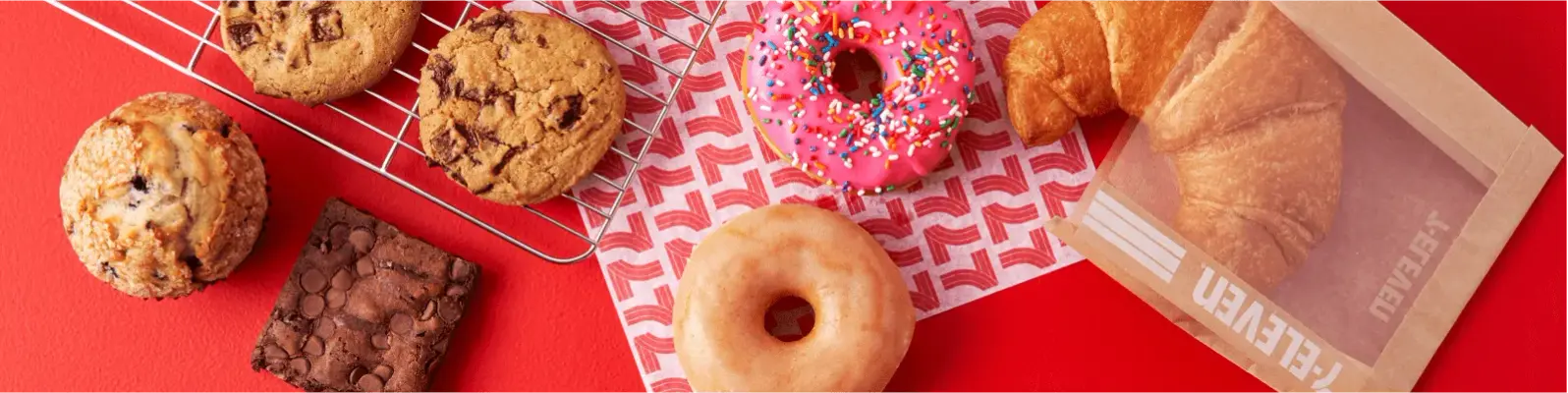
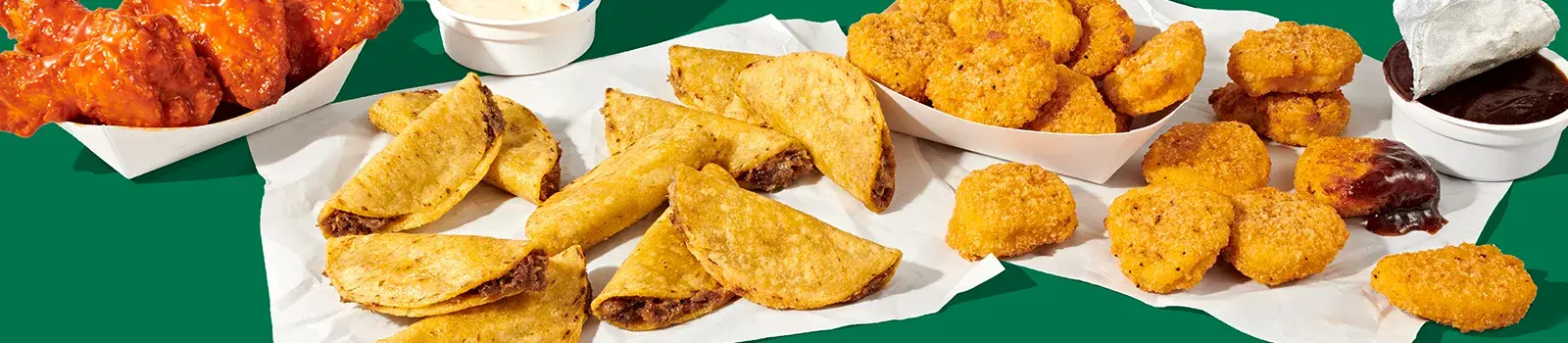
71 imagesUse the product images below as visual references for 7-Eleven’s own food and drink assortment, including fresh and chilled items, snacks, bakery, pizza, roller-grill food, frozen drinks, hot foods, and juice.
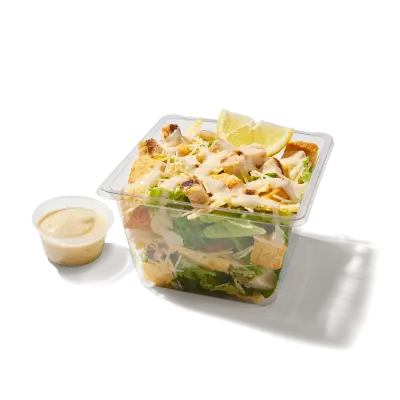
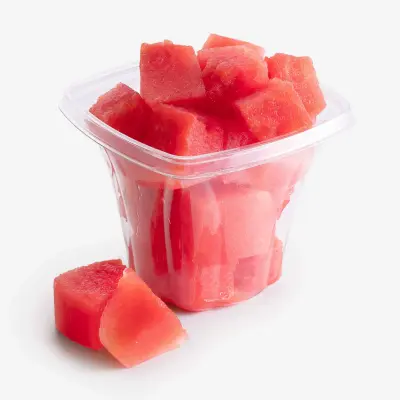


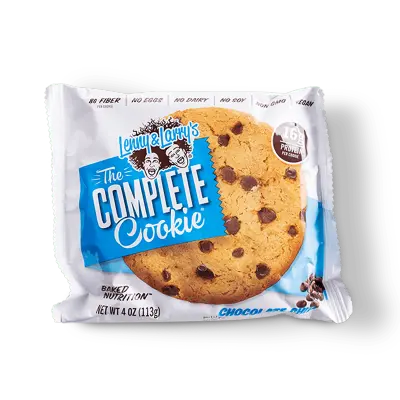
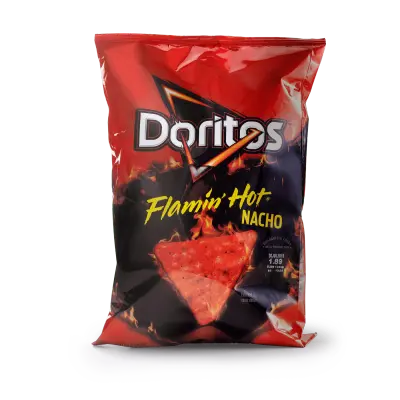
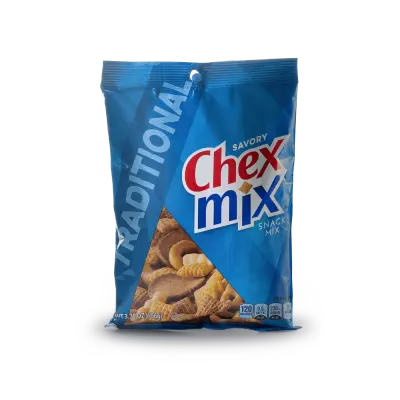
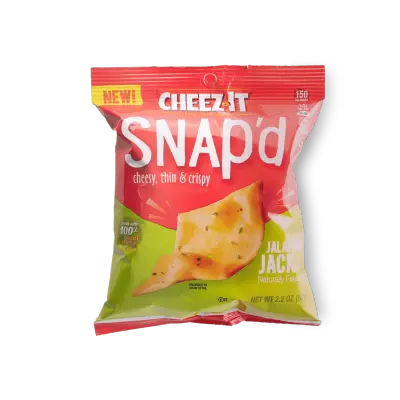
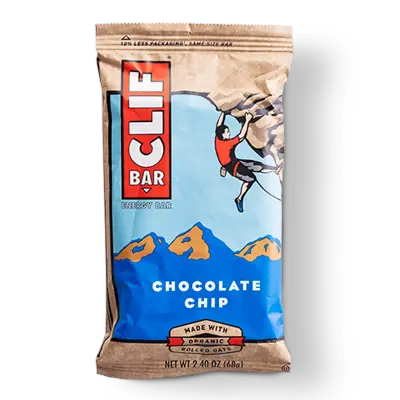
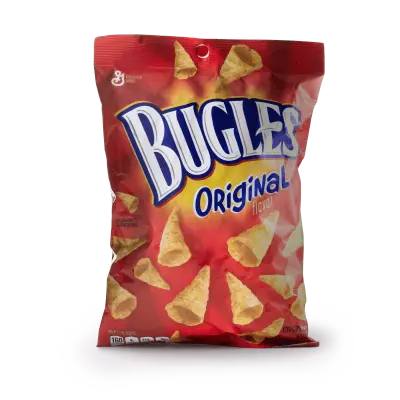
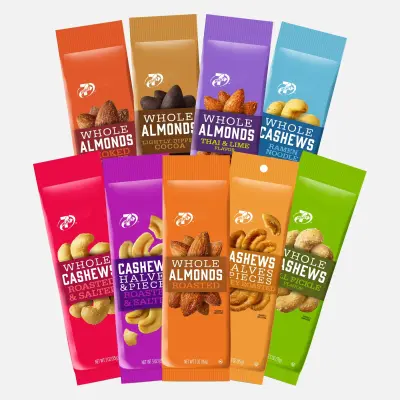
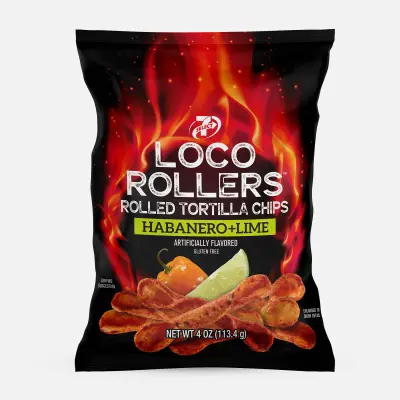
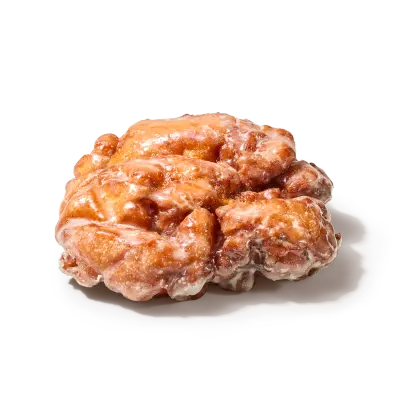
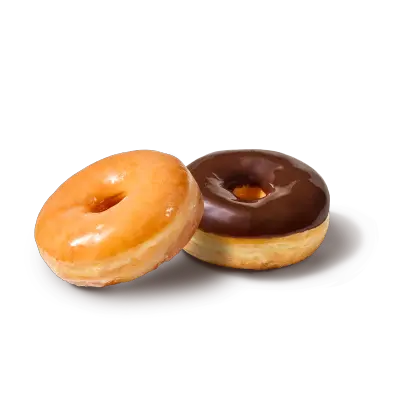
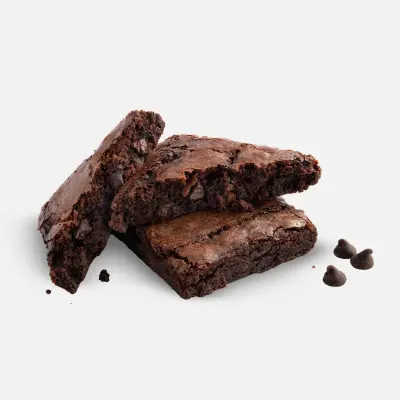
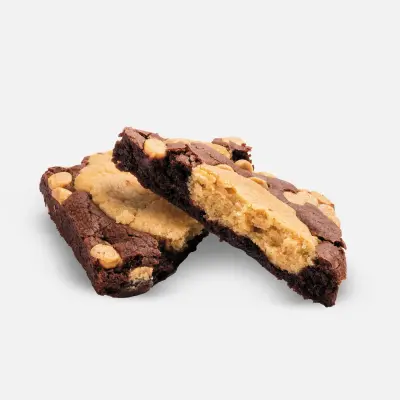













Download 7-Eleven’s Brand Skill
A Brand Skill is a folder of brand guidance written for agents. Give it to Claude, ChatGPT, Cursor or another agent and ask it to follow 7-Eleven’s guidelines. It starts at SKILL.md, which points to the right file for each task.
It has the guidance, 160 images and the logos. The font files belong to 7-Eleven, Inc, so they’re left out.
7-eleven-brand-skill/
├ SKILL.md
├ README.md
├ references/
│ ├ dos-and-donts.md
│ ├ colors.md
│ ├ logo.md
│ ├ typography.md
│ ├ voice.md
│ ├ digital-experience-imagery.md
│ ├ brand-imagery.md
│ ├ editorial-imagery.md
│ └ product-imagery.md
└ assets/
├ images/
└ logos/
Rainbrand’s Brand Agent built this Brand Skill from 7-eleven.com on 3 Nov 2026. It isn’t 7-Eleven’s official guide. Reviewed by Siddharth Borderwala, Founding Engineer at Rainbrand.
7-Eleven and its logos are trademarks of 7-Eleven, Inc. Rainbrand isn’t affiliated with or endorsed by 7-Eleven, Inc.

Make one for
your brand.
Add Rainbrand to your agent and give it your website, brand guide or files. Rainbrand builds a Brand Skill like this one and keeps it up to date.

Open the Rainbrand plugin and add it.
Open Rainbrand plugin (opens in a new tab)Connect your Rainbrand account when asked. It works in ChatGPT and in Codex.
More brand guidelines
See all brands



Rainbrand builds and maintains shared brand context for your agents and products.


